20

ChatGPT 误触自拍界面
Enlarge

ChatGPT 误触自拍界面

Prompt
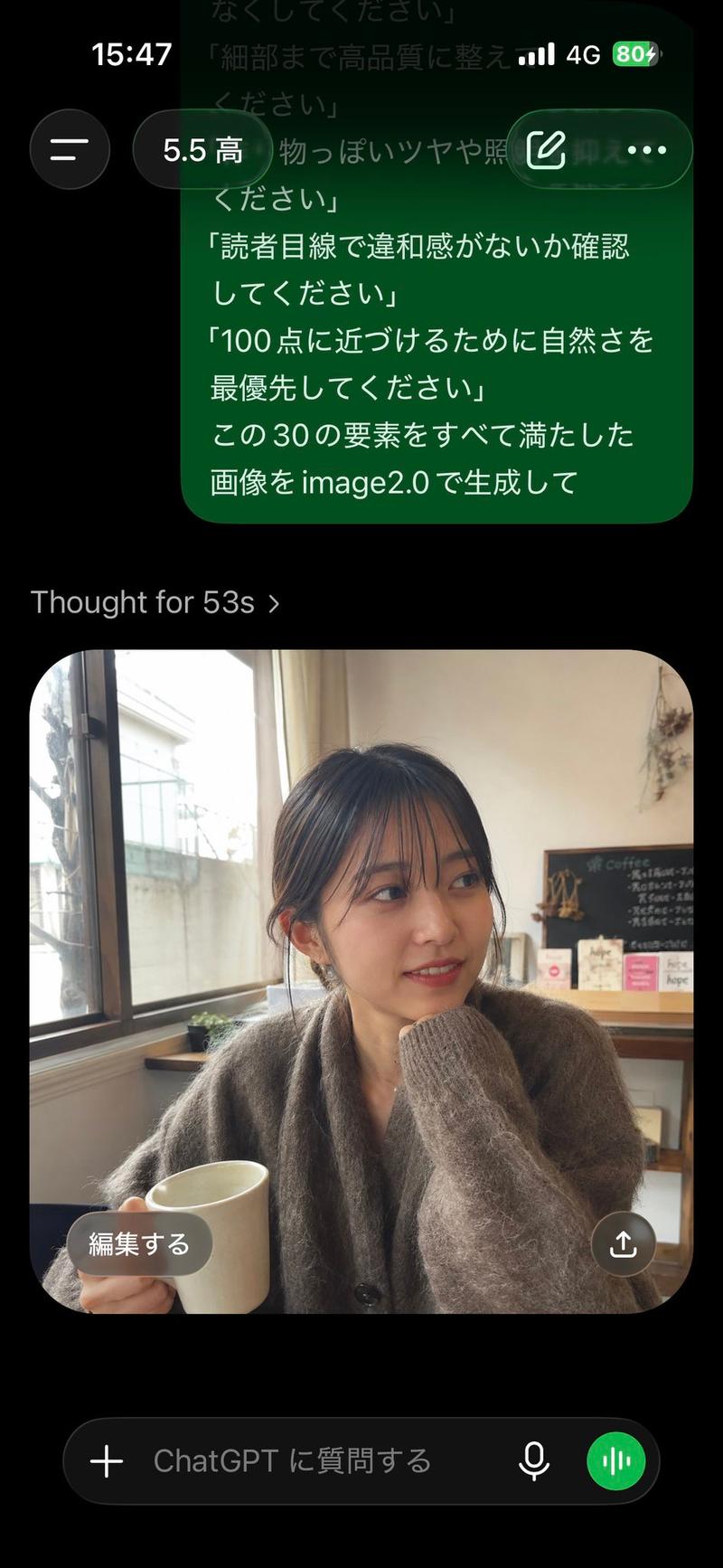
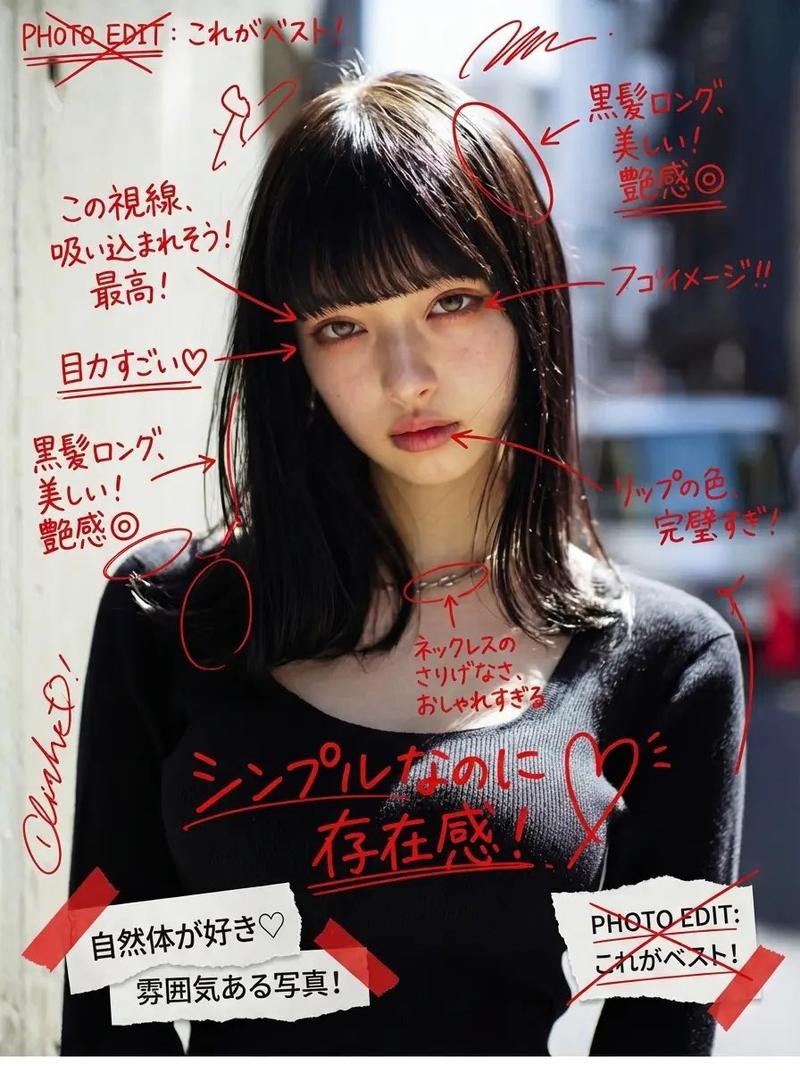
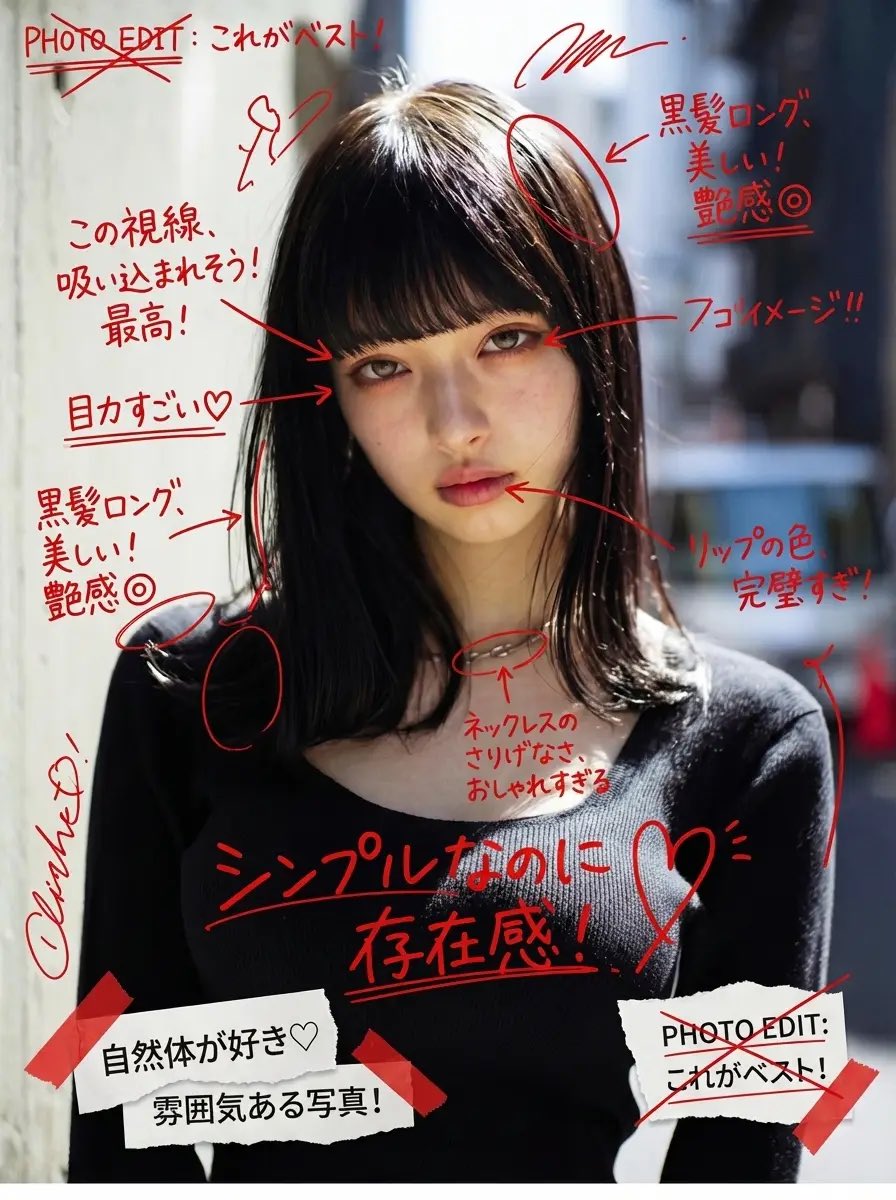
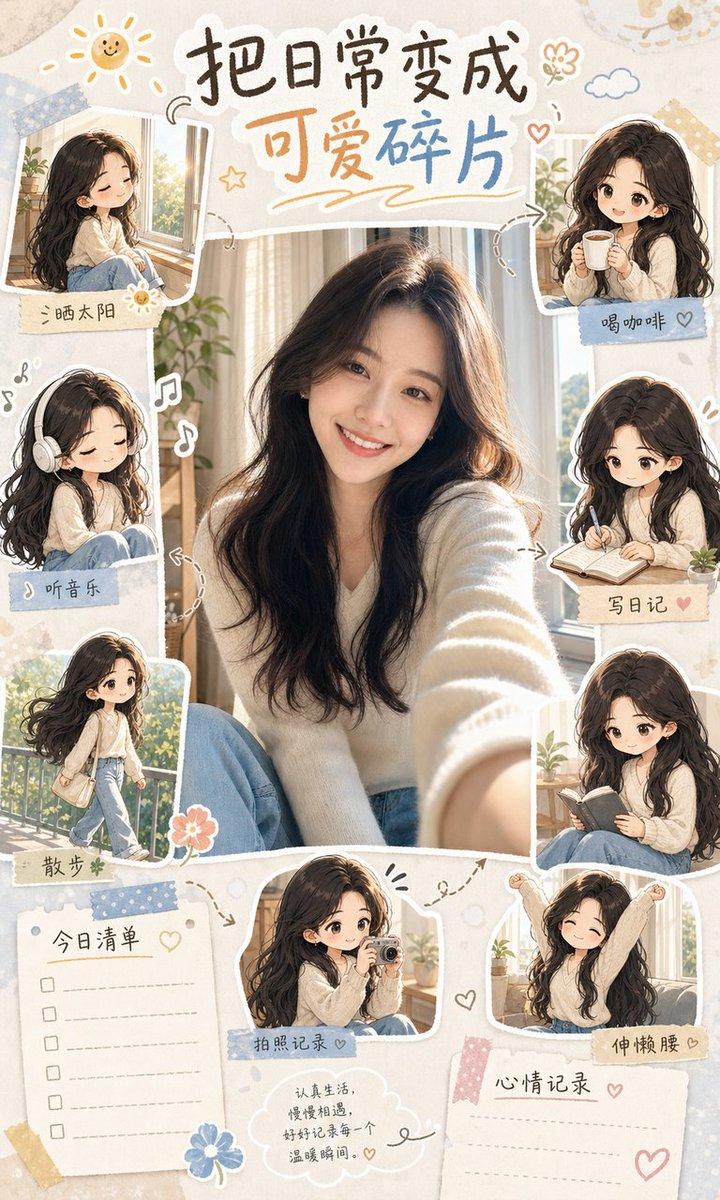
Using REFERENCE_0 as the source prompt text and REFERENCE_1 as the app-screen composition reference, generate the resulting ChatGPT mobile conversation screen. Keep the Japanese prompt visible as a small rounded gray message bubble near the upper right, but create a new ordinary, accidental-looking iPhone selfie below it: it should look like the phone was pulled from a pocket and the shutter was pressed unintentionally, with messy tilted framing, slight motion blur, uneven sun flare/overexposure, and no deliberate composition. Make the selfie outdoors in bright daylight on a residential street, with part of a young woman cropped off on the right edge, long dark hair, a beige coat sleeve stretched toward the camera in the foreground, buildings and blue sky in the background. Include the ChatGPT app UI around it: top bar with hamburger button, “ChatGPT” title pill, compose icon, and three-dot menu; below the image include an “編集する” edit button and a centered down-arrow button. Preserve the casual imperfect snapshot feel rather than making it polished or cinematic.
Category
UI & Interfaces
Model
GPT Image 2
Views3
Source ID
17938
Published
May 2, 2026

Guide

About "ChatGPT 误触自拍界面"

What is this prompt for?

"ChatGPT 误触自拍界面" AI image prompt for GPT Image 2 (UI & Interfaces). 生成一个 ChatGPT 移动端界面,其中包含一段日语提示词,并呈现出一张类似 iPhone 误触拍摄的凌乱自拍效果。 Copy it on Picva and recreate t…

The full copyable prompt and example visuals above are ready for AI image generation or one-click recreate in Picva.

How to use this prompt

  1. Step 1

    Open the prompt detail

    Review the example visuals, category, and full prompt text for "ChatGPT 误触自拍界面".

  2. Step 2

    Copy the prompt

    Copy the prompt body from this page, or load it directly in Studio.

  3. Step 3

    Pick a model (GPT Image 2)

    Prefer GPT Image 2. If you switch models, keep subject and composition and tweak style terms.

  4. Step 4

    Generate and export

    Recreate the look in Picva, or export into your workflow for editing and publishing.

FAQ

What is the "ChatGPT 误触自拍界面" prompt?
It is an AI image-generation prompt for GPT Image 2 in the UI & Interfaces category. This page includes the full prompt text, example visuals, and a one-click recreate path in Picva.
How do I use this prompt to generate an image?
Copy the prompt from this page, or use Generate / Studio. Paste it into a compatible image model, or recreate the look in Picva with optional reference images.
Which model is this prompt for?
This page lists GPT Image 2. Most descriptive prompts also transfer to nearby image models such as GPT Image, Flux, or Midjourney with light style tweaks.
Can I use the result commercially?
You can usually copy the prompt for creation, but commercial use of the final image depends on the model terms, reference-image rights, and the generated content. Follow the source author and platform rules.