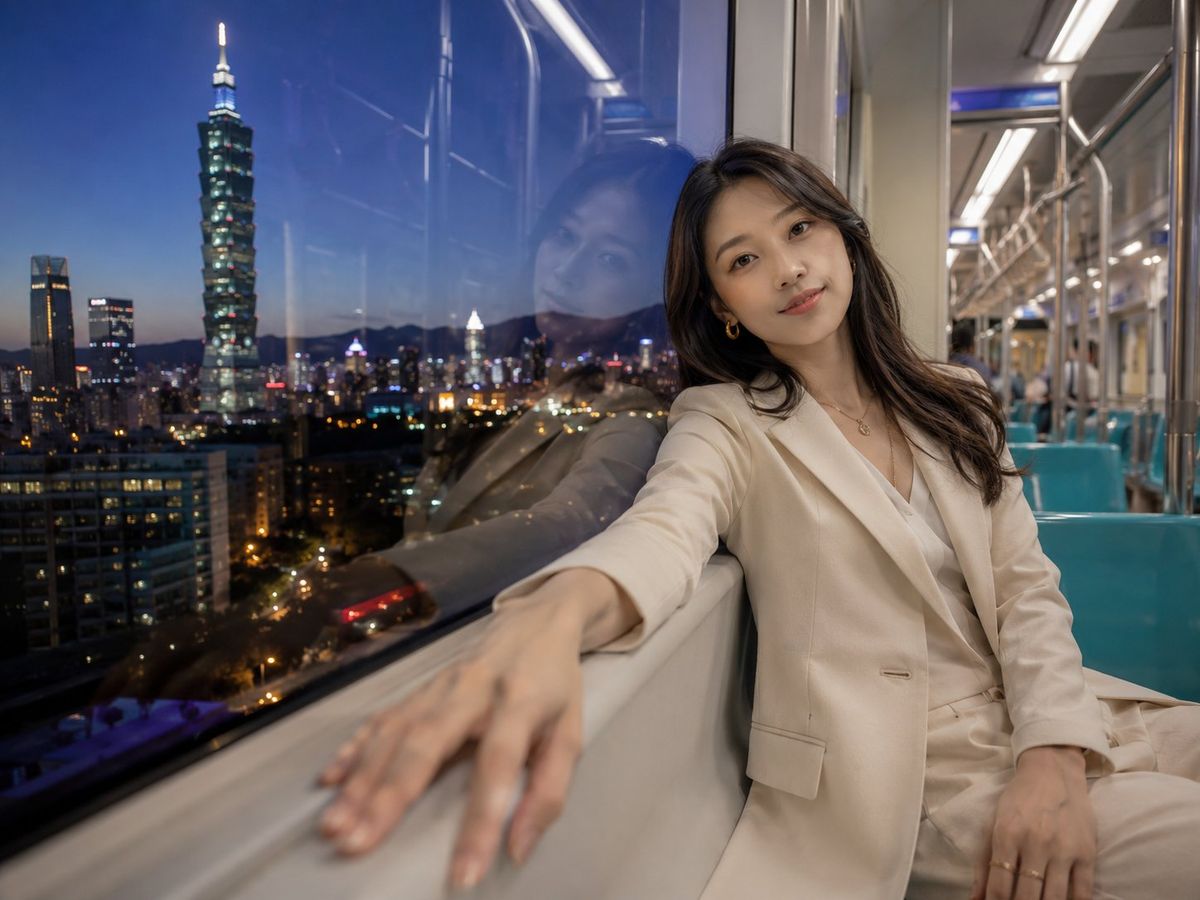
台北捷运夜间人像
Prompt
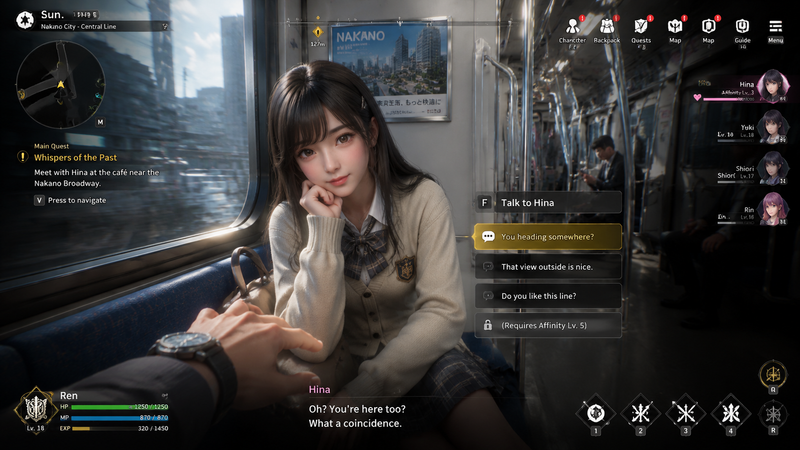
Create a photorealistic cinematic wide-angle portrait inside a Taipei MRT train at blue-hour night, showing {argument name="character name" default="a young East Asian woman"} seated beside a large train window on the right side of the frame. She wears an elegant {argument name="outfit color" default="cream-white"} tailored blazer and matching trousers over a soft white blouse, with subtle gold hoop earrings, a delicate necklace, natural makeup, long wavy dark brown hair, and a calm faint smile while looking directly at the camera. Her body leans against the window wall, one arm extended along the windowsill toward the camera with the hand intentionally close and softly motion-blurred by perspective, the other hand resting near her lap. Through the window on the left, show the Taipei city skyline at dusk with glowing building lights, street lights, dark mountain silhouettes, and the prominent illuminated {argument name="landmark" default="Taipei 101"} tower rising clearly against a deep blue sky. The glass window should show a strong but natural reflection of her face and upper body layered over the city lights. The MRT interior on the right recedes into the background with stainless steel poles, overhead fluorescent light strips, teal plastic seats, beige walls, and a few indistinct blurred passengers far away. Use realistic photography, shallow depth of field, soft interior lighting mixed with cool exterior twilight, high dynamic range, natural skin texture, cinematic color grading, 4:3 horizontal composition, no text, no watermark, no extra people in the foreground.- Category
- Brand & Logos
- Model
- GPT Image 2
- Creator
- TWnese
- Source ID
- 27817
- Published
- Jul 6, 2026
Views4