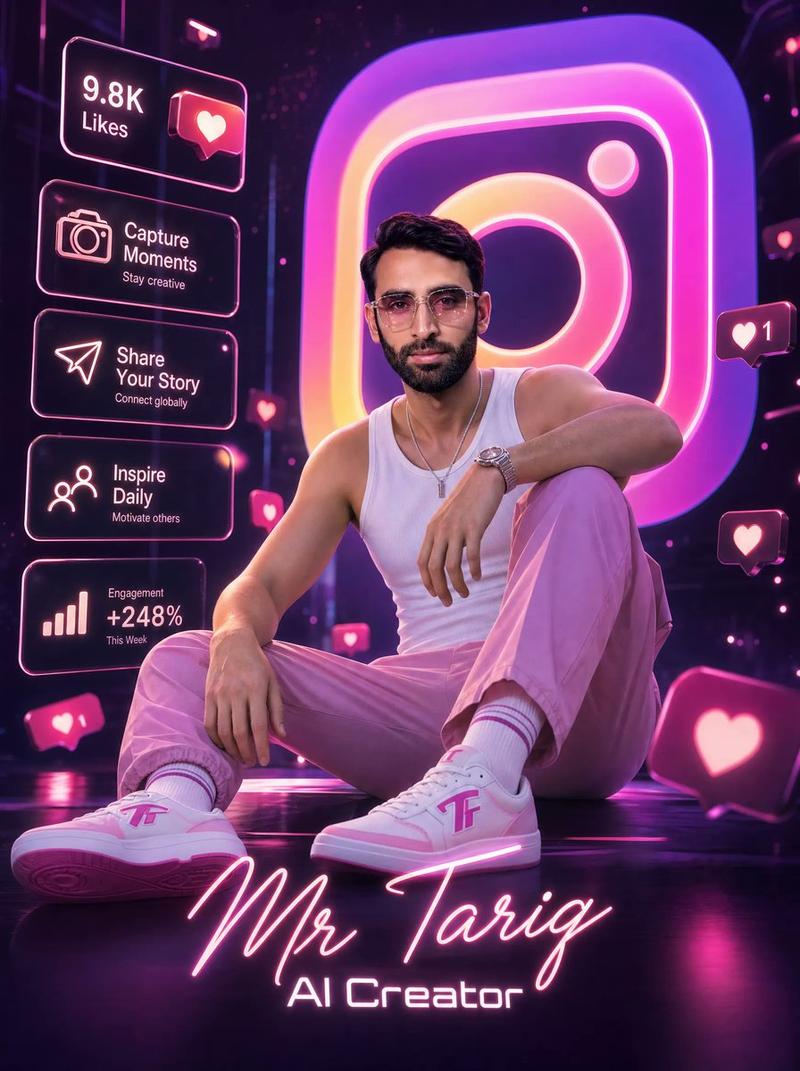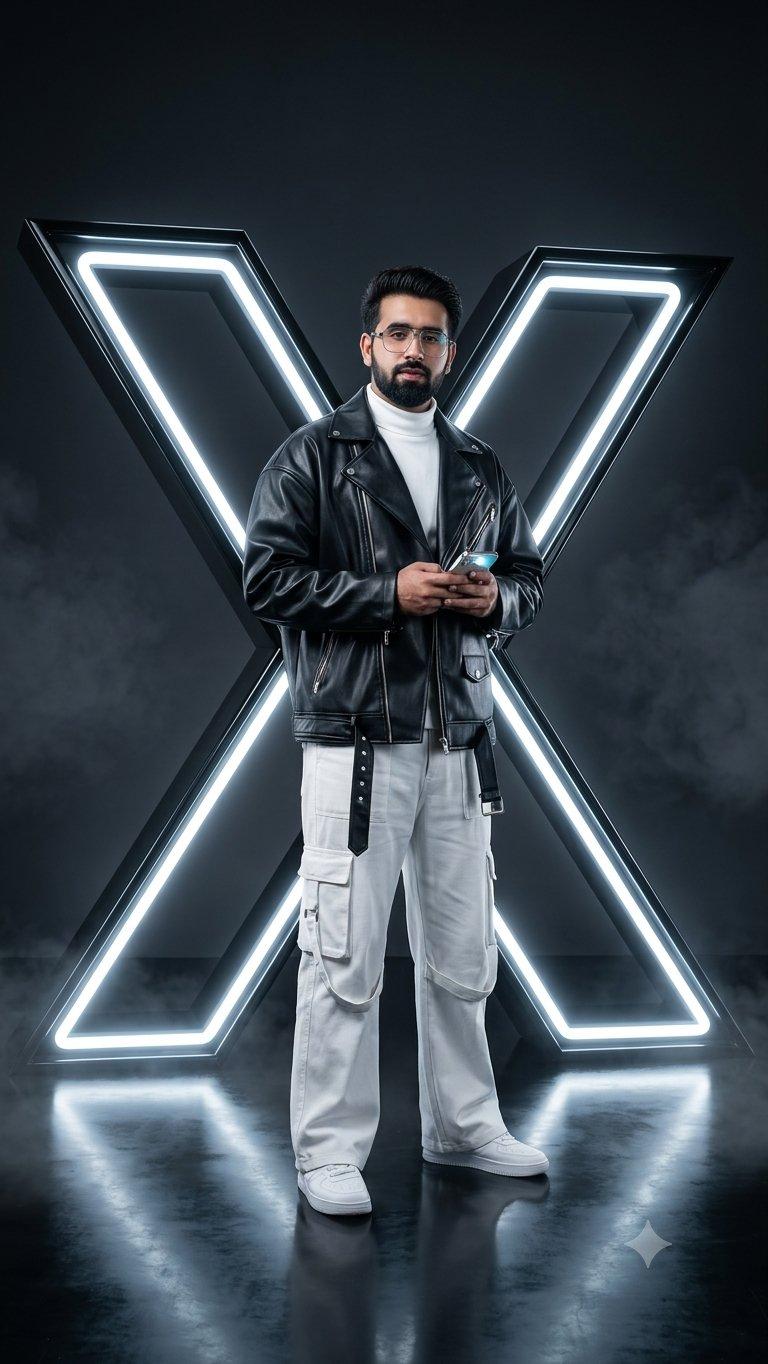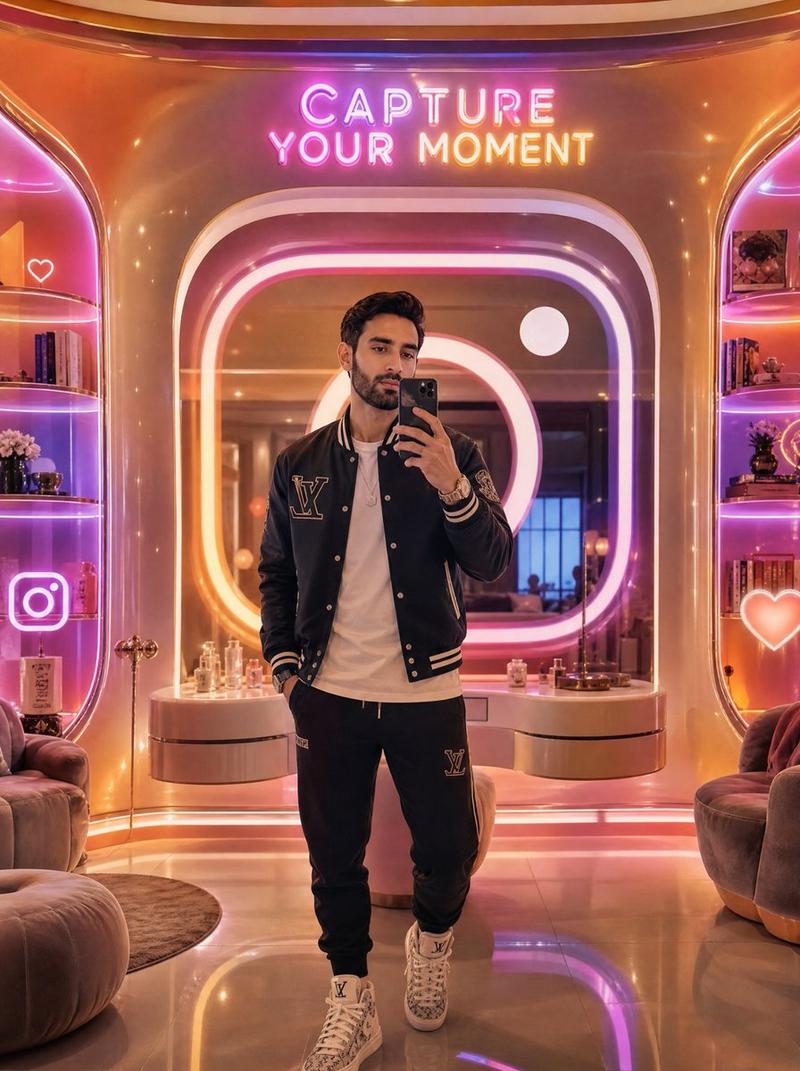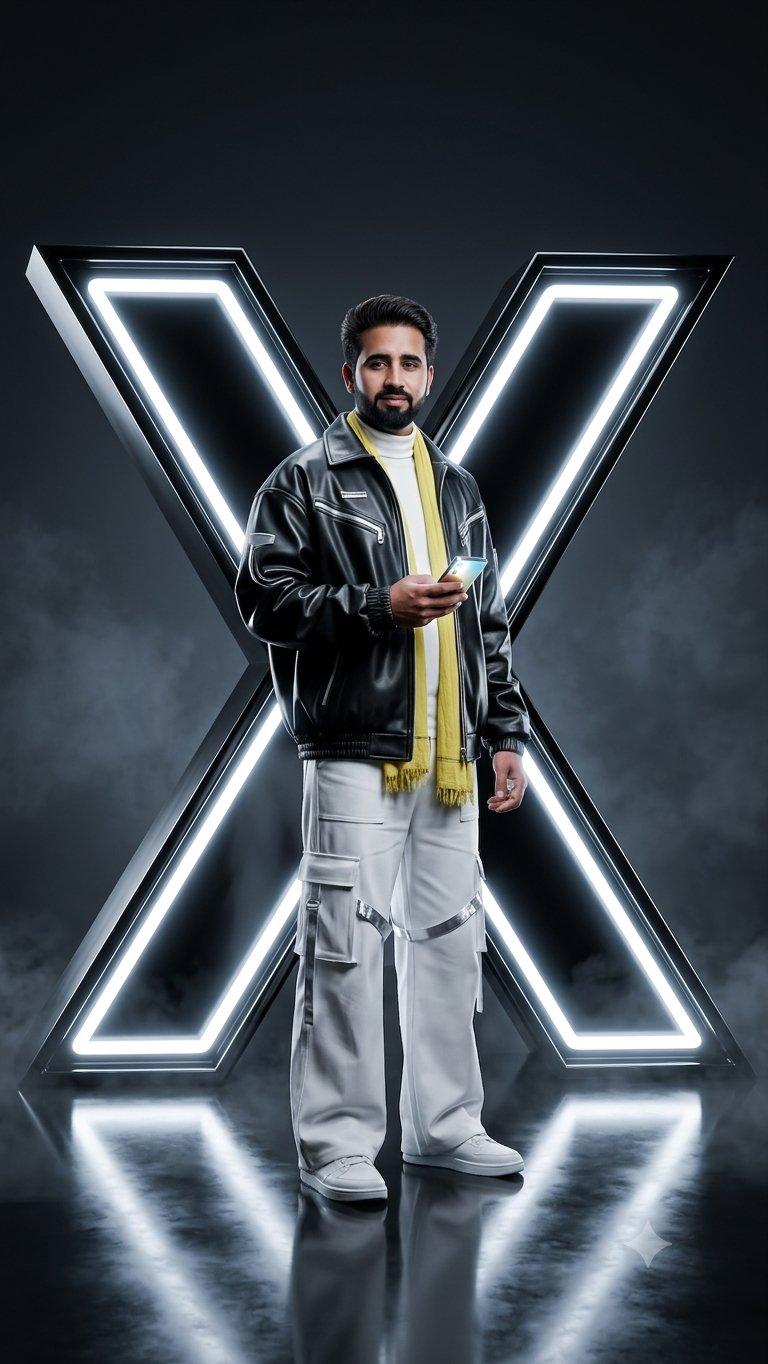
霓虹 Instagram 时尚海报
Prompt
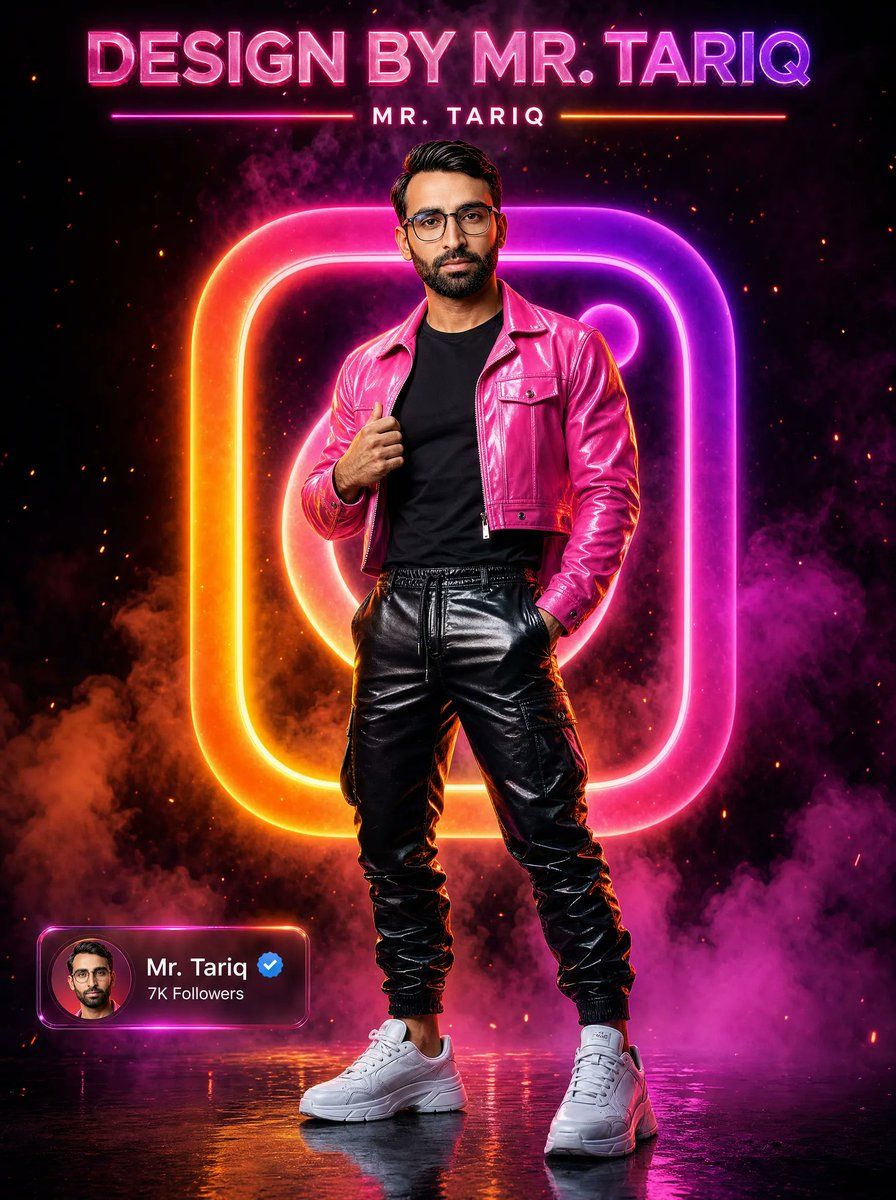
Create a dramatic vertical cyberpunk social-media poster featuring a full-body male fashion portrait standing confidently in the center on a glossy wet reflective floor. The subject is {argument name="person name" default="Mr. Tariq"}, with a smooth blurred face for privacy, short dark styled hair, one hand gripping the lapel of his jacket and the other hand in his pocket. Dress him in a shiny hot-pink cropped leather jacket, plain black T-shirt, glossy black leather cargo jogger pants, and chunky white sneakers. Behind him, place one huge glowing Instagram-style rounded-square camera logo made of neon tubing, with a gradient from orange and yellow on the left to magenta and purple on the right, casting colored rim light onto the subject. The background is deep black with smoky magenta and orange clouds, tiny ember sparks, and a high-contrast cinematic nightclub atmosphere. At the top, include exactly two text elements: a large bold 3D neon headline reading {argument name="headline text" default="DESIGN BY MR. TARIQ"} in bright pink-purple, and beneath it a smaller centered spaced-out name reading {argument name="small title text" default="MR. TARIQ"}, flanked by two thin horizontal neon divider lines, one pink and one orange. At the bottom left, add exactly one translucent glassmorphism social profile card with a circular avatar thumbnail, the display name {argument name="profile name" default="Mr. Tariq"}, a blue verified check badge, and follower text {argument name="follower count" default="7K Followers"}. Use ultra-sharp commercial poster lighting, saturated neon glow, realistic fabric shine, smoke depth, sparks, reflections, and a premium viral Instagram edit style, 3:4 aspect ratio.- Category
- Posters & Typography
- Model
- GPT Image 2
- Creator
- Mr. Tariq
- Source ID
- 19104
- Published
- May 8, 2026
Views3