14

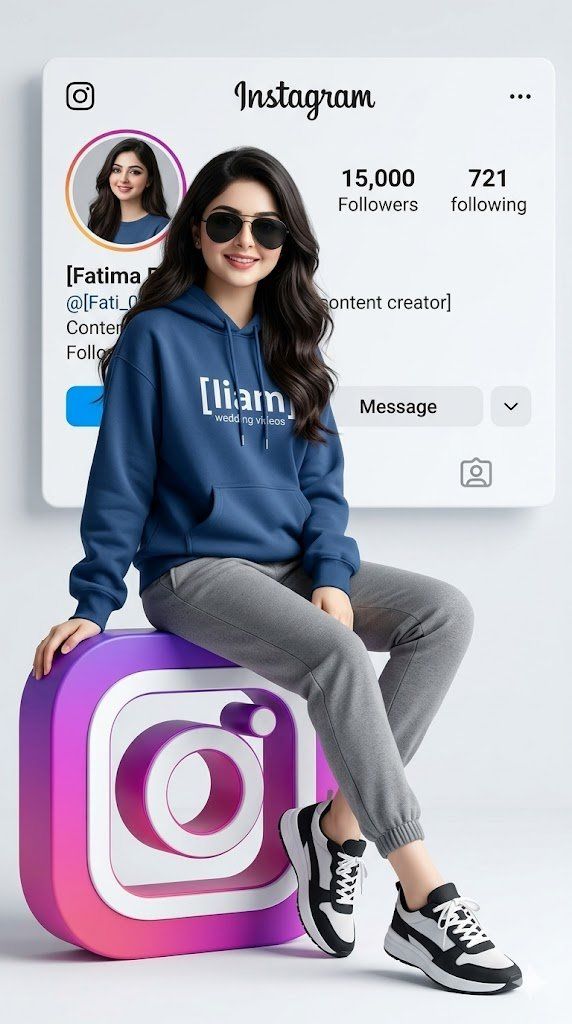
逼真的 3D 社交媒体个人资料图
Enlarge

逼真的 3D 社交媒体个人资料图

Prompt
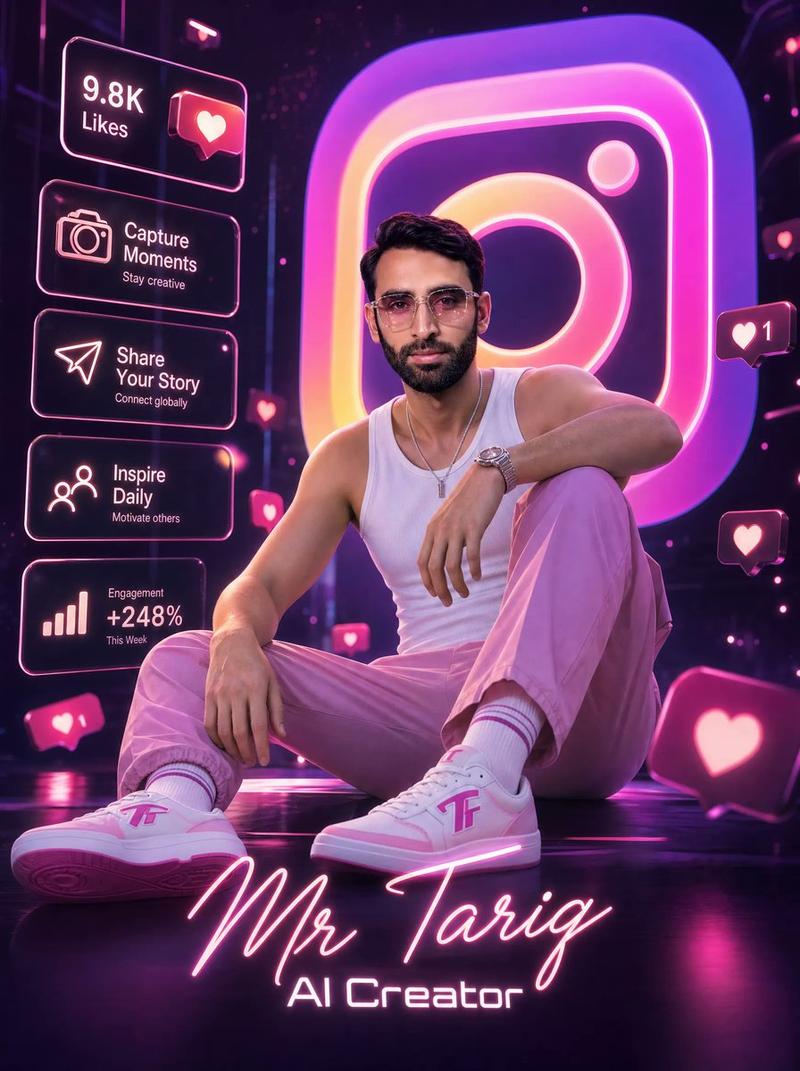
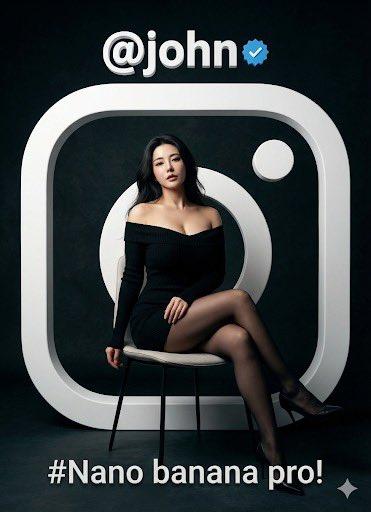
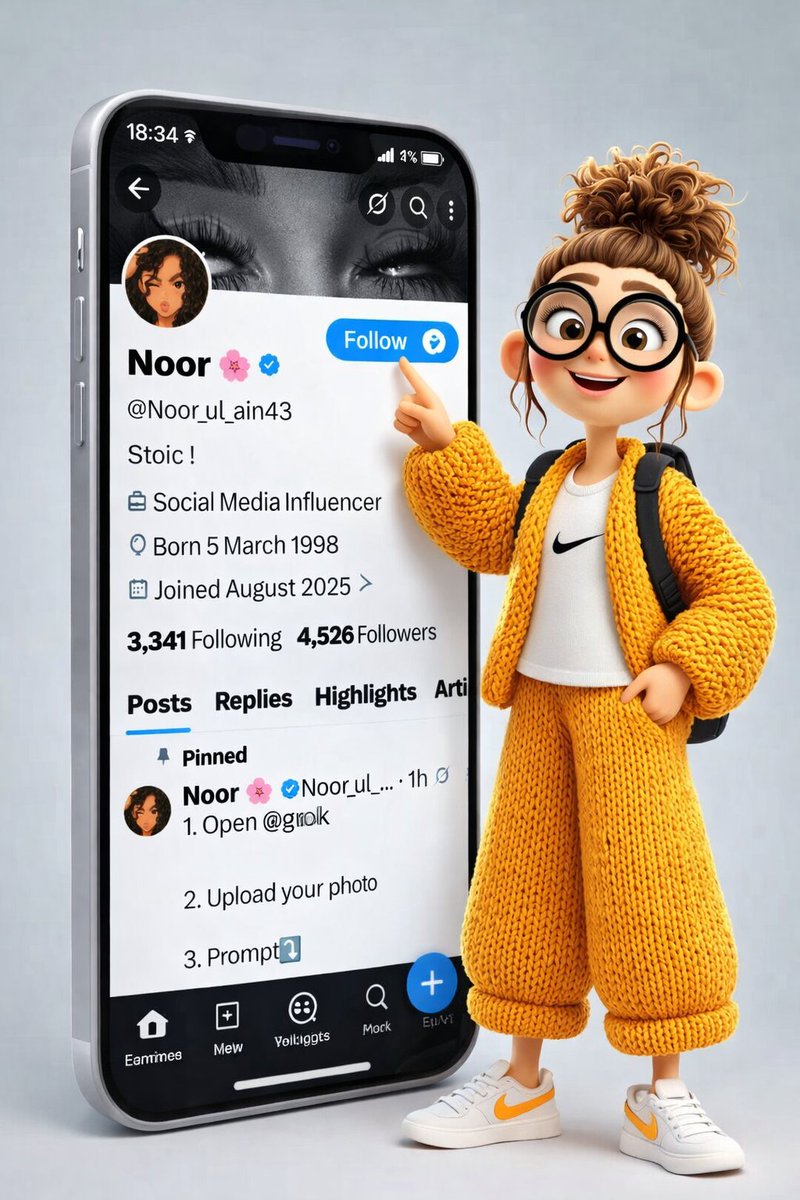
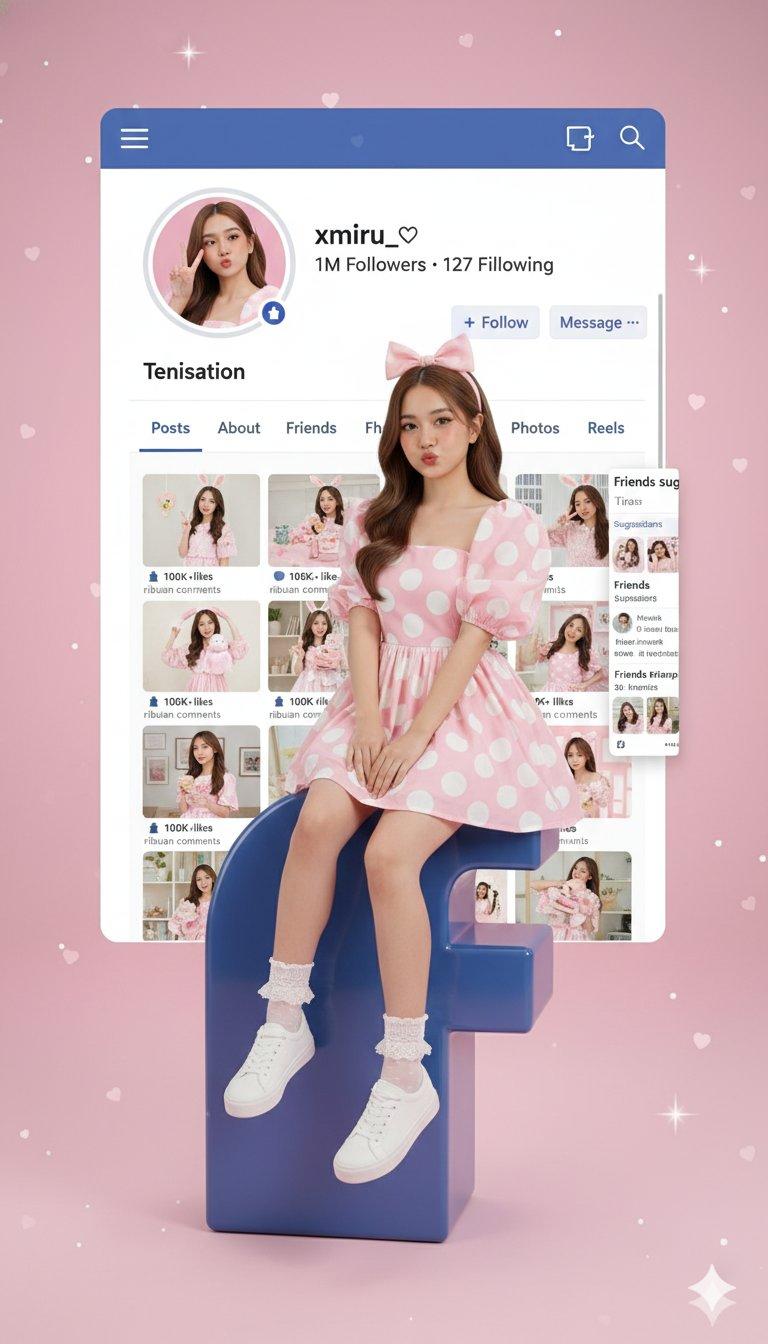
Create a hyper-realistic image in vertical format 9:16. Show a young girl with the appearance of {argument name="face description" default="your face or physical description"} and wearing [type of sunglasses, if applicable]. He is sitting in a relaxed way on a large 3D logo of {argument name="social network" default="Instagram"} in vibrant colours. Wear modern urban clothing:

Coloured hoodie [sweatpants colour] with the '[liam wedding videos]' logo, jogger pants [pants colour] and sneakers [shoe colour].

In the background, a large profile card of [social network] identical to a real profile appears, with realistic details: name '{argument name="account name" default="Fatima Batool"}'; user '@[Fati_092], [15000]

Followers, [number of following] following and

[Other data].

The background should be clear, minimalist style, soft lighting, professional, fresh and youthful look, ideal as a social network cover.
Category
Posters & Typography
Model
GPT Image 2
Views4
Source ID
19832
Published
May 12, 2026

Guide

About "逼真的 3D 社交媒体个人资料图"

What is this prompt for?

"逼真的 3D 社交媒体个人资料图" AI image prompt for GPT Image 2 (Posters & Typography). 创作一张超逼真的图像,展示一个人坐在 3D 社交媒体 Logo 上,背景配有详细的个人资料卡,非常适合用作个人资料封面。 Copy it on Picva and re…

The full copyable prompt and example visuals above are ready for AI image generation or one-click recreate in Picva.

How to use this prompt

  1. Step 1

    Open the prompt detail

    Review the example visuals, category, and full prompt text for "逼真的 3D 社交媒体个人资料图".

  2. Step 2

    Copy the prompt

    Copy the prompt body from this page, or load it directly in Studio.

  3. Step 3

    Pick a model (GPT Image 2)

    Prefer GPT Image 2. If you switch models, keep subject and composition and tweak style terms.

  4. Step 4

    Generate and export

    Recreate the look in Picva, or export into your workflow for editing and publishing.

FAQ

What is the "逼真的 3D 社交媒体个人资料图" prompt?
It is an AI image-generation prompt for GPT Image 2 in the Posters & Typography category. This page includes the full prompt text, example visuals, and a one-click recreate path in Picva.
How do I use this prompt to generate an image?
Copy the prompt from this page, or use Generate / Studio. Paste it into a compatible image model, or recreate the look in Picva with optional reference images.
Which model is this prompt for?
This page lists GPT Image 2. Most descriptive prompts also transfer to nearby image models such as GPT Image, Flux, or Midjourney with light style tweaks.
Can I use the result commercially?
You can usually copy the prompt for creation, but commercial use of the final image depends on the model terms, reference-image rights, and the generated content. Follow the source author and platform rules.