20

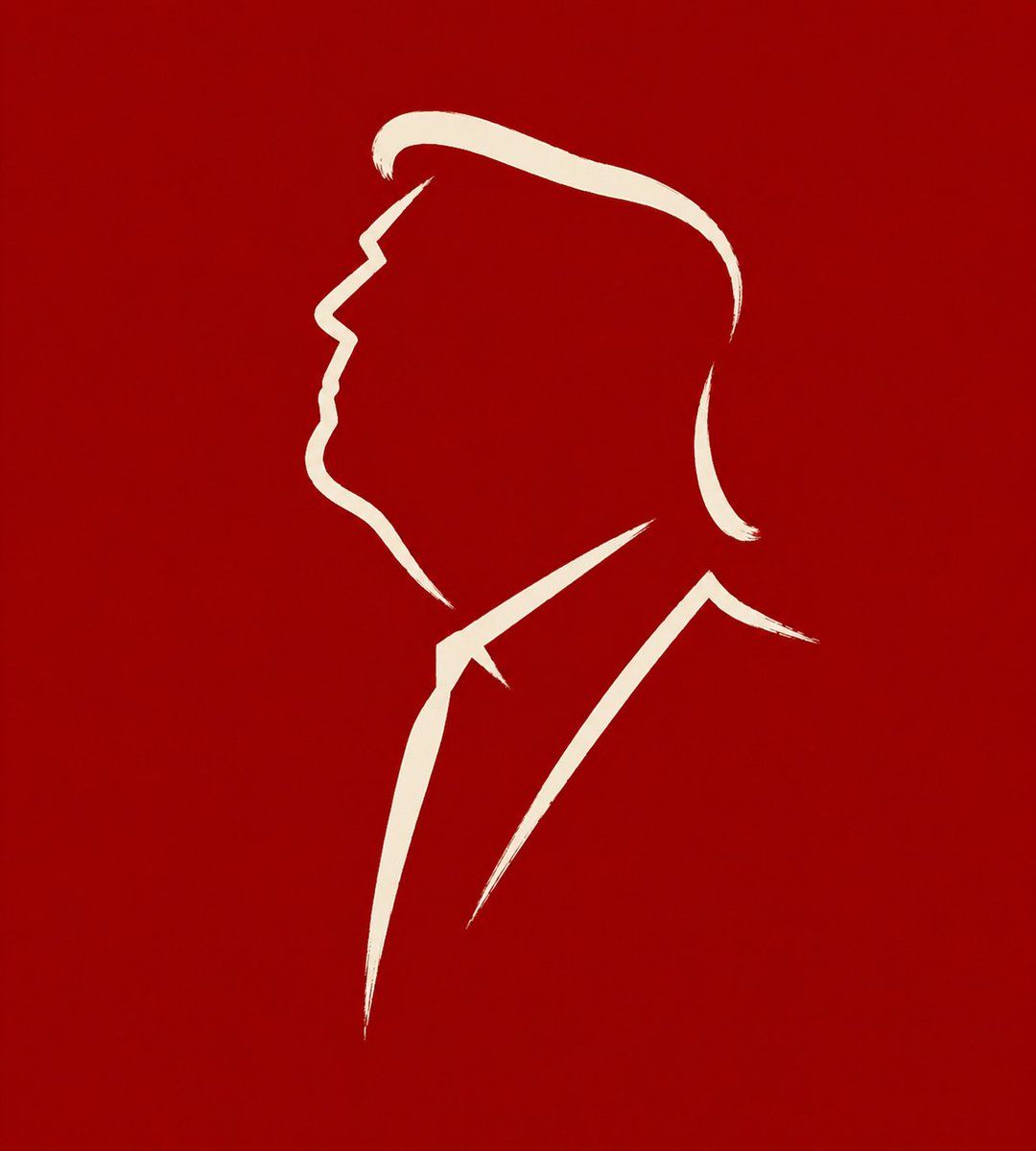
极简洞穴壁画线条艺术
Enlarge

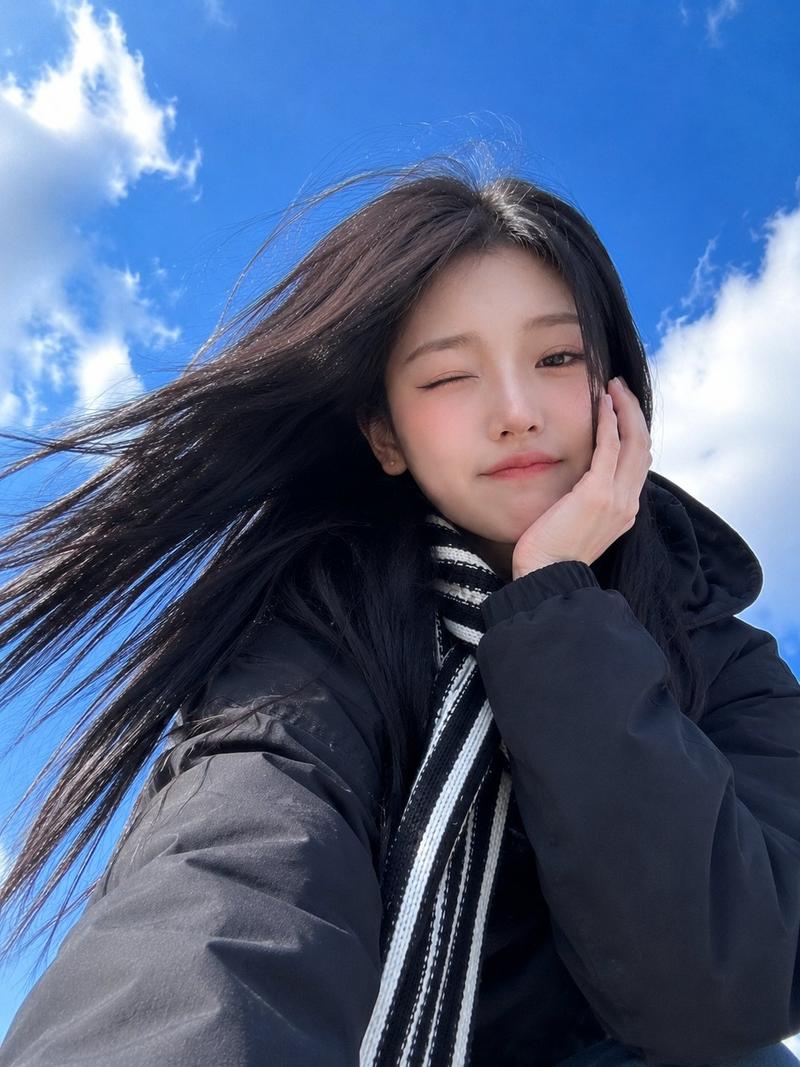
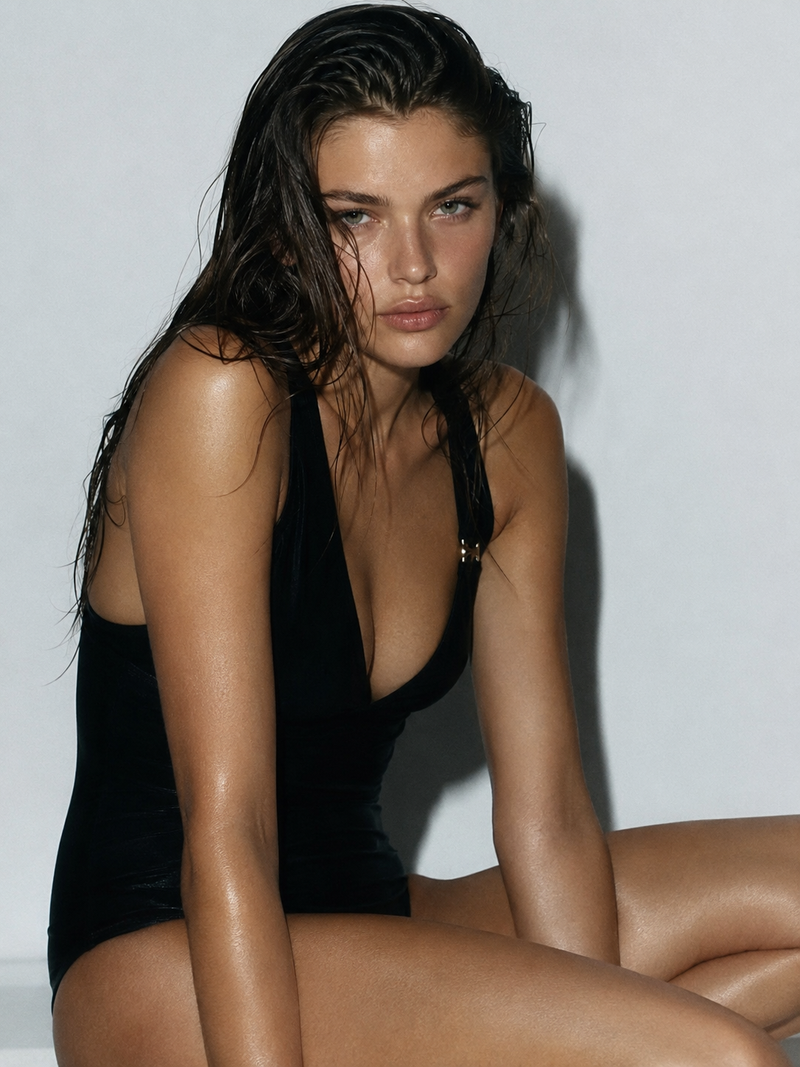
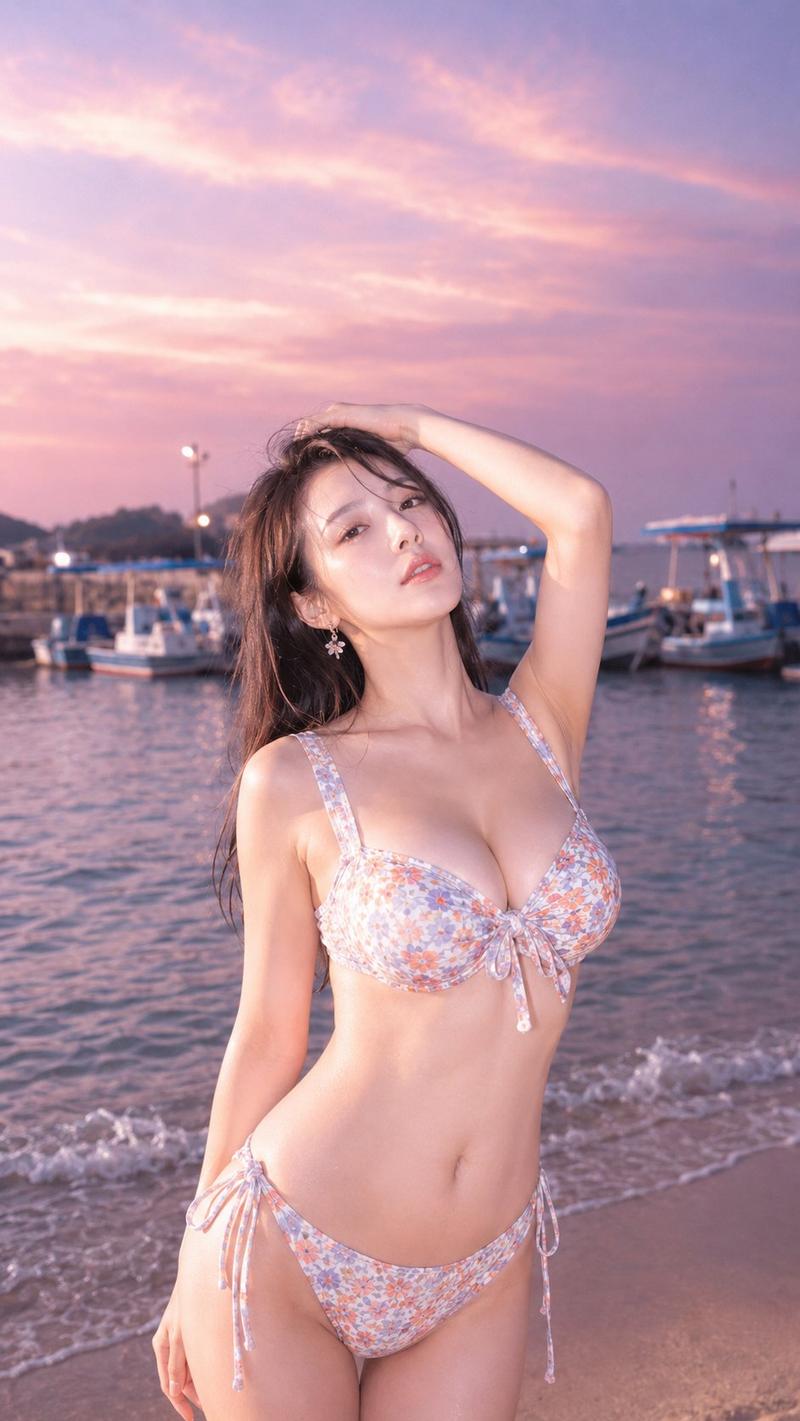
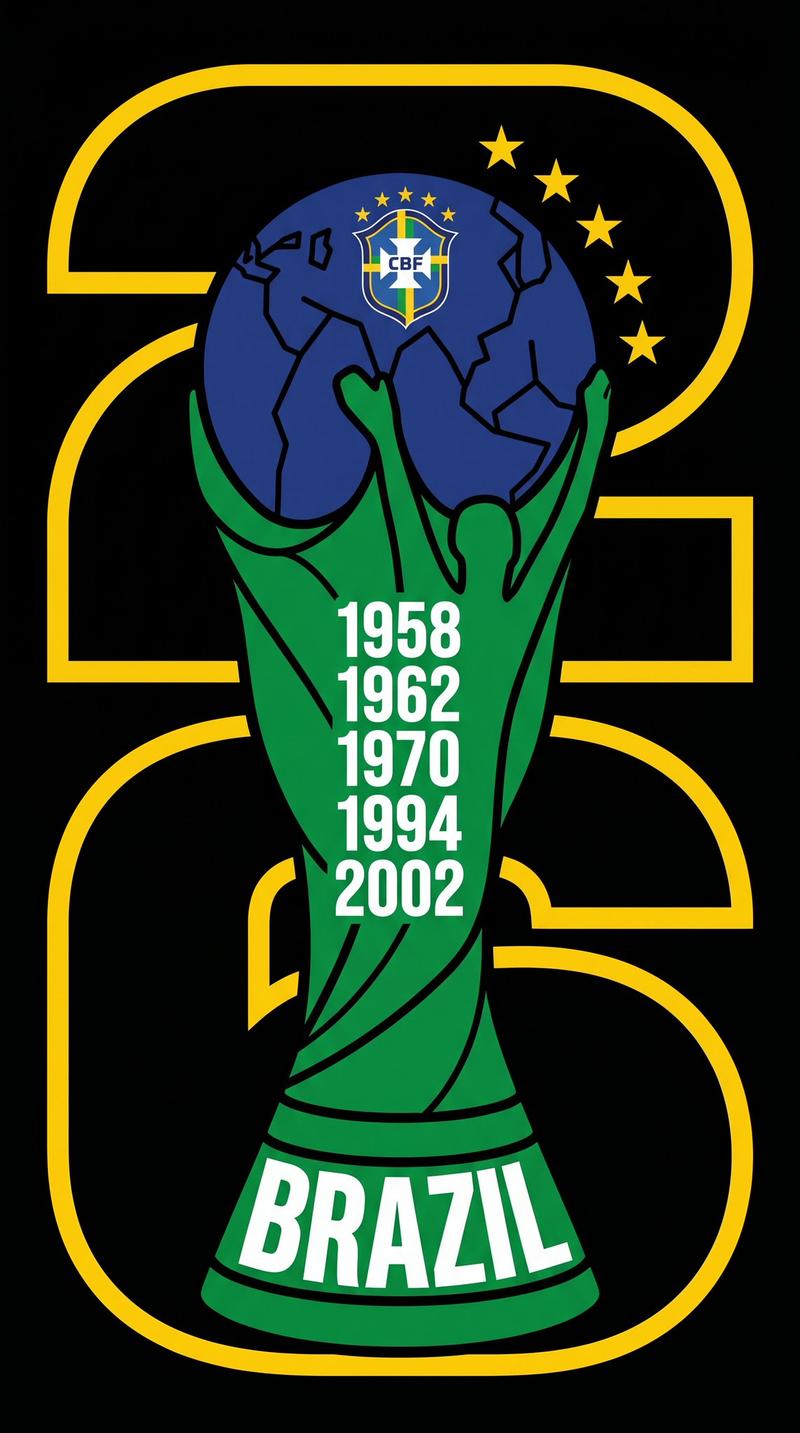
Example images

极简洞穴壁画线条艺术

Prompt
将输入图片转化为适合社交媒体头像使用的 {argument name="比例" default="1:1"} 极简符号化线条插画。主体可为人物、动物或植物。不要复刻外形,不要描写细节,不要完整描边,而要像早期壁画或原始刻痕那样,从对象中抽取最本质的神态、姿态与轮廓特征,用极少数线条直接留下记号。目标不是画全,而是像一种被提炼后的形象符号,寥寥几笔就能让人认出其气质与神韵。

线条数量必须极少,最好控制在 {argument name="线条数" default="3 到 6 笔"} 以内。每一笔都应简洁、直接、果断,像一气呵成地划出,带有自然停顿与轻微起伏,不机械,不修饰,不过度圆滑,也不做现代 logo 式完整封闭轮廓。允许断开、留白、省略,让空白参与表达。不要画五官细节、毛发纹理、衣物褶皱、叶脉或其他说明性细节,只保留最关键的轮廓转折和神态支点。

整体气质应古朴、直接、克制、准确,像一种原初的视觉语言。背景保持单纯、安静、沉稳,可为{argument name="背景颜色" default="绛红色"}、石壁色、灰白、暗色或其他能够衬托线条的素净底色。主线条应清晰、单纯、有存在感。不要写实,不要阴影,不要体积,不要复杂装饰,不要现代图形设计腔。最终效果应像一则极度提炼的形象记号:少、准、狠、静,几笔之间就把对象的神态抽出来。
Category
Brand & Logos
Model
GPT Image 2
Creator
小小东
Views4
Source ID
19251
Published
May 9, 2026

Guide

About "极简洞穴壁画线条艺术"

What is this prompt for?

"极简洞穴壁画线条艺术" AI image prompt for GPT Image 2 (Brand & Logos). 一个精炼的提示词,用于将照片转换为受古代洞穴壁画和原始符号启发的极简主义象征性线条艺术。 Copy it on Picva and recreate the look in one click.

The full copyable prompt and example visuals above are ready for AI image generation or one-click recreate in Picva.

How to use this prompt

  1. Step 1

    Open the prompt detail

    Review the example visuals, category, and full prompt text for "极简洞穴壁画线条艺术".

  2. Step 2

    Copy the prompt

    Copy the prompt body from this page, or load it directly in Studio.

  3. Step 3

    Pick a model (GPT Image 2)

    Prefer GPT Image 2. If you switch models, keep subject and composition and tweak style terms.

  4. Step 4

    Generate and export

    Recreate the look in Picva, or export into your workflow for editing and publishing.

FAQ

What is the "极简洞穴壁画线条艺术" prompt?
It is an AI image-generation prompt for GPT Image 2 in the Brand & Logos category. This page includes the full prompt text, example visuals, and a one-click recreate path in Picva.
How do I use this prompt to generate an image?
Copy the prompt from this page, or use Generate / Studio. Paste it into a compatible image model, or recreate the look in Picva with optional reference images.
Which model is this prompt for?
This page lists GPT Image 2. Most descriptive prompts also transfer to nearby image models such as GPT Image, Flux, or Midjourney with light style tweaks.
Can I use the result commercially?
You can usually copy the prompt for creation, but commercial use of the final image depends on the model terms, reference-image rights, and the generated content. Follow the source author and platform rules.