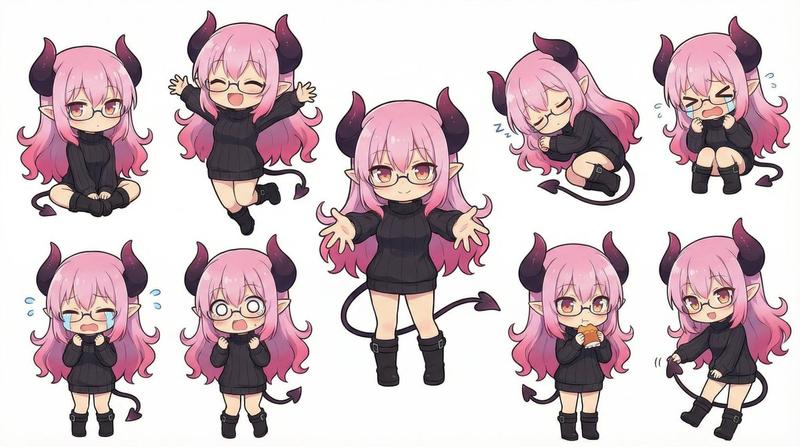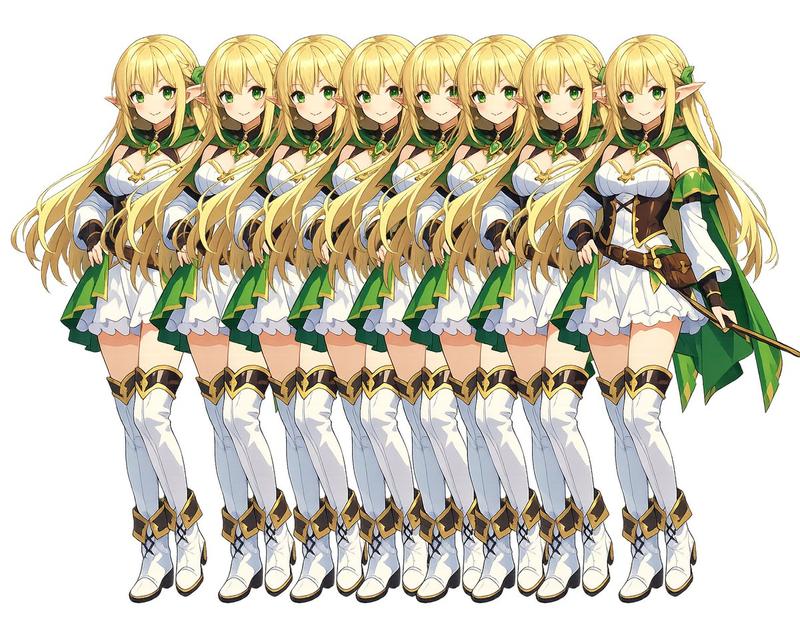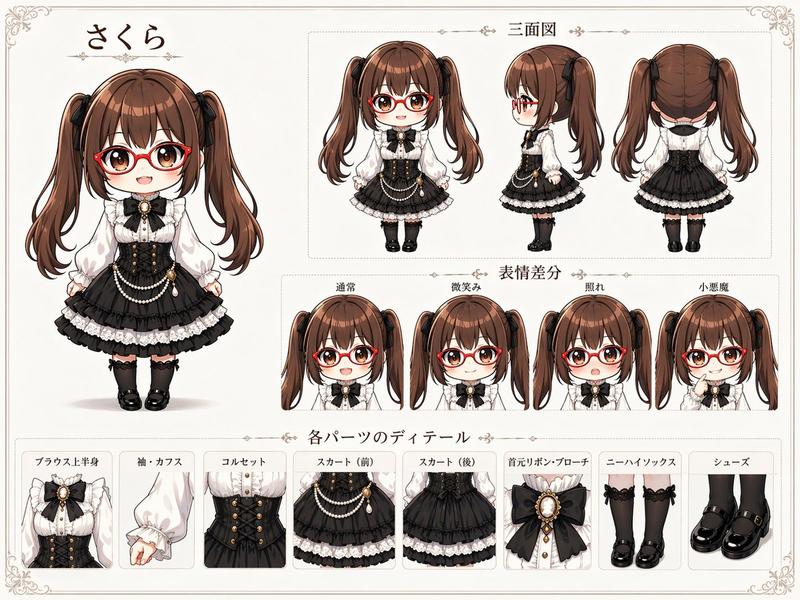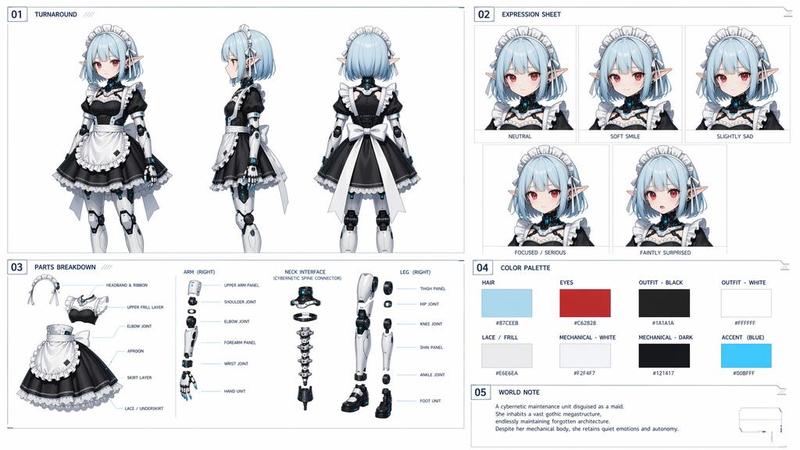
Q 版桌面宠物 Sprite Sheet
Prompt
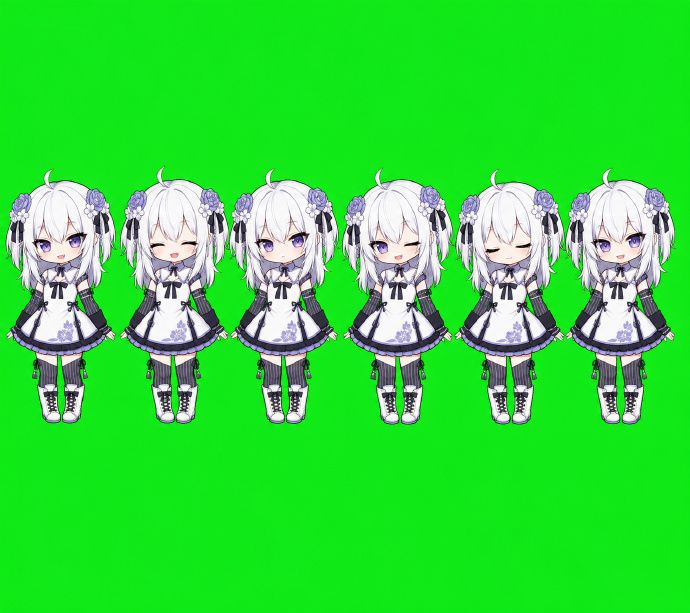
Goal: Create a simple chibi game sprite sheet for a desktop pet character, showing exactly 6 full-body sprites of the same anime girl aligned in one horizontal row.

Canvas: Wide landscape canvas, about 690 x 613 px, with a flat bright chroma-key green background filling the entire image. Leave large empty green space above and below the sprite row, and place the characters across the upper-middle area.

Character design: A petite chibi anime girl named {argument name="character name" default="Codex desktop pet"} with very pale skin, oversized head, short white-silver bob hair, small ahoge curl on top, long side locks, and purple flower hair ornaments on both sides with thin black ribbon tassels. She wears a white gothic-lolita maid-style dress with dark navy-black trim, puff sleeves, a bow at the collar, purple floral embroidery near the hem, a short flared skirt, black garter-like strap details, white knee socks, and chunky white lace-up boots with dark soles. Use clean 2D anime rendering, soft cel shading, crisp outlines, and a cute toy-like proportions style.

Sprite count and poses: Include exactly 6 discrete character sprites, evenly spaced left to right, all facing forward and standing upright with small variations in arm and body position. The 6 sprites are: 1) front-facing neutral standing pose with face area covered by a square gray placeholder block, 2) front-facing neutral standing pose with face area covered by a square gray placeholder block, 3) front-facing neutral standing pose with face area covered by a square gray placeholder block, 4) front-facing neutral standing pose with face area covered by a square gray placeholder block, 5) front-facing visible face pose with closed eyes and a calm sleepy expression, no placeholder block, 6) front-facing neutral standing pose with face area covered by a square gray placeholder block.

Placeholder blocks: On 5 of the 6 sprites, cover the facial area with a vertical rectangular soft gray censor/placeholder block. Each block should be centered over the face, with a light gray-to-pale lavender gradient and slightly soft edges, hiding facial details while leaving hair, ornaments, dress, legs, and boots visible.

Style constraints: Make the sprites small, consistent, and usable as game assets. Keep all characters at the same scale and baseline. Do not add text, UI, shadows, borders, or props. The only background color should be {argument name="background color" default="bright chroma green"}.- Category
- Charts & Infographics
- Model
- GPT Image 2
- Creator
- 白徵明
- Source ID
- 21115
- Published
- May 17, 2026
Views5