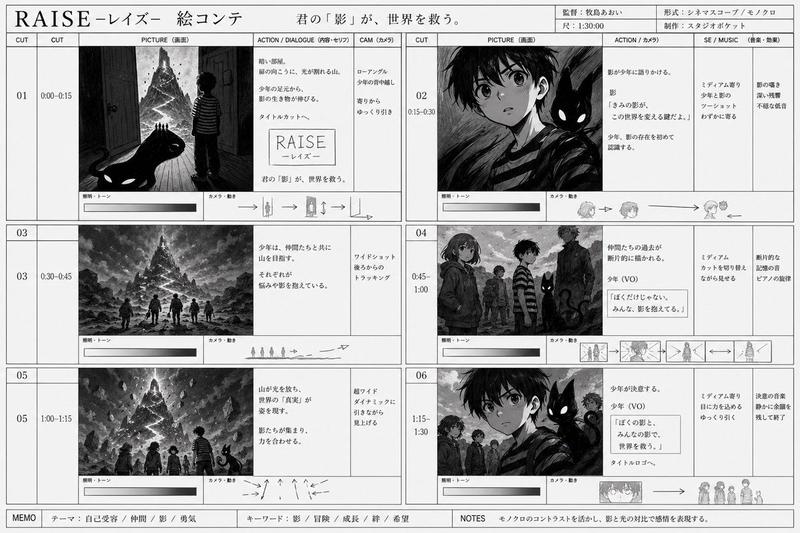
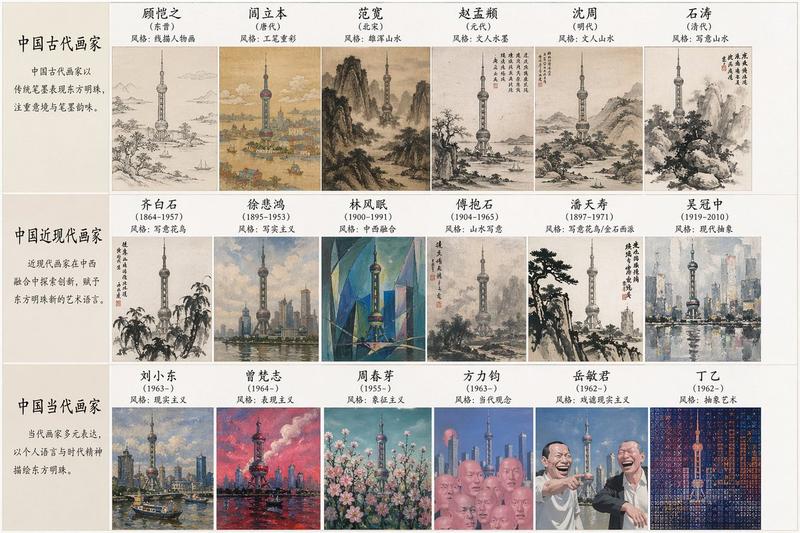
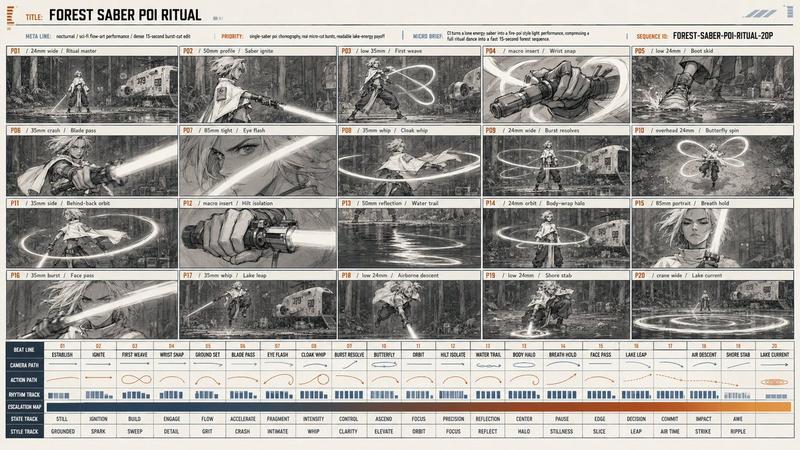
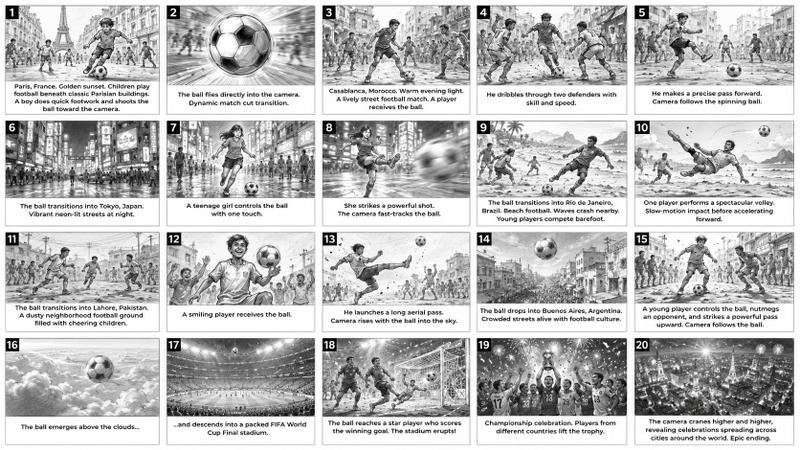
鳗鱼蒲烧动态分镜表
Prompt
Goal: Create a detailed anime-style motion sheet for a 15-second short film about making {argument name="dish name" default="Unagi Kabayaki (3 Skewers)"}, laid out like a storyboard contact sheet with captions and production notes.

Canvas: Wide 16:9 black-background production board, high-resolution, with thin white panel borders and a hand-drawn cinematic sketch aesthetic. Use a muted sepia, charcoal, beige, and warm orange palette with glossy brown eel glaze and firelight accents.

Top header: Large white title text on the left: “UNAGI KABAYAKI (3 SKEWERS) MOTION SHEET | 15-SECOND SHORT FILM”. Small white note on the right: “Character Consistency: Same character, same hair, same outfit, same setting throughout.”

Main layout: Use exactly 15 storyboard panels arranged in a 3-row by 5-column grid. Each panel has a black timecode label in the top-left corner and a black caption strip along the bottom. The character must remain consistent throughout: {argument name="main character" default="a young anime woman with short wavy ash-brown hair, soft tired eyes, and a ruffled patterned blouse with an apron"}, cooking in {argument name="setting" default="a cozy Japanese apartment kitchen with shelves, bottles, utensils, soft window light, smoke, steam, and a tabletop charcoal grill"}. The visual style should resemble a digicam-recorded anime cooking documentary: hand-drawn ink linework, lightly watercolor-washed backgrounds, realistic food detail, subtle motion blur, warm morning light, smoke, steam, and charcoal glow.

Storyboard panels: Include exactly these 15 timed shots and captions:
1. Timecode “0:00–0:01”; character places 3 eel skewers on the grill; caption: “1. Place 3 eel skewers on the grill.”
2. Timecode “0:01–0:02”; smoke gently rises around the grill; caption: “2. Smoke rises gently.”
3. Timecode “0:02–0:03”; character brushes sauce over the eel with a basting brush; caption: “3. Brush the sauce over the eel.”
4. Timecode “0:03–0:04”; close-up of glazed skewers as sauce drips onto charcoal; caption: “4. Sauce drips onto the charcoal.”
5. Timecode “0:04–0:05”; orange flames rise beside the character; caption: “5. Flames rise up.”
6. Timecode “0:05–0:06”; character flips all 3 skewers; caption: “6. Flip all 3 skewers.”
7. Timecode “0:06–0:07”; close view of character checking the eel texture; caption: “7. Check the eel’s texture.”
8. Timecode “0:07–0:08”; character brushes on more sauce; include a small vertical beige blur block partially obscuring the upper face area; caption: “8. Brush on more sauce.”
9. Timecode “0:08–0:09”; fire flares up again with bright orange flames; caption: “9. Fire flares up again.”
10. Timecode “0:09–0:10”; character carefully rotates the skewers with focused hands; caption: “10. Rotate the skewers carefully.”
11. Timecode “0:10–0:11”; close-up of the 3 glossy caramelized eel skewers on the grill; caption: “11. The eel looks perfectly glazed.”
12. Timecode “0:11–0:12”; character plates the 3 skewers on a dish; caption: “12. Plate the 3 skewers.”
13. Timecode “0:12–0:13”; plated skewers with steam rising beautifully as the character holds the plate; caption: “13. Steam rises beautifully.”
14. Timecode “0:13–0:14”; character picks up one skewer and brings it toward her mouth; caption: “14. Pick up one skewer.”
15. Timecode “0:14–0:15”; close-up of the first bite with a beige rectangular blur block obscuring much of the face while the skewer enters her mouth; caption: “15. Bite and react in surprise.” Add a smaller orange parenthetical line below: “(Instant expression of surprise as it enters her mouth.)”

Bottom production notes: Beneath the 15 panels, add a black notes band divided into exactly 6 labeled areas: 5 text columns plus 1 duration box.
Column 1 title: “CAMERA STYLE (DIGICAM LOOK)” with 6 bullets: “Handheld digital camera aesthetic”; “Early 2000s compact camera feel”; “Slight autofocus hunting”; “Natural exposure bloom”; “Realistic digital noise and grain”; “Subtle motion blur and shake”; “Casual, home video atmosphere”.
Column 2 title: “ATMOSPHERE & LIGHTING” with 5 bullets: “Warm morning sunlight”; “Soft window light and shadows”; “Smoke, steam, and fire glow”; “Cozy Japanese apartment kitchen”; “Nostalgic and emotional tone”.
Column 3 title: “COOKING POINTS” with 6 bullets: “Unagi kabayaki (3 skewers)”; “Sweet soy glaze (tare sauce)”; “Charcoal grilling”; “Rich smoke and aroma”; “ASMR cooking sounds”; “Glossy, caramelized finish”.
Column 4 title: “CHARACTER EXPRESSION” with 5 bullets: “Calm and focused at first”; “Gradually softer and warmer”; “Subtle emotions while cooking”; “Genuine happiness in the end”; “Surprise and delight at the first bite”.
Column 5 title: “OTHER NOTES” with 6 bullets: “Maintain exact same character throughout”; “Same hair, outfit, and setting”; “No toppings or garnishes”; “Only 3 skewers on the plate”; “Realistic Japanese home cooking”; “Photorealistic cinematic style”.
Column 6: A boxed duration badge reading “DURATION” at top, large number “15”, and “SECONDS” below.

Constraints: Use exactly 3 eel skewers whenever the dish is visible. Keep all text in clean white sans-serif type on black labels. Do not add extra panels, extra skewers, unrelated food, logos, watermarks, or modern UI elements. Maintain the same character, same outfit, same kitchen, and same warm sketchy anime documentary style throughout.- Category
- Charts & Infographics
- Model
- GPT Image 2
- Creator
- IMa kOu
- Source ID
- 21394
- Published
- May 18, 2026
Views8