16

日本女性宝丽来人像
Enlarge

日本女性宝丽来人像

Prompt
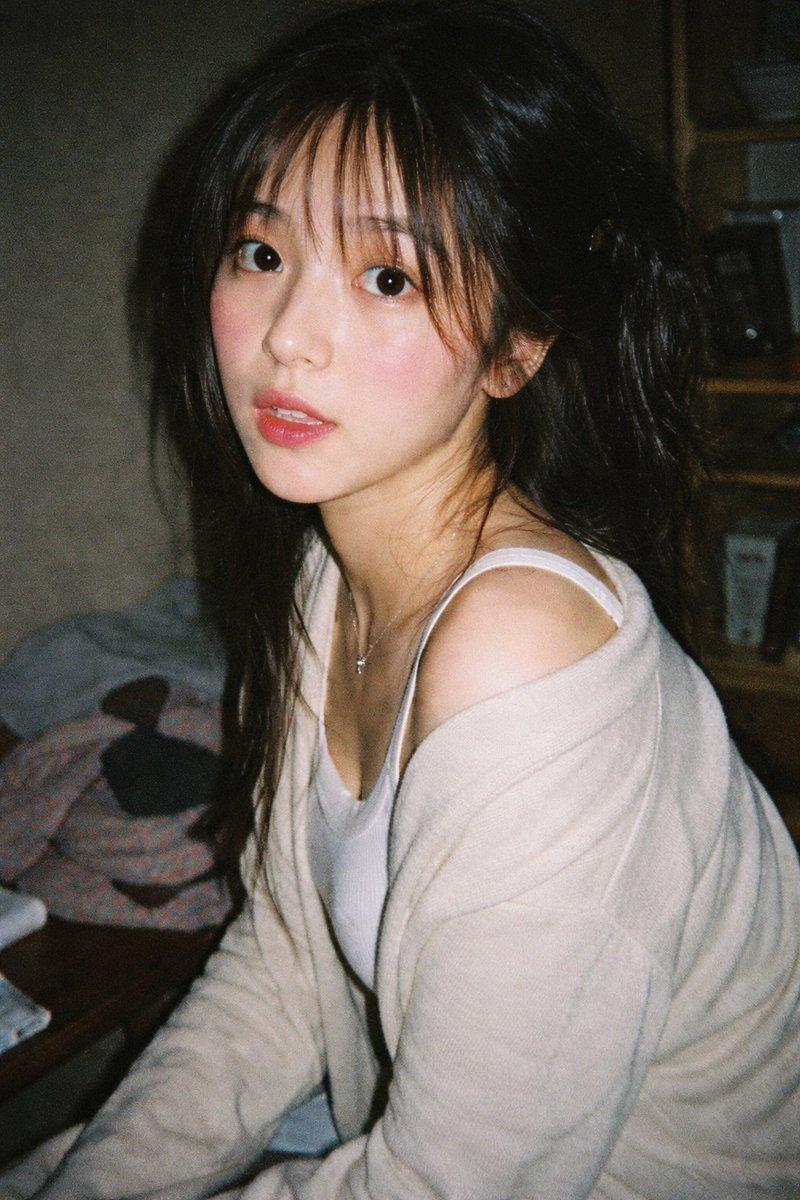
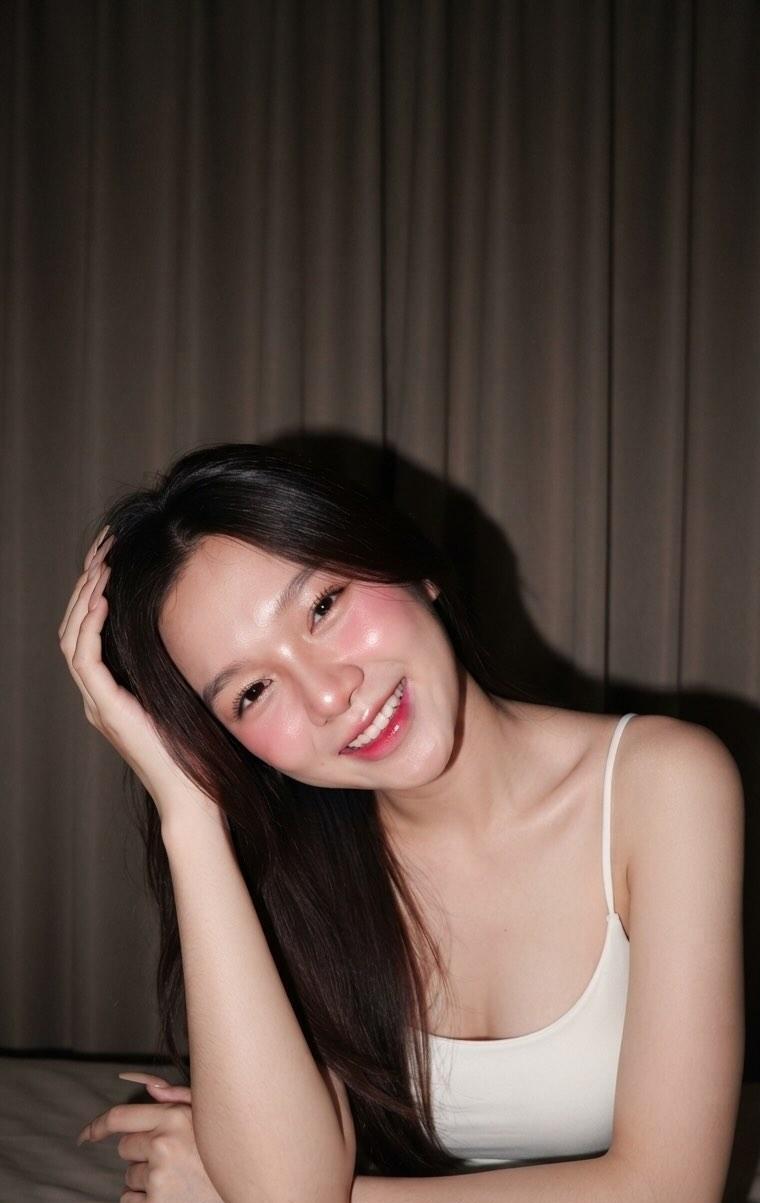
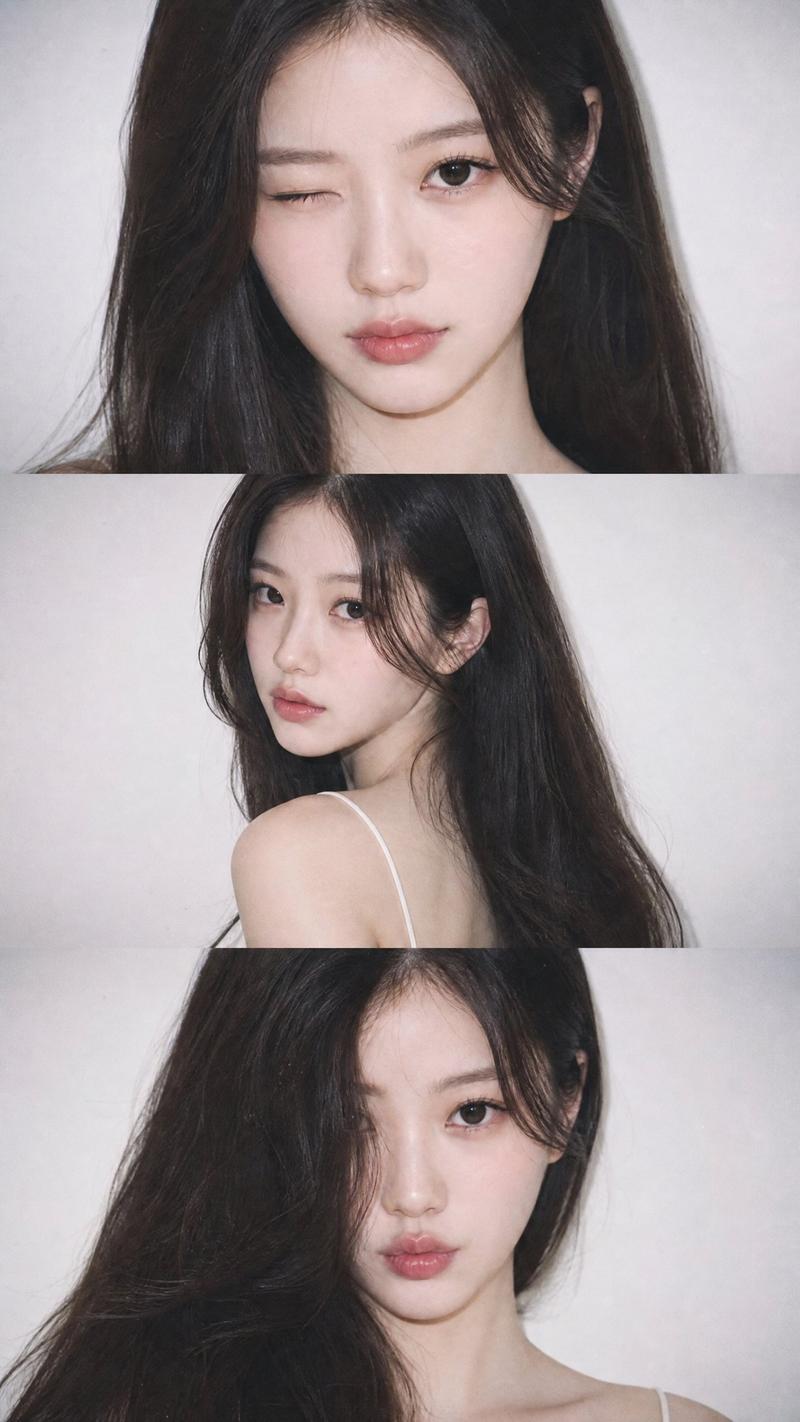
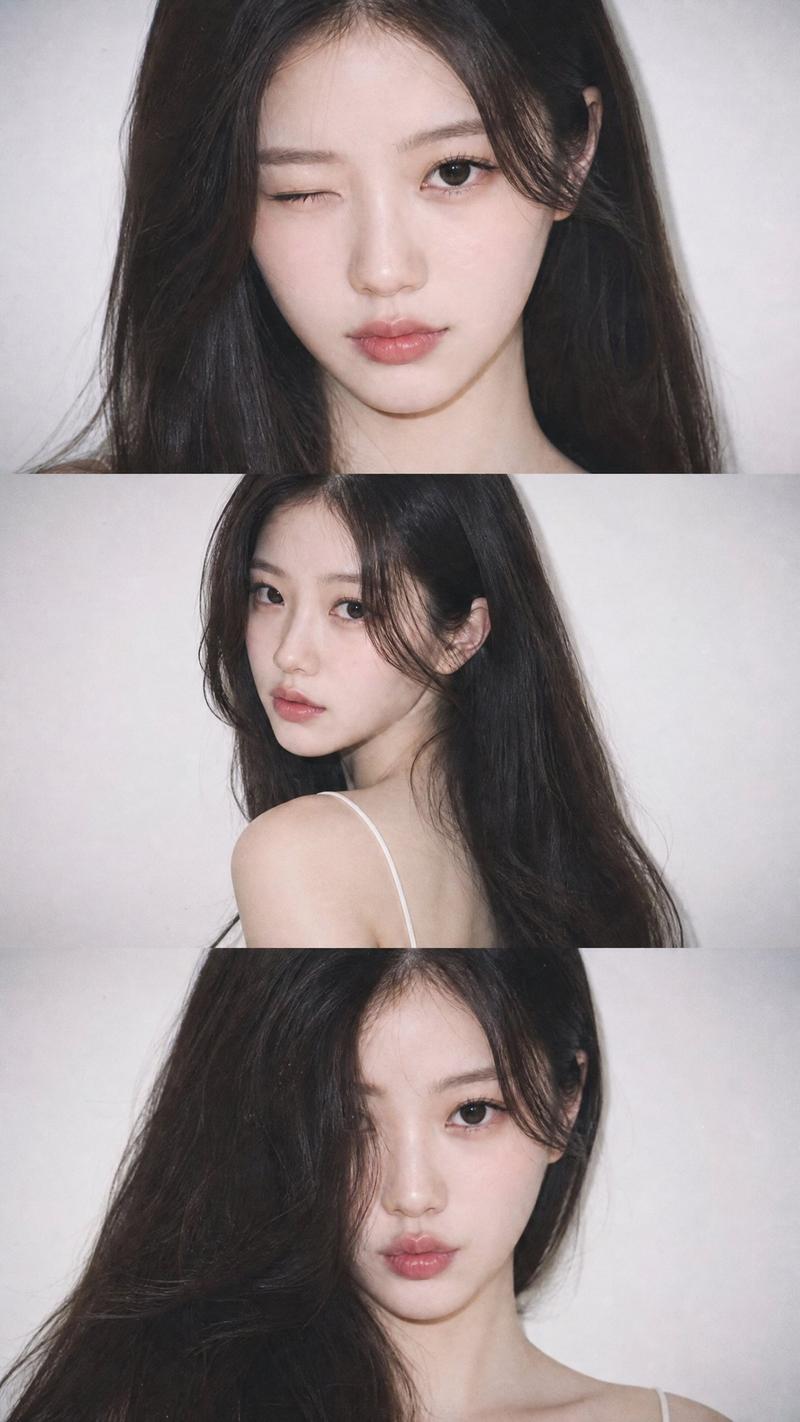
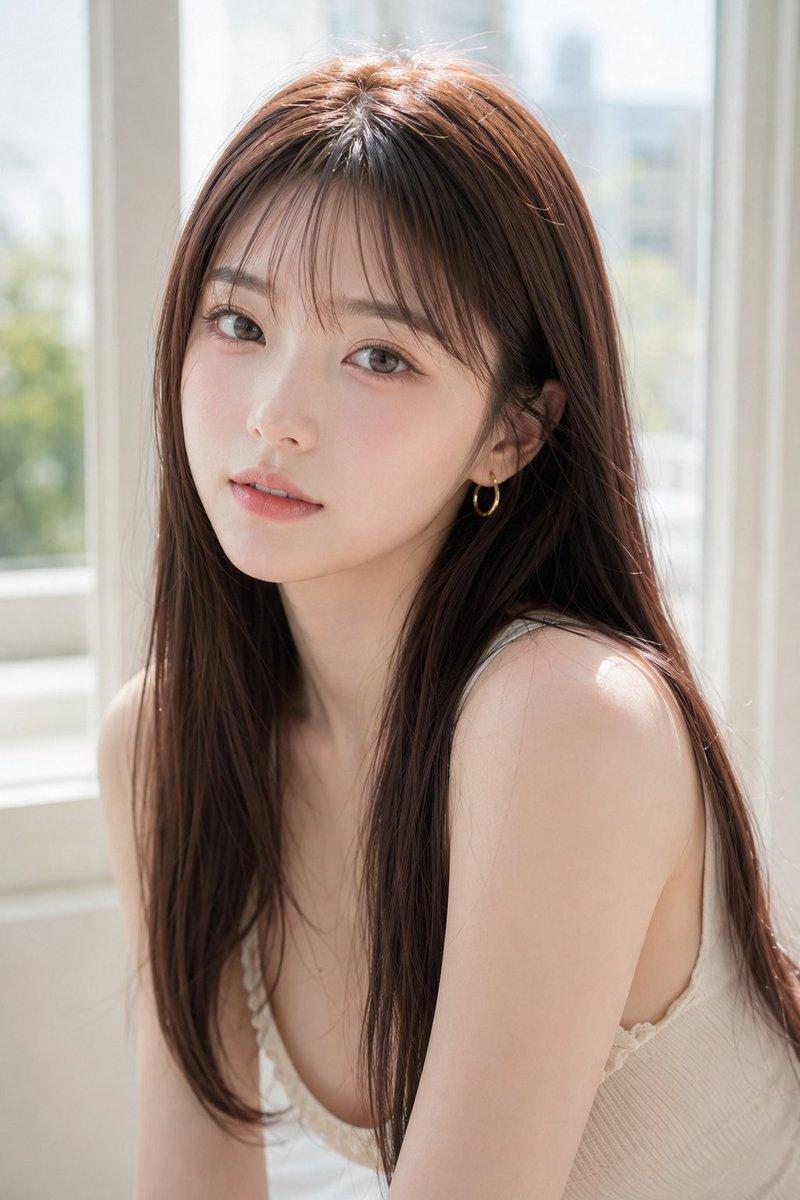
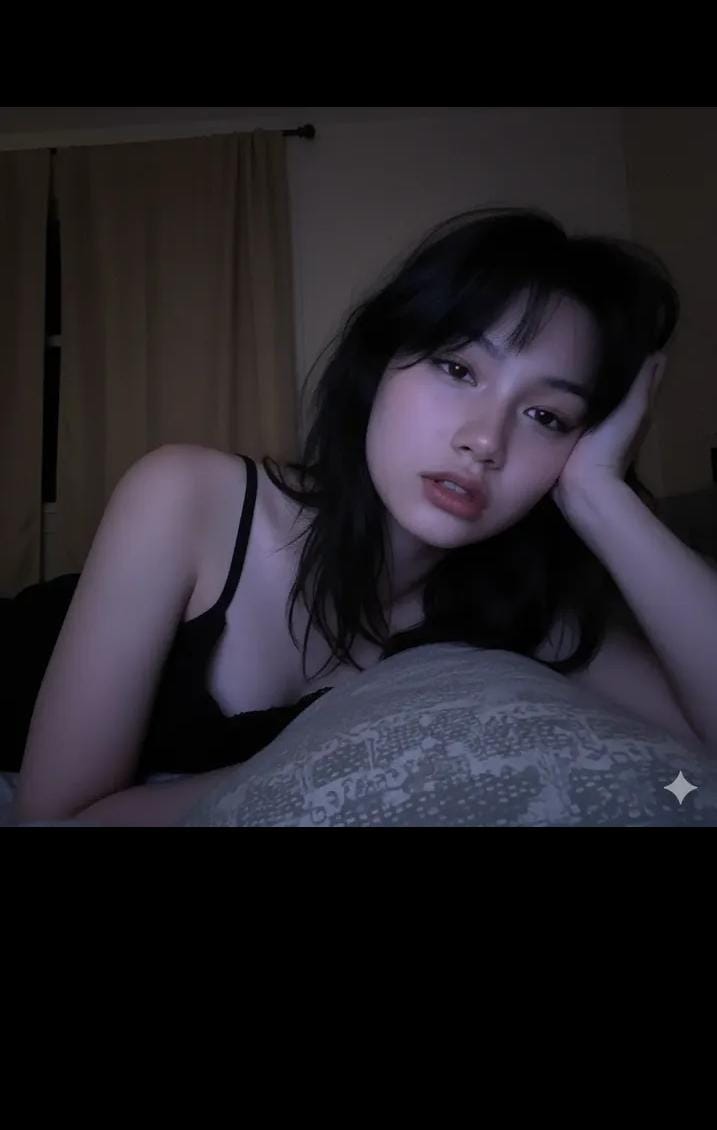
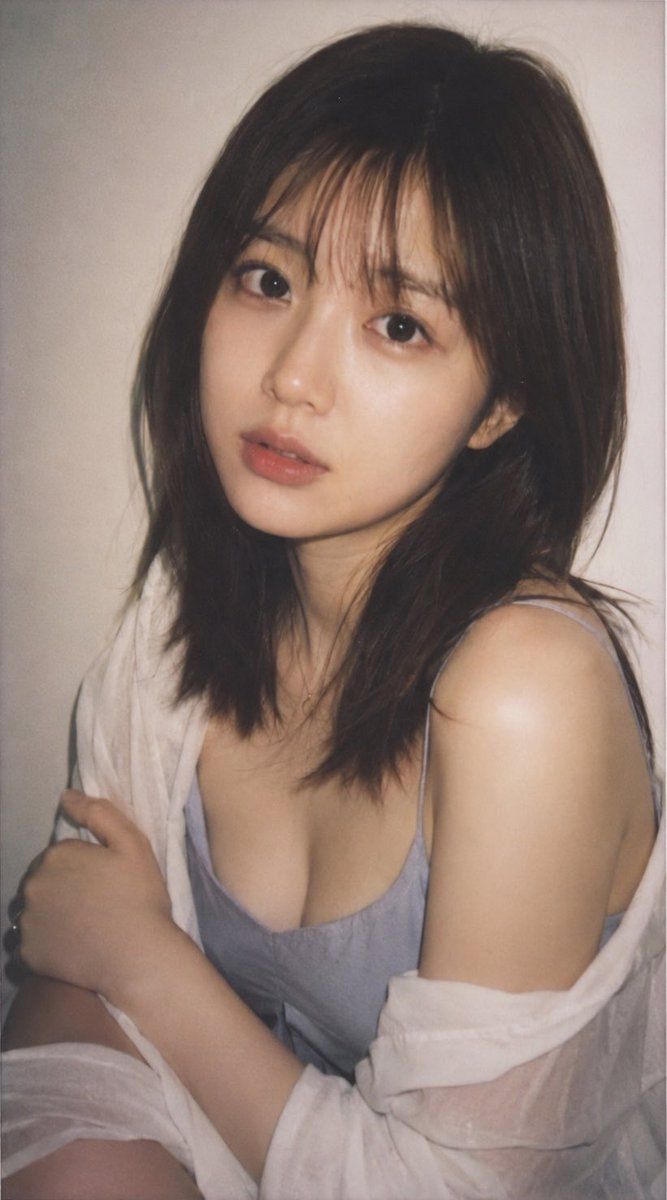
主体:一张高质量的逼真肖像,描绘了一位 {argument name="age" default="18-21"} 岁的日本女性,呈现出宝丽来相机拍摄的效果。

人物/表情:一位并非真实存在的年轻日本女性,{argument name="hair style" default="齐肩棕色头发"},自然刘海,双眼皮,通透的皮肤,自然妆容,表情略带一丝转瞬即逝的平静,与镜头进行柔和的眼神交流。

服装/姿势:{argument name="outfit" default="浅蓝灰色吊带背心,外面随意披着一件白色薄衬衫"},上半身略微侧转,一只手臂自然地放在身前。

背景/光影:简洁的浅米色室内背景,具有宝丽来特征的柔和闪光灯,适度的阴影,呈现出苍白且略微褪色的胶片色调。

构图/相机:竖构图 34:65,半身像,以面部为中心的特写构图,带有拍立得相机的白色边框,浅景深,自然的快照感。

质感/风格:高清晰度,逼真的皮肤纹理,细腻的头发细节,淡雅的色彩,轻微的胶片颗粒感,宝丽来照片风格,原始风格,自然且不过度修饰的 AI 照片。

负面提示词:低质量,不自然的手部,扭曲的脸部,多余的手指,过度的皮肤处理,曝光过强,文字,标志,水印。
Category
Architecture & Spaces
Model
GPT Image 2
Views3
Source ID
21695
Published
May 20, 2026

Guide

About "日本女性宝丽来人像"

What is this prompt for?

"日本女性宝丽来人像" AI image prompt for GPT Image 2 (Architecture & Spaces). 一个用于生成逼真宝丽来风格人像的高细节提示词,描绘了一位拥有自然特征和柔和光影的年轻日本女性。 Copy it on Picva and recreate the look in…

The full copyable prompt and example visuals above are ready for AI image generation or one-click recreate in Picva.

How to use this prompt

  1. Step 1

    Open the prompt detail

    Review the example visuals, category, and full prompt text for "日本女性宝丽来人像".

  2. Step 2

    Copy the prompt

    Copy the prompt body from this page, or load it directly in Studio.

  3. Step 3

    Pick a model (GPT Image 2)

    Prefer GPT Image 2. If you switch models, keep subject and composition and tweak style terms.

  4. Step 4

    Generate and export

    Recreate the look in Picva, or export into your workflow for editing and publishing.

FAQ

What is the "日本女性宝丽来人像" prompt?
It is an AI image-generation prompt for GPT Image 2 in the Architecture & Spaces category. This page includes the full prompt text, example visuals, and a one-click recreate path in Picva.
How do I use this prompt to generate an image?
Copy the prompt from this page, or use Generate / Studio. Paste it into a compatible image model, or recreate the look in Picva with optional reference images.
Which model is this prompt for?
This page lists GPT Image 2. Most descriptive prompts also transfer to nearby image models such as GPT Image, Flux, or Midjourney with light style tweaks.
Can I use the result commercially?
You can usually copy the prompt for creation, but commercial use of the final image depends on the model terms, reference-image rights, and the generated content. Follow the source author and platform rules.