20

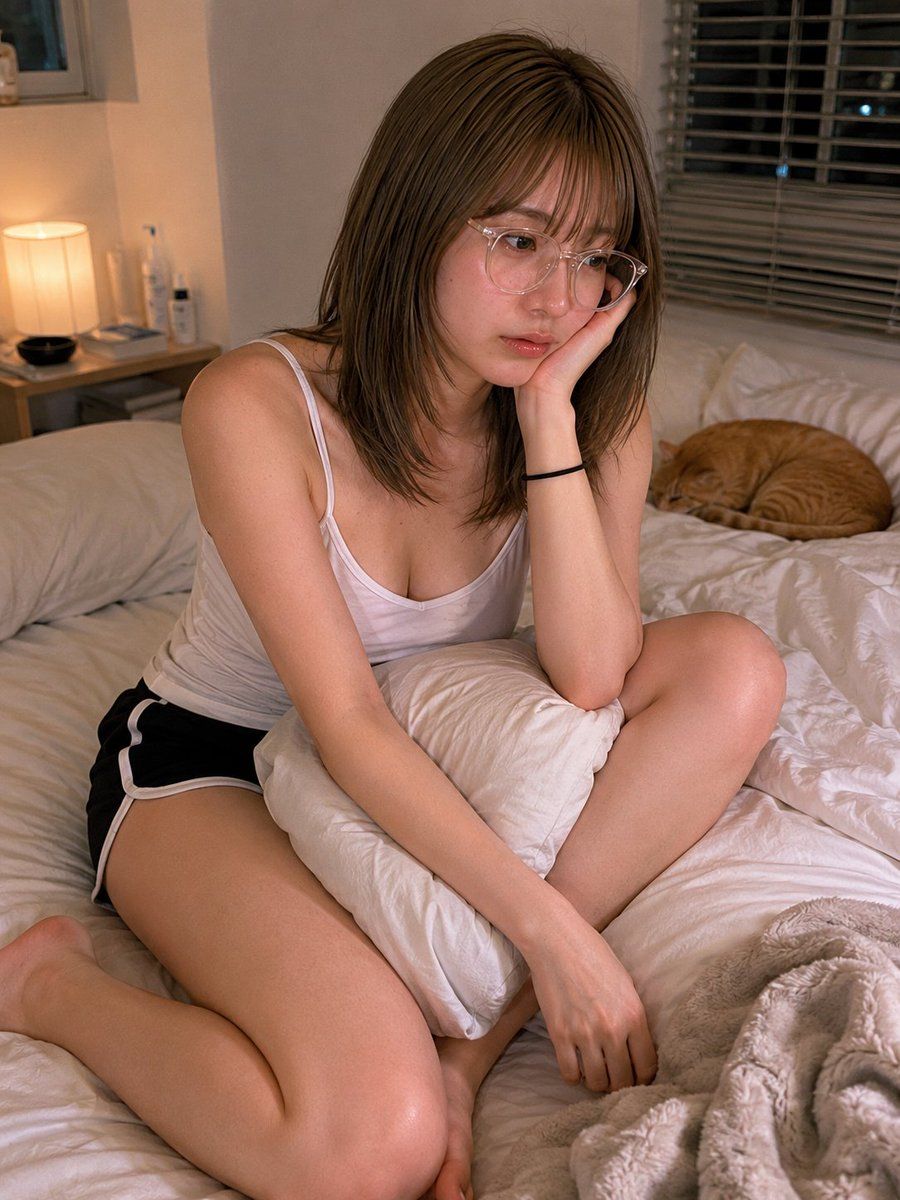
温馨卧室里的猫咪抓拍
Enlarge

温馨卧室里的猫咪抓拍

Prompt
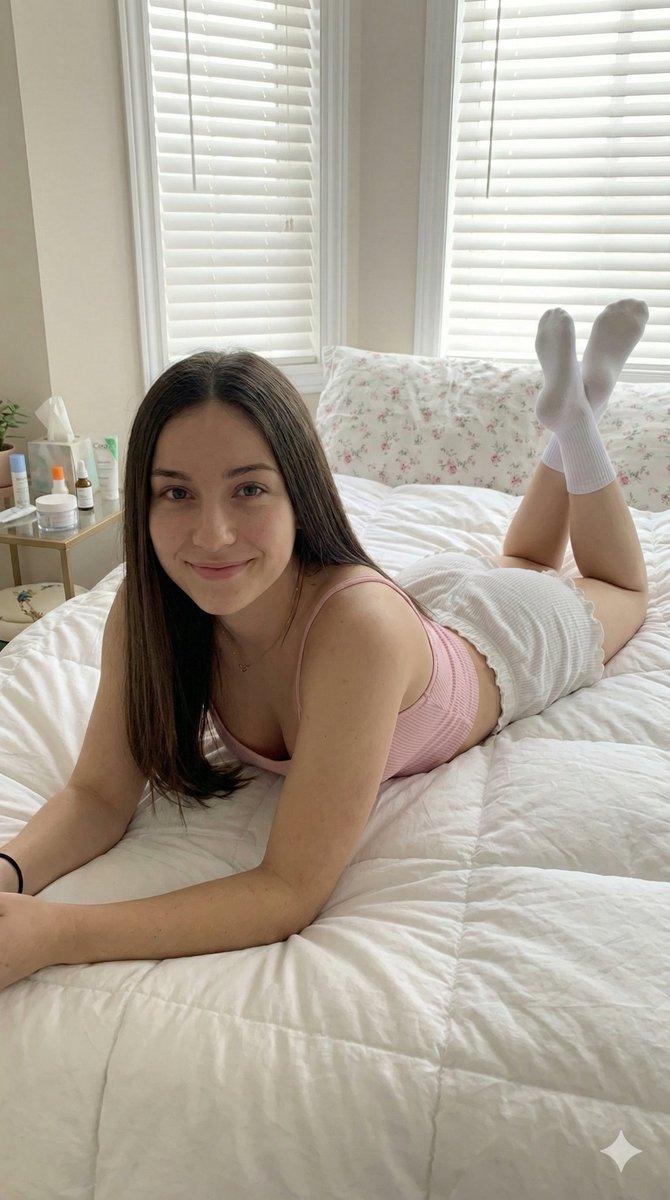
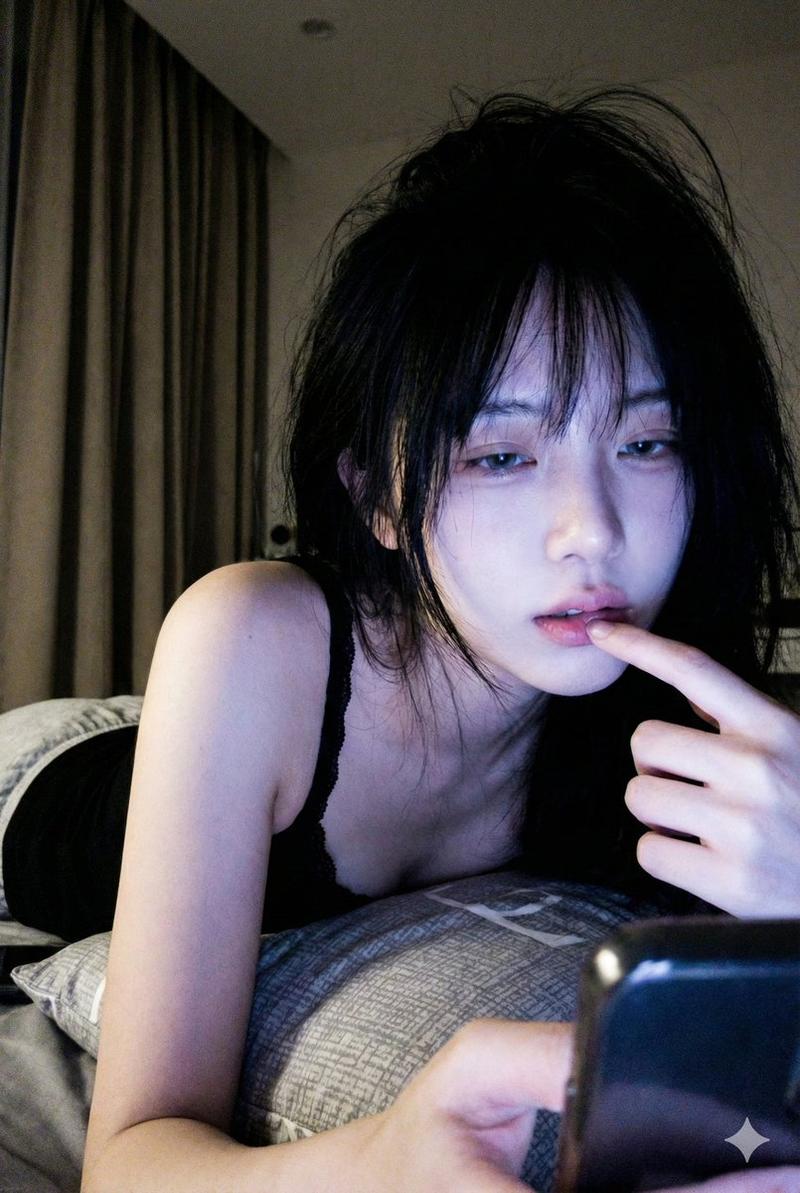
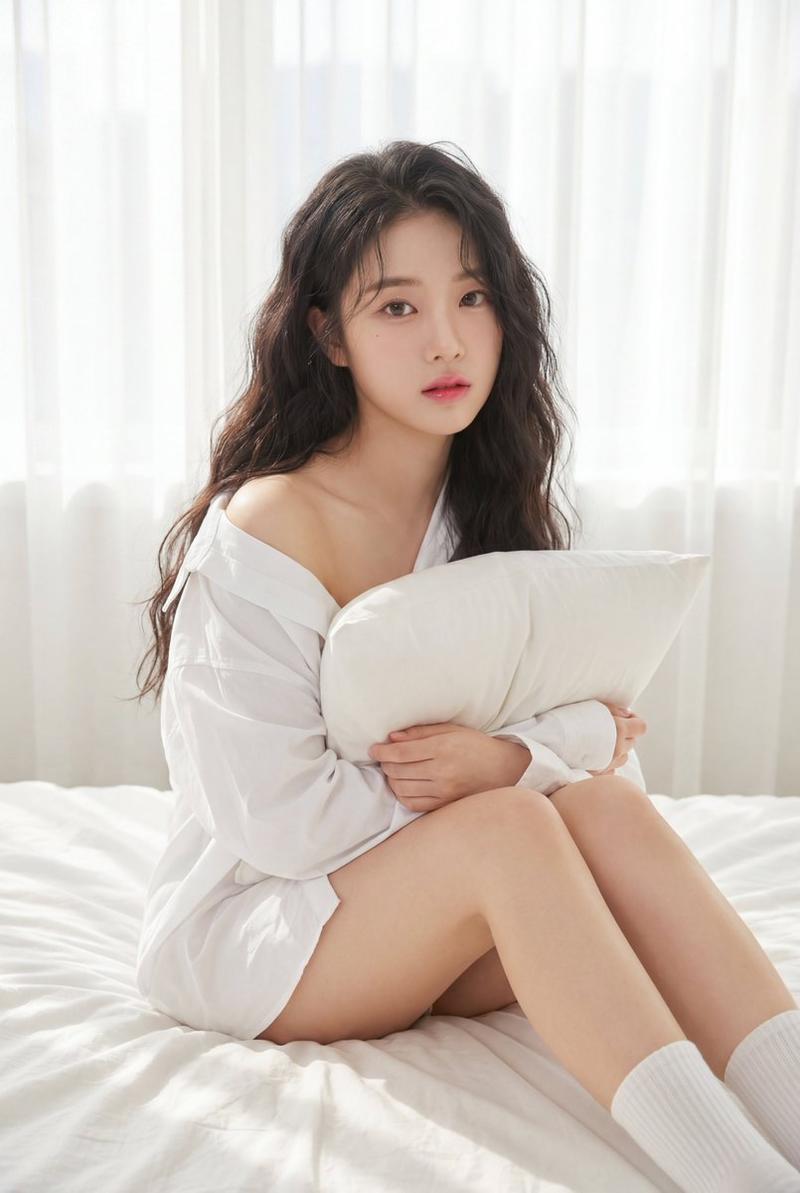
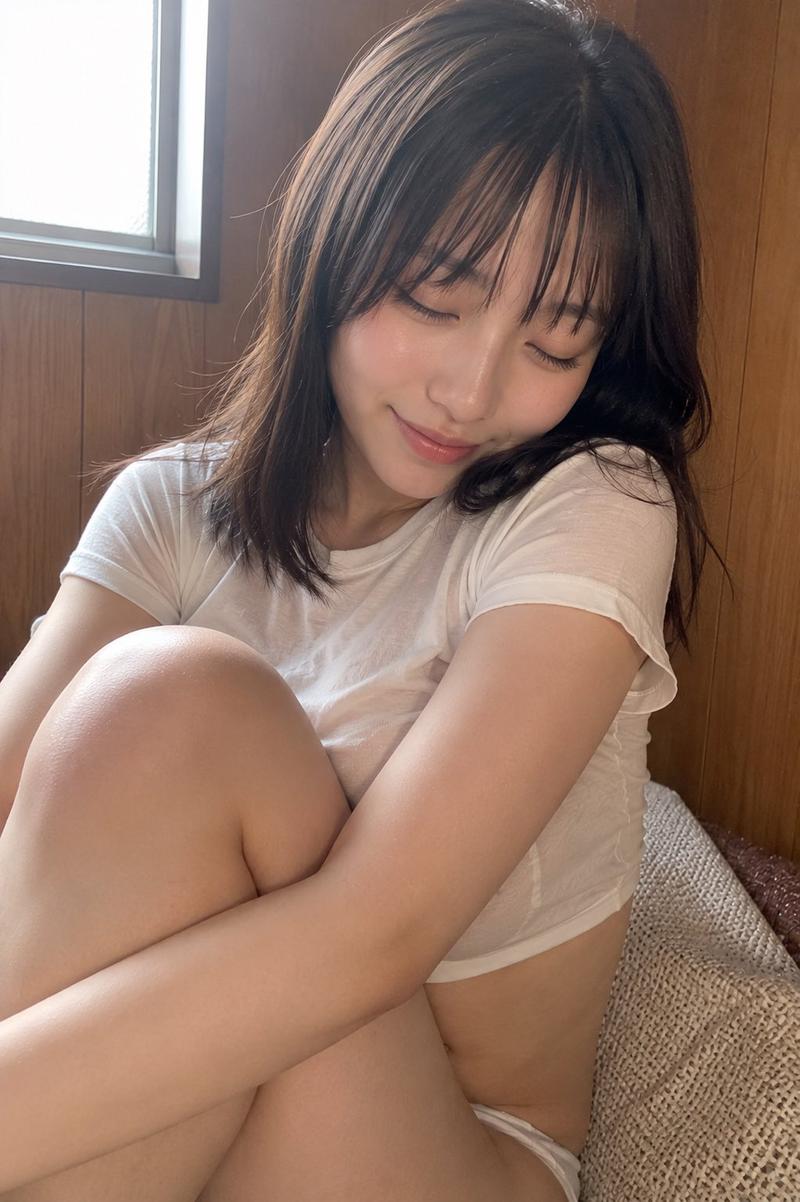
Create a realistic indoor lifestyle photograph in a cozy bedroom at night: an adult woman with {argument name="hair color" default="shoulder-length light brown hair"} sits casually on a messy white bed, posed with one knee bent forward and one leg folded to the side, leaning on her left hand with her elbow on a white pillow while her right arm rests down across the bedding. She wears a fitted white camisole tank top with thin straps, black athletic shorts with white trim, and a simple black hair tie on one wrist; a partial glimpse of eyeglass frames is visible at the edge of her face. Her face is intentionally anonymized by a centered solid square censor block in a muted brown skin-tone color, covering the entire facial area. In the background, include exactly 5 notable bedroom elements: a warm bedside table lamp glowing on the left, a small bedside table with toiletry bottles, a window with horizontal blinds behind her, rumpled white pillows and duvet across the bed, and one orange tabby cat curled up asleep on the right side of the bed. Use warm tungsten lighting mixed with soft dim ambient window light, natural skin texture, shallow depth of field, candid smartphone-photo realism, vertical 4:5 composition, intimate but non-explicit mood, no text, no watermark, no extra people.
Category
Charts & Infographics
Model
GPT Image 2
Views6
Source ID
22757
Published
May 26, 2026

Guide

About "温馨卧室里的猫咪抓拍"

What is this prompt for?

"温馨卧室里的猫咪抓拍" AI image prompt for GPT Image 2 (Charts & Infographics). 生成一张照片级逼真的匿名卧室生活方式肖像,包含暖色调灯光、休闲服饰以及一只正在睡觉的橘猫。 Copy it on Picva and recreate the look in o…

The full copyable prompt and example visuals above are ready for AI image generation or one-click recreate in Picva.

How to use this prompt

  1. Step 1

    Open the prompt detail

    Review the example visuals, category, and full prompt text for "温馨卧室里的猫咪抓拍".

  2. Step 2

    Copy the prompt

    Copy the prompt body from this page, or load it directly in Studio.

  3. Step 3

    Pick a model (GPT Image 2)

    Prefer GPT Image 2. If you switch models, keep subject and composition and tweak style terms.

  4. Step 4

    Generate and export

    Recreate the look in Picva, or export into your workflow for editing and publishing.

FAQ

What is the "温馨卧室里的猫咪抓拍" prompt?
It is an AI image-generation prompt for GPT Image 2 in the Charts & Infographics category. This page includes the full prompt text, example visuals, and a one-click recreate path in Picva.
How do I use this prompt to generate an image?
Copy the prompt from this page, or use Generate / Studio. Paste it into a compatible image model, or recreate the look in Picva with optional reference images.
Which model is this prompt for?
This page lists GPT Image 2. Most descriptive prompts also transfer to nearby image models such as GPT Image, Flux, or Midjourney with light style tweaks.
Can I use the result commercially?
You can usually copy the prompt for creation, but commercial use of the final image depends on the model terms, reference-image rights, and the generated content. Follow the source author and platform rules.