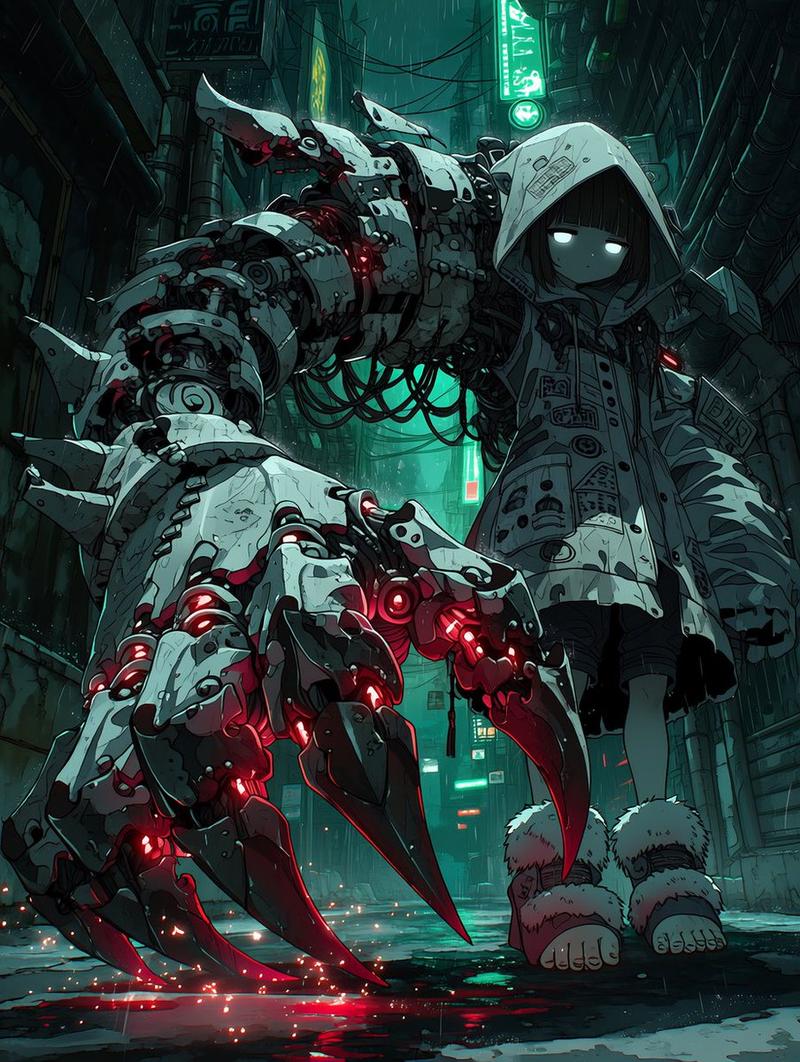
发条大教堂中的象牙自动机
Prompt
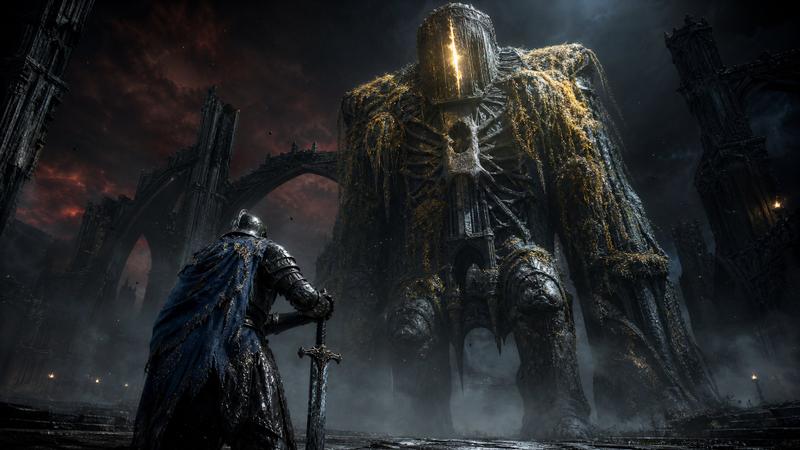
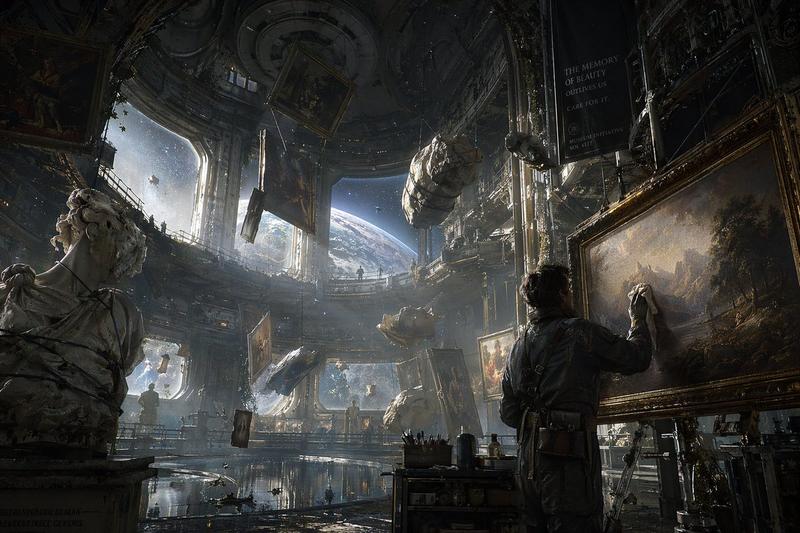
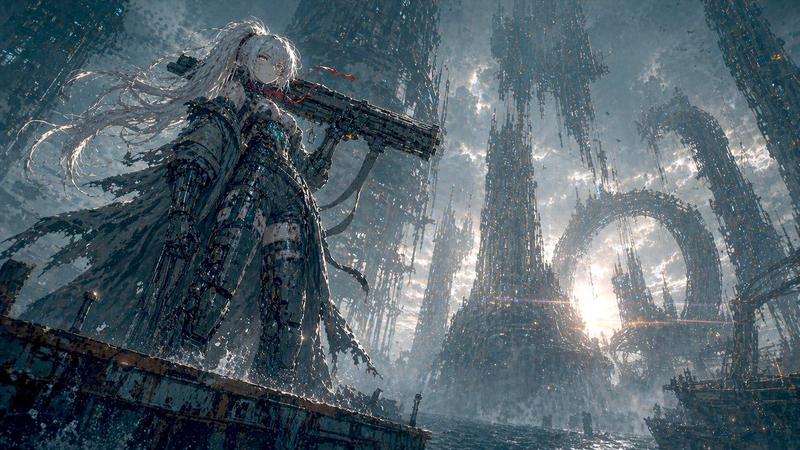
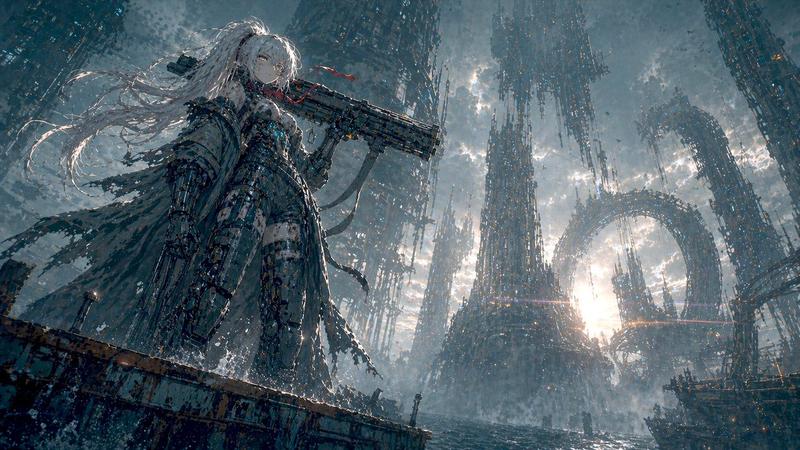
Create a dark, monumental biomechanical fantasy scene inside an enormous vertical cathedral-like clockwork chamber. A towering pale ivory humanoid automaton dominates the right half of the square frame, extremely tall and thin with elongated jointed limbs, a smooth oval head or hood with a warm amber glowing visor-like face opening, rounded shoulder armor, exposed seams, cracked ceramic-bone surface, and long skeletal hands. The automaton leans forward, extending its left arm across the foreground toward a dense wall of antique gears and machinery on the left, as if delicately adjusting or reaching for a rotating mechanism. Count exactly one main creature, with two long legs, two long arms, one visible reaching hand, one oval glowing face aperture, and a second distant smaller automaton silhouette in the background near the center-right. Surround it with a vast labyrinth of brass and iron gears, pulleys, cables, hanging wires, ladders, circular mechanical frames, and layered industrial scaffolding; include many interlocking cogwheels of different sizes but keep them integrated into the architecture rather than isolated icons. Use cinematic atmospheric lighting with shafts of dusty light falling from above, tiny warm specks of illumination, deep shadows, mist, and a muted palette of tarnished bronze, charcoal, stone gray, and bone white. The style should feel like ultra-detailed dark sci-fi concept art, gothic steampunk, ancient alien machinery, and biomechanical sculpture, with realistic textures, high depth, vertical scale, intricate background detail, and no text, no watermark, no people. Square composition, slightly low viewpoint, the main automaton cropped close at the top and right edge to emphasize its immense height.
- Category
- Posters & Typography
- Model
- GPT Image 2
- Creator
- Lari Island
- Source ID
- 23224
- Published
- May 29, 2026
Views4