18

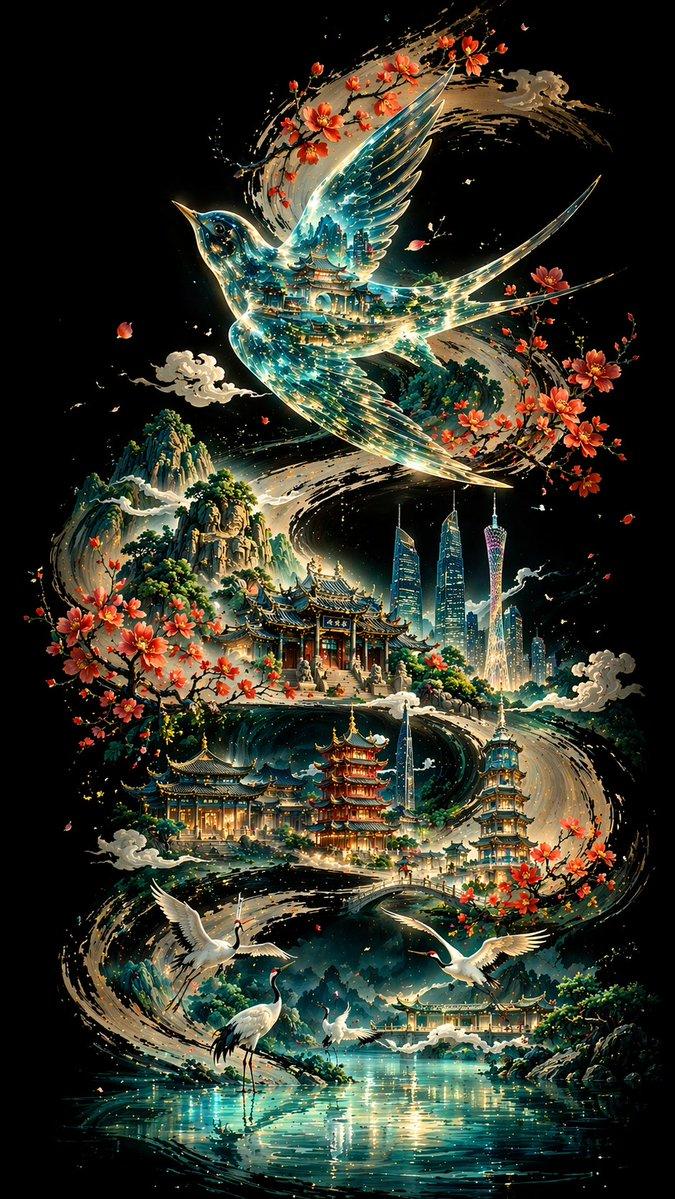
黄色与青色抽象流体画
Enlarge

黄色与青色抽象流体画

Prompt
Create a square abstract expressionist painting with no text, dominated by {argument name="primary color" default="vivid golden yellow"} and {argument name="secondary color" default="deep teal green"}. The composition should feel like a turbulent river of paint: a thick, bright yellow S-shaped stream begins at the lower center, curves upward through the middle, and explodes into a wide swirling splash on the left side before curling toward a large circular vortex near the upper center-right. Use layered acrylic and mixed-media textures with palette-knife ridges, rough scraped paint, speckles, splatters, transparent washes, and visible canvas grain. Include thin looping arc lines around the upper vortex, horizontal scraped streaks across the midline, vertical paint drips especially on the right side, and scattered small yellow droplets across the lower half. Keep the edges painterly and imperfect, with dark emerald shadows and lighter mint-green patches adding depth. The mood should be energetic, fluid, raw, and contemporary, like a high-resolution gallery photograph of an abstract canvas, with balanced contrast and rich tactile surface detail.
Category
Charts & Infographics
Model
GPT Image 2
Creator
Kohtaro
Views4
Source ID
23242
Published
May 29, 2026

Guide

About "黄色与青色抽象流体画"

What is this prompt for?

"黄色与青色抽象流体画" AI image prompt for GPT Image 2 (Charts & Infographics). 一幅方形抽象表现主义艺术作品,画面中一条鲜艳的黄色 S 形颜料河流穿过层叠的青色纹理,适用于现代墙面艺术生成。 Copy it on Picva and recreate the…

The full copyable prompt and example visuals above are ready for AI image generation or one-click recreate in Picva.

How to use this prompt

  1. Step 1

    Open the prompt detail

    Review the example visuals, category, and full prompt text for "黄色与青色抽象流体画".

  2. Step 2

    Copy the prompt

    Copy the prompt body from this page, or load it directly in Studio.

  3. Step 3

    Pick a model (GPT Image 2)

    Prefer GPT Image 2. If you switch models, keep subject and composition and tweak style terms.

  4. Step 4

    Generate and export

    Recreate the look in Picva, or export into your workflow for editing and publishing.

FAQ

What is the "黄色与青色抽象流体画" prompt?
It is an AI image-generation prompt for GPT Image 2 in the Charts & Infographics category. This page includes the full prompt text, example visuals, and a one-click recreate path in Picva.
How do I use this prompt to generate an image?
Copy the prompt from this page, or use Generate / Studio. Paste it into a compatible image model, or recreate the look in Picva with optional reference images.
Which model is this prompt for?
This page lists GPT Image 2. Most descriptive prompts also transfer to nearby image models such as GPT Image, Flux, or Midjourney with light style tweaks.
Can I use the result commercially?
You can usually copy the prompt for creation, but commercial use of the final image depends on the model terms, reference-image rights, and the generated content. Follow the source author and platform rules.