20

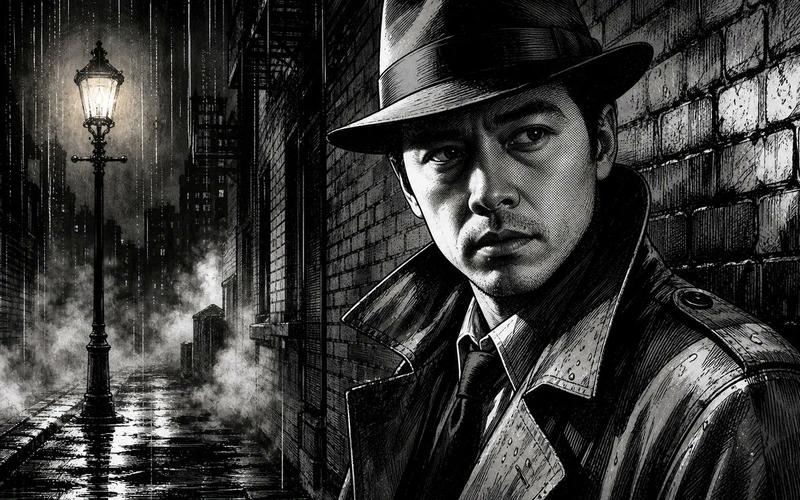
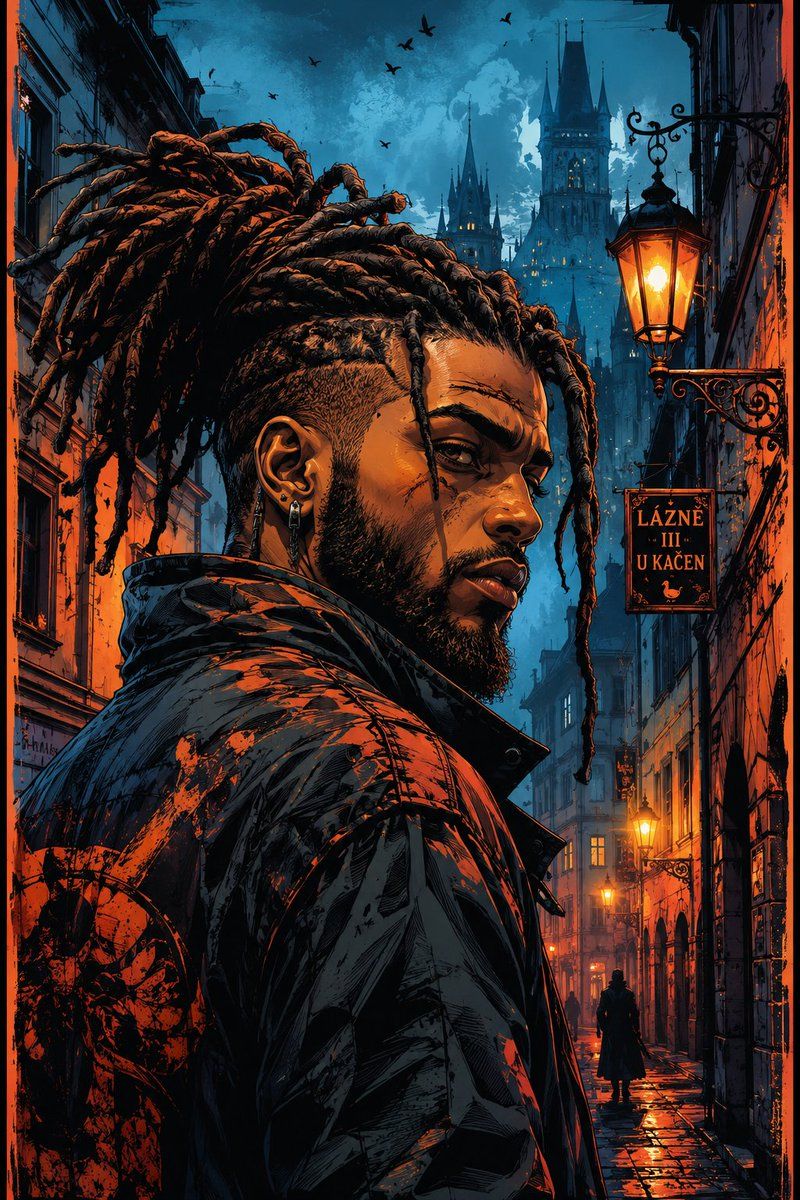
赛博黑色电影风格硬汉肖像
Enlarge

Example images

赛博黑色电影风格硬汉肖像

Prompt
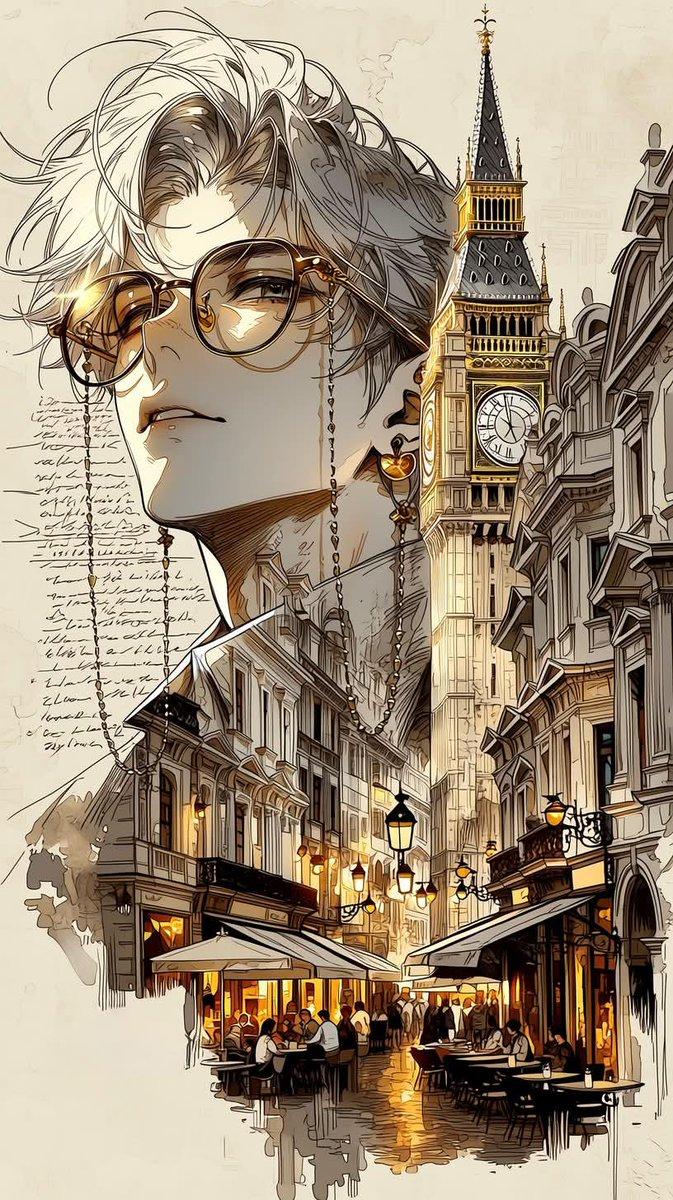
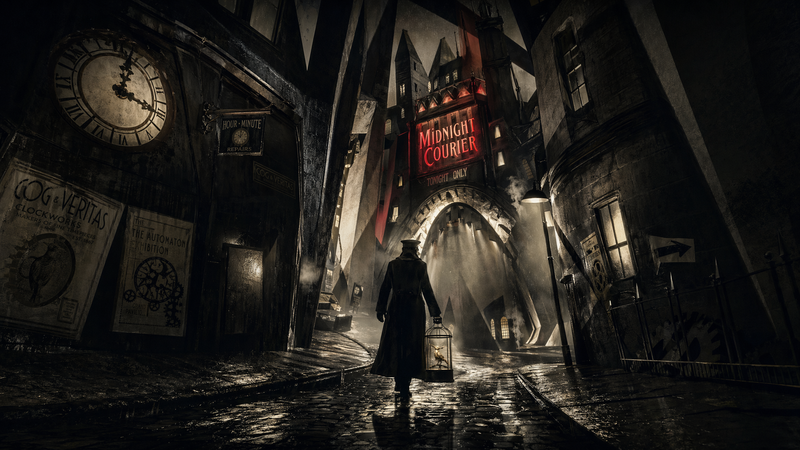
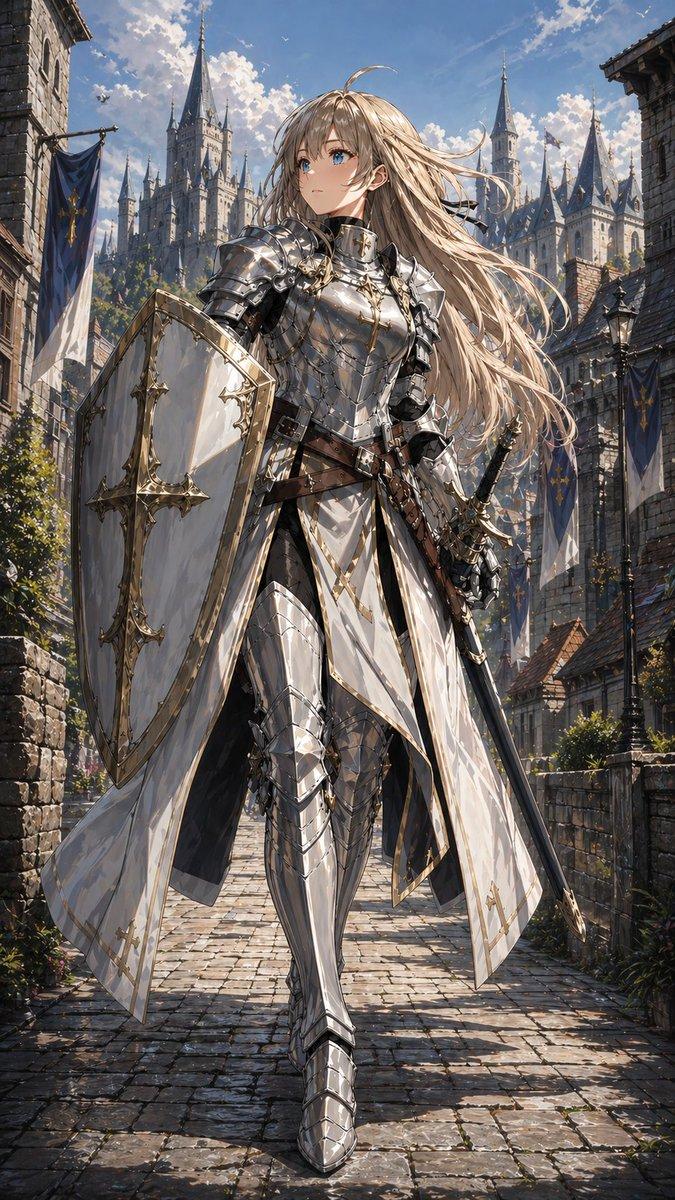
A cinematic cyber-noir portrait of a {argument name="subject" default="rugged young man"} with {argument name="hair style" default="thick dreadlocks tied back"}, sharp beard, and an intense expression, standing in a {argument name="setting" default="narrow old European street"} at dusk. High-contrast lighting with vibrant teal-blue shadows and glowing orange highlights illuminating his face and jacket. Detailed comic-book and graphic novel style, dramatic ink lines, painterly textures, ultra-detailed hair strands, moody urban atmosphere,distant gothic rooftops fading into mist, dynamic perspective, poster art aesthetic, bold color grading, modern digital illustration, 4K, highly stylized, atmospheric and edgy.
Category
Charts & Infographics
Model
GPT Image 2
Creator
Noor
Views4
Source ID
23652
Published
Jun 2, 2026

Guide

About "赛博黑色电影风格硬汉肖像"

What is this prompt for?

"赛博黑色电影风格硬汉肖像" AI image prompt for GPT Image 2 (Charts & Infographics). 一张电影质感的赛博黑色电影风格肖像,描绘了一位在欧洲街道上的脏辫男子,具有高对比度光影和图像小说风格。 Copy it on Picva and recreate the l…

The full copyable prompt and example visuals above are ready for AI image generation or one-click recreate in Picva.

How to use this prompt

  1. Step 1

    Open the prompt detail

    Review the example visuals, category, and full prompt text for "赛博黑色电影风格硬汉肖像".

  2. Step 2

    Copy the prompt

    Copy the prompt body from this page, or load it directly in Studio.

  3. Step 3

    Pick a model (GPT Image 2)

    Prefer GPT Image 2. If you switch models, keep subject and composition and tweak style terms.

  4. Step 4

    Generate and export

    Recreate the look in Picva, or export into your workflow for editing and publishing.

FAQ

What is the "赛博黑色电影风格硬汉肖像" prompt?
It is an AI image-generation prompt for GPT Image 2 in the Charts & Infographics category. This page includes the full prompt text, example visuals, and a one-click recreate path in Picva.
How do I use this prompt to generate an image?
Copy the prompt from this page, or use Generate / Studio. Paste it into a compatible image model, or recreate the look in Picva with optional reference images.
Which model is this prompt for?
This page lists GPT Image 2. Most descriptive prompts also transfer to nearby image models such as GPT Image, Flux, or Midjourney with light style tweaks.
Can I use the result commercially?
You can usually copy the prompt for creation, but commercial use of the final image depends on the model terms, reference-image rights, and the generated content. Follow the source author and platform rules.