19

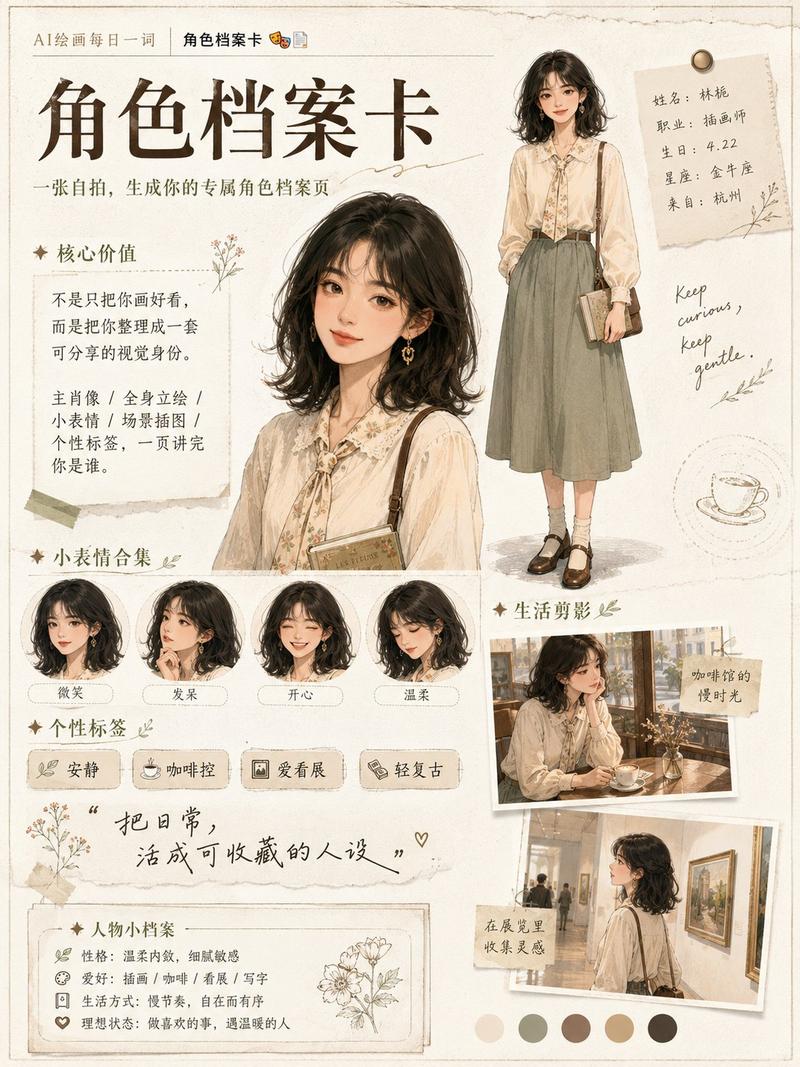
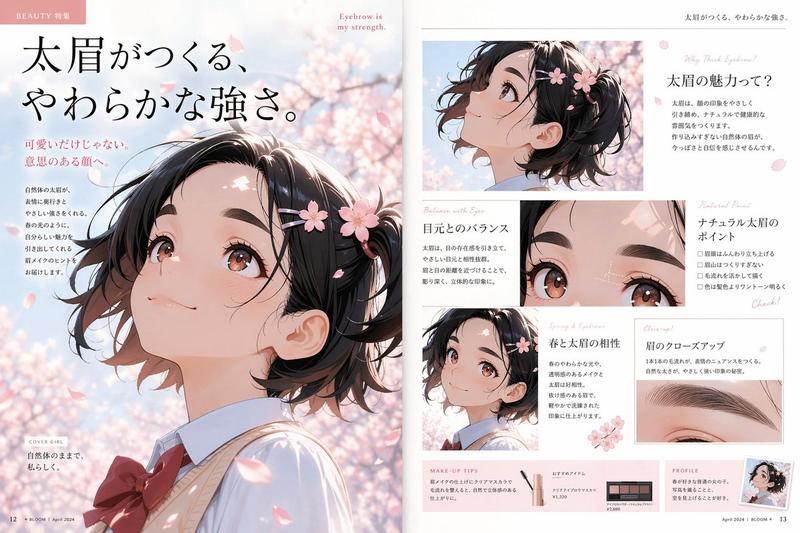
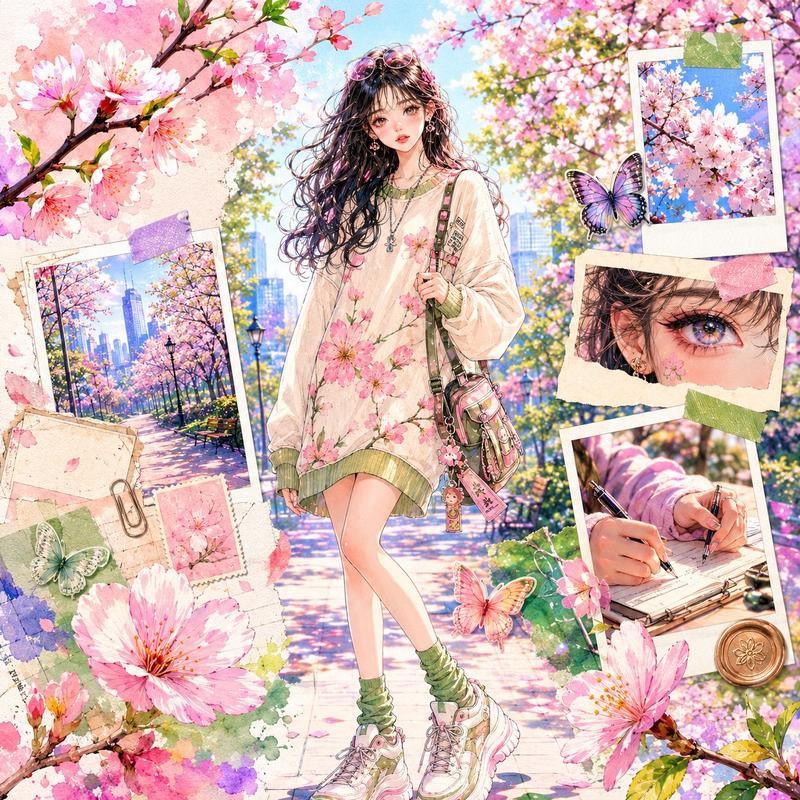
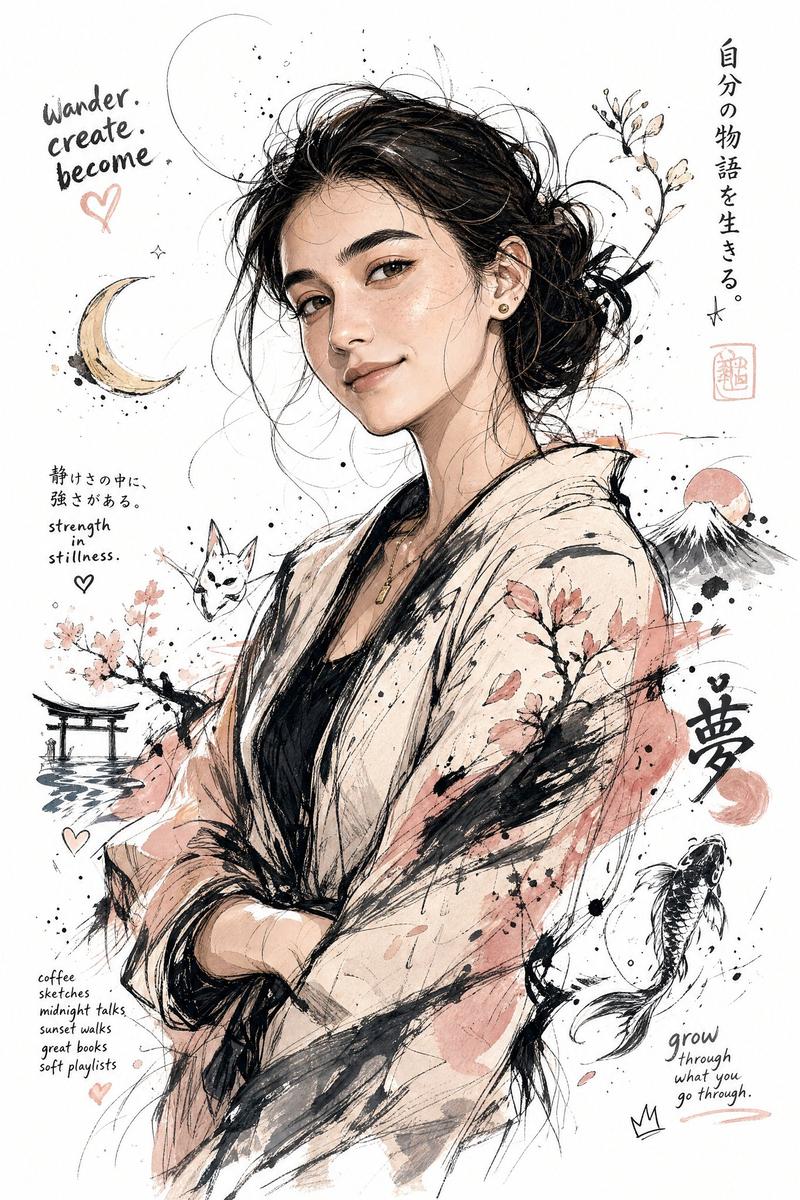
极简日式线条艺术转换
Enlarge

极简日式线条艺术转换

Prompt
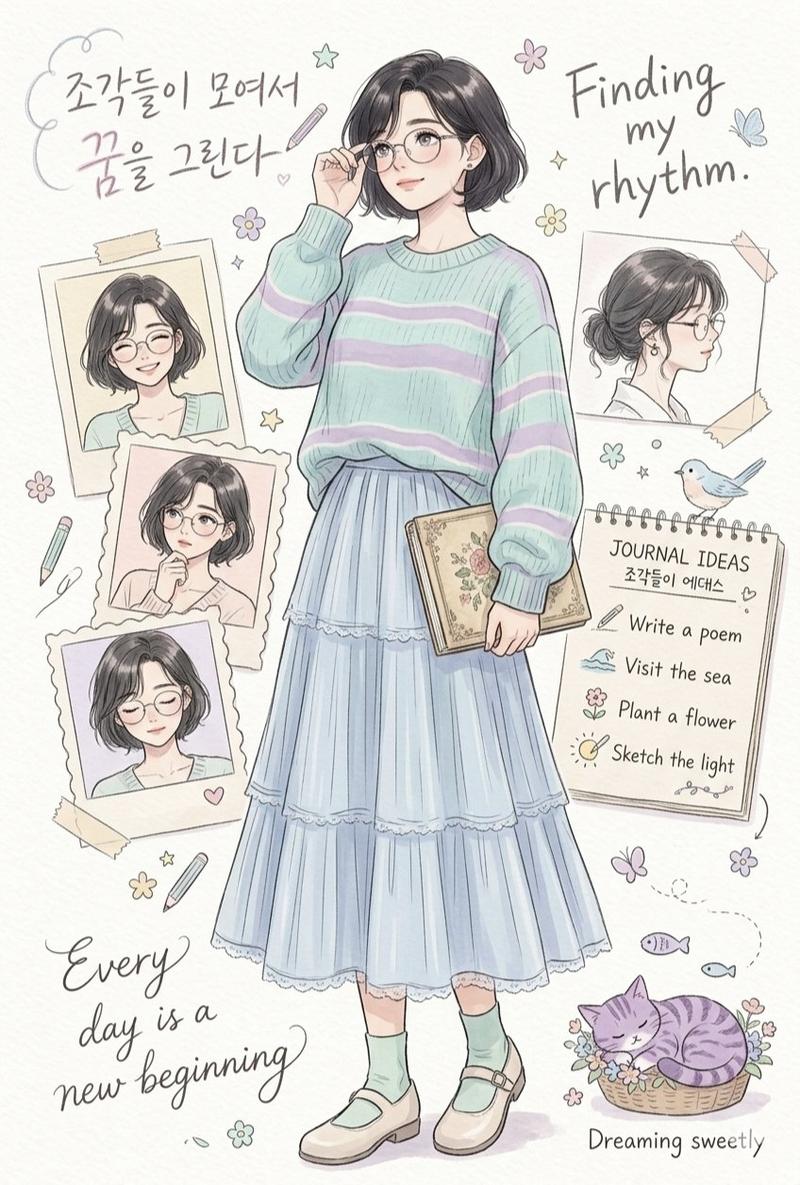
Transform the person in the photo into {argument name="style" default="Contemporary Japanese line-art illustration"}, ultra detailed pen-and-ink drawing, {argument name="color palette" default="cream yellow and ivory color palette"}, minimalist editorial design, refined hatching and engraving texture, clean negative space, indie magazine aesthetic, soft literary atmosphere, delicate facial features, Scandinavian simplicity mixed with Japanese graphic design, museum-quality illustration, subtle vintage print texture, elegant composition, highly detailed, 8k. Usa la relación de aspecto {argument name="aspect ratio" default="3:4"}
Category
Charts & Infographics
Model
GPT Image 2
Creator
HER19845
Views1
Source ID
24129
Published
Jun 4, 2026

Guide

About "极简日式线条艺术转换"

What is this prompt for?

"极简日式线条艺术转换" AI image prompt for GPT Image 2 (Charts & Infographics). 一个 gpt-image-2 提示词,可将参考照片转换为精致的、具有极简纹理的编辑风格日式线条插画。 Copy it on Picva and recreate the look…

The full copyable prompt and example visuals above are ready for AI image generation or one-click recreate in Picva.

How to use this prompt

  1. Step 1

    Open the prompt detail

    Review the example visuals, category, and full prompt text for "极简日式线条艺术转换".

  2. Step 2

    Copy the prompt

    Copy the prompt body from this page, or load it directly in Studio.

  3. Step 3

    Pick a model (GPT Image 2)

    Prefer GPT Image 2. If you switch models, keep subject and composition and tweak style terms.

  4. Step 4

    Generate and export

    Recreate the look in Picva, or export into your workflow for editing and publishing.

FAQ

What is the "极简日式线条艺术转换" prompt?
It is an AI image-generation prompt for GPT Image 2 in the Charts & Infographics category. This page includes the full prompt text, example visuals, and a one-click recreate path in Picva.
How do I use this prompt to generate an image?
Copy the prompt from this page, or use Generate / Studio. Paste it into a compatible image model, or recreate the look in Picva with optional reference images.
Which model is this prompt for?
This page lists GPT Image 2. Most descriptive prompts also transfer to nearby image models such as GPT Image, Flux, or Midjourney with light style tweaks.
Can I use the result commercially?
You can usually copy the prompt for creation, but commercial use of the final image depends on the model terms, reference-image rights, and the generated content. Follow the source author and platform rules.