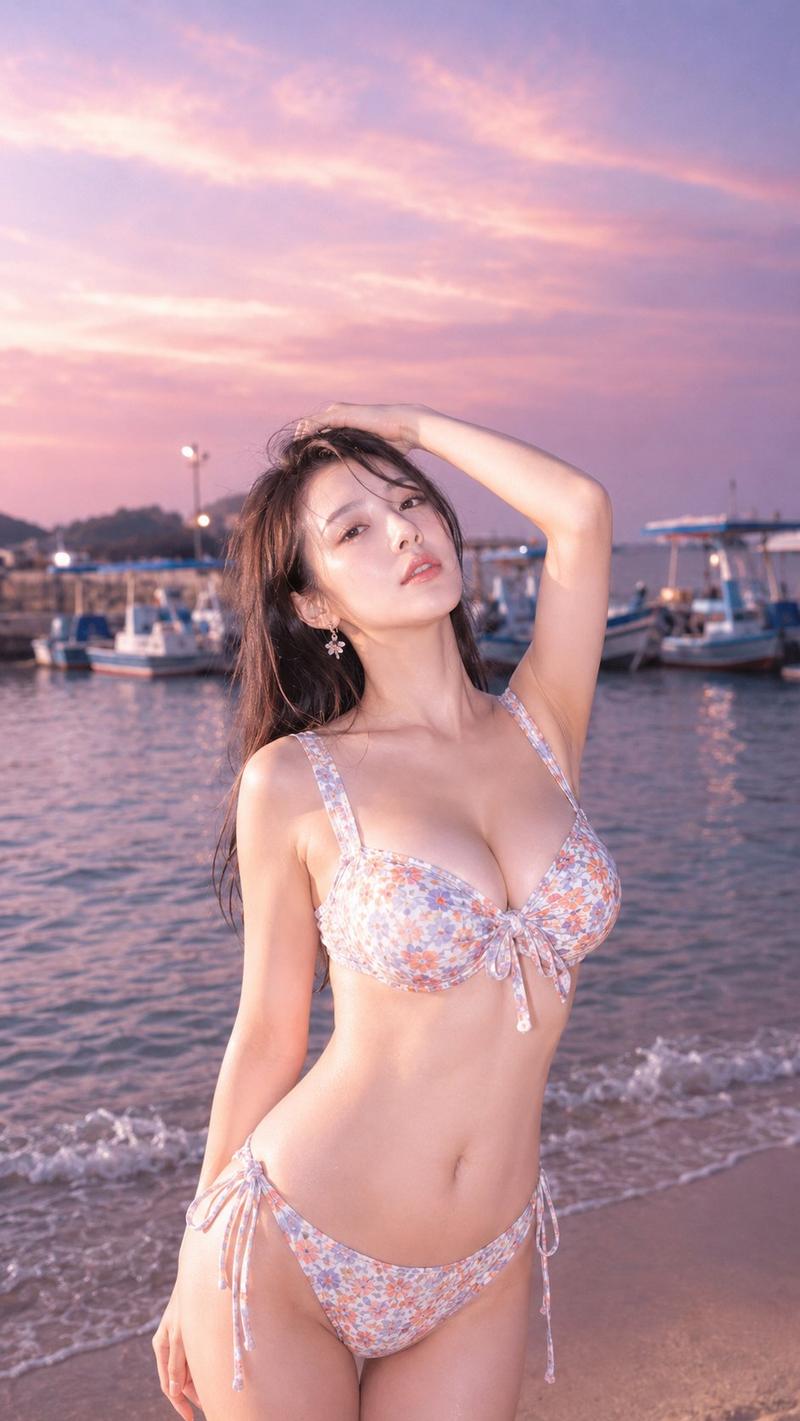
黄金时刻海滨肖像
Prompt
Ultra-realistic cinematic portrait of a {argument name="subject" default="handsome young man with thick wavy dark hair"}, defined jawline, light stubble beard, warm brown eyes, and natural skin texture. He is wearing a {argument name="clothing" default="black hoodie over a black t-shirt"}, standing on a {argument name="location" default="luxury seaside terrace"} during golden hour sunset. Soft warm sunlight illuminates his face, creating natural highlights and subtle shadows. Background features elegant architecture, blurred coastline, distant mountains, warm decorative lights, and creamy bokeh. Direct eye contact with the camera, calm confident expression, shallow depth of field, 85mm lens, f/1.8 aperture, photorealistic skin details, cinematic color grading, warm amber tones, ultra-sharp focus on face, professional fashion photography, HDR, 8K resolution, premium lifestyle editorial style, natural lighting, realistic textures, high detail.

Negative prompt:
blurry, low resolution, overprocessed skin, cartoon, CGI, extra fingers, distorted face, exaggerated features, harsh shadows, oversaturated colors, noise, watermark, text, logo, duplicate features, unrealistic eyes, bad anatomy.- Category
- Brand & Logos
- Model
- GPT Image 2
- Creator
- auqib
- Source ID
- 26578
- Published
- Jun 23, 2026
Views0


![[Character] in his iconic pose, [Universe Name], standing on a shattered rock ba](https://i.pixshop.app/storage/v1/render/image/public/prompt-source-media/promptsref/work-43965/image-1-c1a7c6acb20a7434.png?width=800&quality=75&resize=contain)