20

颠覆性音乐节海报提示词
Enlarge

颠覆性音乐节海报提示词

Prompt
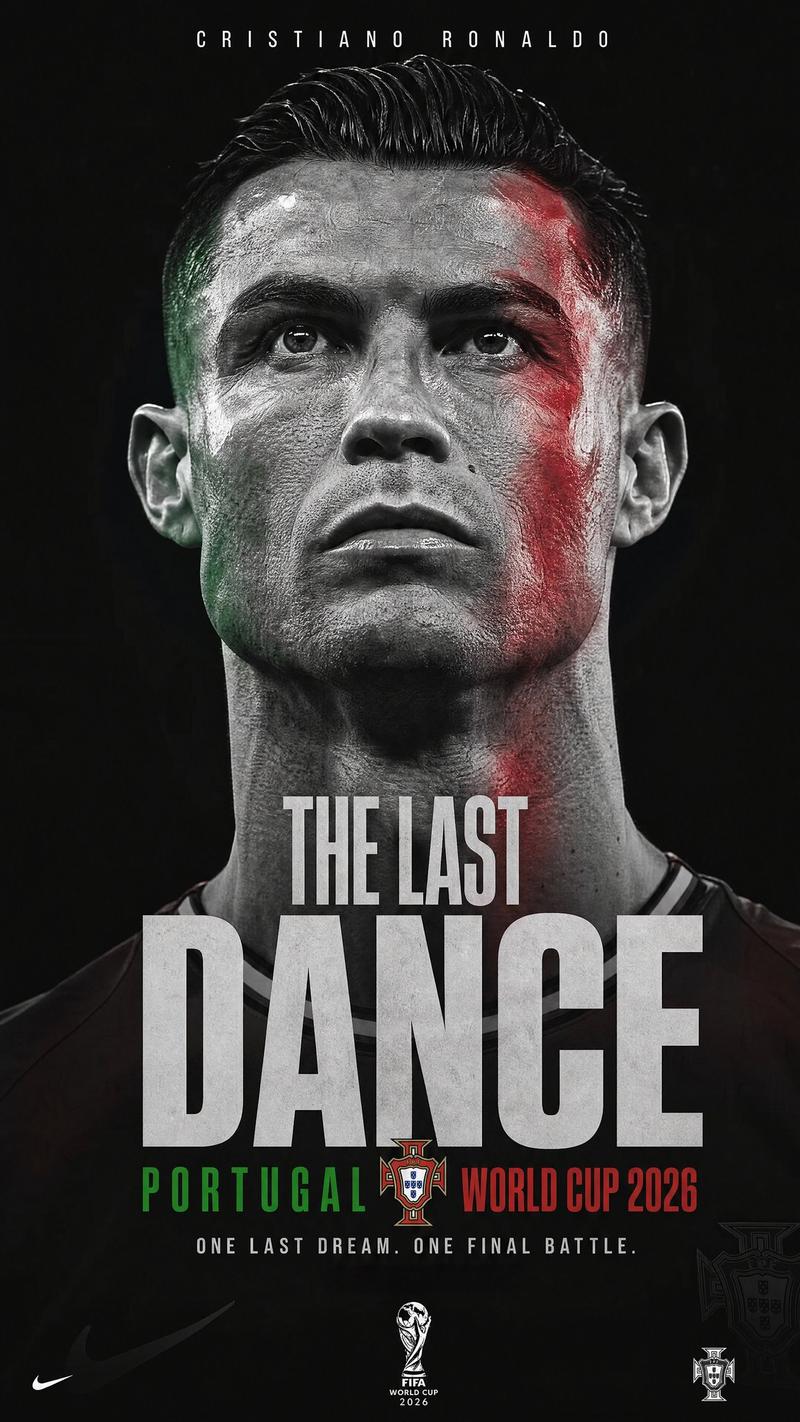
Create a visually disruptive {argument name="subject" default="Cristiano Ronaldo"} poster inspired by contemporary music festival graphics, experimental typography, and modern digital publishing. The portrait should be captured in an intense close-up, allowing the eyes and facial structure to dominate the composition.

The design should incorporate controlled chromatic distortions, layered typography, fragmented editorial systems, and bold visual interventions. Every element should feel intentional and professionally art directed rather than chaotic. The portrait remains the anchor while the graphic language creates energy and movement.

The palette combines deep violet, fluorescent yellow, black, and white. High contrast and bold hierarchy should ensure the artwork remains instantly recognizable from a distance. The final poster should feel youthful, energetic, and culturally relevant.
Category
Posters & Typography
Model
GPT Image 2
Creator
Virena
Views0
Source ID
26581
Published
Jun 23, 2026

Guide

About "颠覆性音乐节海报提示词"

What is this prompt for?

"颠覆性音乐节海报提示词" AI image prompt for GPT Image 2 (Posters & Typography). 创作一张充满高能量、当代音乐节风格的海报,以强烈的角色特写和色差失真效果为特色。 Copy it on Picva and recreate the look in one cl…

The full copyable prompt and example visuals above are ready for AI image generation or one-click recreate in Picva.

How to use this prompt

  1. Step 1

    Open the prompt detail

    Review the example visuals, category, and full prompt text for "颠覆性音乐节海报提示词".

  2. Step 2

    Copy the prompt

    Copy the prompt body from this page, or load it directly in Studio.

  3. Step 3

    Pick a model (GPT Image 2)

    Prefer GPT Image 2. If you switch models, keep subject and composition and tweak style terms.

  4. Step 4

    Generate and export

    Recreate the look in Picva, or export into your workflow for editing and publishing.

FAQ

What is the "颠覆性音乐节海报提示词" prompt?
It is an AI image-generation prompt for GPT Image 2 in the Posters & Typography category. This page includes the full prompt text, example visuals, and a one-click recreate path in Picva.
How do I use this prompt to generate an image?
Copy the prompt from this page, or use Generate / Studio. Paste it into a compatible image model, or recreate the look in Picva with optional reference images.
Which model is this prompt for?
This page lists GPT Image 2. Most descriptive prompts also transfer to nearby image models such as GPT Image, Flux, or Midjourney with light style tweaks.
Can I use the result commercially?
You can usually copy the prompt for creation, but commercial use of the final image depends on the model terms, reference-image rights, and the generated content. Follow the source author and platform rules.