18

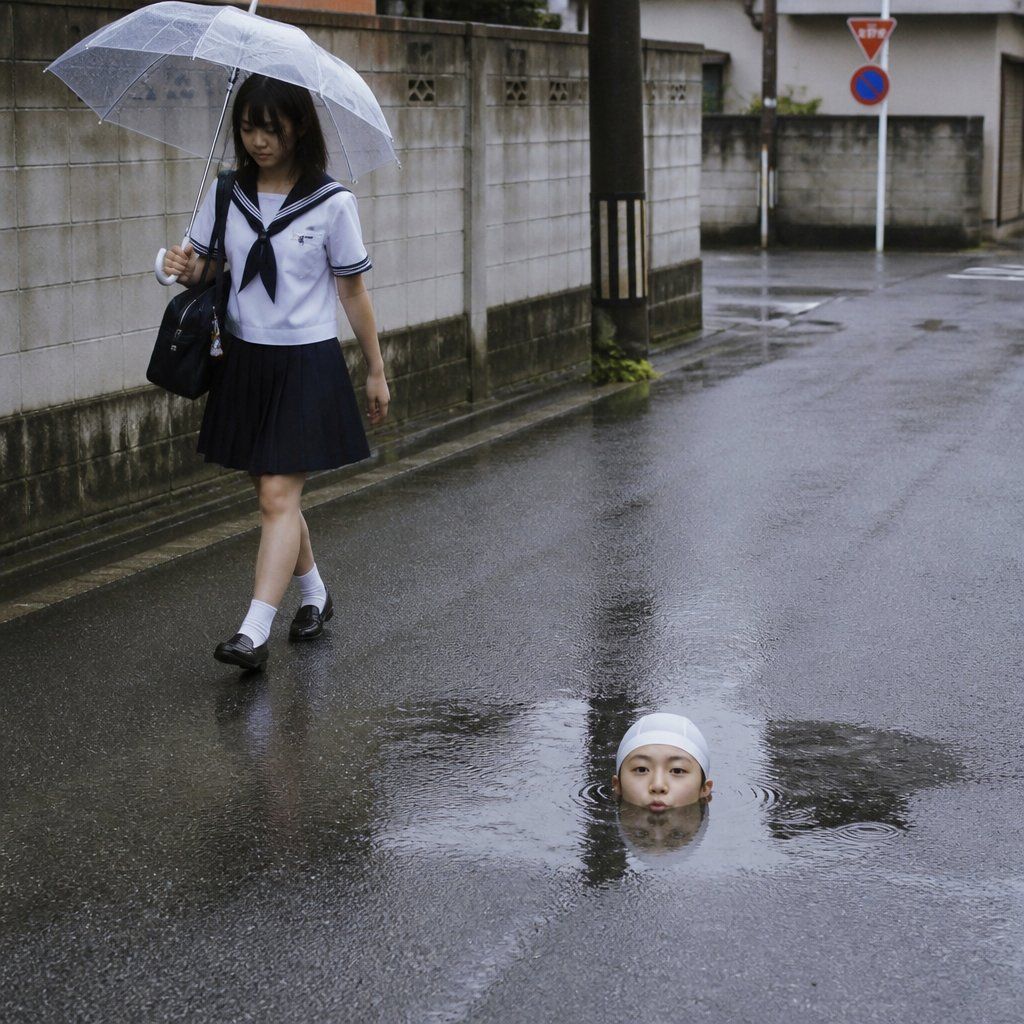
雨中日本街道超现实水坑场景
Enlarge

雨中日本街道超现实水坑场景

Prompt
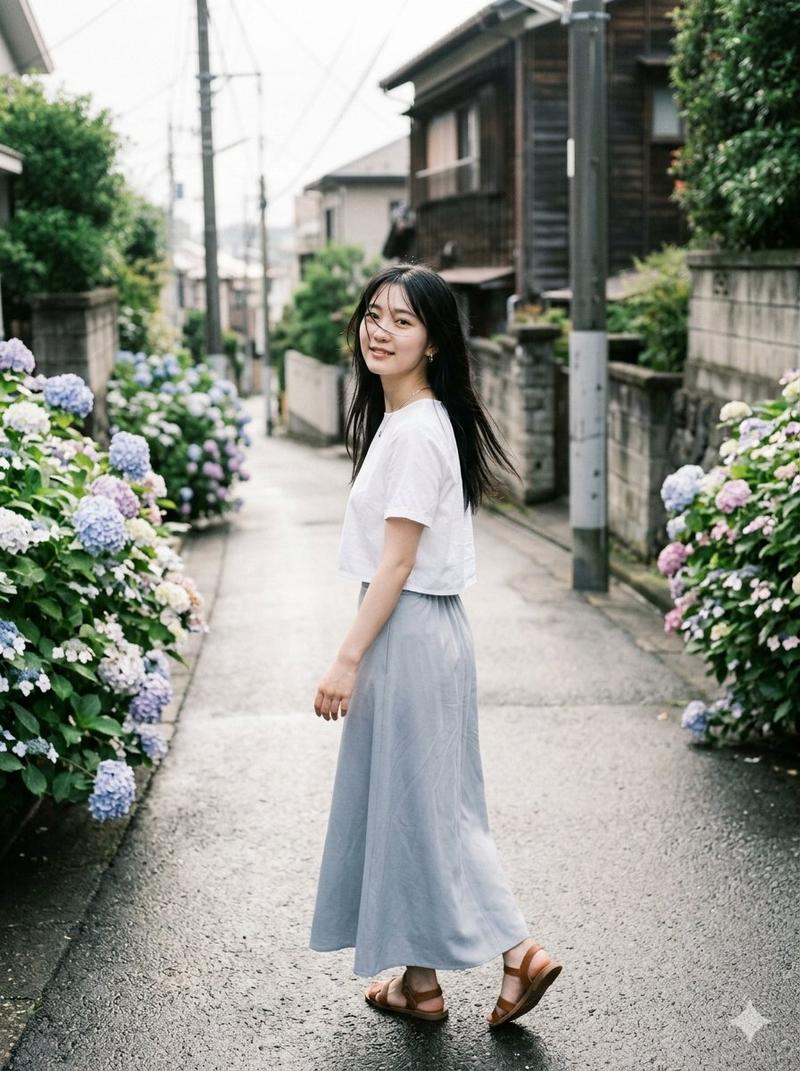
Create a photorealistic cinematic street photograph on a rainy overcast day in a quiet Japanese residential neighborhood. A {argument name="schoolgirl age" default="teenage"} Japanese schoolgirl walks on the left side of the frame holding a transparent plastic umbrella, wearing a classic navy-and-white sailor school uniform with a white short-sleeve blouse, navy collar and neckerchief, navy pleated skirt, white socks, and black loafers, carrying a black school bag on her shoulder. Her face is softly anonymized/blurred. The wet asphalt road fills most of the image, reflecting walls, poles, and the gray sky, with visible ripples from rain. In the foreground-right, an absurd surreal detail: a single {argument name="emerging figure" default="bald human head"} protrudes from a large puddle in the road as if rising from beneath the water, also with the face anonymized/blurred, surrounded by circular ripples. Background includes a gray concrete block wall along the left, a utility pole with black-and-yellow protective stripes, a narrow side street, low residential buildings, and a red triangular stop/yield sign plus a blue no-parking sign in the distance. Mood: eerie, quiet, darkly humorous, documentary snapshot realism. Use natural muted colors, damp textures, shallow-to-medium depth of field, 1:1 square composition, eye-level perspective, realistic rain reflections, no added text, no watermark.
Category
Brand & Logos
Model
GPT Image 2
Views0
Source ID
26706
Published
Jun 24, 2026

Guide

About "雨中日本街道超现实水坑场景"

What is this prompt for?

"雨中日本街道超现实水坑场景" AI image prompt for GPT Image 2 (Brand & Logos). 一张照片级写实的雨中日本街区场景,一位撑着透明雨伞的女学生走在路上,一个超现实的头部形状物体正从水坑中浮现。 Copy it on Picva and recreate the look…

The full copyable prompt and example visuals above are ready for AI image generation or one-click recreate in Picva.

How to use this prompt

  1. Step 1

    Open the prompt detail

    Review the example visuals, category, and full prompt text for "雨中日本街道超现实水坑场景".

  2. Step 2

    Copy the prompt

    Copy the prompt body from this page, or load it directly in Studio.

  3. Step 3

    Pick a model (GPT Image 2)

    Prefer GPT Image 2. If you switch models, keep subject and composition and tweak style terms.

  4. Step 4

    Generate and export

    Recreate the look in Picva, or export into your workflow for editing and publishing.

FAQ

What is the "雨中日本街道超现实水坑场景" prompt?
It is an AI image-generation prompt for GPT Image 2 in the Brand & Logos category. This page includes the full prompt text, example visuals, and a one-click recreate path in Picva.
How do I use this prompt to generate an image?
Copy the prompt from this page, or use Generate / Studio. Paste it into a compatible image model, or recreate the look in Picva with optional reference images.
Which model is this prompt for?
This page lists GPT Image 2. Most descriptive prompts also transfer to nearby image models such as GPT Image, Flux, or Midjourney with light style tweaks.
Can I use the result commercially?
You can usually copy the prompt for creation, but commercial use of the final image depends on the model terms, reference-image rights, and the generated content. Follow the source author and platform rules.