可爱布丁河畔问候
Prompt
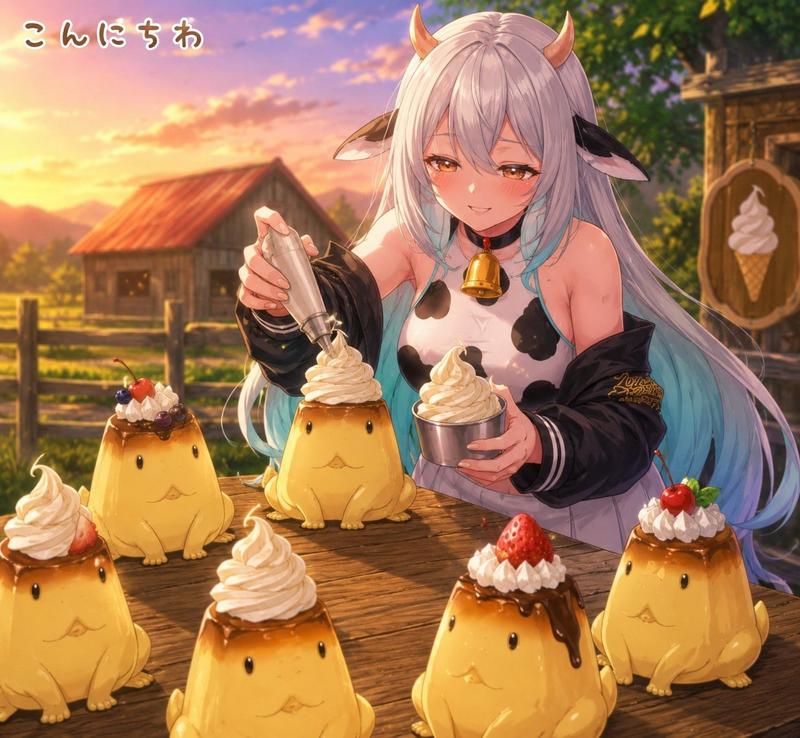
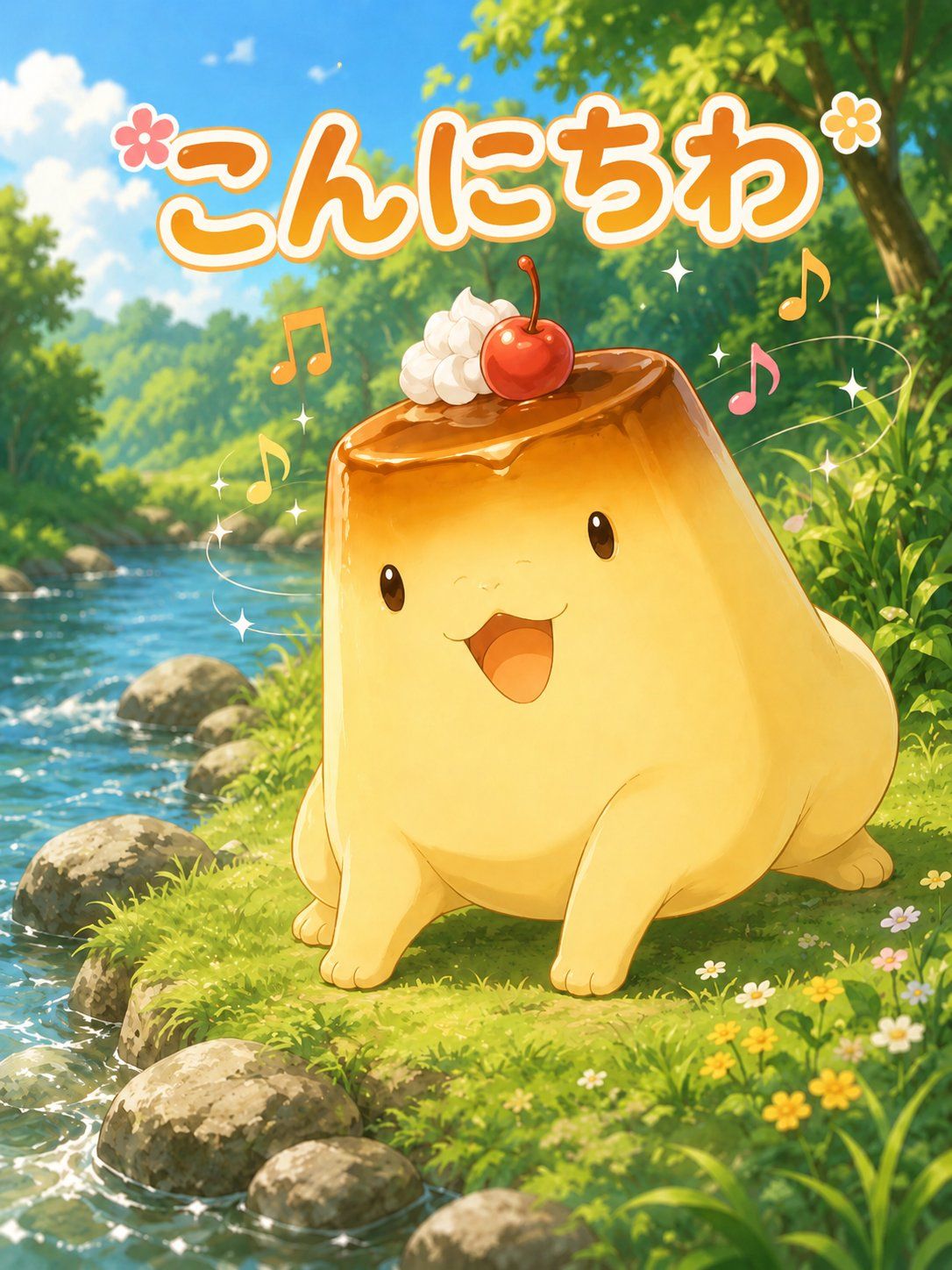
Create a cheerful vertical anime-style illustration of a cute pudding-shaped mascot saying hello in a lush riverside forest. The main subject is a large, chubby, glossy caramel custard creature, centered slightly right, sitting on bright green grass beside a sparkling stream. It has a soft golden-yellow pudding body with four small rounded limbs, shiny black oval eyes, a tiny smiling face, and an open happy mouth. Its top is covered with glossy amber caramel sauce dripping slightly over the edge, decorated with exactly 2 toppings: one dollop of white whipped cream on the upper left and one red cherry with a stem near the center. Add playful magical accents around it: exactly 5 colorful music notes, exactly 8 small white sparkle stars, and exactly 2 flower icons near the headline. The background is a sunlit woodland river scene with clear blue water flowing diagonally along the left side, rounded gray stones on the bank, dense green trees, dappled sunlight, blue sky, soft clouds, tall grass, and small wildflowers in the foreground. At the top, place large rounded Japanese bubble text reading {argument name="greeting text" default="こんにちわ"}, in thick orange lettering with a white outline and a subtle shadow, spanning almost the full width. Use a bright, wholesome, high-saturation anime illustration style with soft painterly details, warm sunlight, sparkling water highlights, cute mascot proportions, and a joyful social-media sticker feeling. Vertical 3:4 composition, no border, no watermark, no extra characters.- Category
- Posters & Typography
- Model
- GPT Image 2
- Creator
- アマドウマ
- Source ID
- 26800
- Published
- Jun 26, 2026
Views1