19

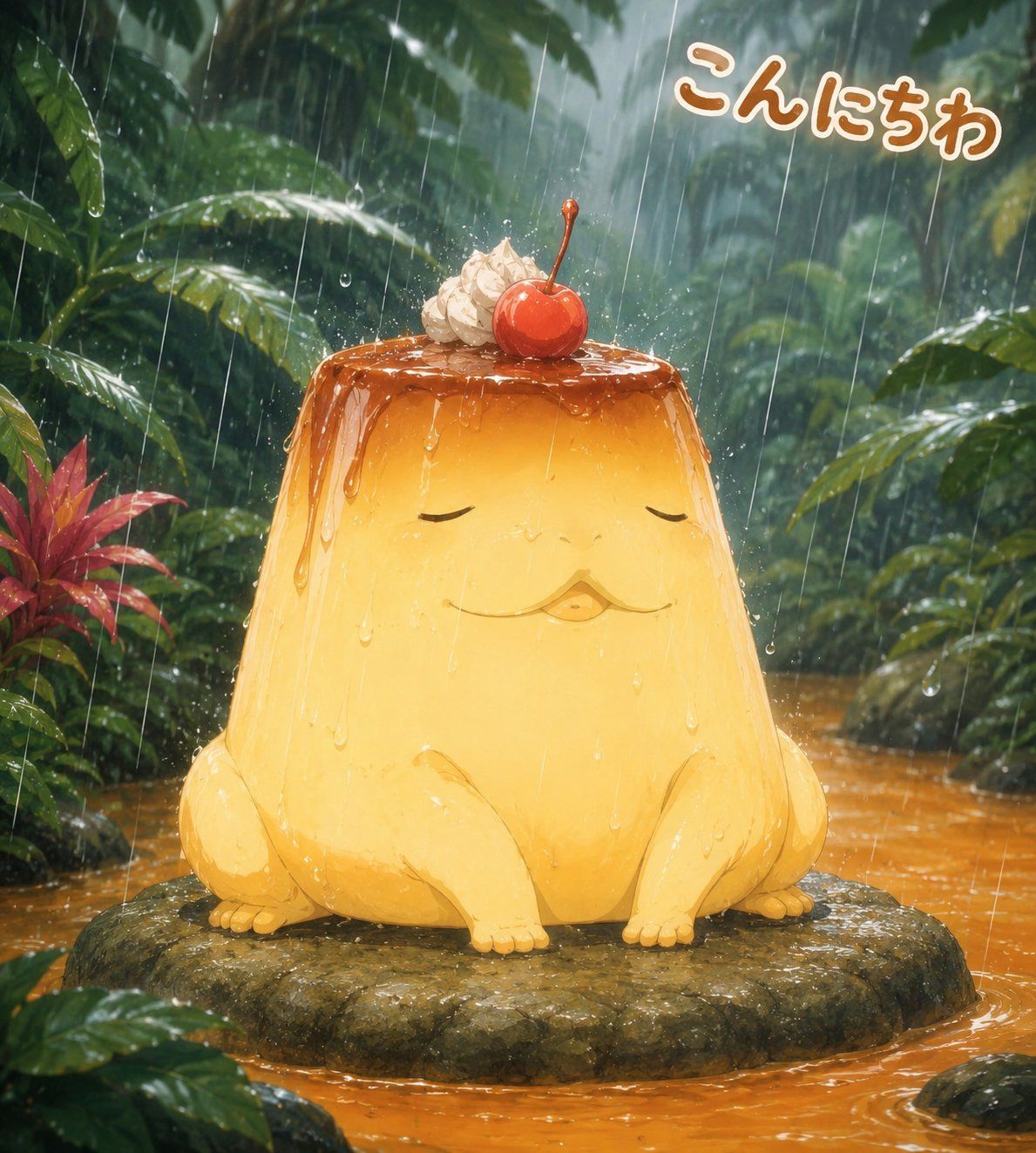
雨中丛林布丁蛙
Enlarge

雨中丛林布丁蛙

Prompt
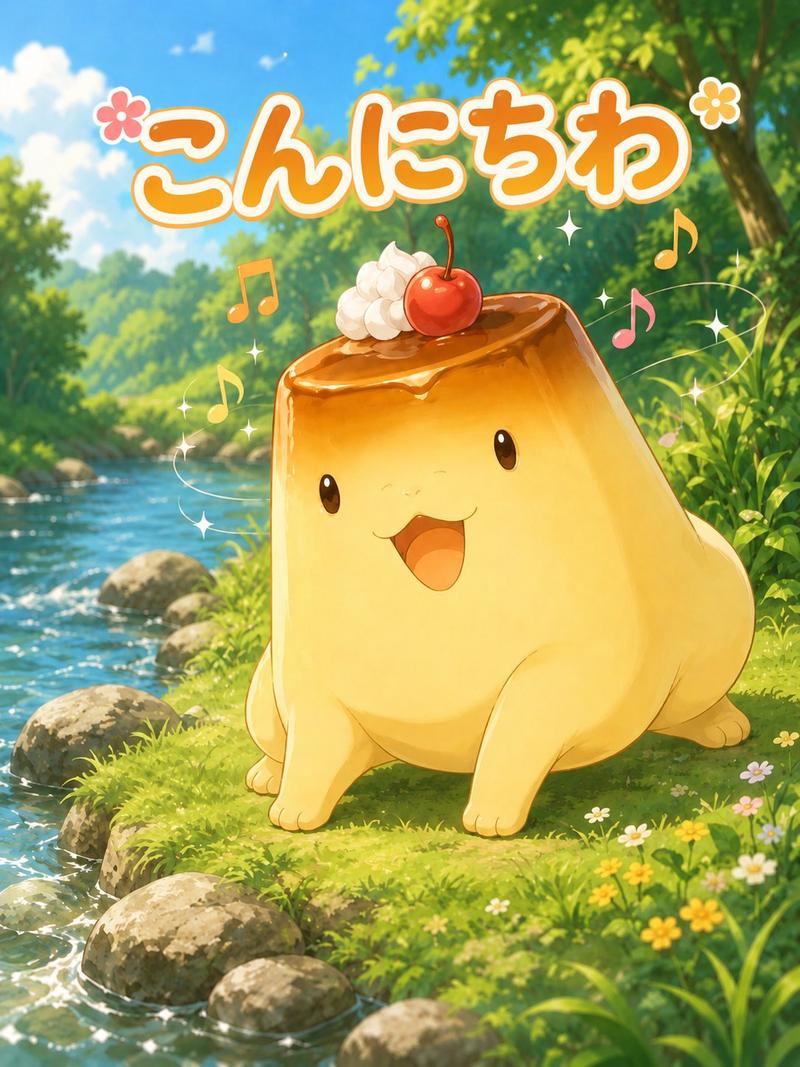
Create a whimsical square anime-style illustration of a cute giant custard pudding creature sitting calmly on a flat mossy rock in the middle of a tropical rainforest stream during heavy rain. The character is a glossy golden flan shaped like a squat frog, with closed relaxed eyes, a tiny puckered mouth, small rounded front limbs and hind feet, and translucent caramel sauce dripping down from the top. On its head place exactly 2 dessert toppings: one swirl of whipped cream and one bright red cherry with a stem. The creature should look serene and friendly, like an original mascot character, with soft highlights, wet reflections, raindrops sliding down its body, and tiny splashes on the caramel surface. Surround it with dense jungle foliage, large wet green leaves, one cluster of red tropical leaves on the left, misty depth in the background, and an orange-brown rain-filled stream flowing around the rock. Add visible diagonal rain streaks throughout the scene and water droplets on leaves and stone. In the upper right, add the Japanese greeting text {argument name="greeting text" default="こんにちわ"} in rounded playful lettering, warm orange-brown fill with a thick white outline, slightly tilted. Use a highly polished digital painting style with soft cinematic lighting, saturated greens and warm custard yellows, shallow atmospheric depth, adorable fantasy creature design, no humans, no extra characters, no watermark.
Category
Brand & Logos
Model
GPT Image 2
Views1
Source ID
27381
Published
Jul 2, 2026

Guide

About "雨中丛林布丁蛙"

What is this prompt for?

"雨中丛林布丁蛙" AI image prompt for GPT Image 2 (Brand & Logos). 一张可爱的动漫甜点吉祥物插画,描绘了一只坐在多雨热带丛林中的焦糖布丁蛙,并带有日语问候文字。 Copy it on Picva and recreate the look in one click.

The full copyable prompt and example visuals above are ready for AI image generation or one-click recreate in Picva.

How to use this prompt

  1. Step 1

    Open the prompt detail

    Review the example visuals, category, and full prompt text for "雨中丛林布丁蛙".

  2. Step 2

    Copy the prompt

    Copy the prompt body from this page, or load it directly in Studio.

  3. Step 3

    Pick a model (GPT Image 2)

    Prefer GPT Image 2. If you switch models, keep subject and composition and tweak style terms.

  4. Step 4

    Generate and export

    Recreate the look in Picva, or export into your workflow for editing and publishing.

FAQ

What is the "雨中丛林布丁蛙" prompt?
It is an AI image-generation prompt for GPT Image 2 in the Brand & Logos category. This page includes the full prompt text, example visuals, and a one-click recreate path in Picva.
How do I use this prompt to generate an image?
Copy the prompt from this page, or use Generate / Studio. Paste it into a compatible image model, or recreate the look in Picva with optional reference images.
Which model is this prompt for?
This page lists GPT Image 2. Most descriptive prompts also transfer to nearby image models such as GPT Image, Flux, or Midjourney with light style tweaks.
Can I use the result commercially?
You can usually copy the prompt for creation, but commercial use of the final image depends on the model terms, reference-image rights, and the generated content. Follow the source author and platform rules.