20

日式极简胶片摄影
Enlarge

日式极简胶片摄影

Prompt
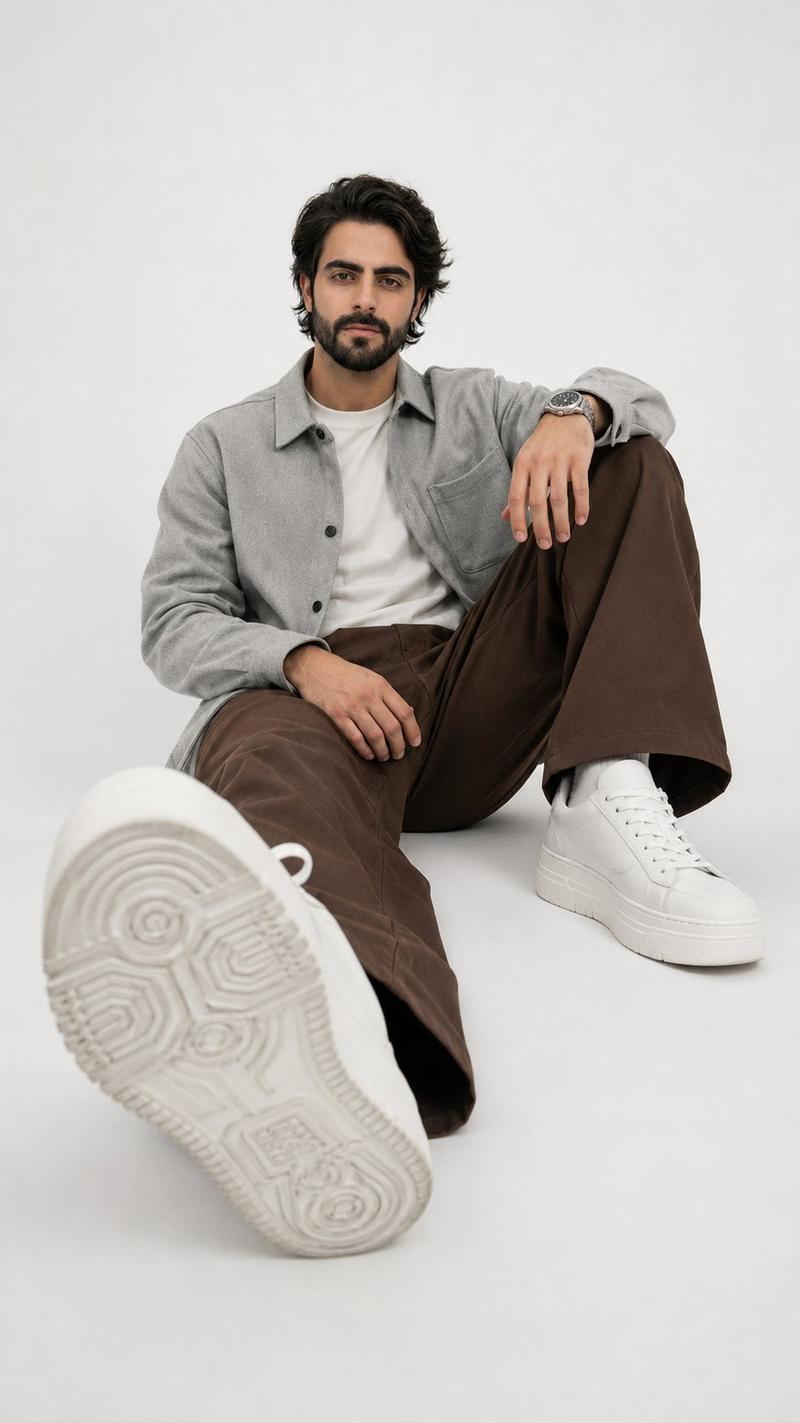
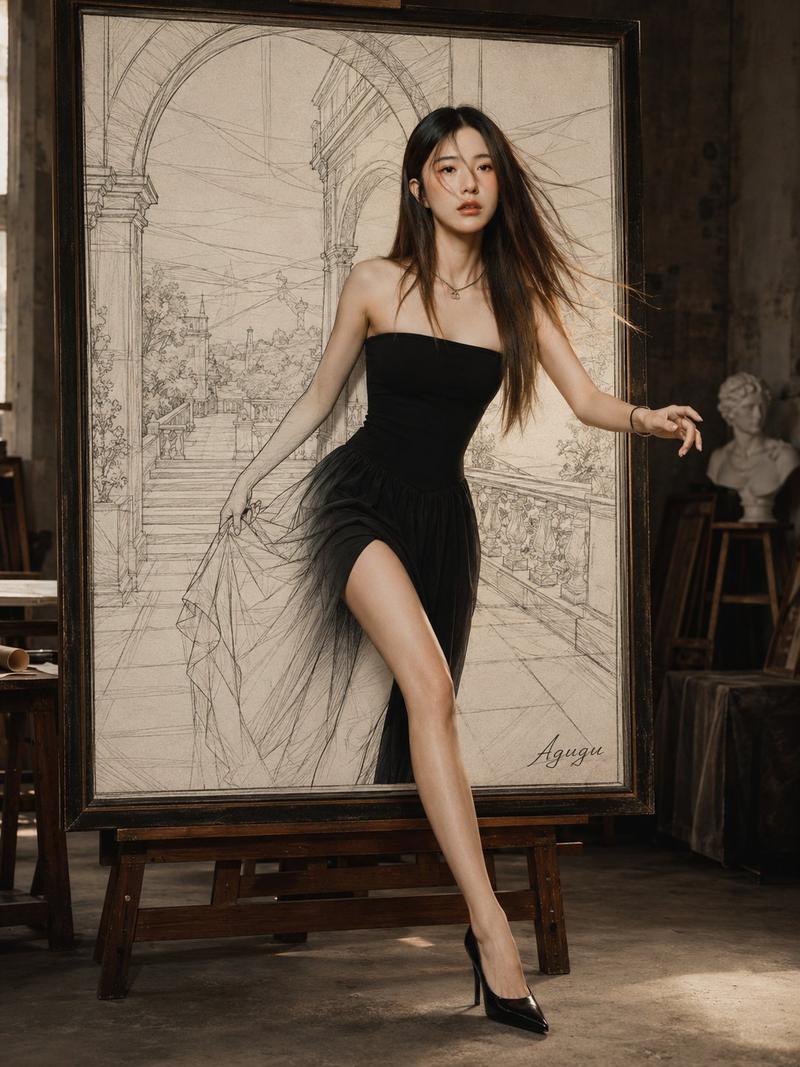
35mm analog film photo, {argument name="aesthetic" default="soft Japanese minimalist aesthetic"}, airy and slightly overexposed, gentle diffused natural light from a window with white sheer curtains, pastel color tones, low contrast, soft highlights, simple indoor backdrop with clean light wall, natural eye-level composition, slightly closer full-body framing from mid-thigh to head, {argument name="subject" default="young East Asian woman"}, minimal natural-looking makeup, soft realistic skin, long slightly tousled dark hair, {argument name="clothing" default="oversized white button-up shirt"}, light casual shorts, barefoot, effortlessly relaxed styling, standing naturally with arms loosely at sides or gently behind, facing camera with a soft smile and quiet stillness, warm dreamy film grain, understated everyday atmosphere --ar 9:16
Category
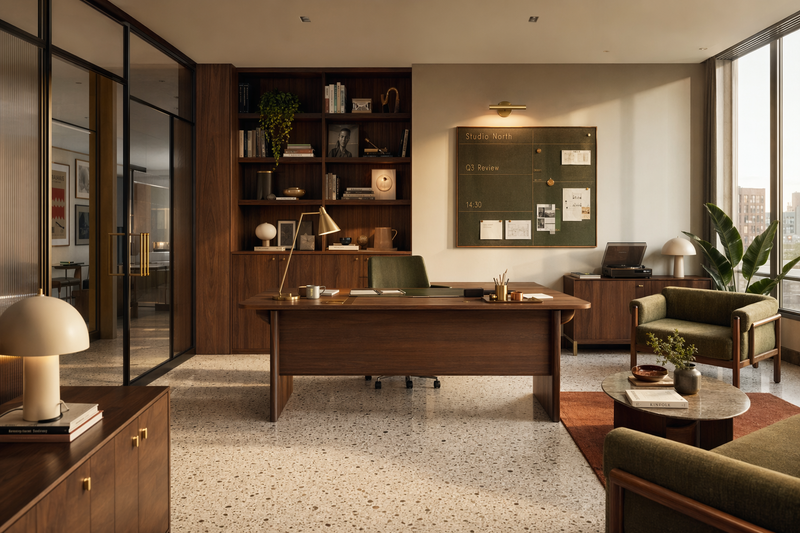
Architecture & Spaces
Model
GPT Image 2
Creator
PromptLab
Views0
Source ID
27148
Published
Jun 30, 2026

Guide

About "日式极简胶片摄影"

What is this prompt for?

"日式极简胶片摄影" AI image prompt for GPT Image 2 (Architecture & Spaces). 一个精美的提示词,旨在通过 35mm 模拟胶片颗粒感和通透的室内光线,营造出柔和的日式极简胶片美学。 Copy it on Picva and recreate the look i…

The full copyable prompt and example visuals above are ready for AI image generation or one-click recreate in Picva.

How to use this prompt

  1. Step 1

    Open the prompt detail

    Review the example visuals, category, and full prompt text for "日式极简胶片摄影".

  2. Step 2

    Copy the prompt

    Copy the prompt body from this page, or load it directly in Studio.

  3. Step 3

    Pick a model (GPT Image 2)

    Prefer GPT Image 2. If you switch models, keep subject and composition and tweak style terms.

  4. Step 4

    Generate and export

    Recreate the look in Picva, or export into your workflow for editing and publishing.

FAQ

What is the "日式极简胶片摄影" prompt?
It is an AI image-generation prompt for GPT Image 2 in the Architecture & Spaces category. This page includes the full prompt text, example visuals, and a one-click recreate path in Picva.
How do I use this prompt to generate an image?
Copy the prompt from this page, or use Generate / Studio. Paste it into a compatible image model, or recreate the look in Picva with optional reference images.
Which model is this prompt for?
This page lists GPT Image 2. Most descriptive prompts also transfer to nearby image models such as GPT Image, Flux, or Midjourney with light style tweaks.
Can I use the result commercially?
You can usually copy the prompt for creation, but commercial use of the final image depends on the model terms, reference-image rights, and the generated content. Follow the source author and platform rules.