20

写实风格印度男性镜面自拍
Enlarge

写实风格印度男性镜面自拍

Prompt
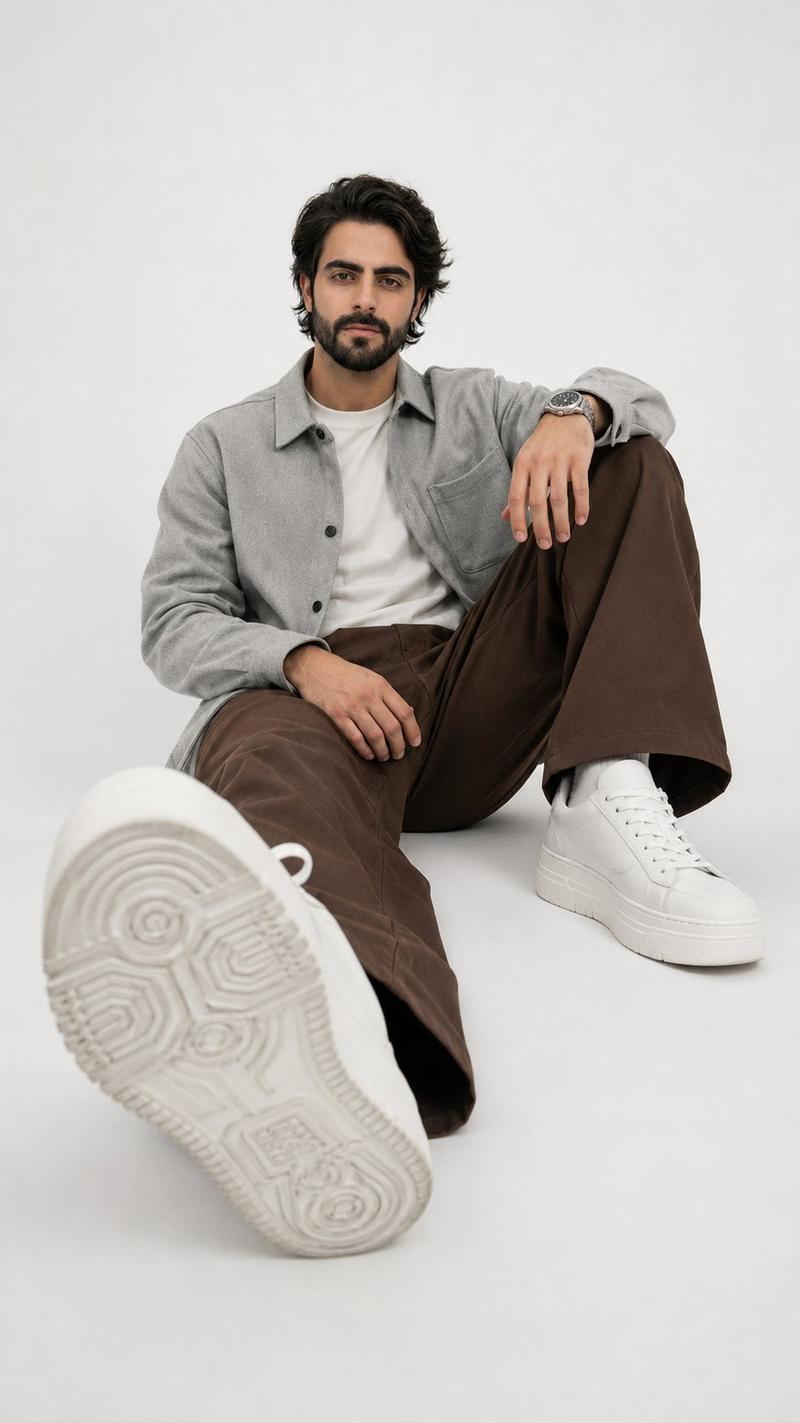
Ultra-realistic mirror selfie of a handsome {argument name="ethnicity" default="Indian"} man using the uploaded face as the 100% exact facial reference with no changes to facial characteristics. Vertical 9:16 composition, mid-torso to upper-thigh crop. Camera positioned at chest height facing the mirror, creating a straight-on perspective with a subtle downward visual axis from the subject's lowered gaze. The subject stands upright with relaxed shoulders, holding a smartphone naturally in his right hand at sternum level while taking the mirror selfie. Thick wavy black hair, neatly groomed full beard, clear skin with natural texture, realistic eyes, and a calm, confident expression. Wearing a premium casual outfit in neutral tones. Soft cinematic indoor lighting with realistic reflections on the mirror, shallow depth of field, luxurious modern interior, ultra-detailed textures, HDR, DSLR photography, 85mm lens, f/1.8, photorealistic, natural skin tones, sharp focus, 8K quality.
Category
Architecture & Spaces
Model
GPT Image 2
Views0
Source ID
27241
Published
Jun 30, 2026

Guide

About "写实风格印度男性镜面自拍"

What is this prompt for?

"写实风格印度男性镜面自拍" AI image prompt for GPT Image 2 (Architecture & Spaces). 一个用于生成高细节镜面自拍的专业摄影提示词,专门使用上传的照片作为面部参考。 Copy it on Picva and recreate the look in one cl…

The full copyable prompt and example visuals above are ready for AI image generation or one-click recreate in Picva.

How to use this prompt

  1. Step 1

    Open the prompt detail

    Review the example visuals, category, and full prompt text for "写实风格印度男性镜面自拍".

  2. Step 2

    Copy the prompt

    Copy the prompt body from this page, or load it directly in Studio.

  3. Step 3

    Pick a model (GPT Image 2)

    Prefer GPT Image 2. If you switch models, keep subject and composition and tweak style terms.

  4. Step 4

    Generate and export

    Recreate the look in Picva, or export into your workflow for editing and publishing.

FAQ

What is the "写实风格印度男性镜面自拍" prompt?
It is an AI image-generation prompt for GPT Image 2 in the Architecture & Spaces category. This page includes the full prompt text, example visuals, and a one-click recreate path in Picva.
How do I use this prompt to generate an image?
Copy the prompt from this page, or use Generate / Studio. Paste it into a compatible image model, or recreate the look in Picva with optional reference images.
Which model is this prompt for?
This page lists GPT Image 2. Most descriptive prompts also transfer to nearby image models such as GPT Image, Flux, or Midjourney with light style tweaks.
Can I use the result commercially?
You can usually copy the prompt for creation, but commercial use of the final image depends on the model terms, reference-image rights, and the generated content. Follow the source author and platform rules.