18

晨光中的床头肖像
Enlarge

晨光中的床头肖像

Prompt
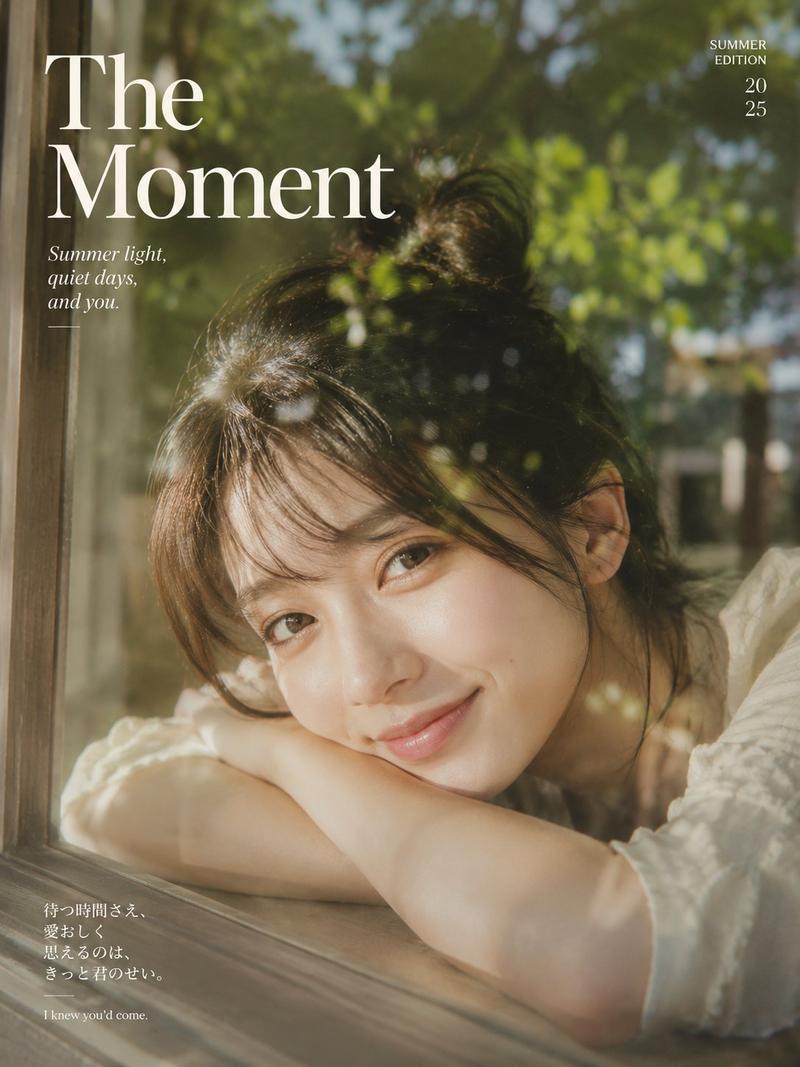
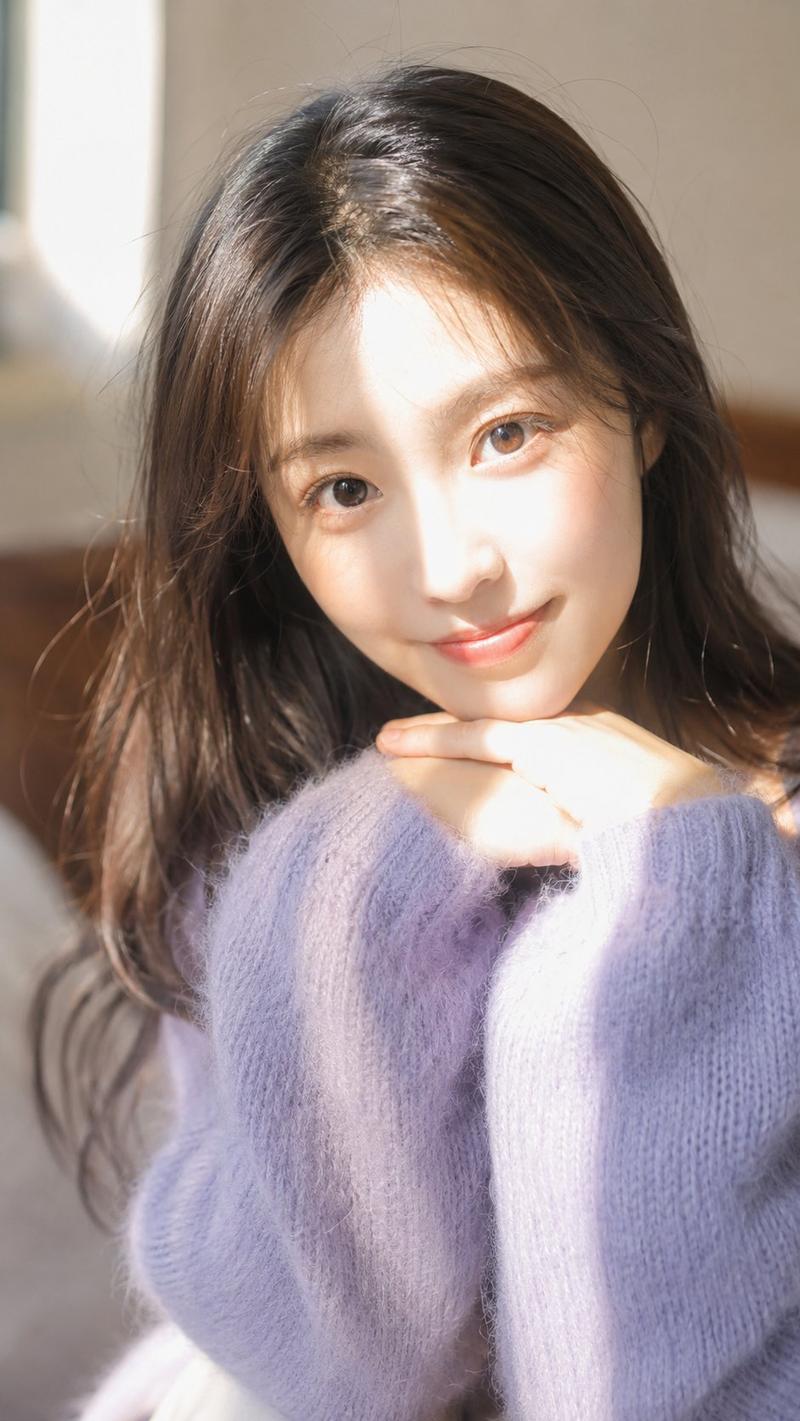
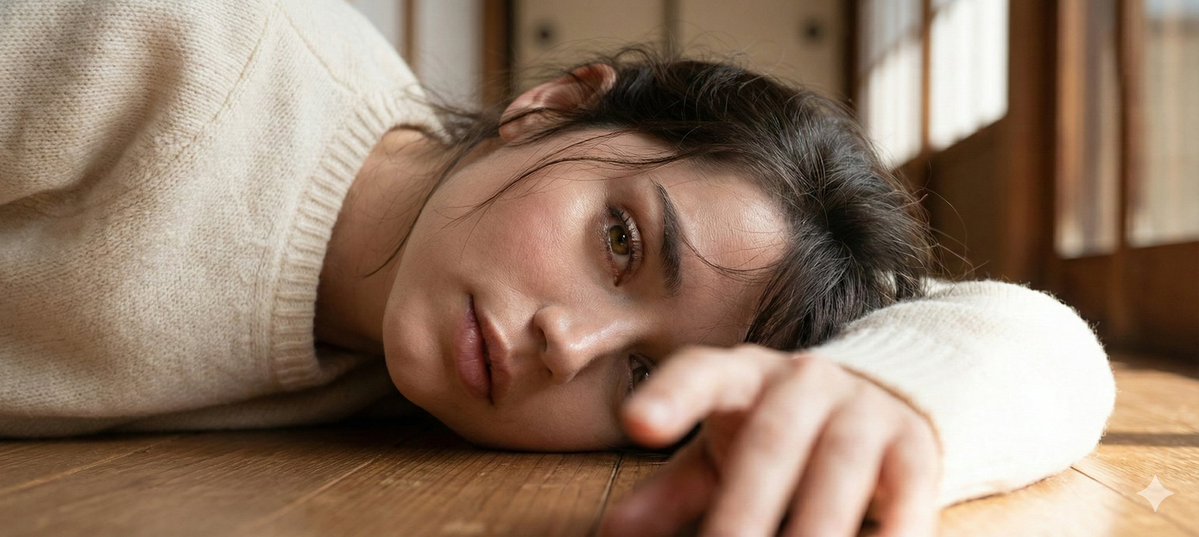
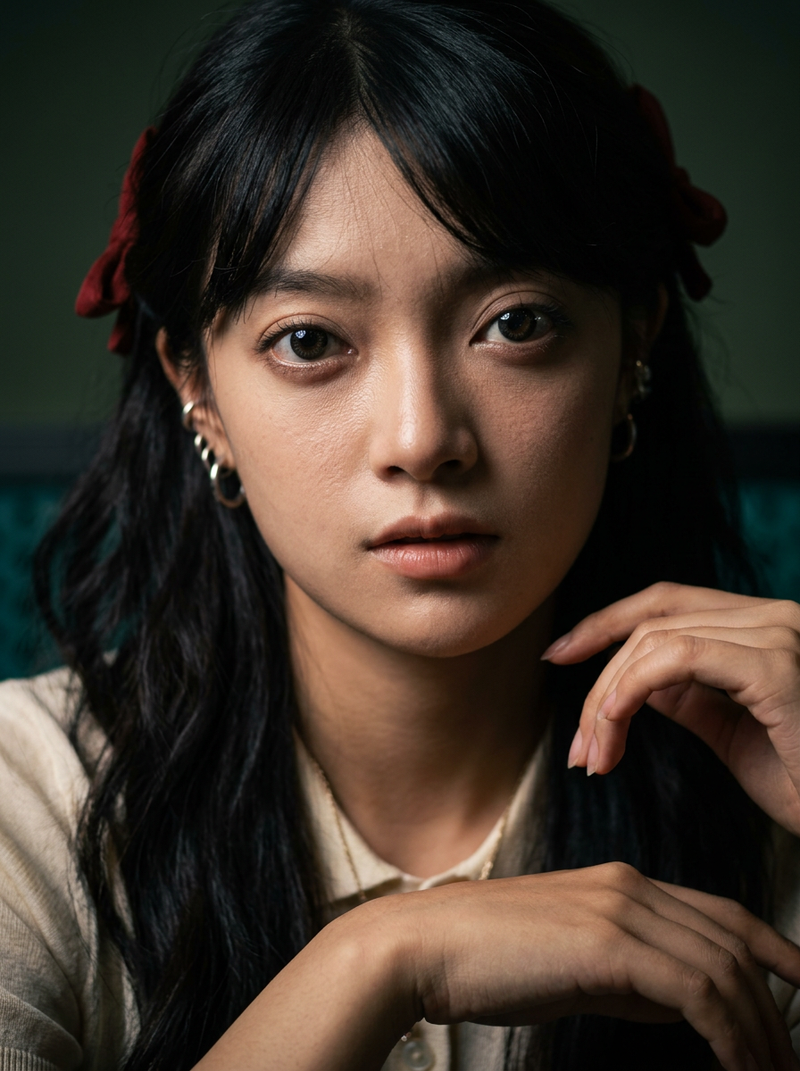
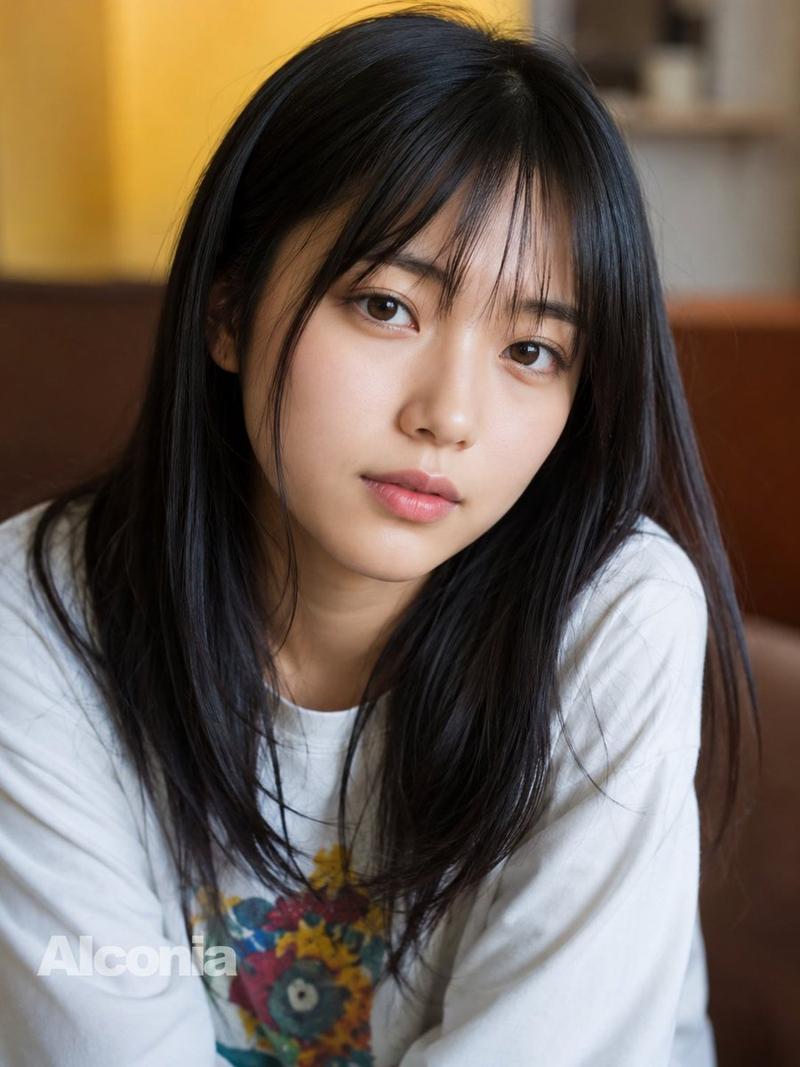
Create an intimate photorealistic close-up portrait of a young East Asian woman lying on her side in bed in soft morning light, with her face filling most of the square frame and angled diagonally from upper right to lower left. She has {argument name="hair color" default="natural black"} straight hair with wispy bangs, warm brown reflective eyes, smooth natural skin, subtle lips, and a calm sleepy expression as she gazes directly at the viewer. Her hand is blurred in the extreme foreground near the bottom edge, and pale green bedding or a soft patterned pajama sleeve surrounds her face. Use shallow depth of field with creamy bokeh, gentle sunlight streaking across her cheek and nose, soft green background tones, natural window light, realistic skin texture, cinematic warmth, high-detail photography, 1:1 square composition, no text, no watermark, no heavy makeup, no harsh contrast.
Category
Photography & Realism
Model
GPT Image 2
Views0
Source ID
27358
Published
Jul 2, 2026

Guide

About "晨光中的床头肖像"

What is this prompt for?

"晨光中的床头肖像" AI image prompt for GPT Image 2 (Photography & Realism). 一个写实风格的特写肖像提示词,用于创作一位年轻女性在温暖晨光中于床上休憩的宁静画面。 Copy it on Picva and recreate the look in one cl…

The full copyable prompt and example visuals above are ready for AI image generation or one-click recreate in Picva.

How to use this prompt

  1. Step 1

    Open the prompt detail

    Review the example visuals, category, and full prompt text for "晨光中的床头肖像".

  2. Step 2

    Copy the prompt

    Copy the prompt body from this page, or load it directly in Studio.

  3. Step 3

    Pick a model (GPT Image 2)

    Prefer GPT Image 2. If you switch models, keep subject and composition and tweak style terms.

  4. Step 4

    Generate and export

    Recreate the look in Picva, or export into your workflow for editing and publishing.

FAQ

What is the "晨光中的床头肖像" prompt?
It is an AI image-generation prompt for GPT Image 2 in the Photography & Realism category. This page includes the full prompt text, example visuals, and a one-click recreate path in Picva.
How do I use this prompt to generate an image?
Copy the prompt from this page, or use Generate / Studio. Paste it into a compatible image model, or recreate the look in Picva with optional reference images.
Which model is this prompt for?
This page lists GPT Image 2. Most descriptive prompts also transfer to nearby image models such as GPT Image, Flux, or Midjourney with light style tweaks.
Can I use the result commercially?
You can usually copy the prompt for creation, but commercial use of the final image depends on the model terms, reference-image rights, and the generated content. Follow the source author and platform rules.