“我思故我在” 中文排版海报
Prompt
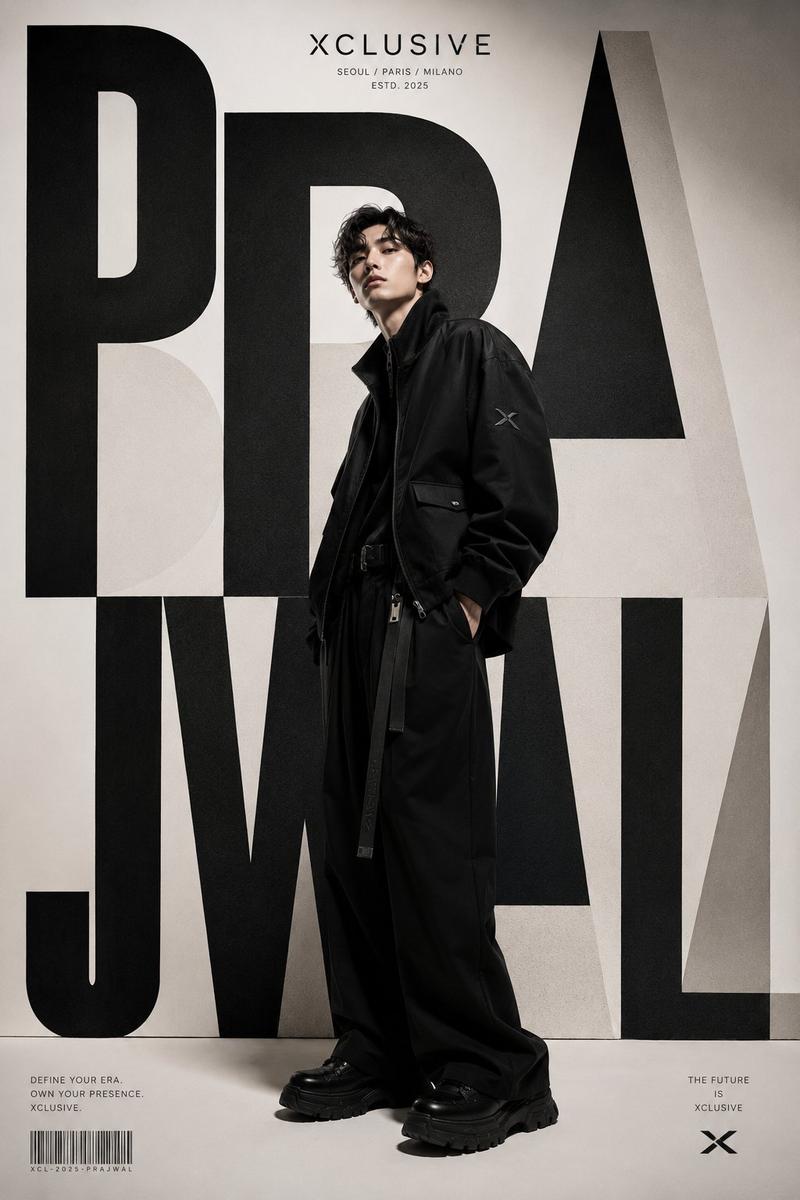
Goal: Create a cinematic philosophical typography poster in a bold Chinese big-character-poster style, merging enormous block lettering with a human silhouette and a subtle ascending-step visual rhythm.

Canvas: Wide horizontal poster, 16:9 aspect ratio, dark desaturated navy-black paper background with visible grain, scratches, faint fold marks, and worn print texture. Use a restrained palette of off-white ink on dark blue-black, with small pale gray text details.

Main typography: Place exactly 5 huge off-white Chinese characters across the center and lower half, reading {argument name="main Chinese text" default="我思故我在"}. The characters must be extremely thick, geometric, slab-like, and architectural, with squared edges, tight spacing, and variable heights that feel like an increasing stair-step composition from left to right. The characters fill most of the poster width. Make the surfaces slightly dirty, distressed, and printed on rough paper.

Integrated figure: Inside the negative space between the third and fourth large characters, place exactly 1 black silhouette of a seated person in a thinking pose, head bowed, one hand near the chin, knees bent, like a contemplative philosopher. The silhouette should be cut cleanly against the pale typography and dark background, appearing embedded into the letter structure rather than pasted on top.

Small text details: Add exactly 6 small text groups:
1. Top-left quote in small Chinese text: {argument name="top quote" default="思想不是被灌输明的方式,而是使我们得以存在的理由。——笛卡尔"}, aligned left with generous letter spacing.
2. Bottom-left Latin phrase: {argument name="latin phrase" default="COGITO ERGO SUM"}, spaced-out condensed capitals.
3. Bottom lower-left Chinese translation and attribution: {argument name="small Chinese caption" default="我思故我在 RENE DESCARTES"}.
4. Bottom center-left tiny label: “PHILOSOPHY EXHIBITION”.
5. Bottom center tiny phrase: “EXISTENCE IS NOT GIVEN, IT IS REALIZED.” and nearby tiny text “THINK, QUESTION, THEREFORE, BE.”
6. Bottom-right copyright-style mark: “MMXXIV © ALL RIGHTS RESERVED” plus a minimal circular monogram symbol.

Layout and style: Keep the composition poster-like, modern brutalist, intelligent, and austere. Use strong horizontal baseline alignment along the bottom, with small vertical divider lines between bottom text groups. The giant characters should dominate the image, while the small captions remain intentionally tiny and atmospheric. Add no extra illustrations, no color accents, no photos, no watermark, and no border.- Category
- Posters & Typography
- Model
- GPT Image 2
- Creator
- 小小东
- Source ID
- 28033
- Published
- Jul 8, 2026
Views0





![A striking minimalist cinematic poster with a solid [Background Color] textured](https://i.pixshop.app/storage/v1/render/image/public/prompt-source-media/promptsref/work-41486/image-1-fd399d58f45621b4.png?width=800&quality=75&resize=contain)