
悟空书法海报
Prompt
Create a dramatic vertical vintage Chinese mythic poster on aged beige rice paper with visible fibers, cracks, scratches, and distressed print texture. The composition is dominated by two enormous black Chinese calligraphy characters reading {argument name="main calligraphy text" default="悟空"}, rendered as bold blocky brush typography filling almost the entire background from edge to edge. Place a small heroic Monkey King warrior figure near the lower center, walking left to right across a rough horizontal red cliff or platform; he wears dark ornate armor with ragged flowing red cloth ribbons, a golden headband or crown, and carries a long golden staff angled downward across his body. Behind the right side of the calligraphy, add a worn circular gold ink ring motif, like a faded seal or halo, partially overlapping the negative space of the character. Use a limited palette of matte black, parchment beige, blood red, and tarnished gold, with high contrast, rough screen-printed edges, ink bleed, grunge speckles, and cinematic wuxia energy. Make the figure tiny compared with the monumental typography to emphasize scale and legend. No modern objects, no border, poster-style centered layout.- Category
- Charts & Infographics
- Model
- GPT Image 2
- Creator
- Orange AI
- Source ID
- 18956
- Published
- May 7, 2026
Views5


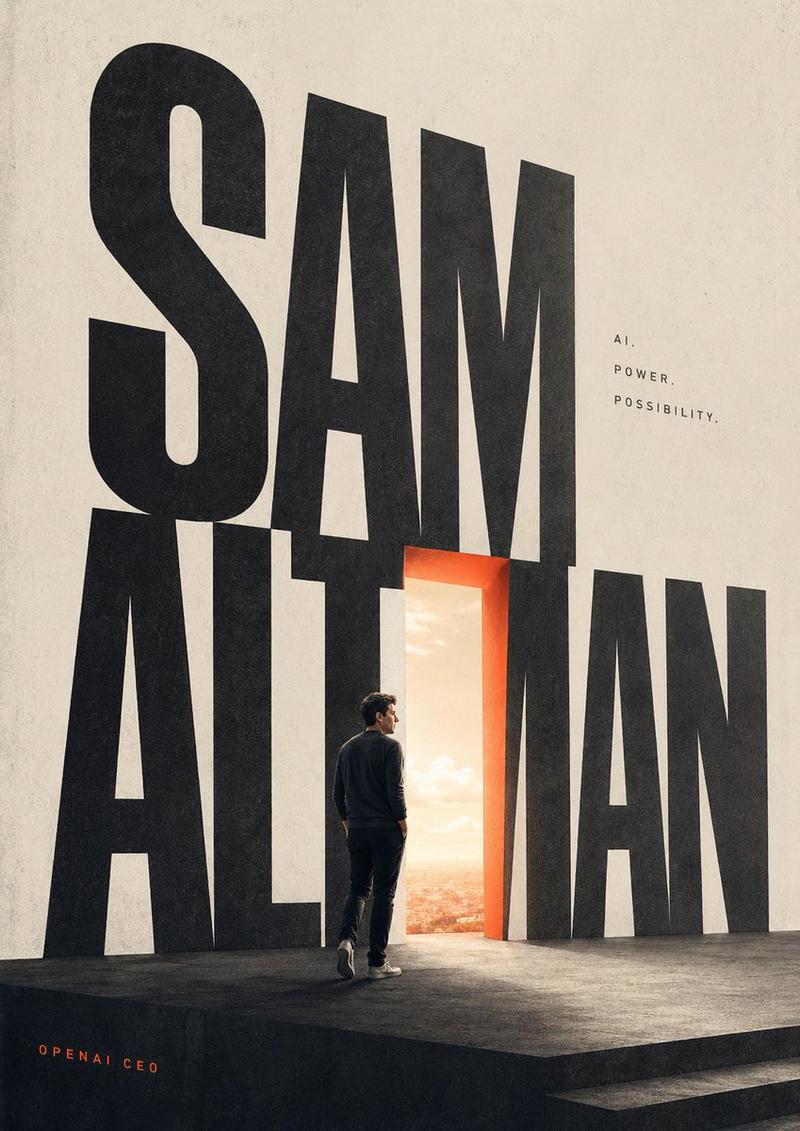
![A striking minimalist cinematic poster with a solid [BACKGROUND COLOR] textured](https://i.pixshop.app/storage/v1/render/image/public/prompt-source-media/promptsref/work-36802/image-1-35445213705f8da5.png?width=800&quality=75&resize=contain)




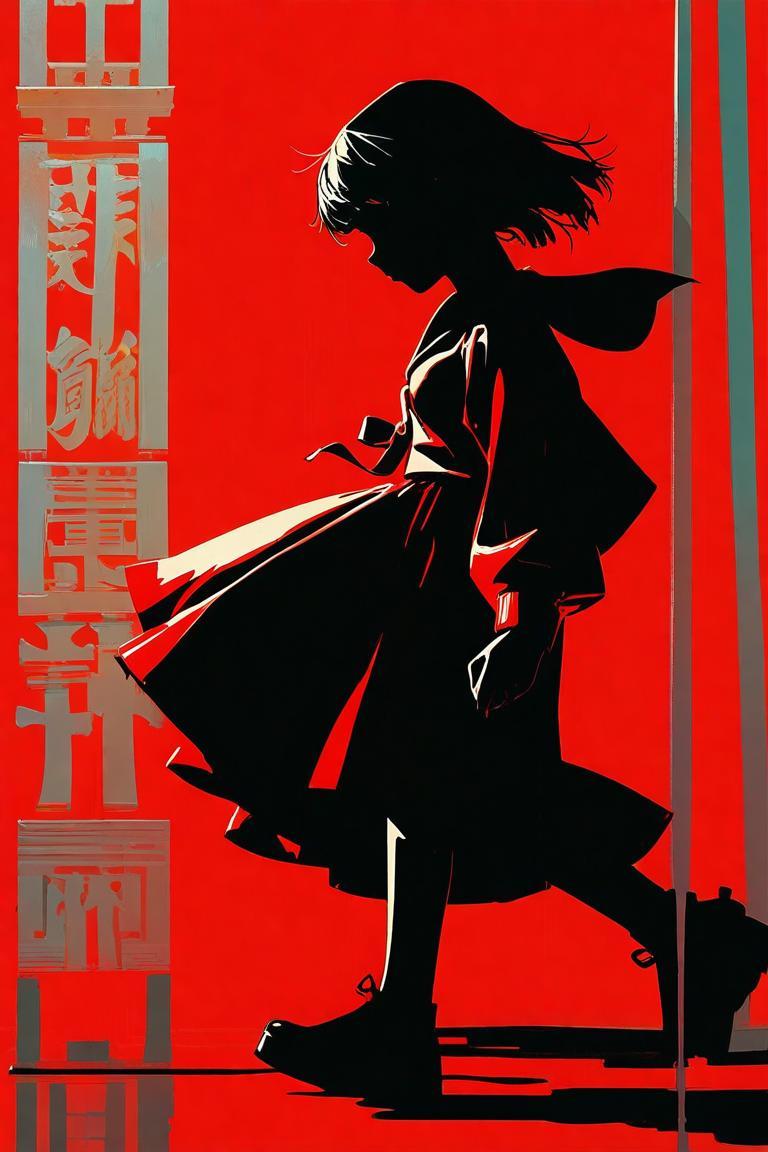


![单色极简 [主题] 插画](https://i.pixshop.app/storage/v1/render/image/public/prompt-source-media/opennana/monochrome-minimalist-subject-illustration/image-1-1926d9d0289c44f1.jpg?width=800&quality=75&resize=contain)

