20

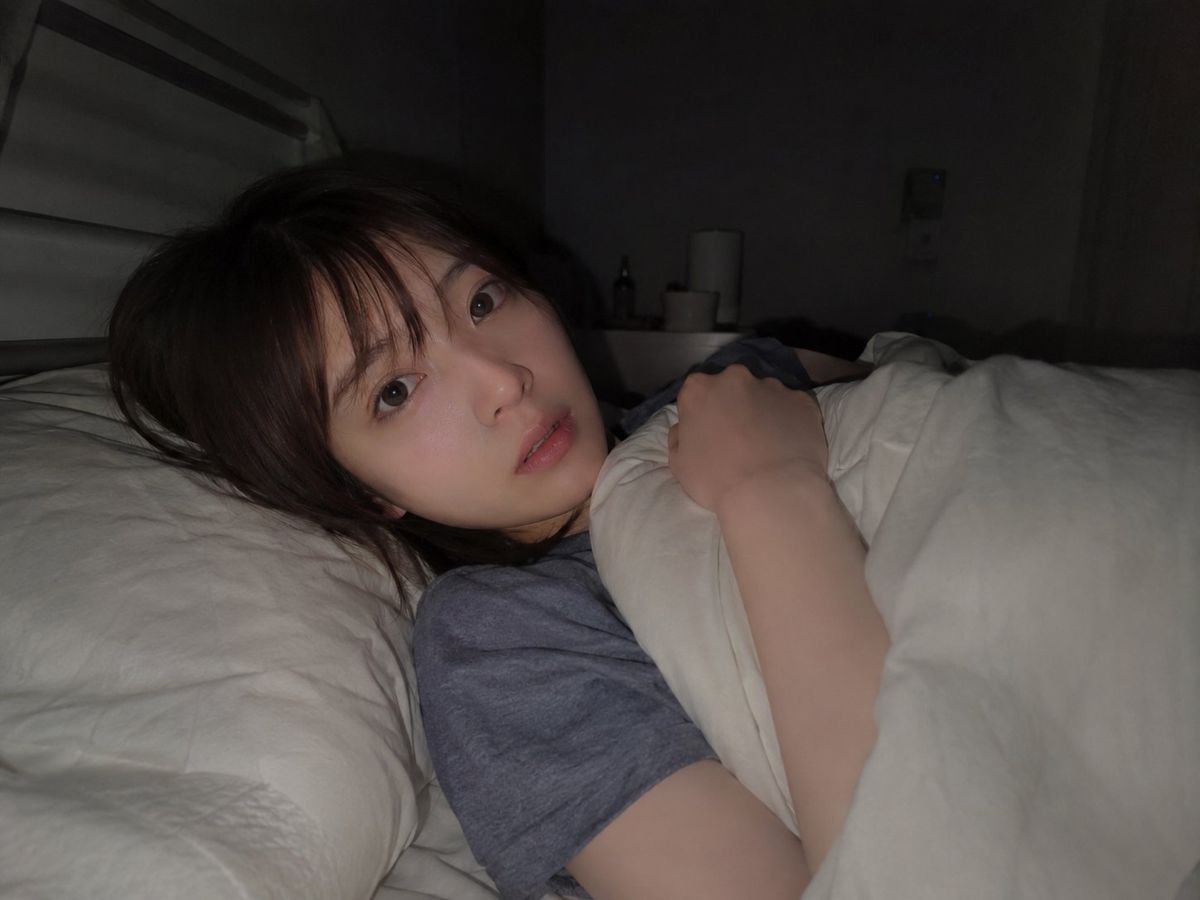
昏暗卧室睡前人像
Enlarge

Example images

昏暗卧室睡前人像

Prompt
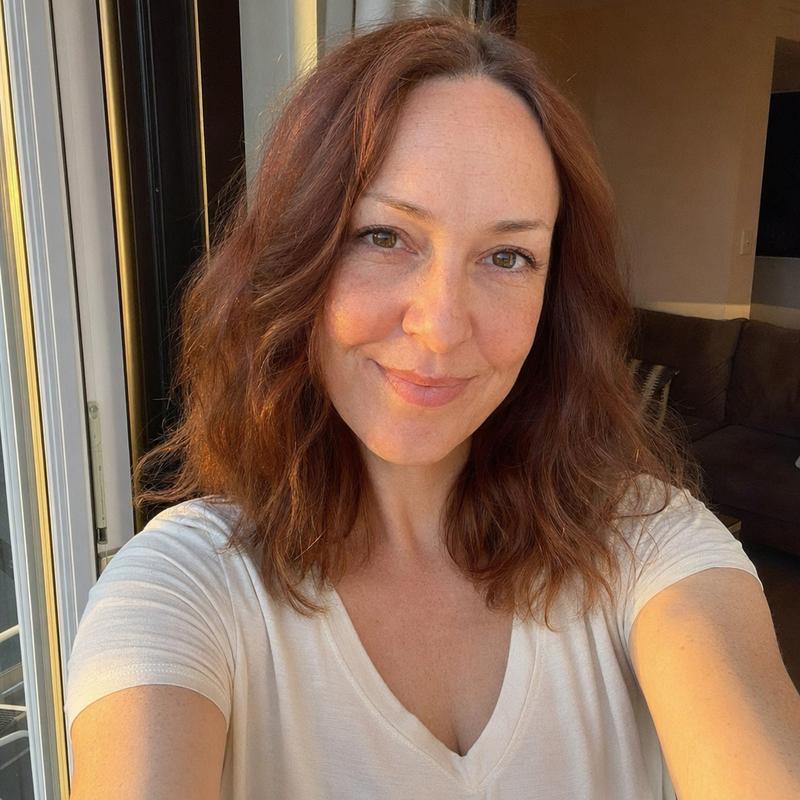
Create a realistic intimate bedroom photograph of {argument name="subject" default="a young East Asian woman in her early 20s"} lying in bed at night, viewed from close range in a slightly wide-angle horizontal 4:3 composition. She is resting on her side with her head on a white pillow at the left of the frame, dark brown slightly messy shoulder-length hair with soft bangs, natural bare face, large reflective eyes looking directly at the camera, calm sleepy expression, slightly parted lips. She wears {argument name="shirt color" default="a heather gray T-shirt"} and is tucked under {argument name="bedding color" default="a white comforter"}, holding the blanket near her chest with one hand visible. The room is very dim, lit by a soft frontal phone-flash or bedside-camera light that brightens her face and the white bedding while leaving the background in deep shadow. Background details: a simple modern bedroom with a pale headboard or bed frame on the left, rumpled white sheets, a dark wall corner, a small nightstand or shelf with indistinct cylindrical objects and a bottle, and a curtain on the right. Use natural skin texture, realistic fabric folds, muted low-light colors, shallow depth of field, candid casual snapshot mood, no text, no watermark, no exaggerated glamour styling.
Category
Architecture & Spaces
Model
GPT Image 2
Views6
Source ID
28769
Published
Jul 14, 2026

Guide

About "昏暗卧室睡前人像"

What is this prompt for?

"昏暗卧室睡前人像" AI image prompt for GPT Image 2 (Architecture & Spaces). 一个逼真的低光床边人像提示词,用于创作年轻女性蜷缩在白色被褥下的私密夜间场景。 Copy it on Picva and recreate the look in one click.

The full copyable prompt and example visuals above are ready for AI image generation or one-click recreate in Picva.

How to use this prompt

  1. Step 1

    Open the prompt detail

    Review the example visuals, category, and full prompt text for "昏暗卧室睡前人像".

  2. Step 2

    Copy the prompt

    Copy the prompt body from this page, or load it directly in Studio.

  3. Step 3

    Pick a model (GPT Image 2)

    Prefer GPT Image 2. If you switch models, keep subject and composition and tweak style terms.

  4. Step 4

    Generate and export

    Recreate the look in Picva, or export into your workflow for editing and publishing.

FAQ

What is the "昏暗卧室睡前人像" prompt?
It is an AI image-generation prompt for GPT Image 2 in the Architecture & Spaces category. This page includes the full prompt text, example visuals, and a one-click recreate path in Picva.
How do I use this prompt to generate an image?
Copy the prompt from this page, or use Generate / Studio. Paste it into a compatible image model, or recreate the look in Picva with optional reference images.
Which model is this prompt for?
This page lists GPT Image 2. Most descriptive prompts also transfer to nearby image models such as GPT Image, Flux, or Midjourney with light style tweaks.
Can I use the result commercially?
You can usually copy the prompt for creation, but commercial use of the final image depends on the model terms, reference-image rights, and the generated content. Follow the source author and platform rules.