18

车内 POV 视频通话唱歌

Prompt
以输入图像作为第一帧,保持构图、摄像机角度和内饰布局。

动画质量。

────────────────────

最重要的规则

汽车处于完全停放状态。
引擎已关闭。
从视频开始到结束,汽车完全没有移动。
窗外的风景没有变化。
禁止出现驾驶、启动、震动或行驶的表情。

────────────────────

角色

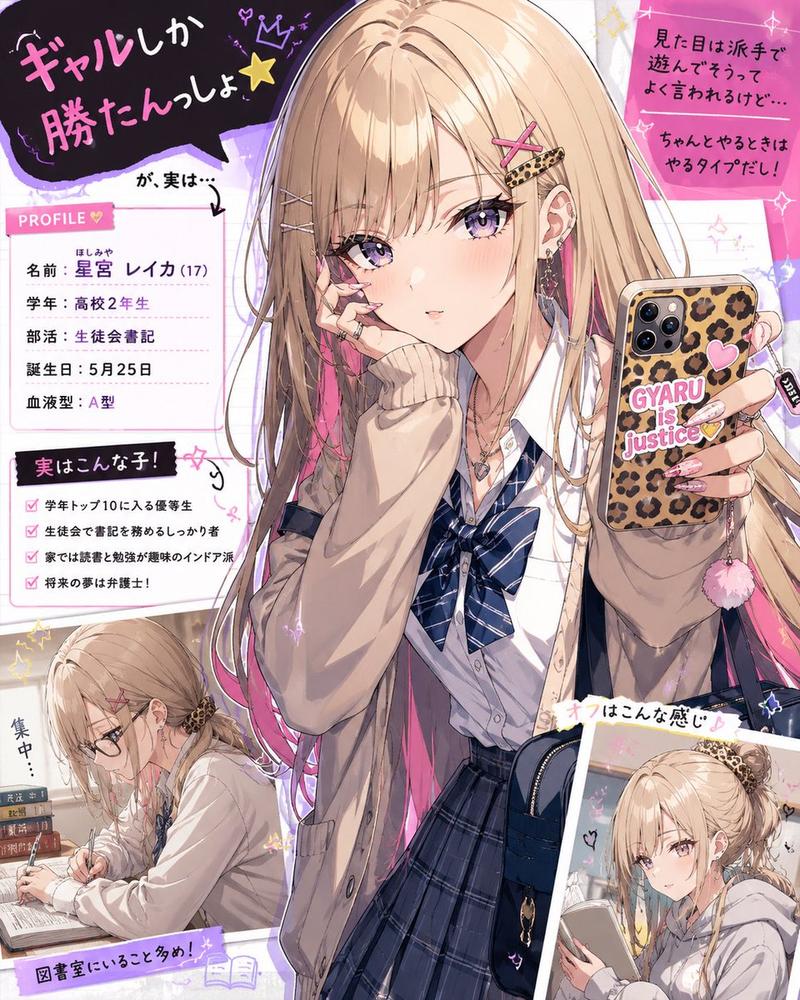
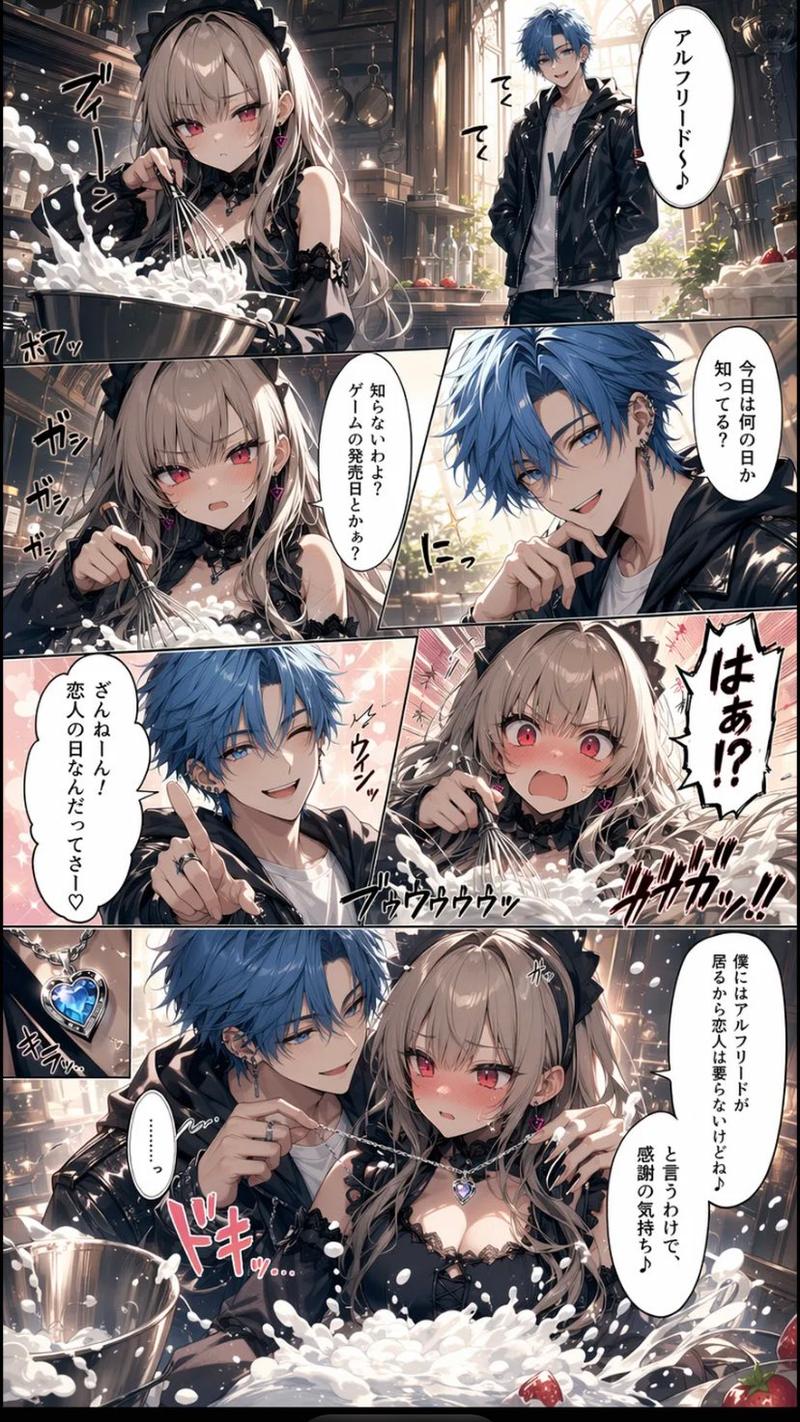
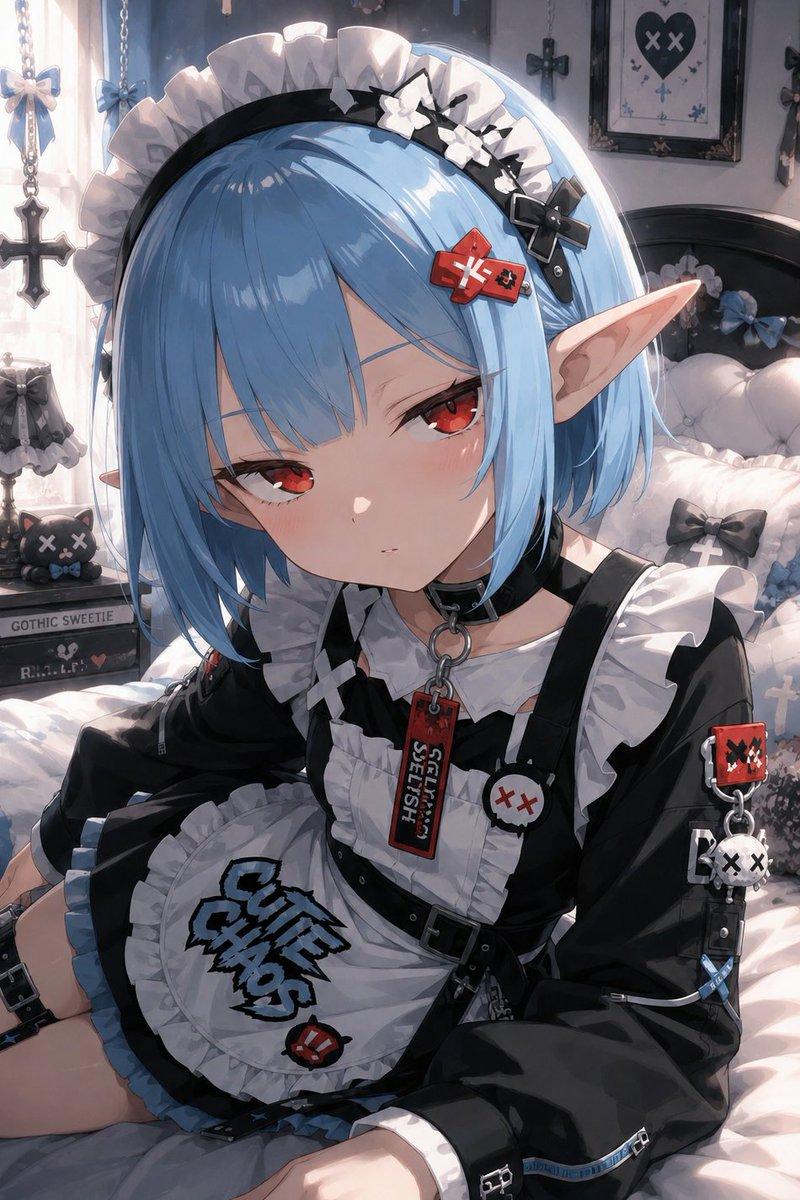
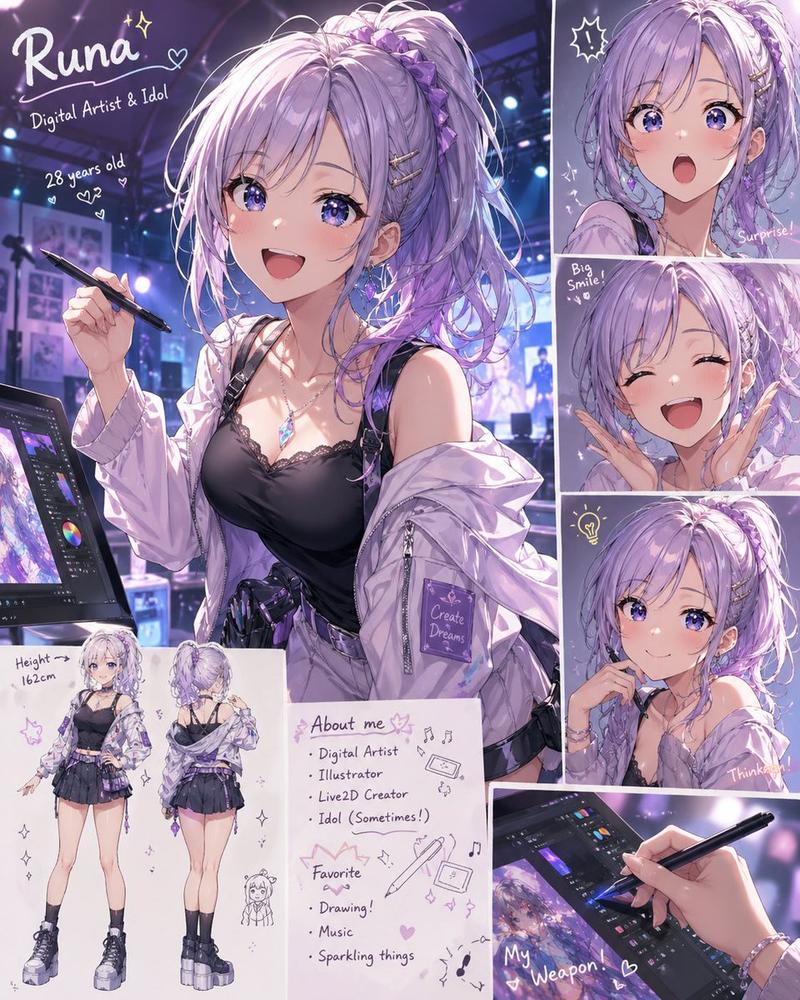
参考角色仅存在于智能手机的视频通话屏幕内。
不得超出智能手机范围。
不得在车内实体化。
不要增加相同角色的数量。

────────────────────

表演

角色对着镜头用日语可爱地唱歌。
唱歌时自然地摆动身体。
微笑。
歪头。
挥手。
比心。
脸部非常靠近智能手机摄像头。
稍微移开。
再次靠近。
享受视频通话的自然活力。

歌词:
La-ta-ta♪ La-ta-ta♪
心跳加速♪
微笑欢笑♪
再见♪

────────────────────

POV 视角

握着智能手机的手自然地轻微变换握姿。
手腕随着节奏轻微晃动。
放在方向盘上的双脚随着节奏律动。
脚趾随着音乐轻微上下移动。
放松并享受视频通话。

────────────────────

构图

前景:
- 智能手机
- 握着智能手机的手

中景:
- 双脚
- 方向盘
- 仪表盘

背景:
- 车内空间
- 停放处的风景

智能手机始终保持足够大,以便清晰地看到角色的表情。
全程采用 POV 视角。

────────────────────

氛围

白天。
在车内短暂休息的日常生活。
平静。
可爱。
自然的视频通话。

────────────────────

禁止事项

移动汽车。
大幅度移动摄像机。
将角色带出智能手机外。
绘制多个角色。
多余的人物。
多余的 UI。
多余的文字。
水印。
Category
UI & Interfaces
Model
seedance-2.0
Views4
Source ID
7265
Published
Jul 14, 2026

Guide

About "车内 POV 视频通话唱歌"

What is this prompt for?

"车内 POV 视频通话唱歌" AI image prompt for seedance-2.0 (UI & Interfaces). 一份详细的提示词,用于生成角色在停放的汽车中放松时,进行视频通话并唱歌的 POV 视频,重点在于自然的动作和可爱的表情。 Copy it on Picva and recreate…

The full copyable prompt and example visuals above are ready for AI image generation or one-click recreate in Picva.

How to use this prompt

  1. Step 1

    Open the prompt detail

    Review the example visuals, category, and full prompt text for "车内 POV 视频通话唱歌".

  2. Step 2

    Copy the prompt

    Copy the prompt body from this page, or load it directly in Studio.

  3. Step 3

    Pick a model (seedance-2.0)

    Prefer seedance-2.0. If you switch models, keep subject and composition and tweak style terms.

  4. Step 4

    Generate and export

    Recreate the look in Picva, or export into your workflow for editing and publishing.

FAQ

What is the "车内 POV 视频通话唱歌" prompt?
It is an AI image-generation prompt for seedance-2.0 in the UI & Interfaces category. This page includes the full prompt text, example visuals, and a one-click recreate path in Picva.
How do I use this prompt to generate an image?
Copy the prompt from this page, or use Generate / Studio. Paste it into a compatible image model, or recreate the look in Picva with optional reference images.
Which model is this prompt for?
This page lists seedance-2.0. Most descriptive prompts also transfer to nearby image models such as GPT Image, Flux, or Midjourney with light style tweaks.
Can I use the result commercially?
You can usually copy the prompt for creation, but commercial use of the final image depends on the model terms, reference-image rights, and the generated content. Follow the source author and platform rules.