20

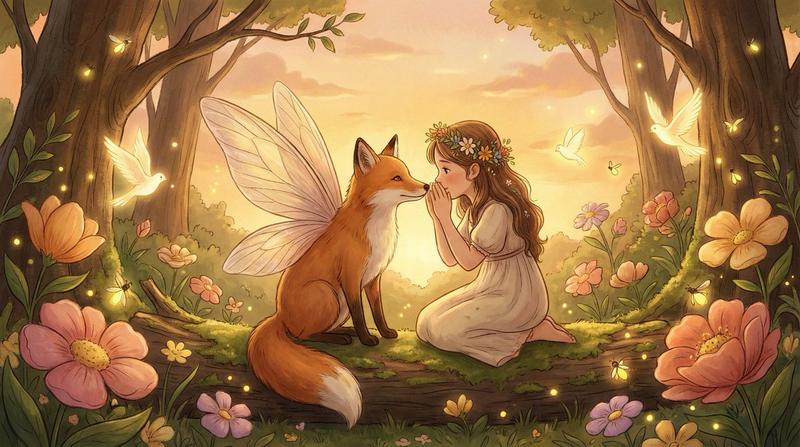
琥珀光影下的童话仙子
Enlarge

琥珀光影下的童话仙子

Prompt
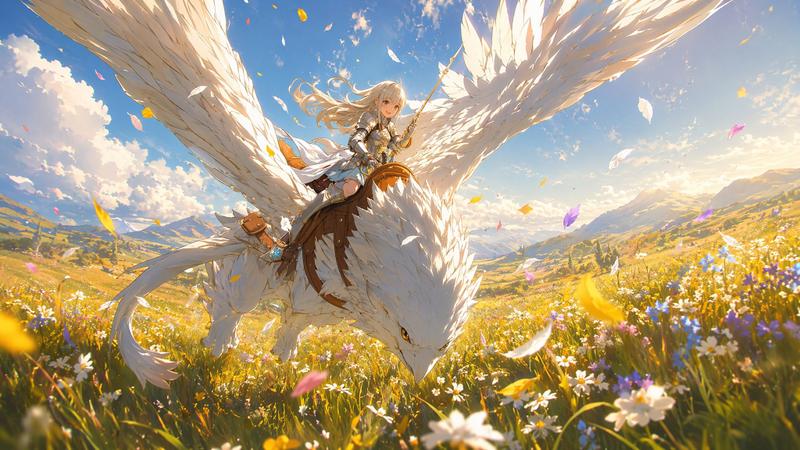
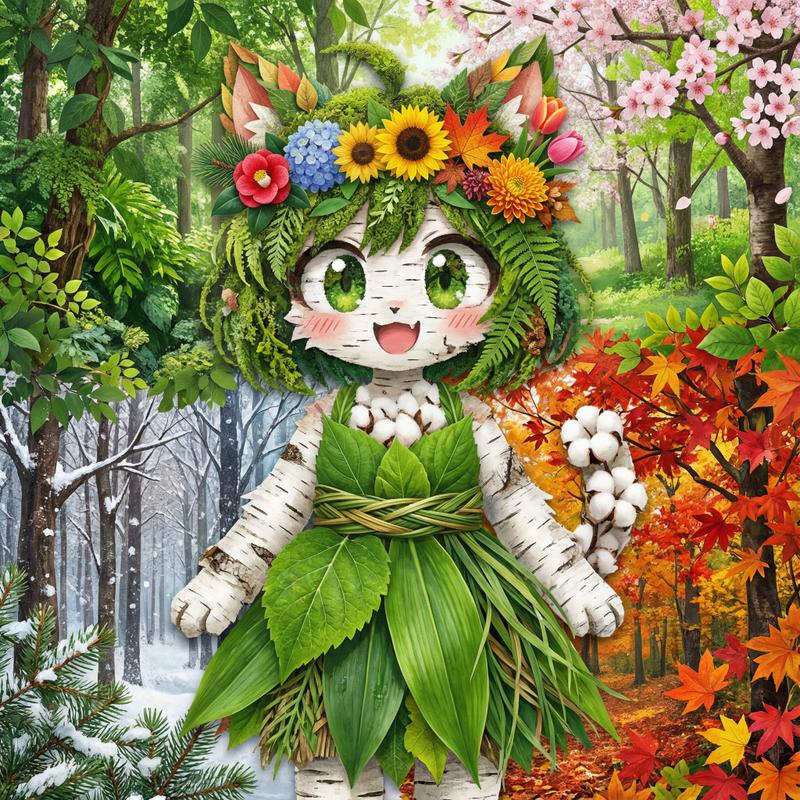
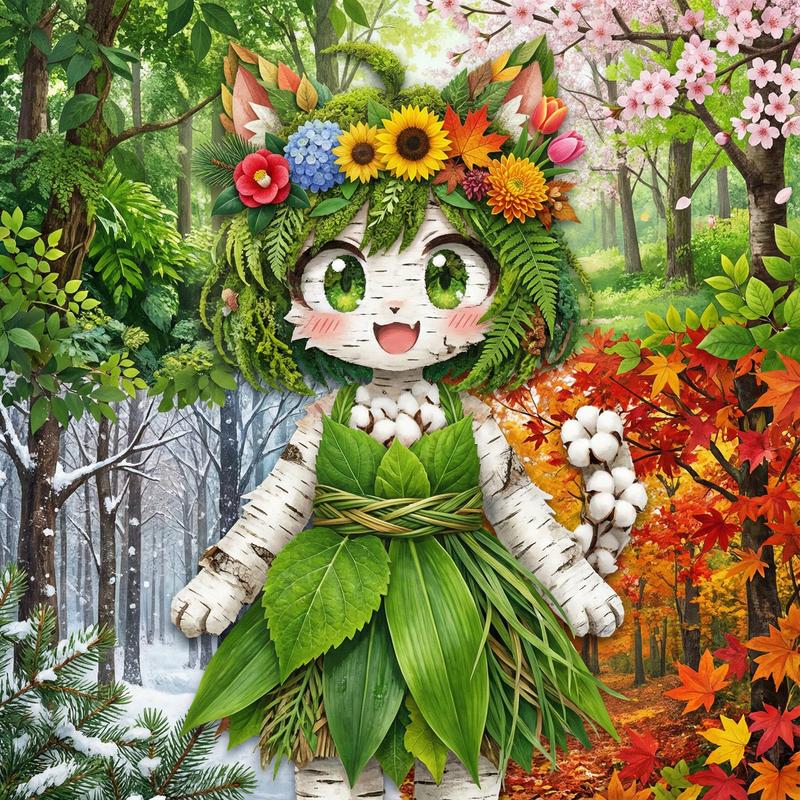
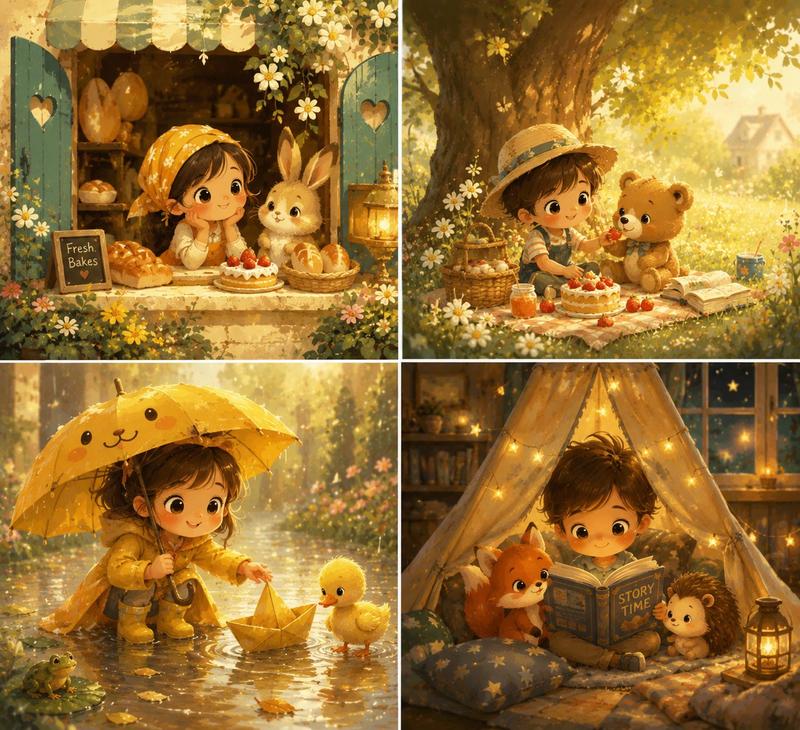
{ "meta": { "purpose": "Golden hour storybook rendering for whimsical fairy tale scenes", "style": "Soft amber glow, painterly textures, illustrative charm, 4K enchanted hybrid" }, "subject": { "character": "e.g., Gentle girl with wildflowers OR Winged fox guardian", "action": "e.g., Dancing in meadow OR Whispering secrets", "details": "[e.g., Exaggerated forms, hand-drawn intimacy]" }, "environment": { "setting": "e.g., Ancient forest glade at sunset", "elements": "Lush blooms, luminous birds, honeyed skies" }, "lighting": { "type": "[e.g., Golden hour diffuse with long shadows]", "effects": "Romantic nostalgia, subtle vignettes" }, "technical_specs": { "aspect_ratio": "[e.g., 16:9]", "quality": "Ghibli-inspired wonder, photoreal glow with illustration", "negative": ["harsh contrasts", "digital clean", "low res", "anime exaggerated"] } }
Category
Posters & Typography
Model
Nano Banana Pro
Views26
Source ID
11414
Published
Apr 23, 2026

Guide

About "琥珀光影下的童话仙子"

What is this prompt for?

"琥珀光影下的童话仙子" AI image prompt for Nano Banana Pro (Posters & Typography). { "meta": { "purpose": "用于异想天开的童话场景的黄金时段故事书渲染", "style": "柔和的琥珀色光芒,绘画般的纹理,插画般的魅力,4K 魔法…

The full copyable prompt and example visuals above are ready for AI image generation or one-click recreate in Picva.

How to use this prompt

  1. Step 1

    Open the prompt detail

    Review the example visuals, category, and full prompt text for "琥珀光影下的童话仙子".

  2. Step 2

    Copy the prompt

    Copy the prompt body from this page, or load it directly in Studio.

  3. Step 3

    Pick a model (Nano Banana Pro)

    Prefer Nano Banana Pro. If you switch models, keep subject and composition and tweak style terms.

  4. Step 4

    Generate and export

    Recreate the look in Picva, or export into your workflow for editing and publishing.

FAQ

What is the "琥珀光影下的童话仙子" prompt?
It is an AI image-generation prompt for Nano Banana Pro in the Posters & Typography category. This page includes the full prompt text, example visuals, and a one-click recreate path in Picva.
How do I use this prompt to generate an image?
Copy the prompt from this page, or use Generate / Studio. Paste it into a compatible image model, or recreate the look in Picva with optional reference images.
Which model is this prompt for?
This page lists Nano Banana Pro. Most descriptive prompts also transfer to nearby image models such as GPT Image, Flux, or Midjourney with light style tweaks.
Can I use the result commercially?
You can usually copy the prompt for creation, but commercial use of the final image depends on the model terms, reference-image rights, and the generated content. Follow the source author and platform rules.