从平面蓝图到温暖实景的跨越
Prompt
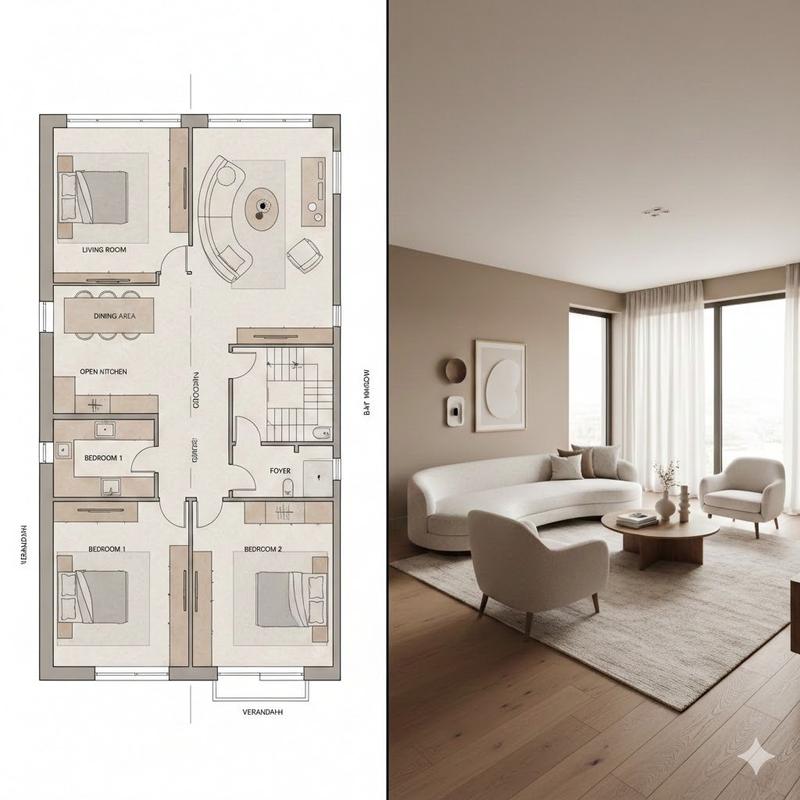
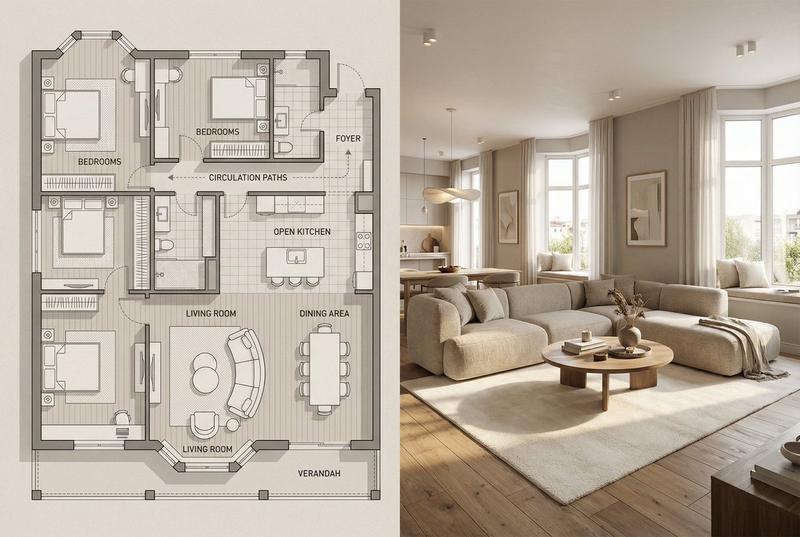
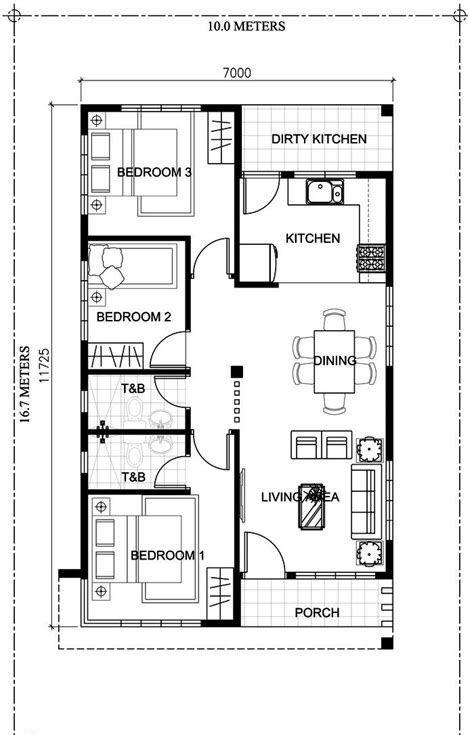
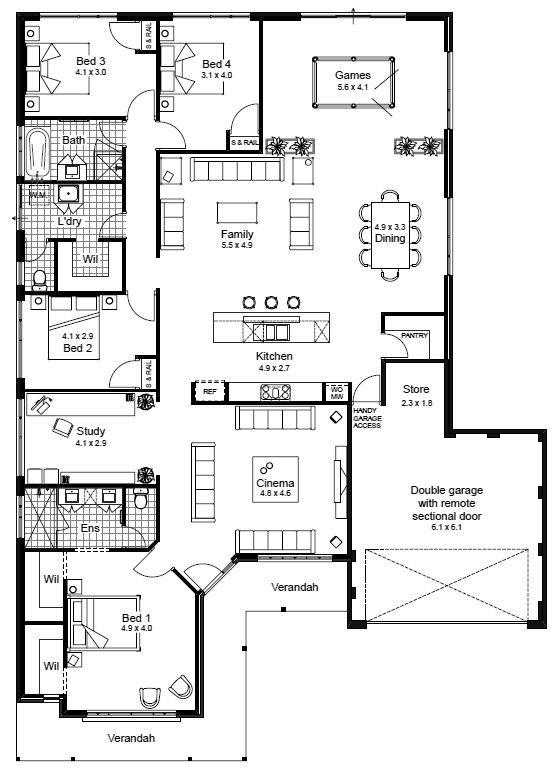
The image uses a left-right split composition, with a clear boundary between the left and right halves, aligned overall, presenting a comparison effect of "concept map versus actual implementation". The left half is a highly detailed modern minimalist architectural floor plan illustration, consistent with the reference image style. It shows a top-down orthogonal projection of the residential layout, clearly labeling spaces and circulation: living room, dining area, open kitchen, bedroom, entrance hall, corridor and flow lines, balcony or loggia space, bay window, and window opening locations. The color scheme uses neutral beige and warm gray, with clean lines, slight soft shadows, and delicate material textures, showcasing the quality of the interior design plan, presented in a blueprint-style flat visual, with visible and accurately scaled furniture placement. The right half is an ultra-realistic interior photo effect of the same living room as the left floor plan, with spatial proportions and layout strictly corresponding to the floor plan. The living room includes a curved sofa set, a central coffee table, soft carpet, warm wooden floor, neutral walls, and large windows introducing natural light. The overall style is modern and warm home atmosphere, with earthy tones and soft lighting, realistic and tactile materials, details that feel lived-in yet remain neat and restrained. The right side presents a real interior photography texture, with clear textures and high-resolution details. The style and atmosphere combine architectural visualization with real interior photography, modern, warm, elegant, conveying the professional design studio presentation feel, emphasizing the contrast between the plan and the actual scene. Lighting and color requirements: The left side uses uniform flat light and neutral colors, while the right side uses natural daylight with soft shadows and warm highlights; the colors on both sides maintain a unified harmonious relationship. Lens and technical requirements: The left side is a top-down orthogonal view, and the right side is a flat view using an interior wide-angle lens, with sharp image clarity, rich real materials, and details. Negative prompt: cartoon style, rough details, messy interior, mismatch between floor plan and actual scene, distorted proportions, overly harsh light, exaggerated saturated colors, text overlay, watermark, logo, noise, blur.
- Category
- Charts & Infographics
- Model
- Nano Banana Pro
- Creator
- @kuaijierun
- Source ID
- 10740
- Published
- Apr 28, 2026
Views133