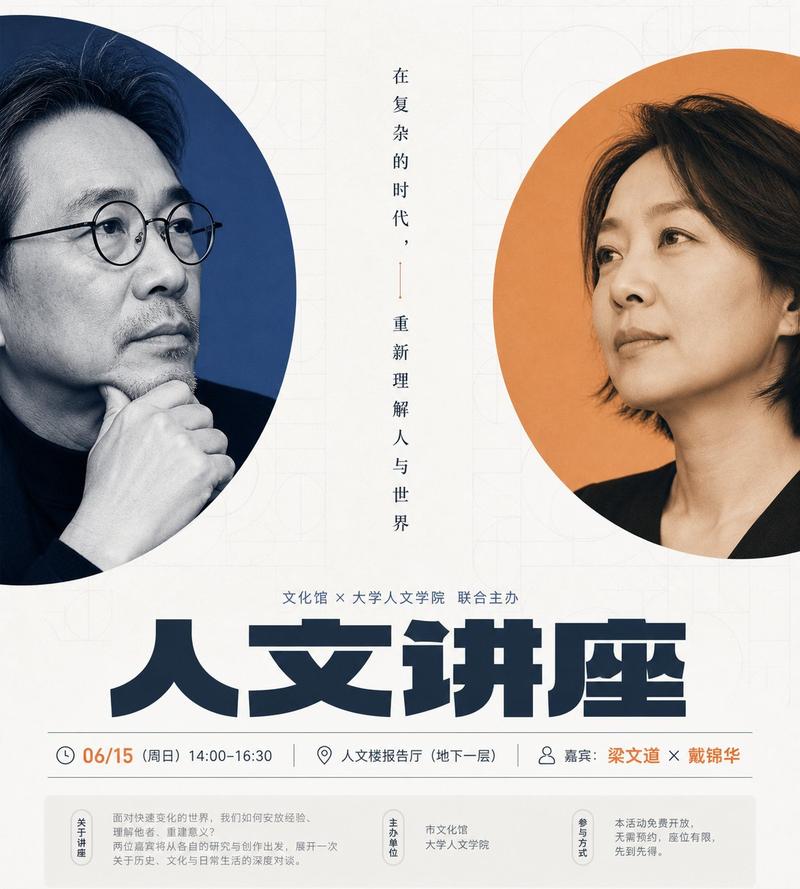
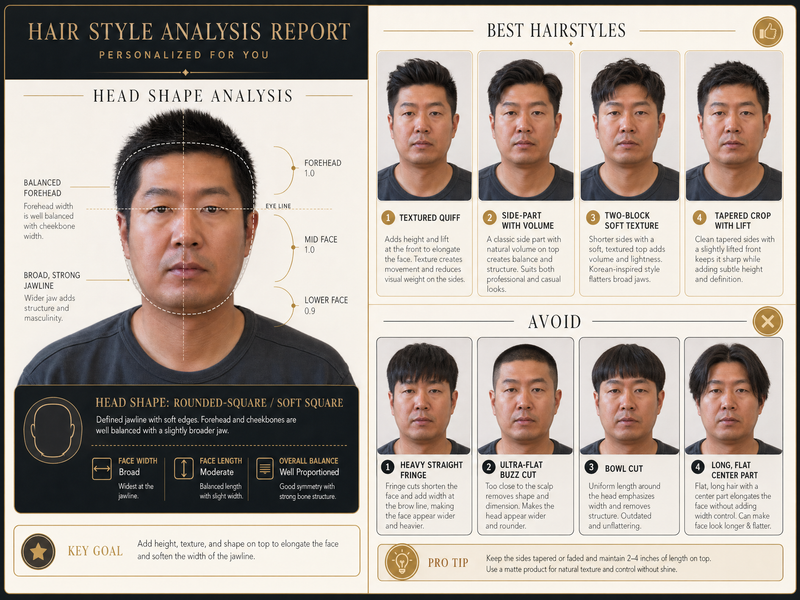
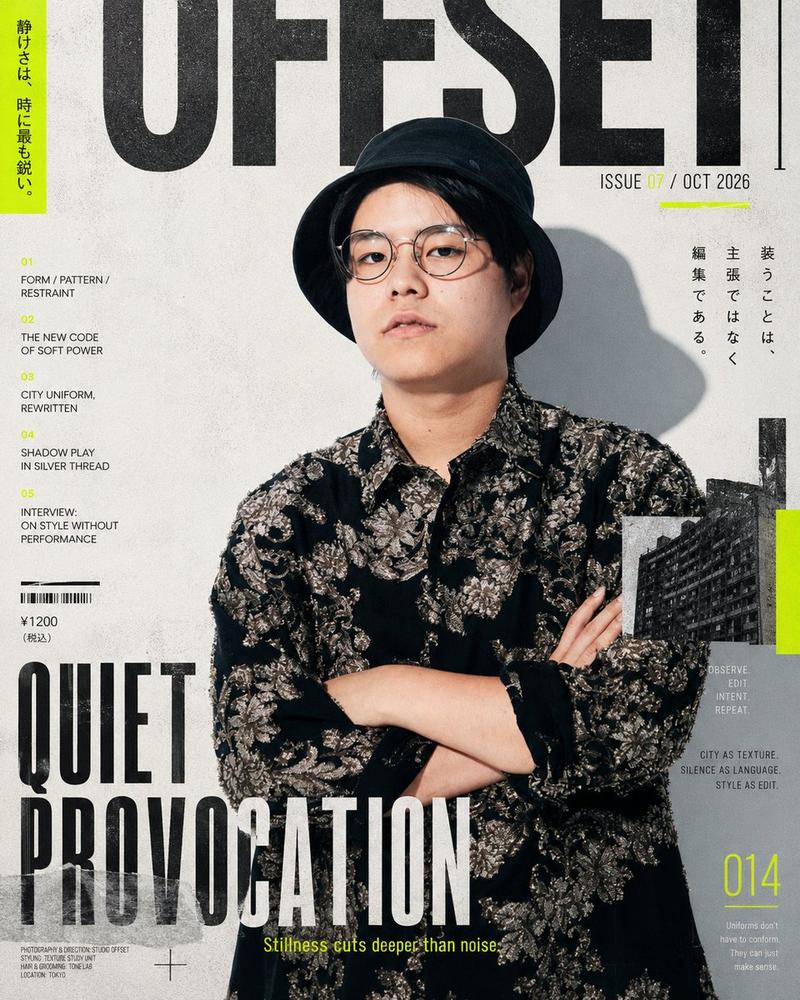
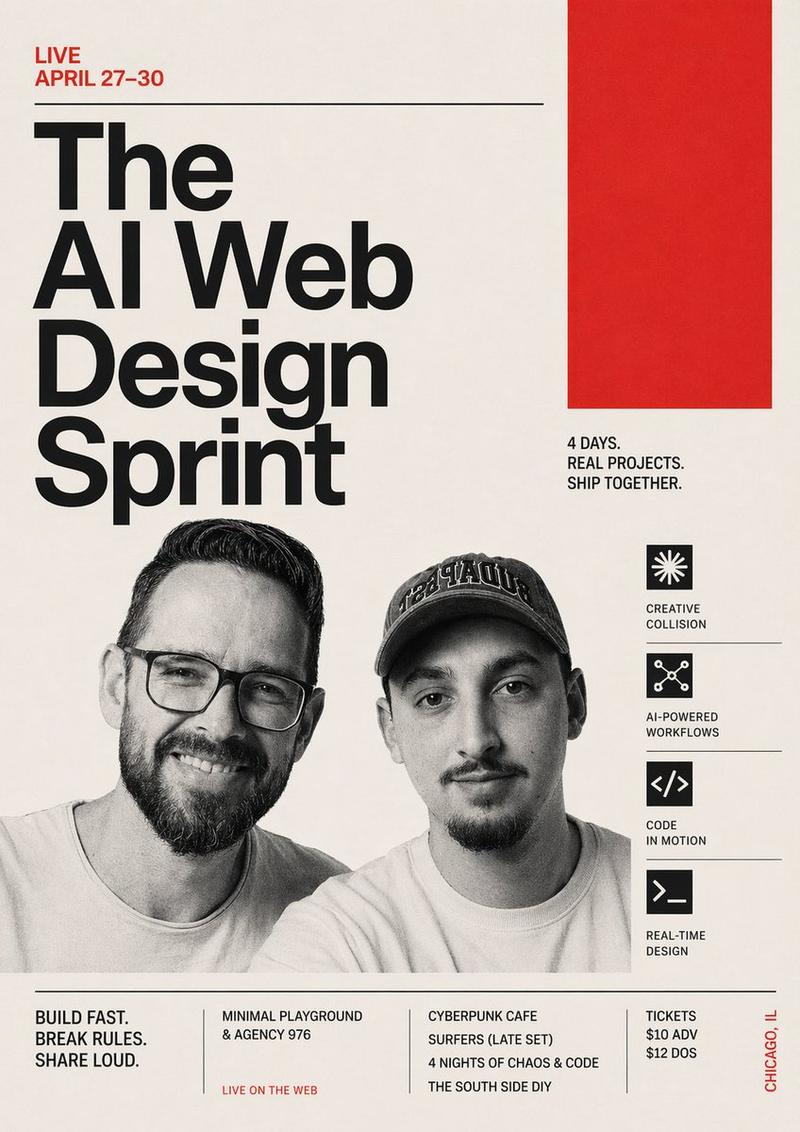
高识别度产品设计创新视觉海报
Prompt
Generate a high-recognition visual representation around any theme: use a large area of bright, clean derivative background color of the theme to establish the first-sight impact. The background color occupies the vast majority of the screen area and is pushed to the edges by a huge cropped arc or circular color block, forming strong graphic pressure and clear white space. The core theme image is not directly filled, but embedded into two circular windows of different scales in a calm monochromatic, halftone dot, or fine grain manner. The main window carries the most important figure, product, symbol, or conceptual carrier, and the secondary window serves as a rhythmic echo and narrative supplement; the two circles can partially overlap or be edge-cropped. The text adopts bold, compact, block-like sans-serif Chinese titles, forming a large-volume black information block on the left side or the main reading area. Secondary information is arranged in layers with smaller font sizes, and black labels and light-colored information boxes are used at the top to establish an orderliness like a course card. Add a small amount of precise geometric decorations: ruler scales, dot matrices, diagonal dashed line connections, short horizontal emphasis bars, and small wireframe icons, giving the image a rational temperament of exploration, measurement, and interface, but the decorations must serve the reading path. Colors are extracted from the material, emotion, and semantics of the theme itself, maintaining the role relationship of high-brightness large background color, dark structural text, low-saturation monochromatic images, and a very small amount of high-saturation emphasis colors; the overall feeling is bright and light, clean and sharp, with clear contrast; the emphasis color is only used for small-area signal points to avoid even distribution. The sense of completion of the screen should be like a bold design course or innovation agenda visual, with high information density but clear levels; circular images, thick black titles, measurement-sense geometry, and bright background colors together constitute the memory points. —————— Want to replace with: Product design innovation lecture, focusing on presenting a visual design lecturer and a product manager guest. Usage location: Offline salon registration page header image, also suitable for community forwarding cards. Text requirements: Title highlights 'Exploring the Path of Product Innovation', supplemented by time, location, and two agenda items. Size selection: Vertical 3:4.
- Category
- Charts & Infographics
- Model
- ChatGPT
- Creator
- @xiaoxiaodong01
- Source ID
- 17060
- Published
- Jun 29, 2026
Views27