20

雨天都市漫步随拍拼接胶卷
Enlarge

Example images

雨天都市漫步随拍拼接胶卷

Prompt
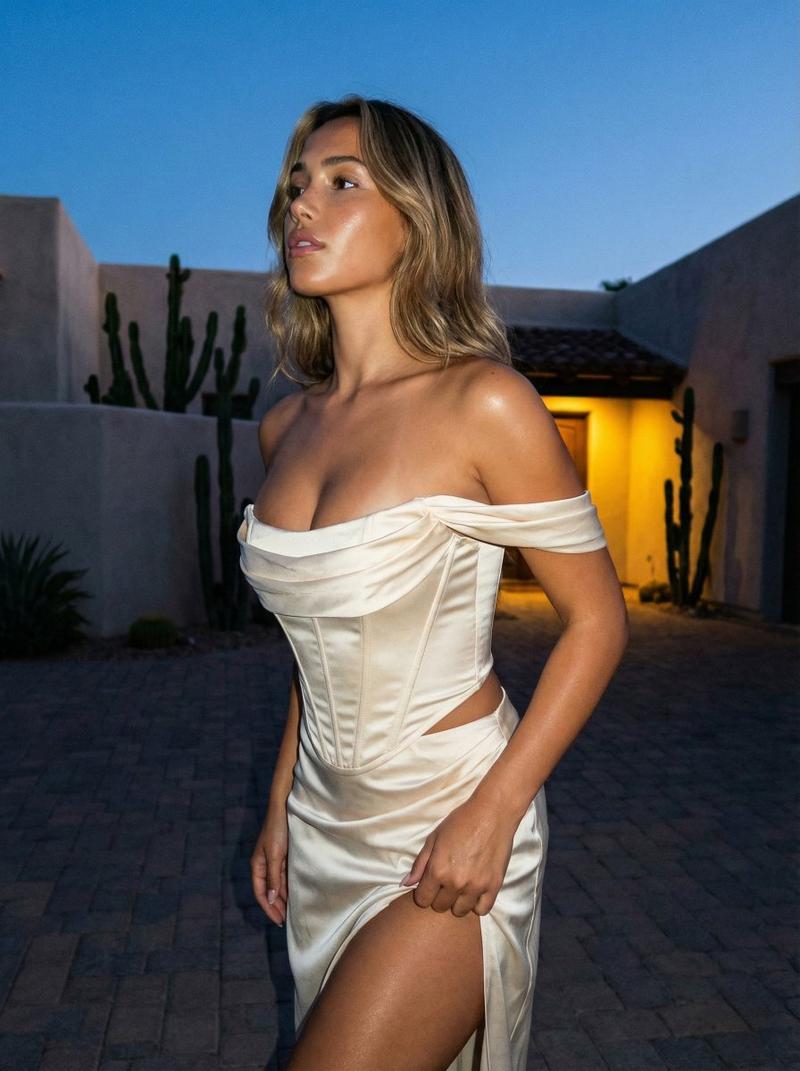
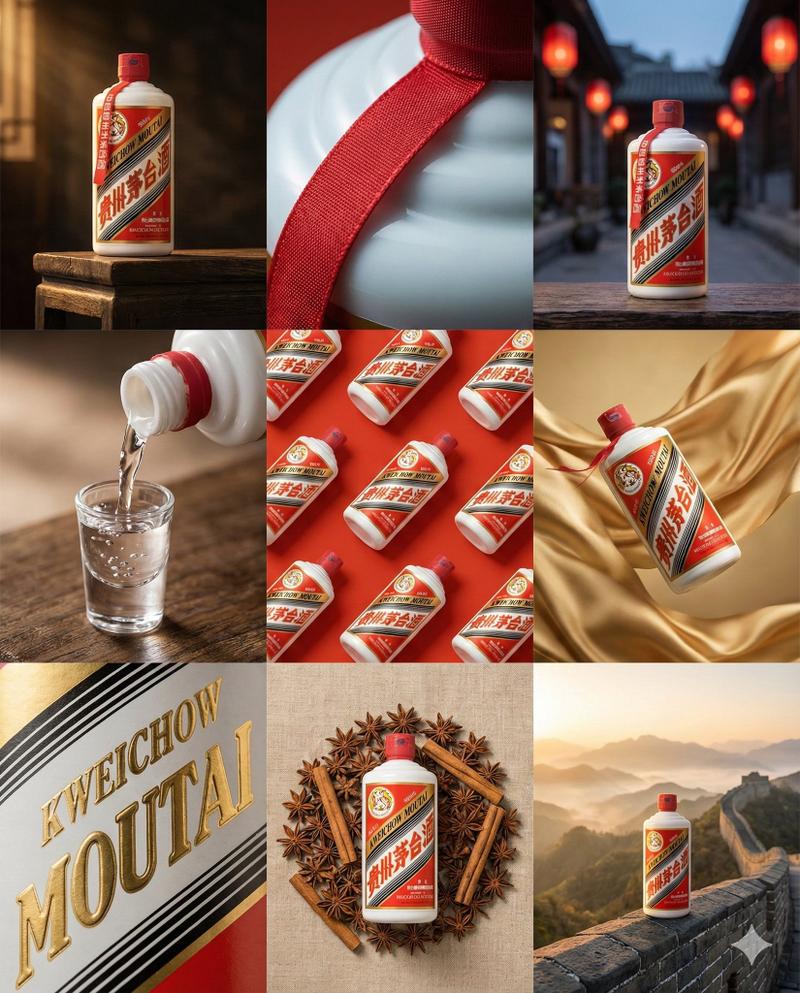
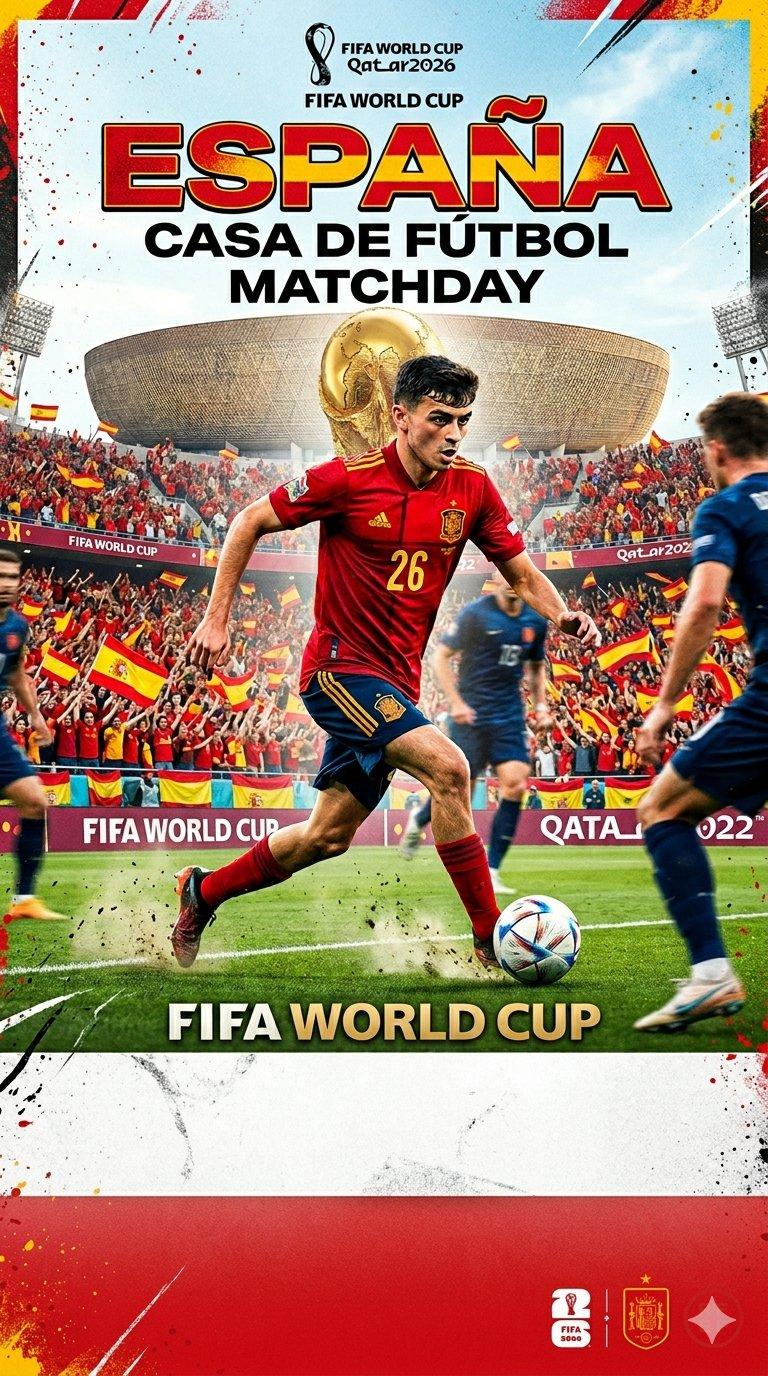
A candid photo-dump collage designed to feel like [HUMAN]'s phone gallery from one rainy afternoon running errands downtown. [HUMAN] wears a damp charcoal-grey oversized trench coat layered over a cream ribbed turtleneck, faded black straight-leg jeans and worn white leather sneakers. The mechanic is a six-panel grid stitched together like an iPhone camera roll, each photo slightly water-speckled on the lens with soft flash hotspots bouncing off wet pavement. Panels: a blurry mirror shot in a shop's rain-fogged window, an overhead shot of shoes splashing through a puddle at a crosswalk, a low-angle shot from a bus shelter bench looking up mid-laugh, a fisheye selfie under an umbrella inches from the lens, a candid shot reflected in a coffee cup lid on a café table, and a motion-blurred shot taken mid-stride on an escalator. Expressions shift from a squinting laugh in the rain to a skeptical side-eye at a shop window to a quiet, unposed half-smile on the bus. Cohesive charcoal grey, cream, faded black and wet-pavement silver palette. Premium candid lifestyle photography, visible grain and uneven exposure, no glossy textures, aspect ratio 4:5.
Category
Charts & Infographics
Model
ChatGPT
Views1
Source ID
17410
Published
Jul 5, 2026

Guide

About "雨天都市漫步随拍拼接胶卷"

What is this prompt for?

"雨天都市漫步随拍拼接胶卷" AI image prompt for ChatGPT (Charts & Infographics). 一张抓拍式的照片拼接,旨在表现[HUMAN]在一个阴雨绵绵的下午在市区办事时的手机相册。[HUMAN]身穿一件略显潮湿的炭灰色廓形风衣,内搭米色罗纹高领毛衣、褪色的黑色直筒牛仔裤和破…

The full copyable prompt and example visuals above are ready for AI image generation or one-click recreate in Picva.

How to use this prompt

  1. Step 1

    Open the prompt detail

    Review the example visuals, category, and full prompt text for "雨天都市漫步随拍拼接胶卷".

  2. Step 2

    Copy the prompt

    Copy the prompt body from this page, or load it directly in Studio.

  3. Step 3

    Pick a model (ChatGPT)

    Prefer ChatGPT. If you switch models, keep subject and composition and tweak style terms.

  4. Step 4

    Generate and export

    Recreate the look in Picva, or export into your workflow for editing and publishing.

FAQ

What is the "雨天都市漫步随拍拼接胶卷" prompt?
It is an AI image-generation prompt for ChatGPT in the Charts & Infographics category. This page includes the full prompt text, example visuals, and a one-click recreate path in Picva.
How do I use this prompt to generate an image?
Copy the prompt from this page, or use Generate / Studio. Paste it into a compatible image model, or recreate the look in Picva with optional reference images.
Which model is this prompt for?
This page lists ChatGPT. Most descriptive prompts also transfer to nearby image models such as GPT Image, Flux, or Midjourney with light style tweaks.
Can I use the result commercially?
You can usually copy the prompt for creation, but commercial use of the final image depends on the model terms, reference-image rights, and the generated content. Follow the source author and platform rules.