18

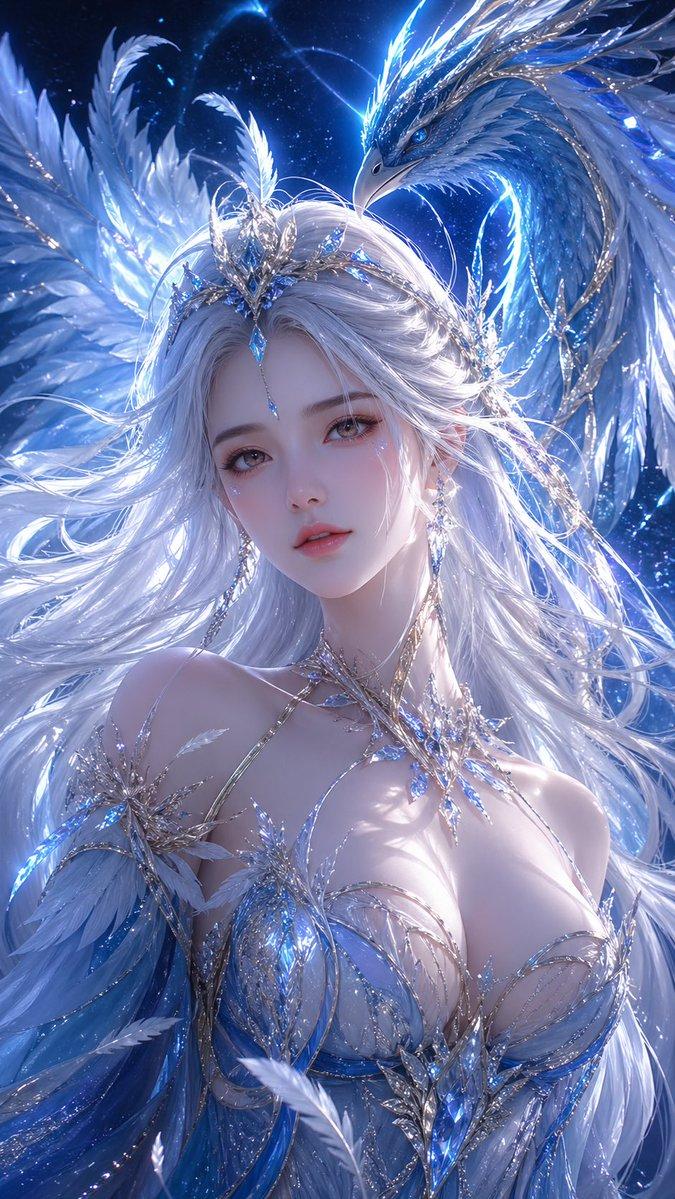
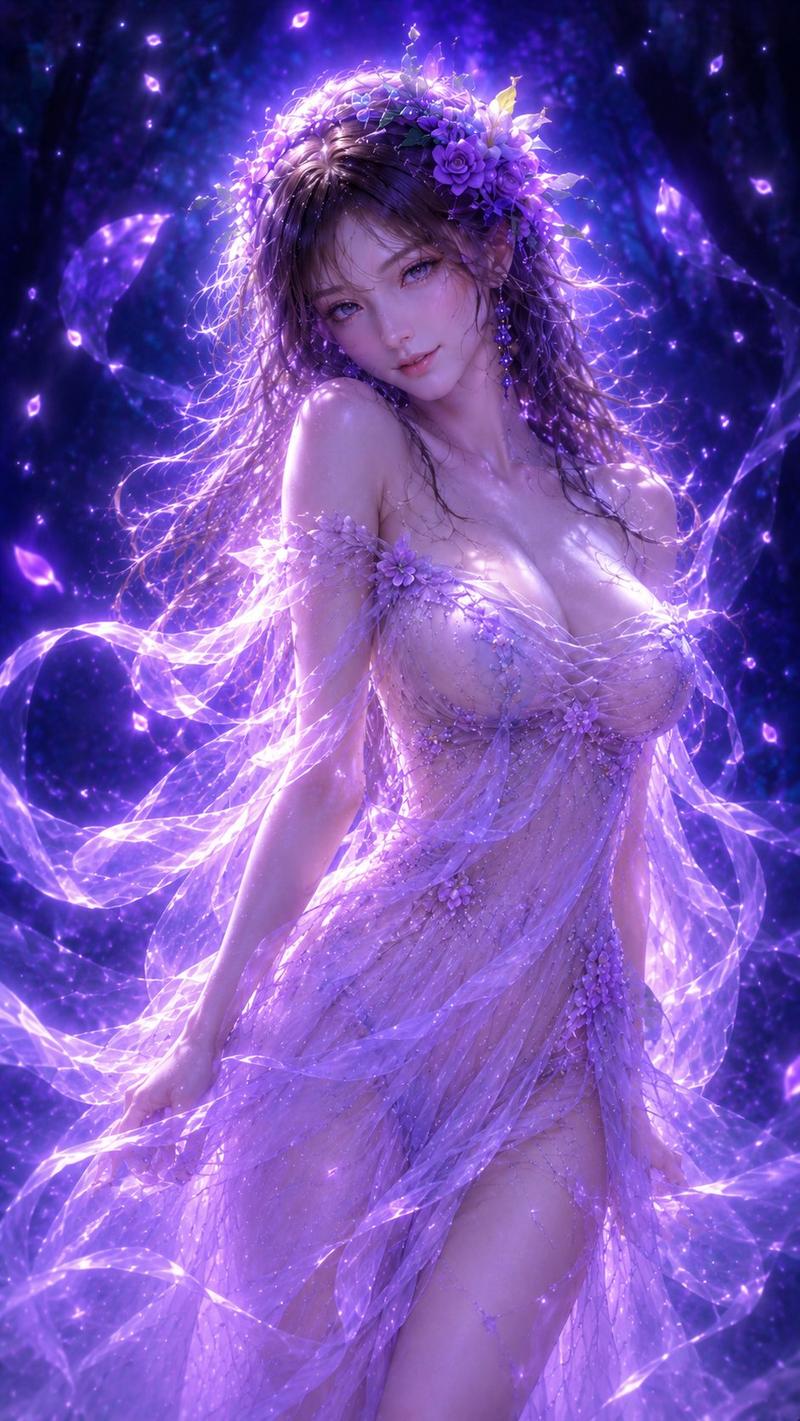
天使动漫慈悲场景
Enlarge

天使动漫慈悲场景

Prompt
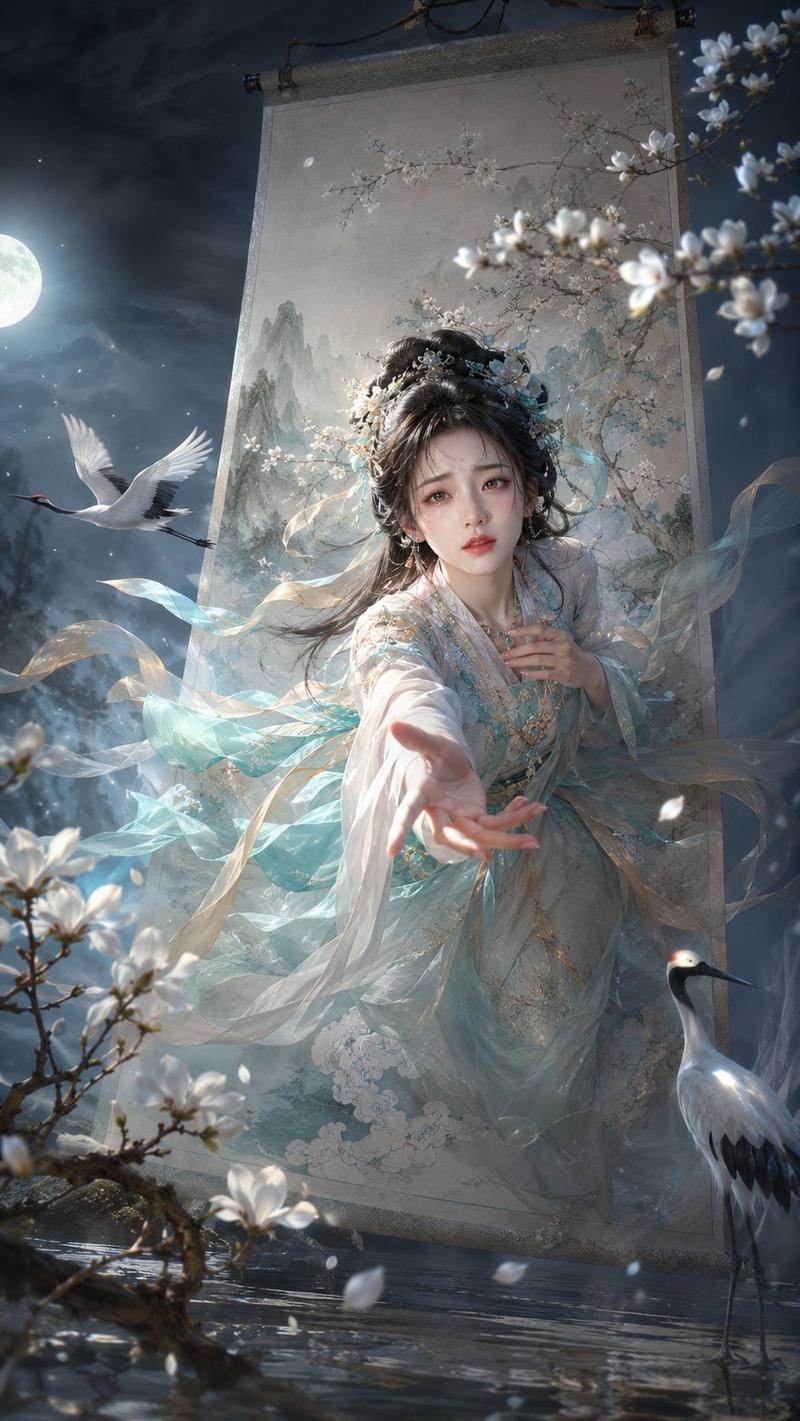
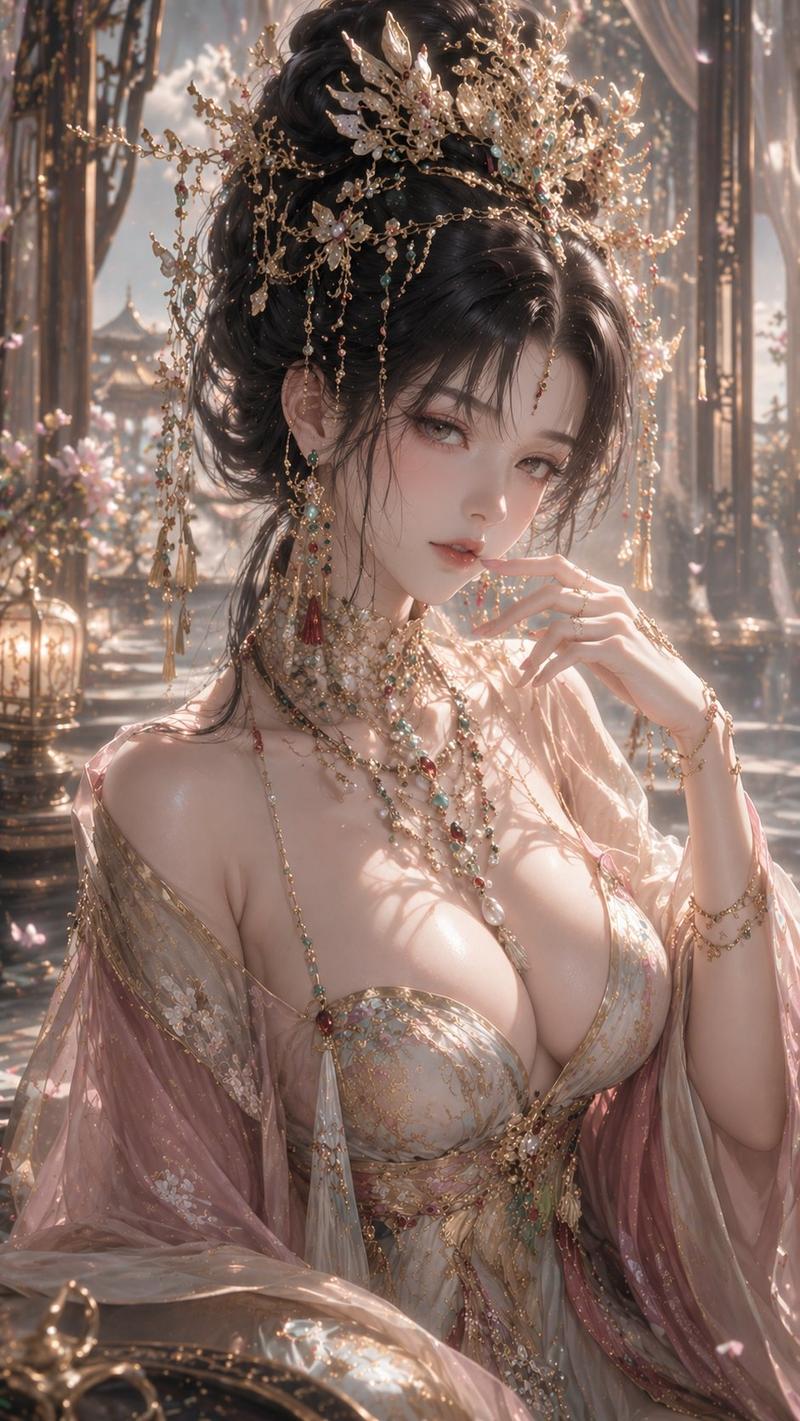
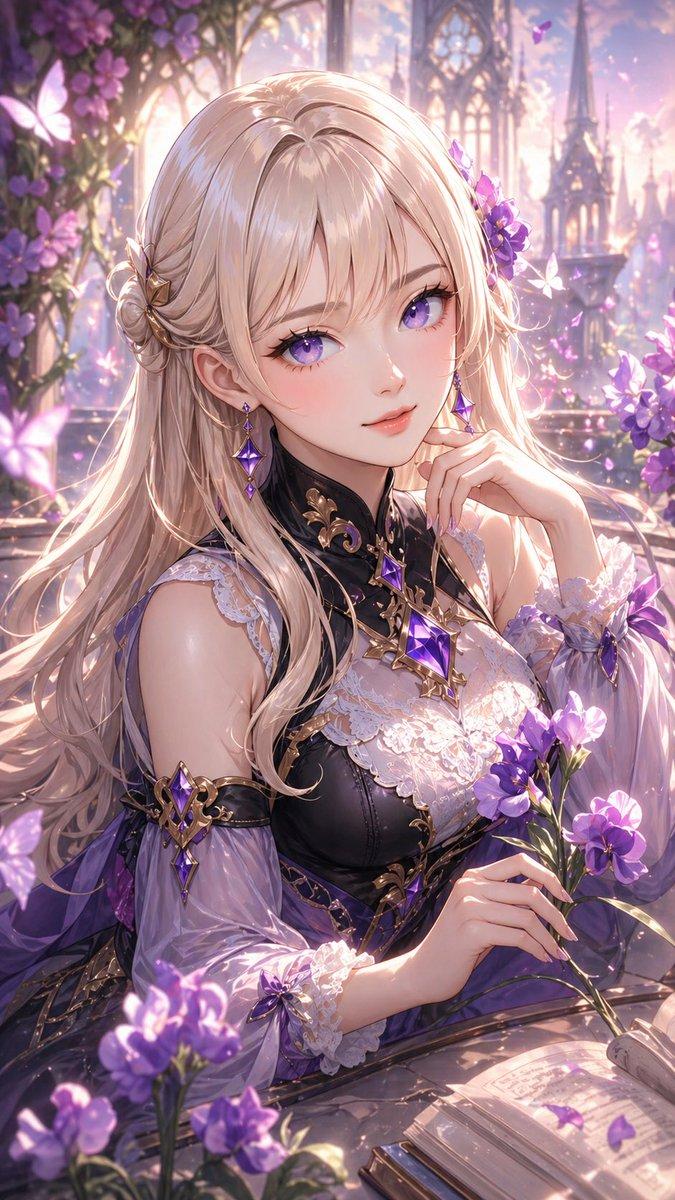
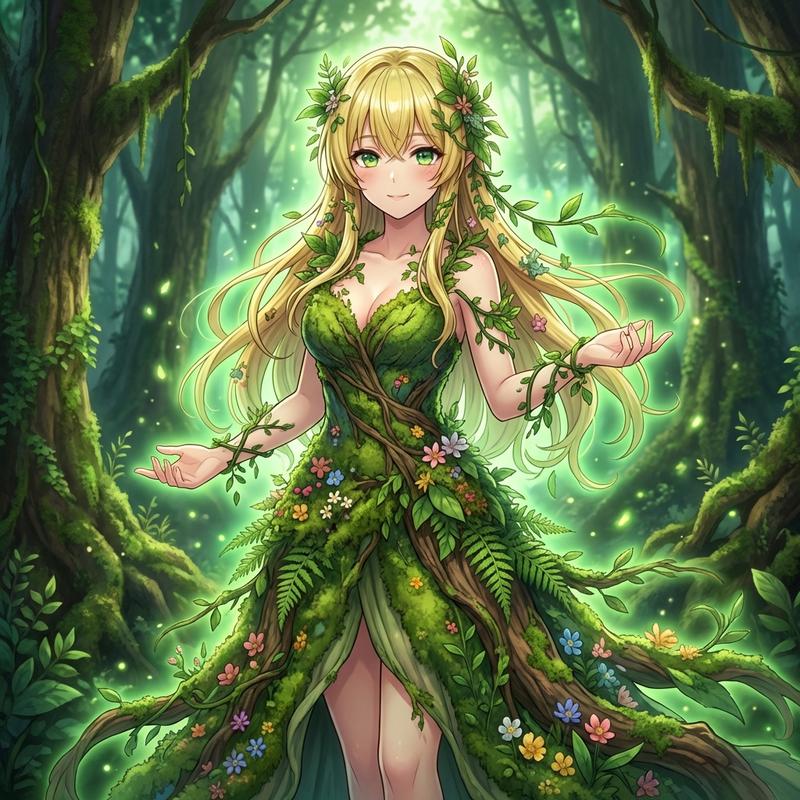
(1girl1.5), solo, alone, (girl at the front), girl close up, look at viewer, {argument name="character expression" default="The girl of Mercy, the expression of mercy"}, the girl in the center of the screen. bare shoulders. upper body, Circle of angels, haloed, riding on clouds.extend both hands, White frills.(((Multiple mixed scenes))), all translucent, {argument name="theme" default="science fiction, fantasy, steampunk, cyberpunk, fairyland"}, movie poster, wire frame, picture book, ink, illustration, double exposure, lens flare, aestheticism, the galaxy, dreams in the middle of the night, from above, psychedelics, brave swords, spectacular scenery, masterpieces, best quality, running lights, tons of drugs, tons of stationery, iridescent, cute, kawaii, illustration, Super fine illustration, (Noah's Ark:1.2), Angels, {argument name="environment" default="The wilderness, the world tree, the meadows"}, Holograms, 11-dimensional universe, world reason, truth
Category
Posters & Typography
Model
GPT Image 2
Creator
せぴぃ
Views7
Source ID
19069
Published
May 8, 2026

Guide

About "天使动漫慈悲场景"

What is this prompt for?

"天使动漫慈悲场景" AI image prompt for GPT Image 2 (Posters & Typography). 一个复杂且高细节的动漫提示词,用于生成以角色为中心的场景,融合了科幻与奇幻主题,展现了天堂背景下的天使女孩。 Copy it on Picva and recreate the loo…

The full copyable prompt and example visuals above are ready for AI image generation or one-click recreate in Picva.

How to use this prompt

  1. Step 1

    Open the prompt detail

    Review the example visuals, category, and full prompt text for "天使动漫慈悲场景".

  2. Step 2

    Copy the prompt

    Copy the prompt body from this page, or load it directly in Studio.

  3. Step 3

    Pick a model (GPT Image 2)

    Prefer GPT Image 2. If you switch models, keep subject and composition and tweak style terms.

  4. Step 4

    Generate and export

    Recreate the look in Picva, or export into your workflow for editing and publishing.

FAQ

What is the "天使动漫慈悲场景" prompt?
It is an AI image-generation prompt for GPT Image 2 in the Posters & Typography category. This page includes the full prompt text, example visuals, and a one-click recreate path in Picva.
How do I use this prompt to generate an image?
Copy the prompt from this page, or use Generate / Studio. Paste it into a compatible image model, or recreate the look in Picva with optional reference images.
Which model is this prompt for?
This page lists GPT Image 2. Most descriptive prompts also transfer to nearby image models such as GPT Image, Flux, or Midjourney with light style tweaks.
Can I use the result commercially?
You can usually copy the prompt for creation, but commercial use of the final image depends on the model terms, reference-image rights, and the generated content. Follow the source author and platform rules.