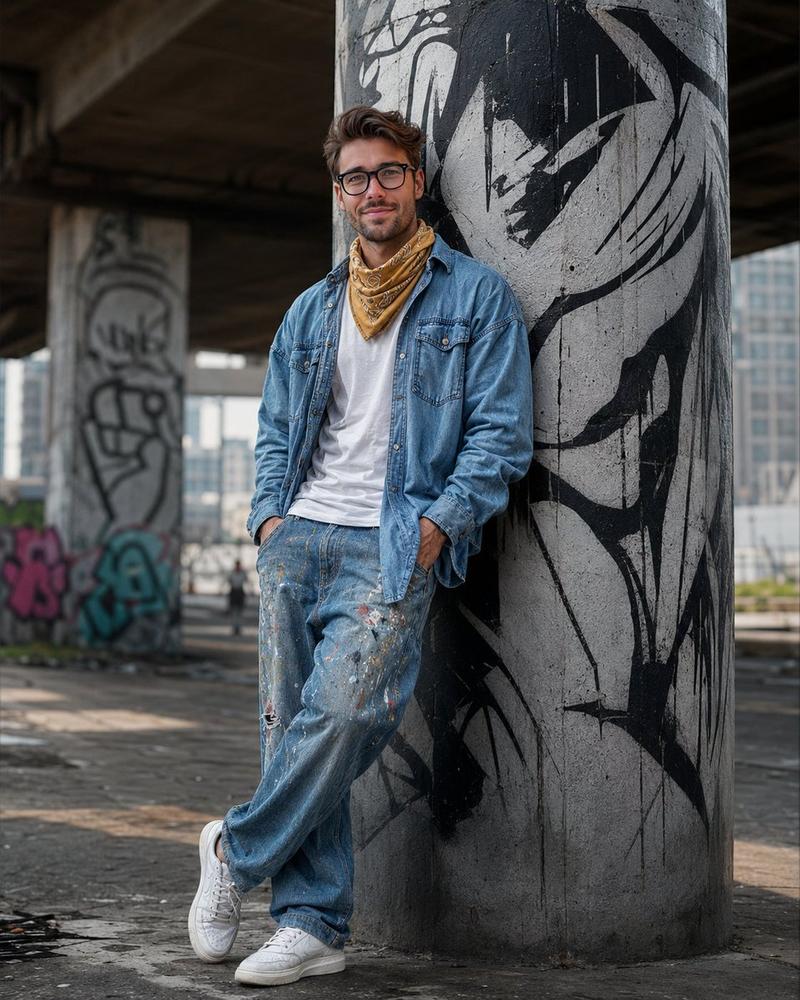
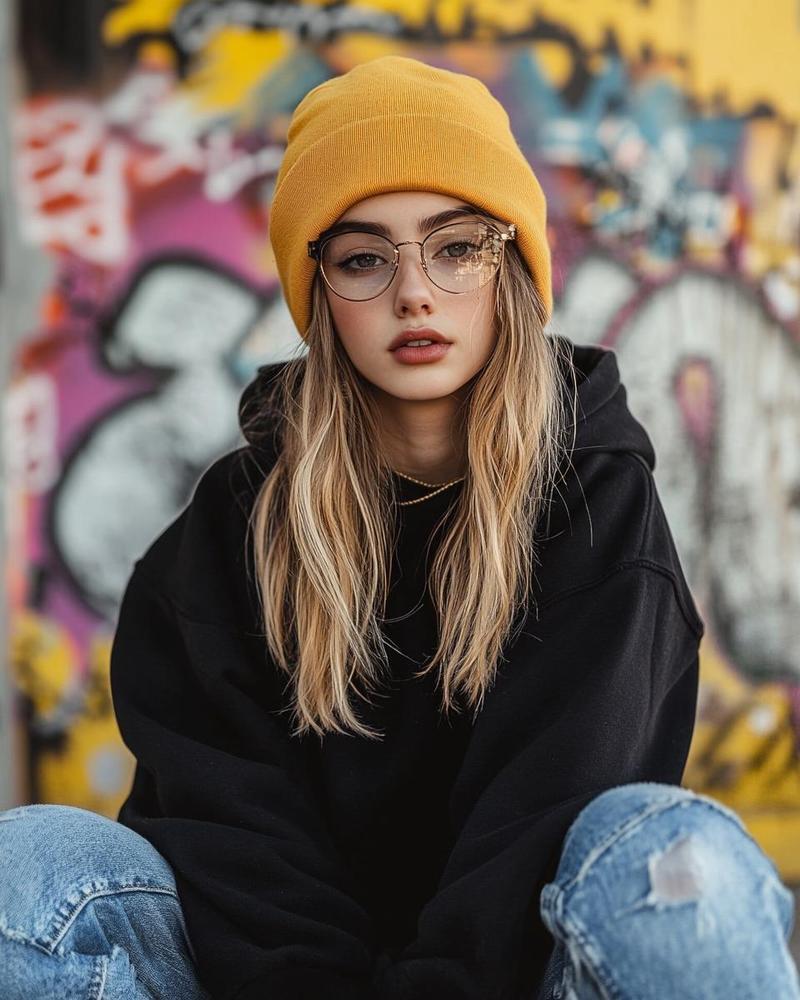
老年滑板手街头肖像
Prompt
Create a gritty photorealistic street portrait of {argument name="character description" default="an elderly skater man with curly gray hair"} crouching in a concrete skatepark under an overpass, framed from head to shoes in a vertical 4:5 composition. His face is covered by a centered opaque rectangular privacy block in muted brown, while gray curls remain visible around the top and sides. He wears layered black urban skatewear: a black windbreaker jacket over a gray hoodie, a dark T-shirt with a small white graphic, loose black cargo pants, a wristwatch, rings, and black-and-white Vans Old Skool sneakers with white laces. He squats low on a concrete ledge with one knee raised, relaxed hands hanging forward, and one hand resting near a worn old skateboard standing upright beside him. Include exactly 1 skateboard: a battered black deck with dirty beige wheels, scraped trucks, distressed graphics, and the visible word {argument name="skateboard logo text" default="THRASHER"} near the top. Add exactly 1 social media tag sticker: a rounded white rectangle near the lower right of the subject with bold black text {argument name="social handle" default="@giuliannolano"}. The background is a shallow-depth-of-field urban skate bowl covered in blurred colorful graffiti, dark concrete beams overhead, moody natural light, cinematic contrast, realistic fabric wrinkles, scuffed shoes, textured aging hands, documentary street-fashion photography, 85mm lens look, soft bokeh, high detail, no extra people.- Category
- Charts & Infographics
- Model
- GPT Image 2
- Creator
- GiuliannoLano 🇧🇷
- Source ID
- 19761
- Published
- May 11, 2026
Views5