17

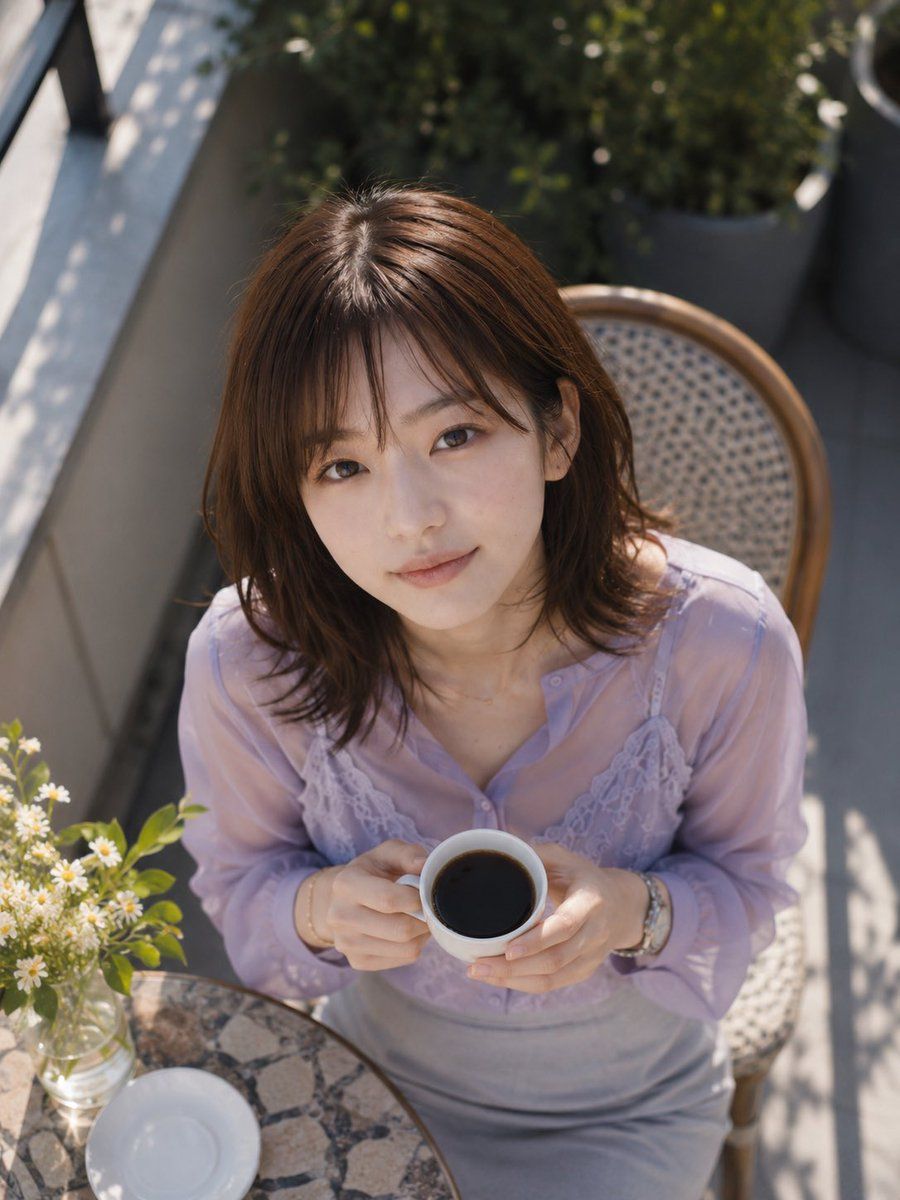
咖啡馆俯视视角姿态转换
Enlarge

Example images

咖啡馆俯视视角姿态转换

Prompt
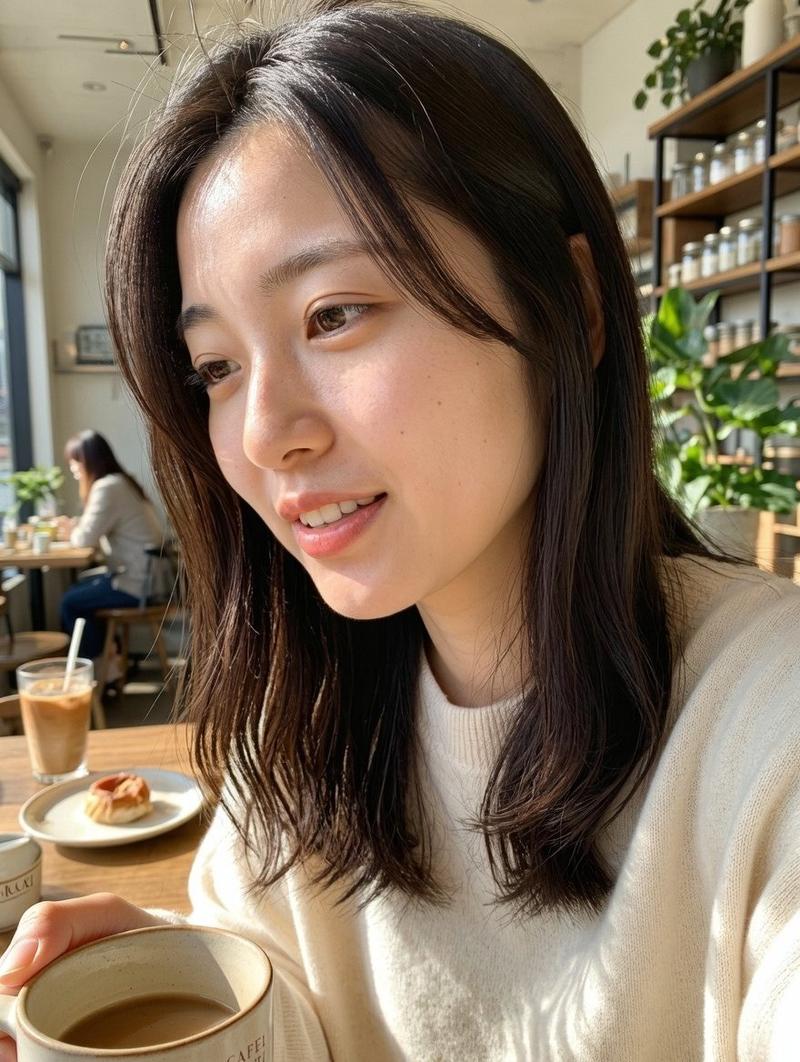
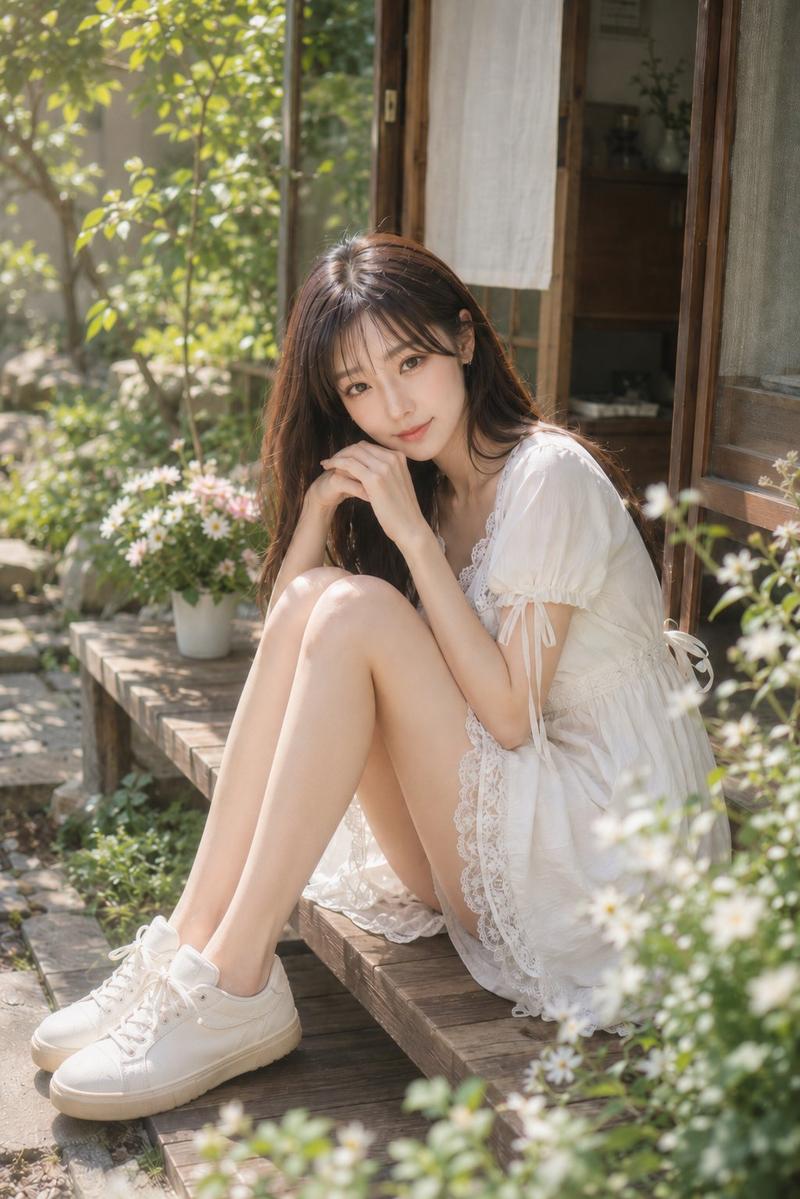
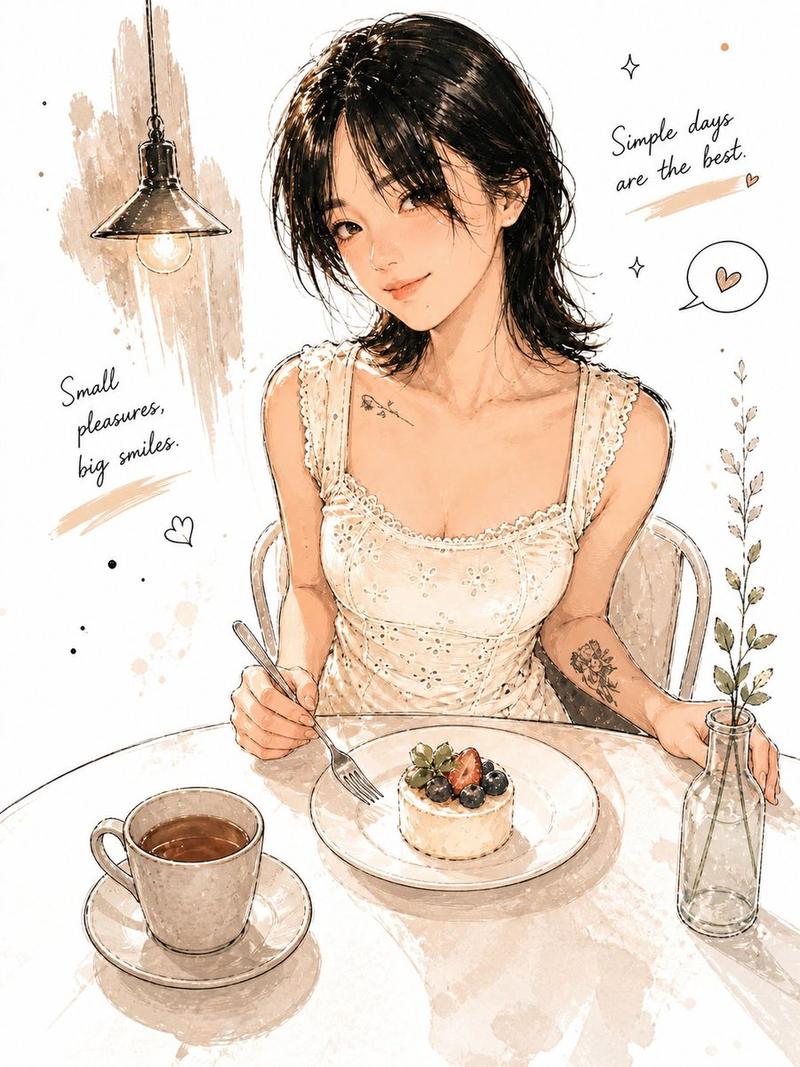
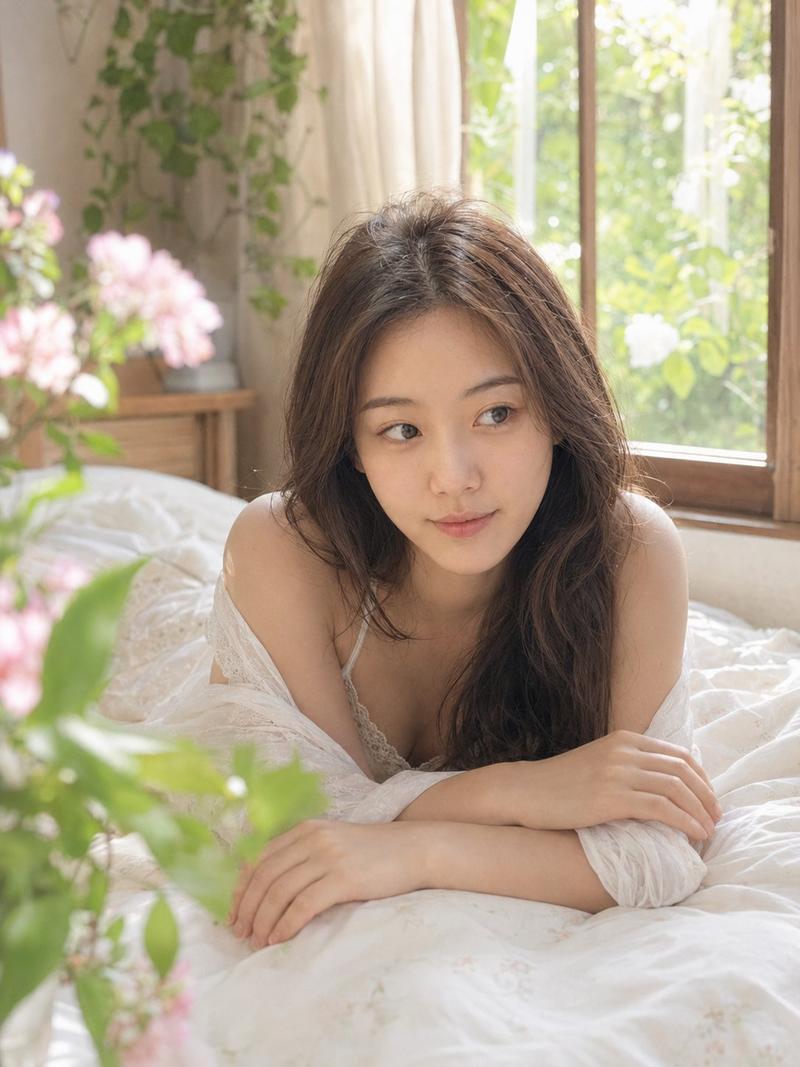
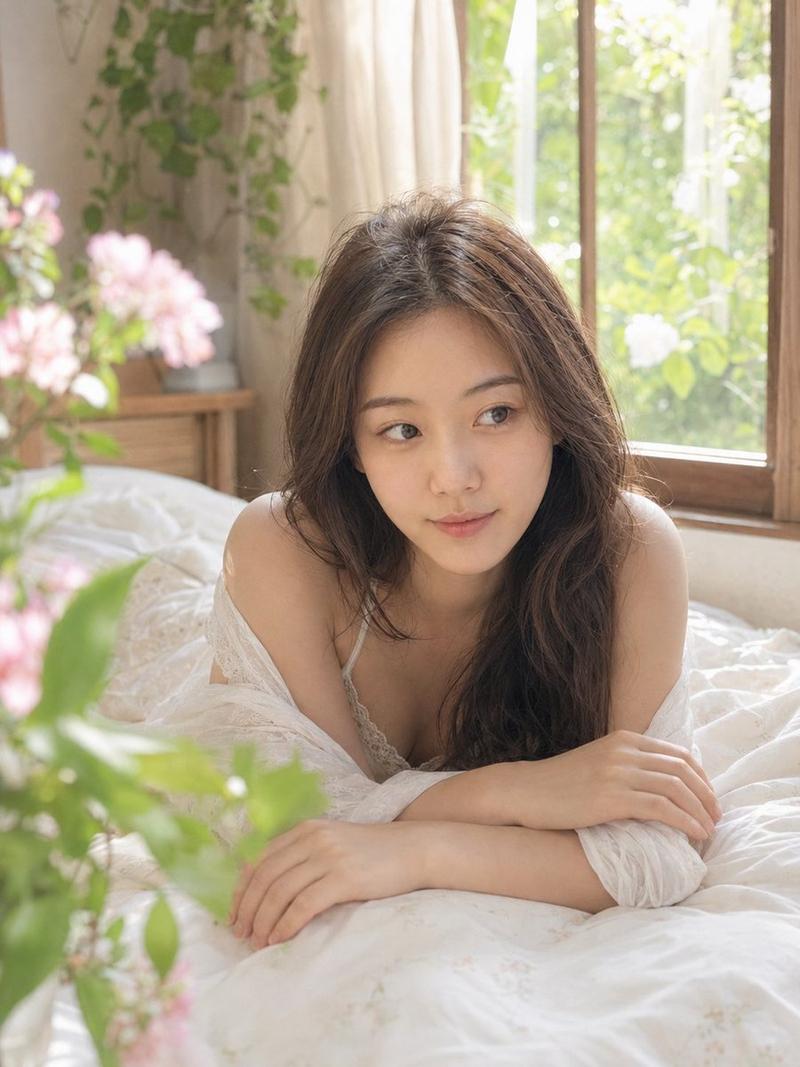
Using the provided reference image as the base, regenerate the same subject in the same outfit and outdoor café terrace setting, but change the composition to a close, high-angle overhead shot looking down from above. Repose her seated on the wicker café chair, leaning slightly forward and holding {argument name="drink" default="a white coffee cup filled with black coffee"} with both hands near her chest. Keep the lavender sheer blouse, lace camisole detail, gray skirt, jewelry, hair, wicker chair, round stone café table, vase of small white flowers, balcony greenery, and sunny dappled shadows consistent with the reference. Crop tighter around the upper body and table edge, with exactly 1 cup in her hands, 1 empty white saucer on the table, and 1 small glass vase of white flowers visible. Preserve the anonymized face treatment as {argument name="face covering" default="a solid rectangular blur block over the face"}. Use realistic natural daylight photography, shallow depth of field, soft highlights, and no added text or watermark.
Category
Charts & Infographics
Model
GPT Image 2
Creator
orcarox
Views4
Source ID
20890
Published
May 16, 2026

Guide

About "咖啡馆俯视视角姿态转换"

What is this prompt for?

"咖啡馆俯视视角姿态转换" AI image prompt for GPT Image 2 (Charts & Infographics). 将参考的咖啡馆人像转换为同一主体手持咖啡的近距离俯视镜头,同时保留服装和场景设置。 Copy it on Picva and recreate the look in one…

The full copyable prompt and example visuals above are ready for AI image generation or one-click recreate in Picva.

How to use this prompt

  1. Step 1

    Open the prompt detail

    Review the example visuals, category, and full prompt text for "咖啡馆俯视视角姿态转换".

  2. Step 2

    Copy the prompt

    Copy the prompt body from this page, or load it directly in Studio.

  3. Step 3

    Pick a model (GPT Image 2)

    Prefer GPT Image 2. If you switch models, keep subject and composition and tweak style terms.

  4. Step 4

    Generate and export

    Recreate the look in Picva, or export into your workflow for editing and publishing.

FAQ

What is the "咖啡馆俯视视角姿态转换" prompt?
It is an AI image-generation prompt for GPT Image 2 in the Charts & Infographics category. This page includes the full prompt text, example visuals, and a one-click recreate path in Picva.
How do I use this prompt to generate an image?
Copy the prompt from this page, or use Generate / Studio. Paste it into a compatible image model, or recreate the look in Picva with optional reference images.
Which model is this prompt for?
This page lists GPT Image 2. Most descriptive prompts also transfer to nearby image models such as GPT Image, Flux, or Midjourney with light style tweaks.
Can I use the result commercially?
You can usually copy the prompt for creation, but commercial use of the final image depends on the model terms, reference-image rights, and the generated content. Follow the source author and platform rules.