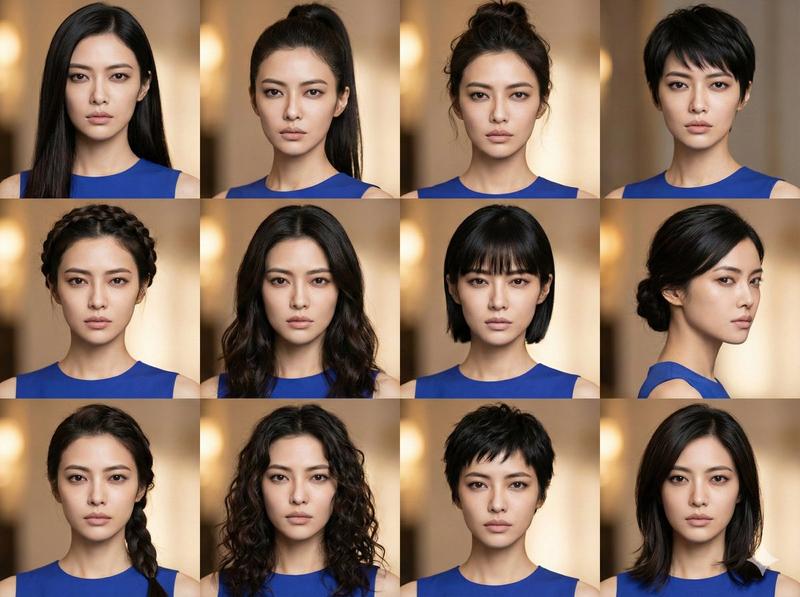
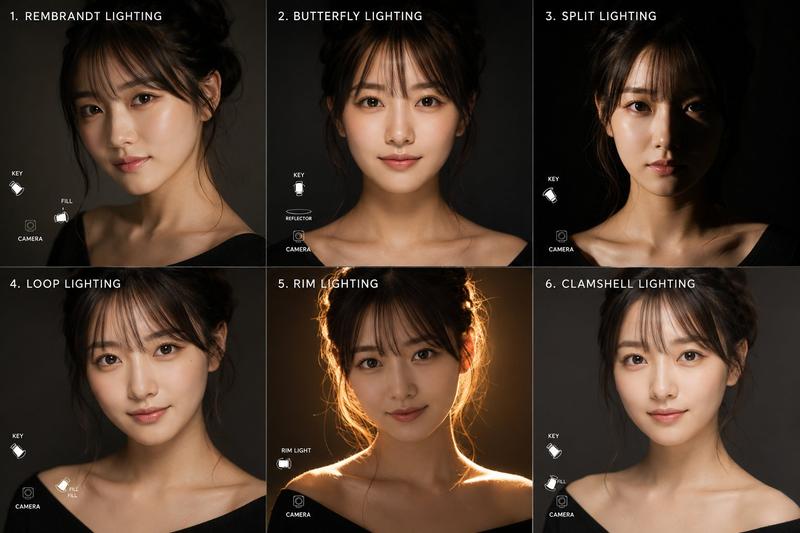
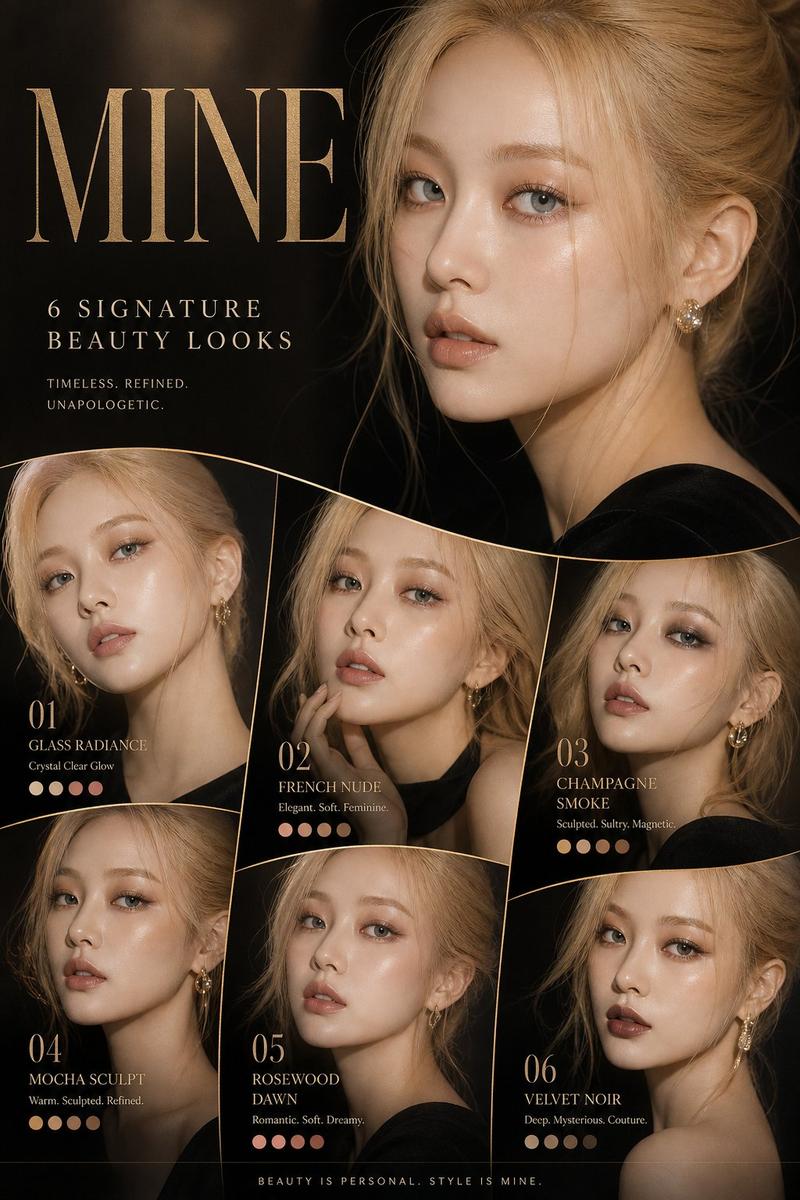
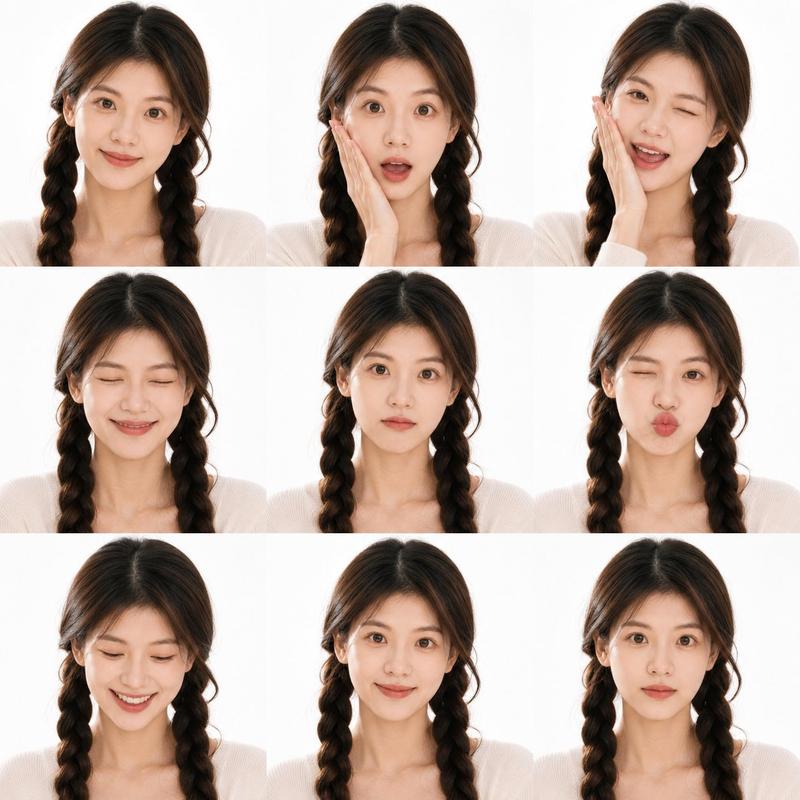
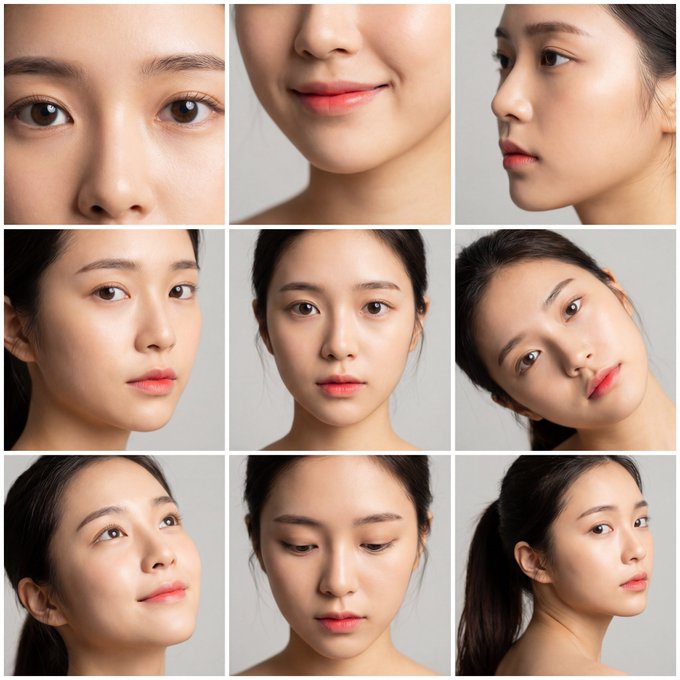
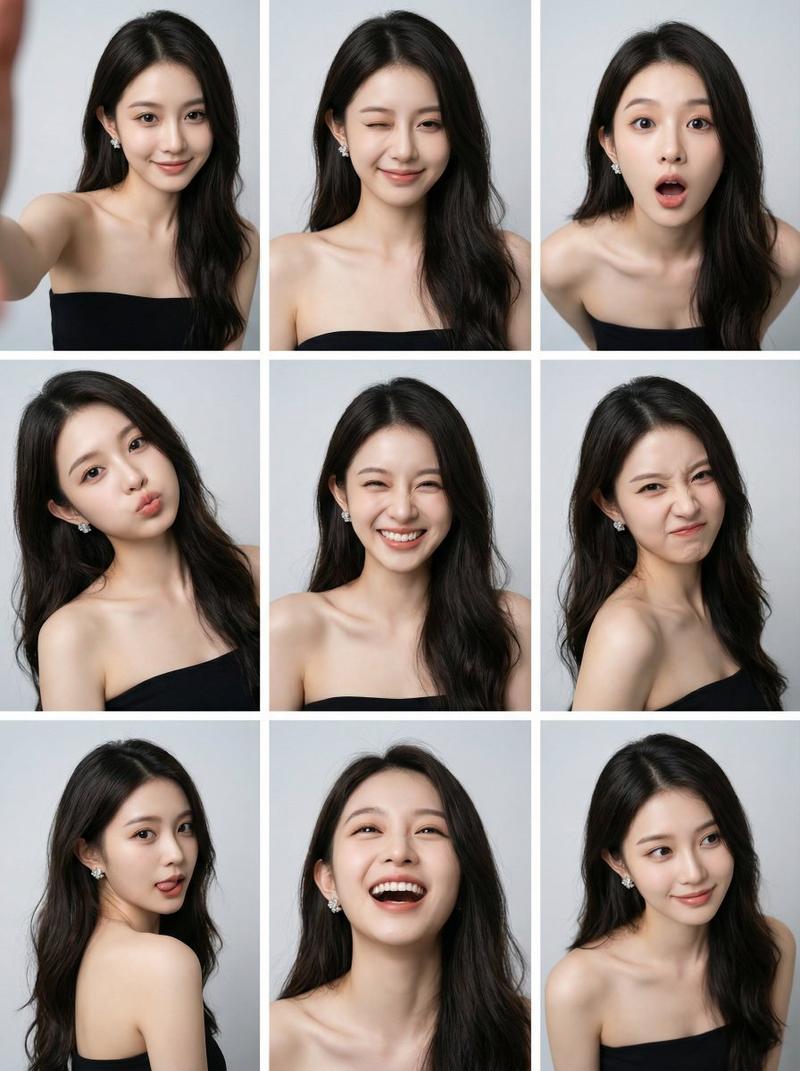
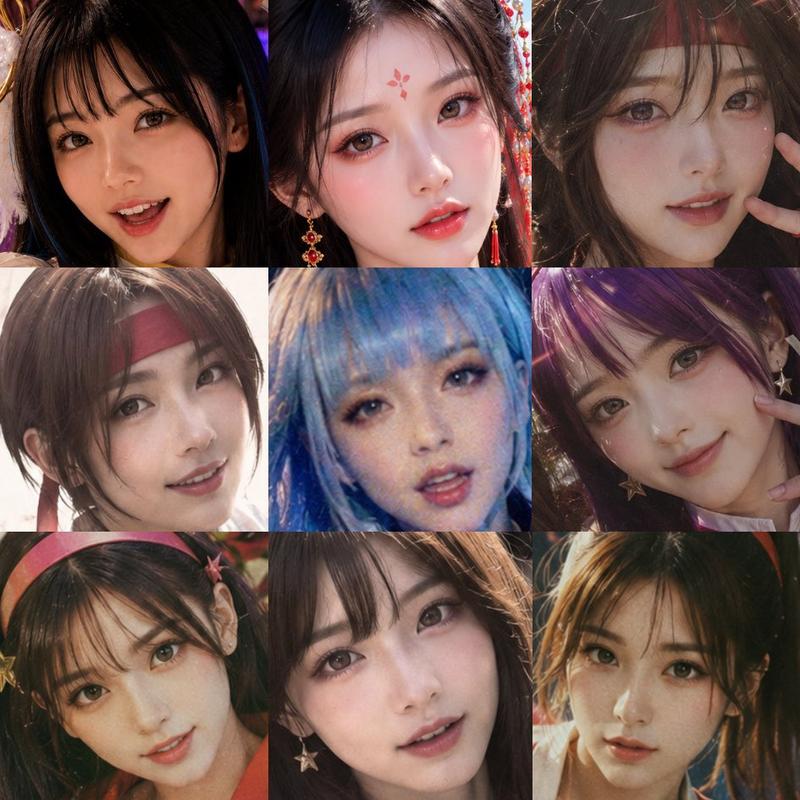
精灵战士变身拼贴画
Prompt
Goal: Create a realistic 12-panel transformation progress collage showing a young woman being styled into a fantasy elf warrior, photographed in a dim professional makeup studio. The face must be intentionally obscured in every panel by a soft rectangular blur/mosaic privacy block centered over the face.

Canvas: Vertical 3:4 collage, approximately 768x1024, arranged as a clean 3-column by 4-row grid with thin white dividers between panels. Add small white serif numbers in the upper-left corner of each panel, labeled exactly 1 through 12.

Subject: A young adult {argument name="character gender" default="woman"} with {argument name="hair color" default="long black hair"}, pale skin, and a slim neck/shoulders. She begins in a simple cream knit top, then wears a black salon cape during the makeup and prosthetic stages, and ends in ornate silver fantasy armor. Keep the person in a centered bust portrait composition in every panel, facing mostly forward with slight head turns.

Setting and style: Hyper-realistic cinematic photography, shallow depth of field, warm studio lights and bokeh bulbs, blurred shelves of makeup tools and bottles in the background, muted dark brown and charcoal tones, natural skin texture, high detail, documentary behind-the-scenes feeling.

Panel-by-panel layout: Use exactly 12 discrete panels. Panel 1: plain before shot, long loose black hair, cream sweater, no elf features. Panel 2: hair clipped back with small silver clips, black salon cape, a makeup artist hand touches the jaw/cheek with a brush or applicator. Panel 3: first pointed elf ear prosthetic attached on one side, makeup brush applying detail near the cheek, black cape. Panel 4: both long pointed elf ears visible, hair tucked behind ears, black cape, no armor yet. Panel 5: makeup brush applies contour or color near the cheek, pointed ears visible, black cape. Panel 6: refined elf-ear look, centered portrait, ears sharp and symmetrical, black cape. Panel 7: closer finished prosthetic stage with both pointed ears clearly visible and loose dark hair around shoulders. Panel 8: hair partially braided with multiple small braids and decorative strands, one pointed ear visible, cream clothing returning at shoulders. Panel 9: more elaborate braided fantasy hairstyle with wet or glossy curls and small silver hair ornaments, pointed ears visible. Panel 10: ornate silver shoulder armor and high fantasy chest collar added, braided hair, pointed ears, studio background. Panel 11: makeup artist hand returns with a brush near the cheek while the subject wears silver armor and pointed ears, showing final touch-up. Panel 12: final completed {argument name="fantasy character type" default="elf warrior princess"} portrait in ornate silver armor with sculpted pauldrons, braided dark hair, long pointed ears, and dramatic heroic styling.

Text content: Only include the panel numbers 1, 2, 3, 4, 5, 6, 7, 8, 9, 10, 11, and 12. Do not add captions, logos, watermarks, or extra typography.

Constraints: Keep the same person, same studio, same camera distance, and same lighting across all panels. Maintain a realistic makeup transformation sequence rather than an illustration. Ensure every visible face is covered by a rectangular soft blur block, while ears, hair, hands, armor, and clothing remain sharp.- Category
- Charts & Infographics
- Model
- GPT Image 2
- Creator
- Jin.B
- Source ID
- 20954
- Published
- May 16, 2026
Views8