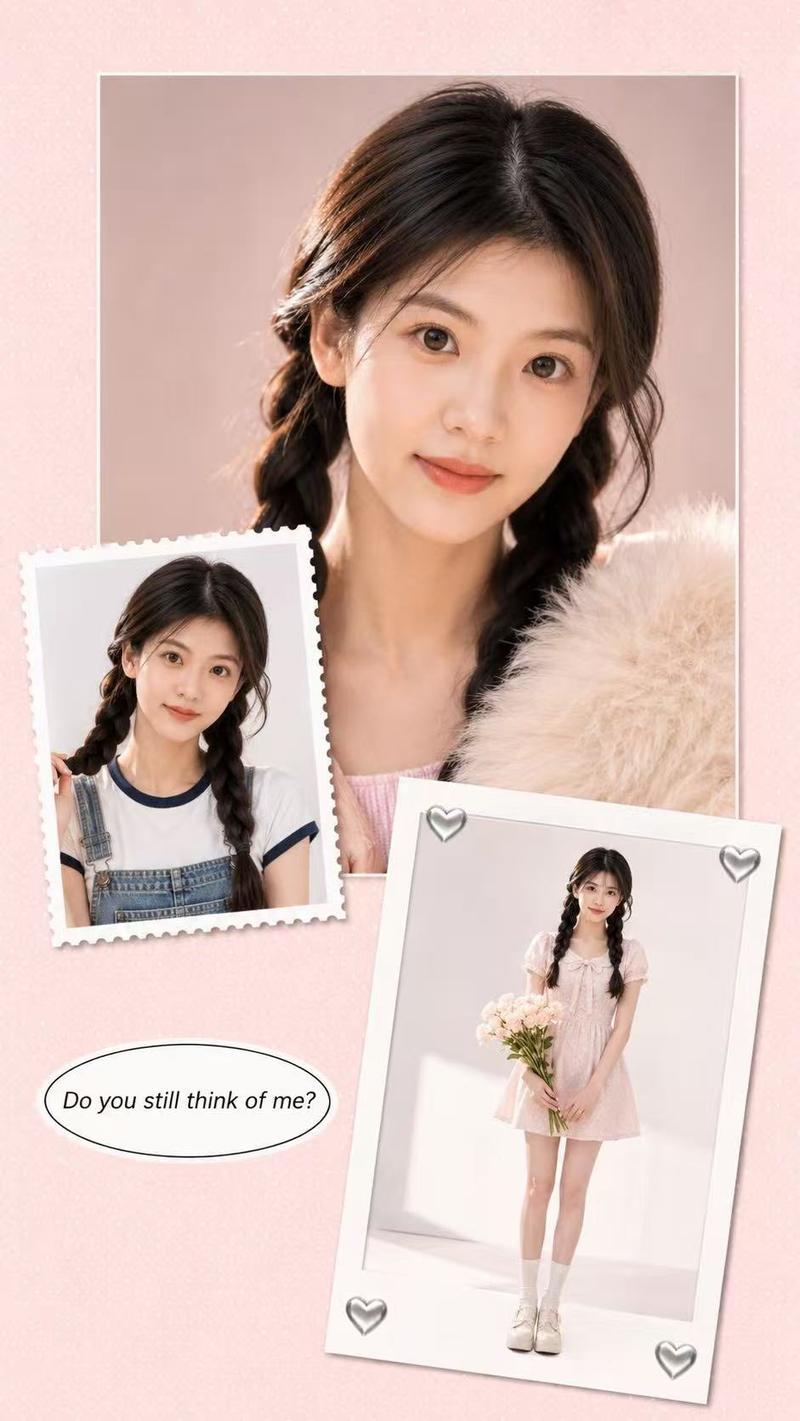
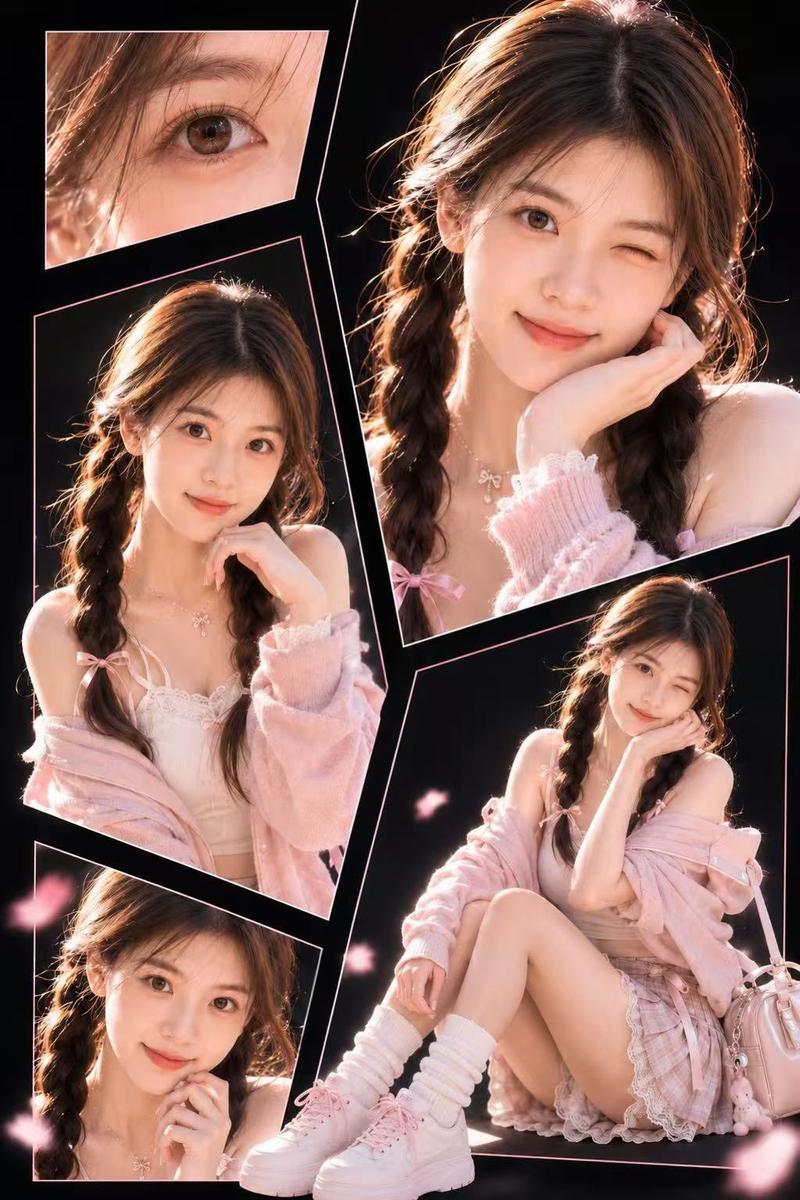
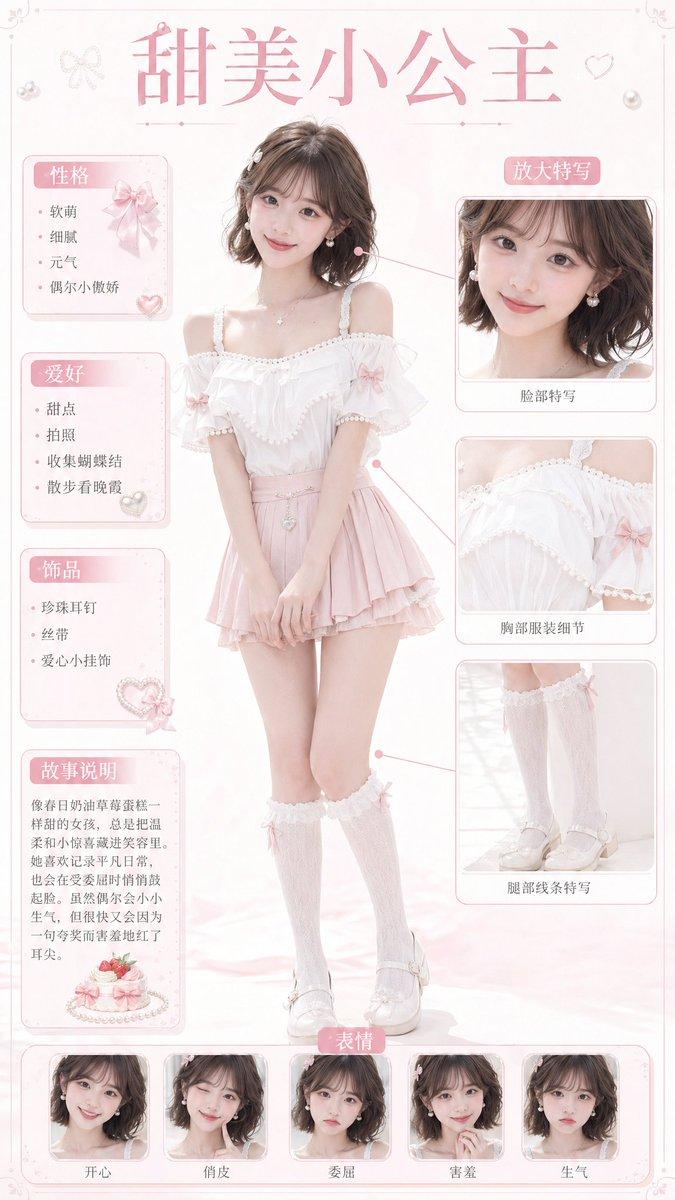
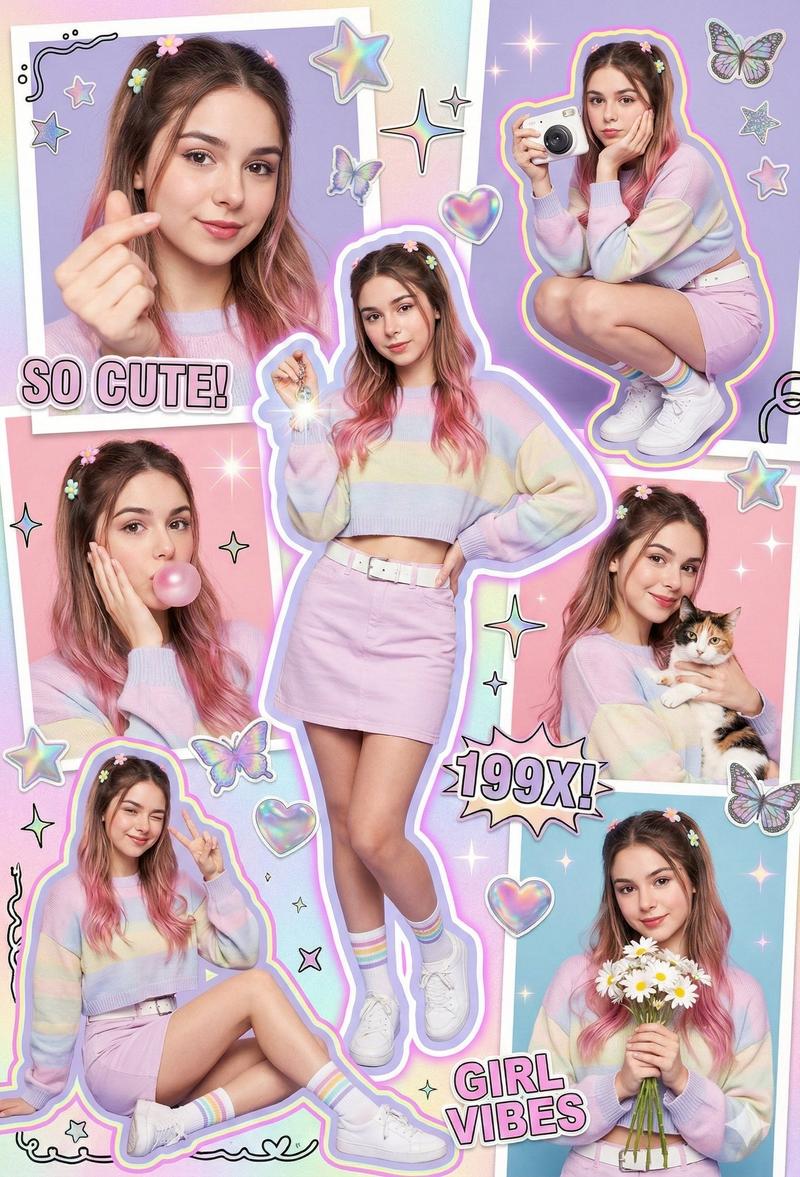
柔粉色剪贴簿拼贴画
Prompt
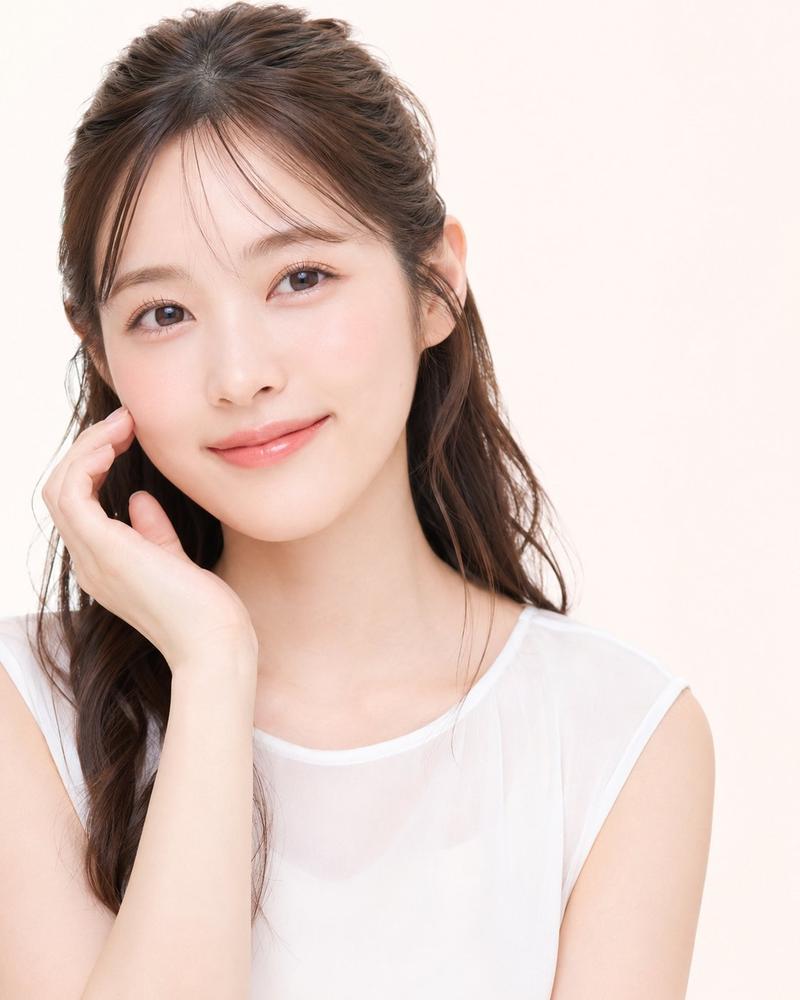
Use the uploaded portrait only as a loose identity reference. Keep only the person’s face shape, natural facial features, hairstyle, hair color, and approximate body proportions. Do not copy the original portrait’s clothing, background, lighting, pose, image quality, accessories, or expression. Create a new image with a similar soft scrapbook collage feeling, but not an exact copy. Create a highly realistic live-action studio photography collage poster in a soft pastel scrapbook style, vertical 9:16 composition. The same person from the uploaded portrait appears across multiple photo cards in the collage. Preserve the person’s real face shape, facial identity, hairstyle, hair color, skin tone, and natural body proportions from the uploaded portrait. Do not change them into another person. Keep the result photorealistic, like real studio photos arranged into a designed poster, not anime, not illustration. The background is a pale blush-pink paper texture with tiny white dotted patterns, clean and minimal. Place a large square studio portrait photo in the upper center as the main visual focus. The person is shown in a soft beauty close-up, looking at the camera with a calm, slightly romantic expression. Use clean white studio lighting, soft skin texture, realistic eyes, natural lips, delicate makeup, and subtle shadows. Add a fluffy cream-colored faux fur detail near the lower right side of the main portrait for a soft fashion feeling. Add one smaller vintage stamp-style photo card on the left side, slightly tilted, with perforated paper edges. It shows another realistic portrait of the same person in a clean studio setup, wearing a casual youthful outfit that fits their appearance naturally. Add another larger instant-photo / polaroid-style card in the lower right area, slightly rotated, showing the same person in a full-body studio portrait with a simple cute outfit, standing naturally and holding a small bouquet of white flowers. Add small silver heart sticker decorations on the corners of the polaroid card. Include one clean speech-bubble text element near the lower left area. The text should be in English and read: “Do you still think of me?” Use simple black italic serif or clean handwritten-style typography, centered inside the bubble. Overall mood: soft romantic diary, realistic studio portrait collage, pastel pink, clean white space, youthful fashion editorial, delicate scrapbook design, premium social media poster, natural real-photo texture, realistic lighting, high detail, no watermark, no logo. Negative Prompt: anime, manga, cartoon, 2D illustration, doll-like face, plastic skin, fake beauty filter, over-smoothed skin, low-resolution, blurry face, distorted face, wrong identity, changed hairstyle, changed hair color, extra fingers, broken hands, deformed body, unnatural neck, bad anatomy, duplicated person errors, messy collage layout, unreadable text, random letters, Chinese text, watermark, logo, brand mark, AI watermark, oversaturated colors, harsh dirty gray background, copied outfit from reference image, copied exact pose, copied exact composition, unrealistic eyes, fake studio lighting, overexposed skin, noisy image, compression artifacts
- Category
- Charts & Infographics
- Model
- GPT Image 2
- Creator
- Shinning
- Source ID
- 22112
- Published
- May 23, 2026
Views2