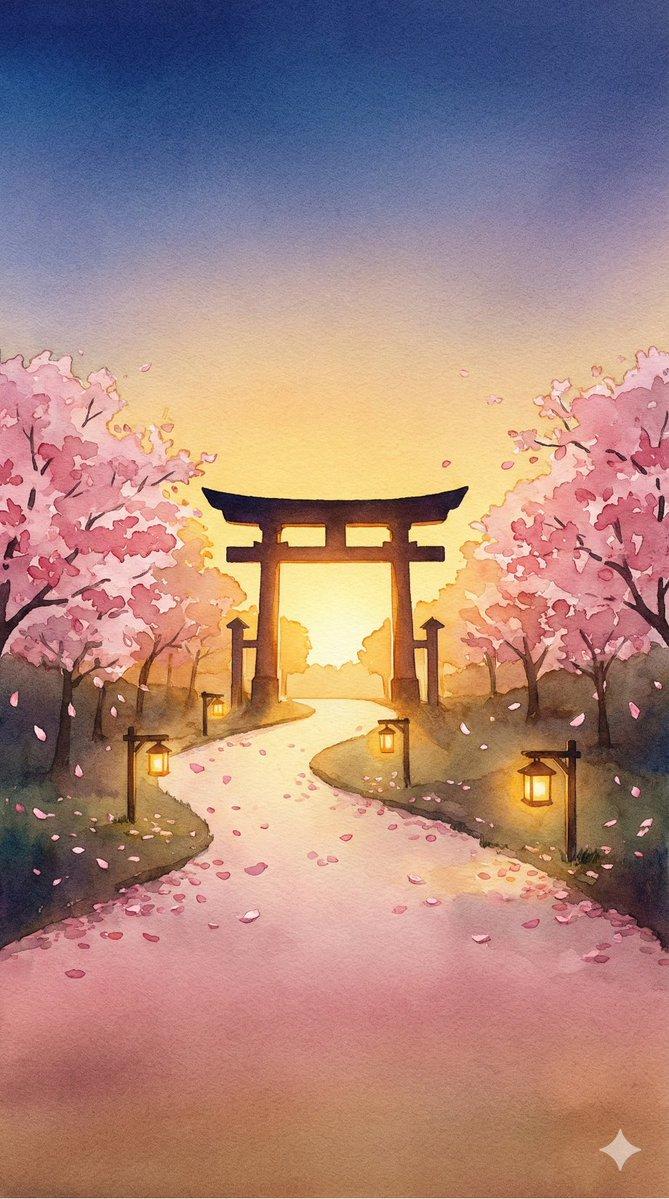
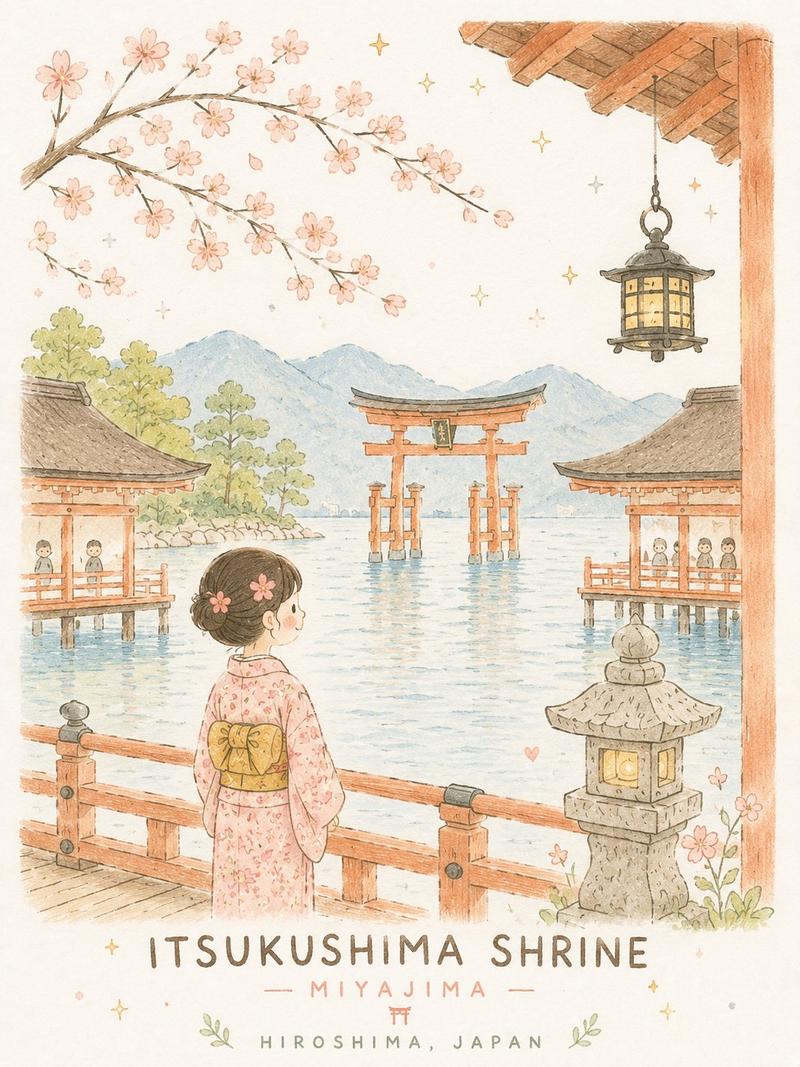
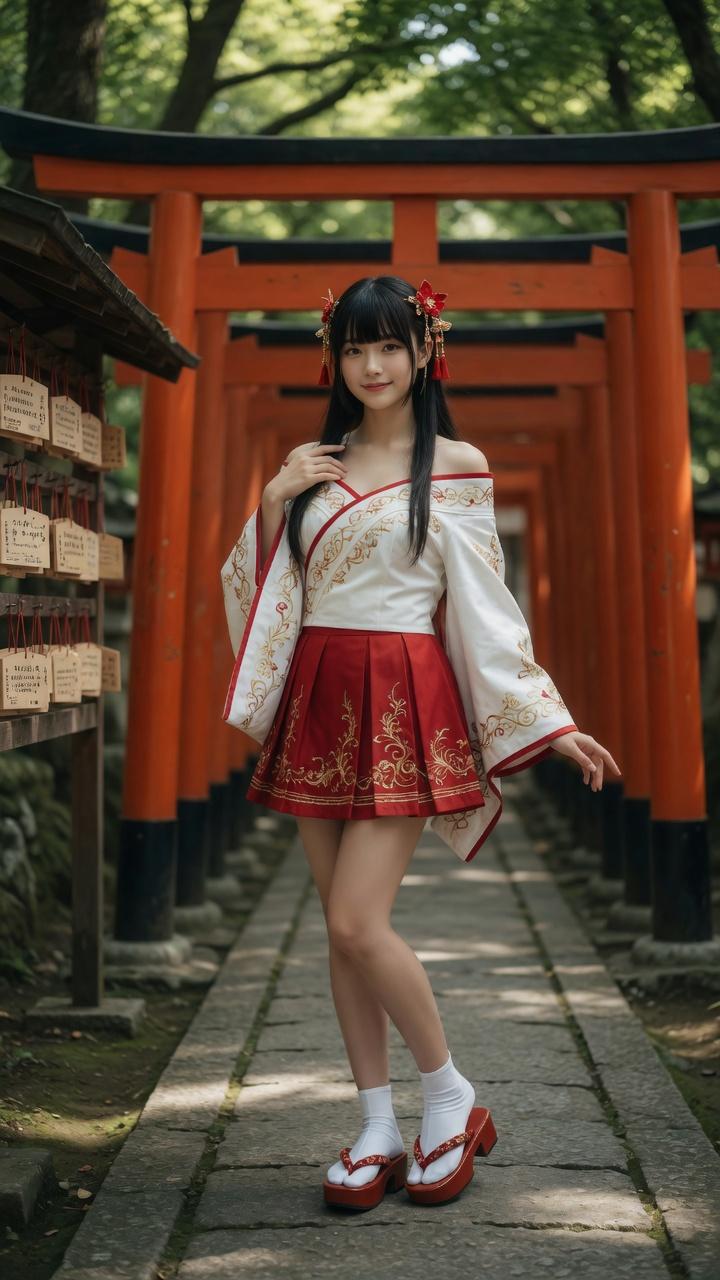
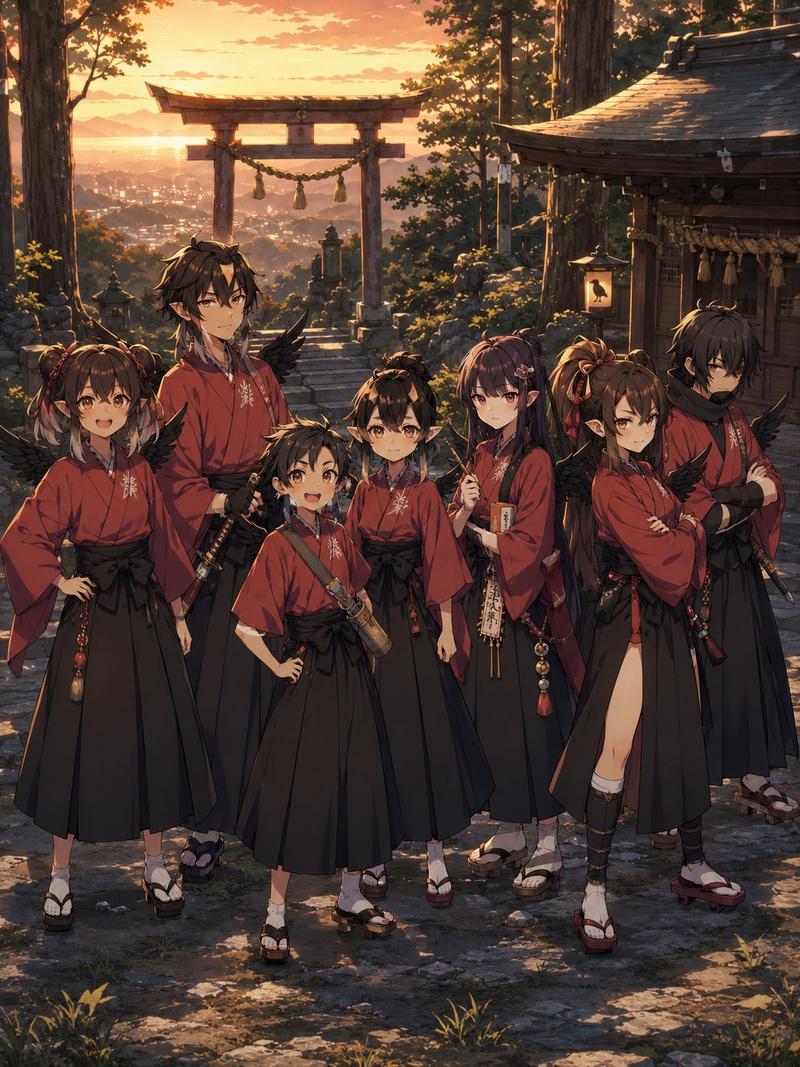
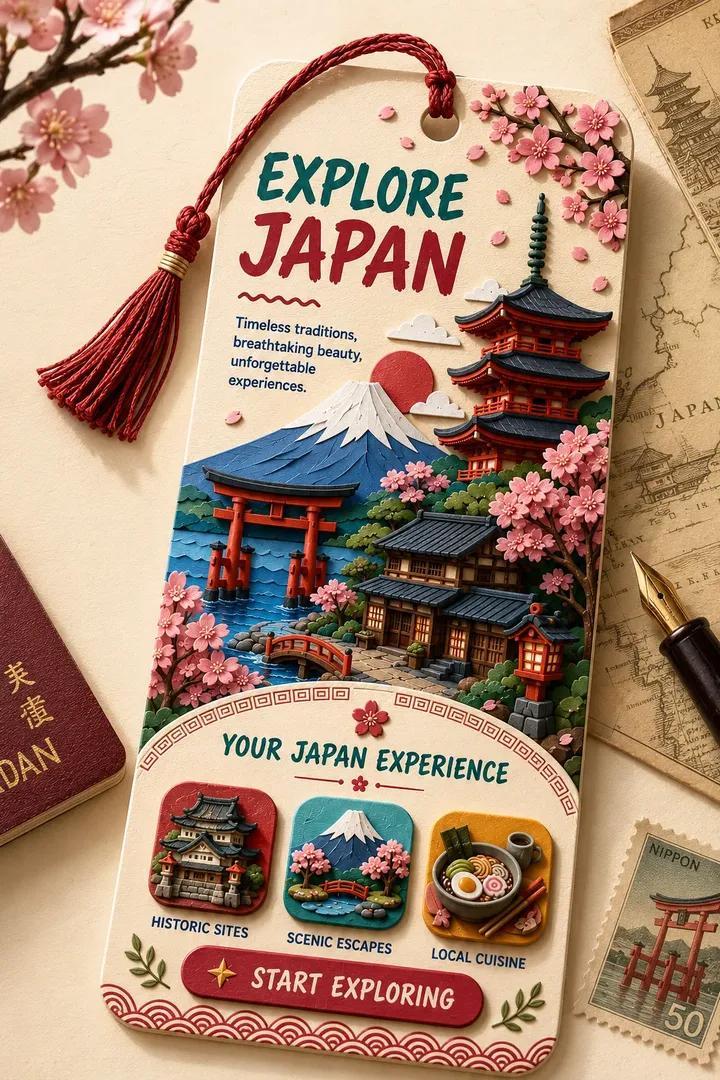
古代日本旅行海报
Prompt
Create a vintage illustrated travel poster for {argument name="destination title" default="ANCIENT JAPAN"}, with a cream paper border and soft grainy print texture. At the very top, add centered promotional text: {argument name="top headline" default="Explore worlds like these in Visionaria"} in muted red, and below it the smaller subtitle {argument name="app tagline" default="First Cinematic Imagination App"} in gray. The main poster art should be a serene stylized Japanese shrine landscape: a path of exactly 7 red torii gates receding into the distance with black caps and black bases, two red hanging lanterns on the nearest gate, pink cherry blossom trees on both sides, dark green pine forest behind them, and Mount Fuji centered in the background with a snowcapped peak and a pale orange sun partially behind the mountain. Include exactly 7 small pink bird silhouettes in the sky. On the right side place a small traditional red-and-dark-roof shrine building among bushes. In the foreground include a calm blue koi pond with exactly 2 white koi fish with orange-red markings, exactly 4 round green lily pads, and one dark rock at the left edge. Use a flattened mid-century travel-poster illustration style with pastel colors, clean geometric shapes, subtle shading, no photorealism, and a peaceful cinematic composition. At the bottom, centered below the image, place large widely spaced uppercase title text {argument name="destination title" default="ANCIENT JAPAN"} in dark blue-gray, and beneath it the subtitle {argument name="destination subtitle" default="Land of the Rising Sun"} in smaller gray letter-spaced type.- Category
- UI & Interfaces
- Model
- GPT Image 2
- Creator
- ThePoseidan
- Source ID
- 22906
- Published
- May 27, 2026
Views7