16

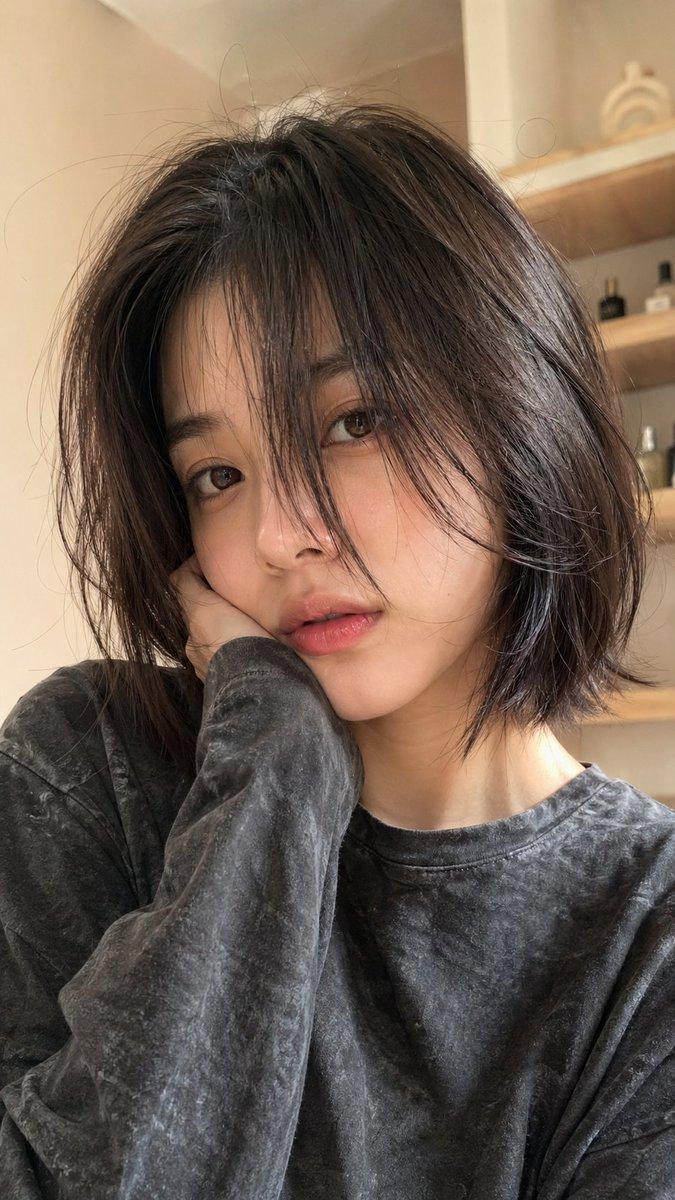
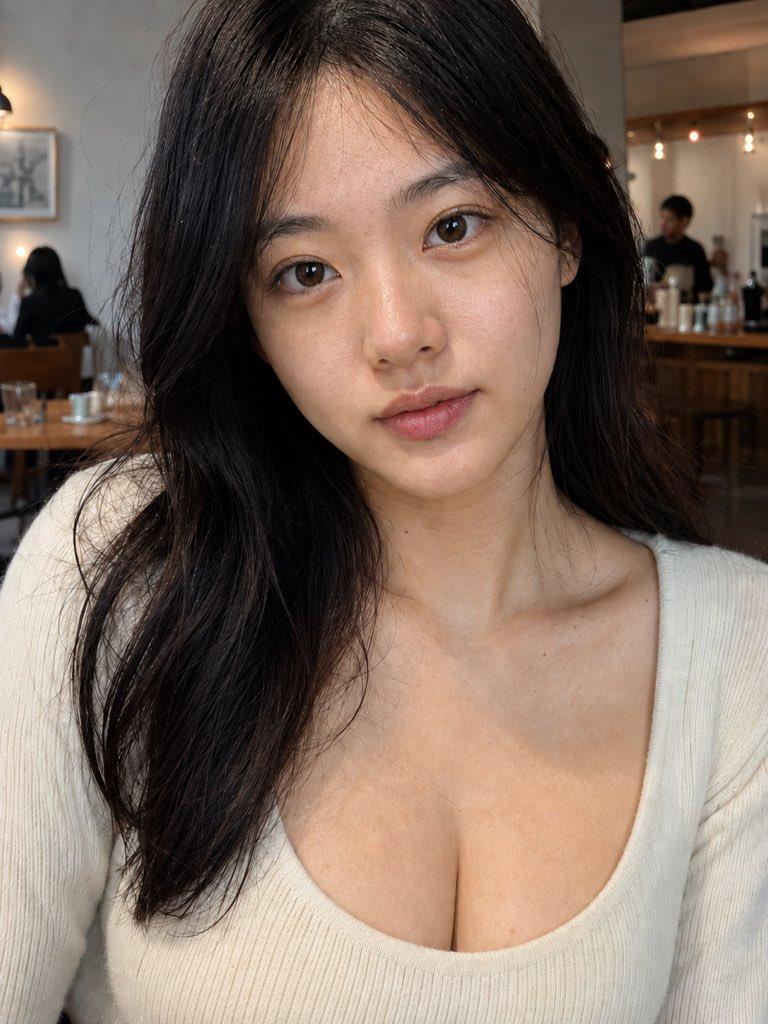
咖啡馆自拍肖像(已打码)
Enlarge

咖啡馆自拍肖像(已打码)

Prompt
Create a realistic vertical smartphone photo of a young Japanese woman in a cozy sunlit café, shot as an intimate close-up selfie from slightly above table height. The woman has shoulder-length straight {argument name="hair color" default="dark brown"} hair with a natural center part and soft layered ends, wearing a cream white knit sweater, seated at a wooden table and holding a beige ceramic coffee cup near the lower left foreground. Her face is completely covered by a large centered opaque square censor block in a warm brown skin-tone color, hiding all facial features while leaving her hair, neck, sweater, and hands visible. On the table are exactly 3 visible items: one ceramic coffee cup in her hand, one iced coffee glass with a straw in the background left, and one small pastry on a white plate behind her hand. The café background includes large windows on the left, warm sunlight, wooden tables, a blurred seated woman in the far-left background, shelves on the right with many jars, and green potted plants. Use natural daylight, realistic Japanese café atmosphere, shallow depth of field, high-detail hair texture, soft highlights, candid smartphone framing, no beauty-filter look, no text overlays, no watermark. Camera style: {argument name="camera style" default="realistic iPhone photo, 35mm equivalent, f/1.8, warm natural light"}.
Category
Charts & Infographics
Model
GPT Image 2
Views5
Source ID
22947
Published
May 27, 2026

Guide

About "咖啡馆自拍肖像(已打码)"

What is this prompt for?

"咖啡馆自拍肖像(已打码)" AI image prompt for GPT Image 2 (Charts & Infographics). 生成一张日本女性在咖啡馆的写实自拍特写,面部经过遮挡处理,适用于注重隐私的肖像或生活方式样机。 Copy it on Picva and recreate the look…

The full copyable prompt and example visuals above are ready for AI image generation or one-click recreate in Picva.

How to use this prompt

  1. Step 1

    Open the prompt detail

    Review the example visuals, category, and full prompt text for "咖啡馆自拍肖像(已打码)".

  2. Step 2

    Copy the prompt

    Copy the prompt body from this page, or load it directly in Studio.

  3. Step 3

    Pick a model (GPT Image 2)

    Prefer GPT Image 2. If you switch models, keep subject and composition and tweak style terms.

  4. Step 4

    Generate and export

    Recreate the look in Picva, or export into your workflow for editing and publishing.

FAQ

What is the "咖啡馆自拍肖像(已打码)" prompt?
It is an AI image-generation prompt for GPT Image 2 in the Charts & Infographics category. This page includes the full prompt text, example visuals, and a one-click recreate path in Picva.
How do I use this prompt to generate an image?
Copy the prompt from this page, or use Generate / Studio. Paste it into a compatible image model, or recreate the look in Picva with optional reference images.
Which model is this prompt for?
This page lists GPT Image 2. Most descriptive prompts also transfer to nearby image models such as GPT Image, Flux, or Midjourney with light style tweaks.
Can I use the result commercially?
You can usually copy the prompt for creation, but commercial use of the final image depends on the model terms, reference-image rights, and the generated content. Follow the source author and platform rules.