19

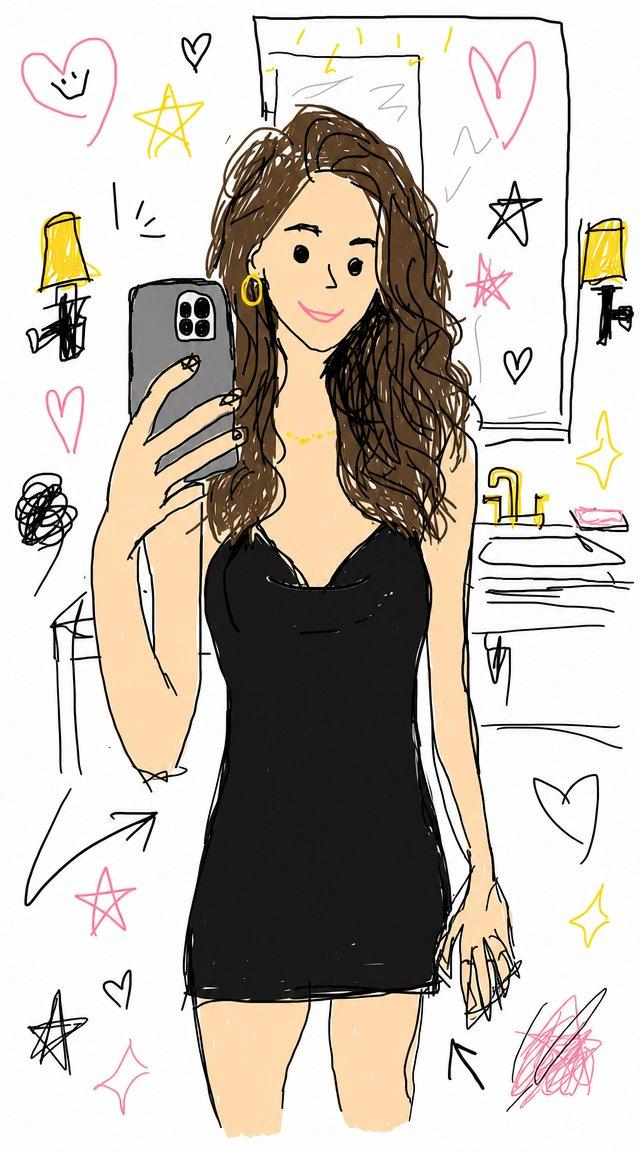
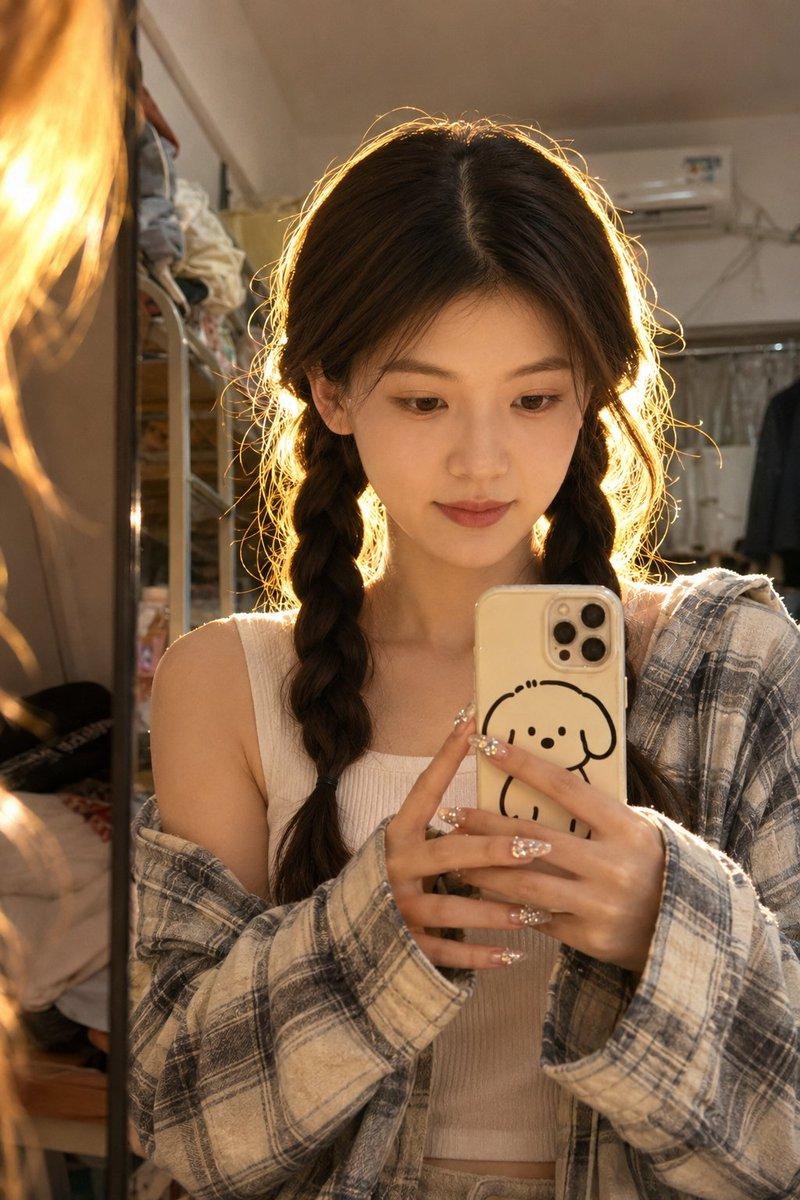
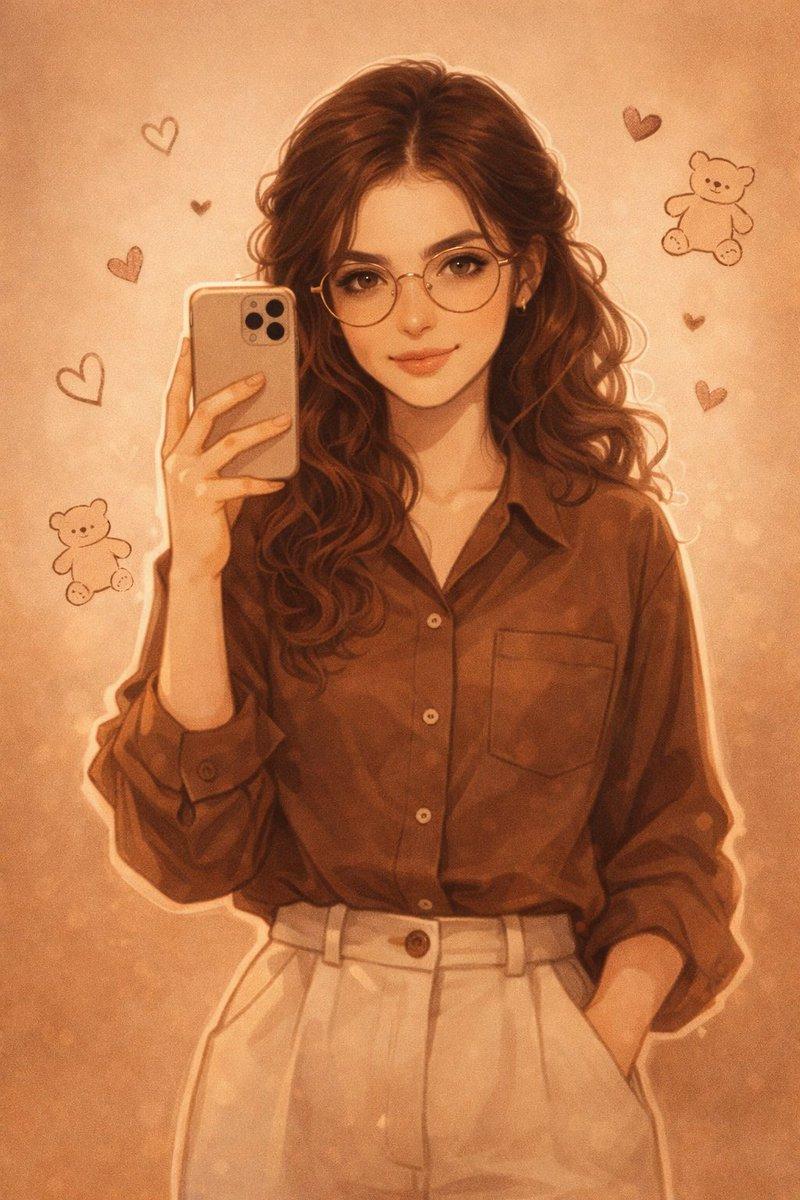
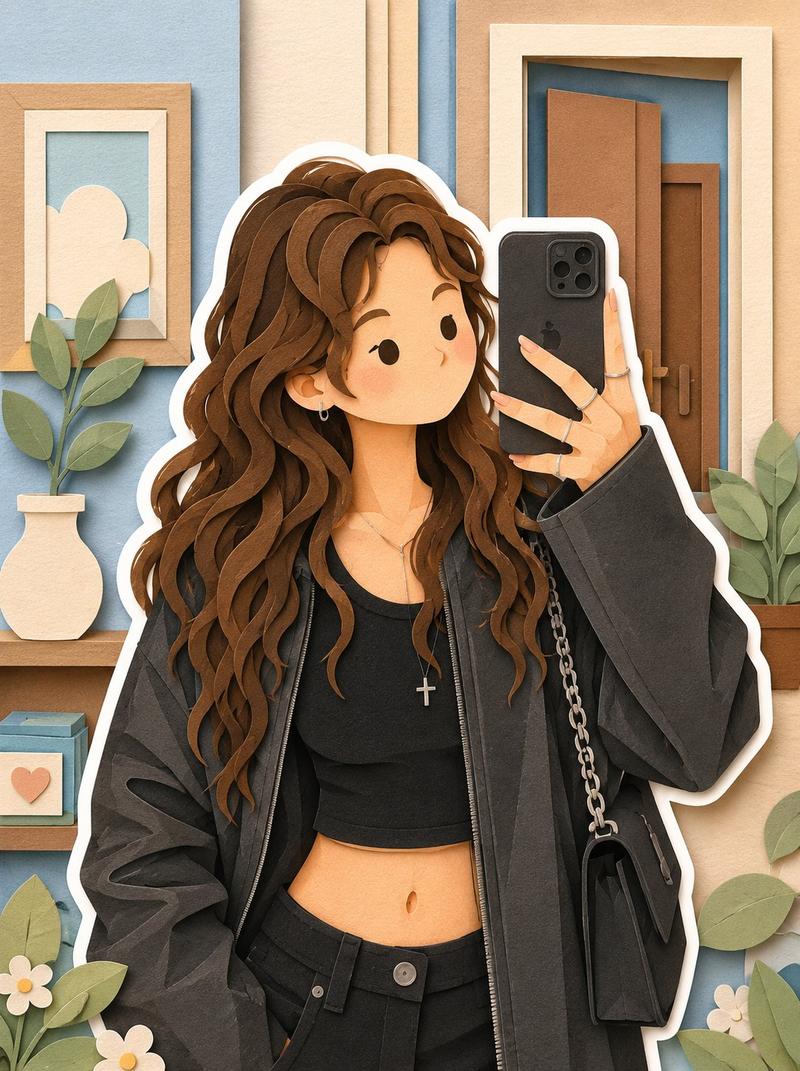
Q 版少女速写涂鸦
Enlarge

Example images

Q 版少女速写涂鸦

Prompt
{argument name="art style" default="Cute hand-drawn chibi girl illustration, cozy sketchbook doodle art style"}, big expressive eyes, round face, soft blush cheeks, messy bun hairstyle, oversized round glasses, {argument name="clothing" default="casual oversized sweatshirt and overalls"}, sitting on the floor in a cute pose, playful expression, colored pencil and crayon texture, rough black pencil outlines, pastel color palette, warm cream paper background, kawaii aesthetic, {argument name="decor" default="simple room decor, tiny hearts, plants, books, sticky notes"}, cozy bedroom atmosphere, hand-sketched details, diary illustration style, wholesome and adorable mood, minimalist composition, children’s storybook art, Korean webtoon doodle style, charming imperfections, textured coloring, cute lifestyle portrait, highly detailed, clean white background, masterpiece, 4k.
Category
Architecture & Spaces
Model
GPT Image 2
Creator
Taaruk
Views6
Source ID
23651
Published
Jun 2, 2026

Guide

About "Q 版少女速写涂鸦"

What is this prompt for?

"Q 版少女速写涂鸦" AI image prompt for GPT Image 2 (Architecture & Spaces). 一幅温馨的速写涂鸦,画着一个戴眼镜、穿背带裤的可爱 Q 版少女,采用彩色铅笔和蜡笔质感。 Copy it on Picva and recreate the look in one…

The full copyable prompt and example visuals above are ready for AI image generation or one-click recreate in Picva.

How to use this prompt

  1. Step 1

    Open the prompt detail

    Review the example visuals, category, and full prompt text for "Q 版少女速写涂鸦".

  2. Step 2

    Copy the prompt

    Copy the prompt body from this page, or load it directly in Studio.

  3. Step 3

    Pick a model (GPT Image 2)

    Prefer GPT Image 2. If you switch models, keep subject and composition and tweak style terms.

  4. Step 4

    Generate and export

    Recreate the look in Picva, or export into your workflow for editing and publishing.

FAQ

What is the "Q 版少女速写涂鸦" prompt?
It is an AI image-generation prompt for GPT Image 2 in the Architecture & Spaces category. This page includes the full prompt text, example visuals, and a one-click recreate path in Picva.
How do I use this prompt to generate an image?
Copy the prompt from this page, or use Generate / Studio. Paste it into a compatible image model, or recreate the look in Picva with optional reference images.
Which model is this prompt for?
This page lists GPT Image 2. Most descriptive prompts also transfer to nearby image models such as GPT Image, Flux, or Midjourney with light style tweaks.
Can I use the result commercially?
You can usually copy the prompt for creation, but commercial use of the final image depends on the model terms, reference-image rights, and the generated content. Follow the source author and platform rules.