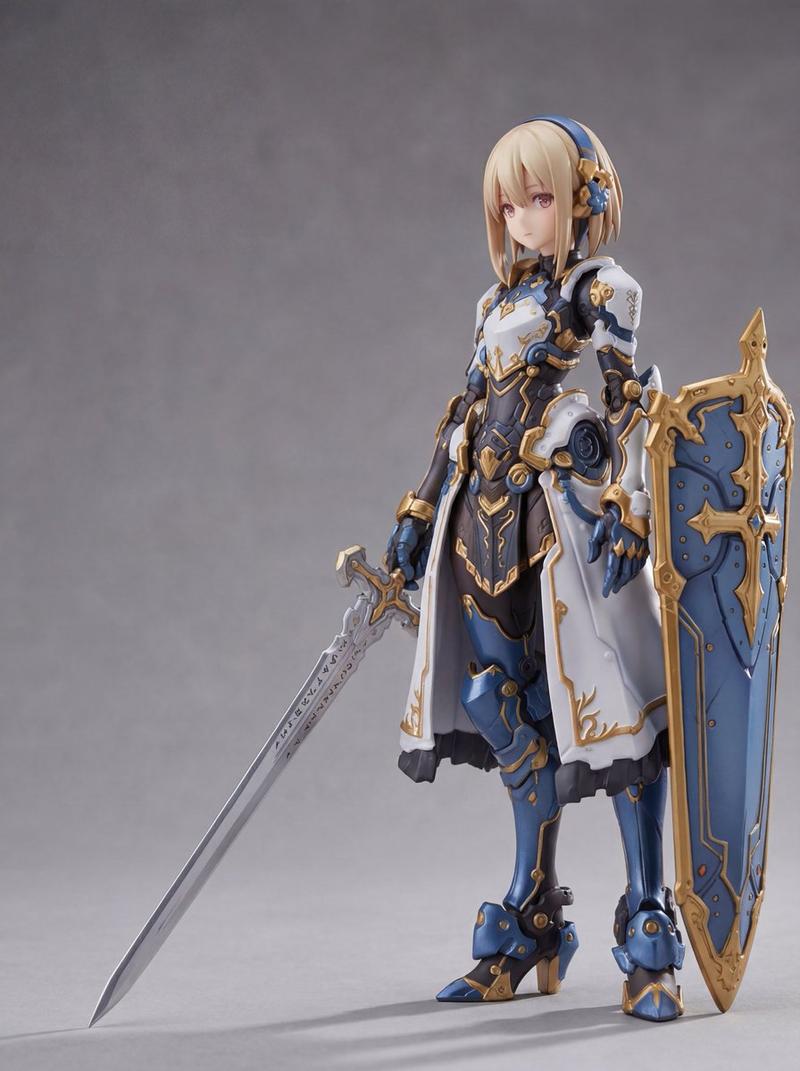
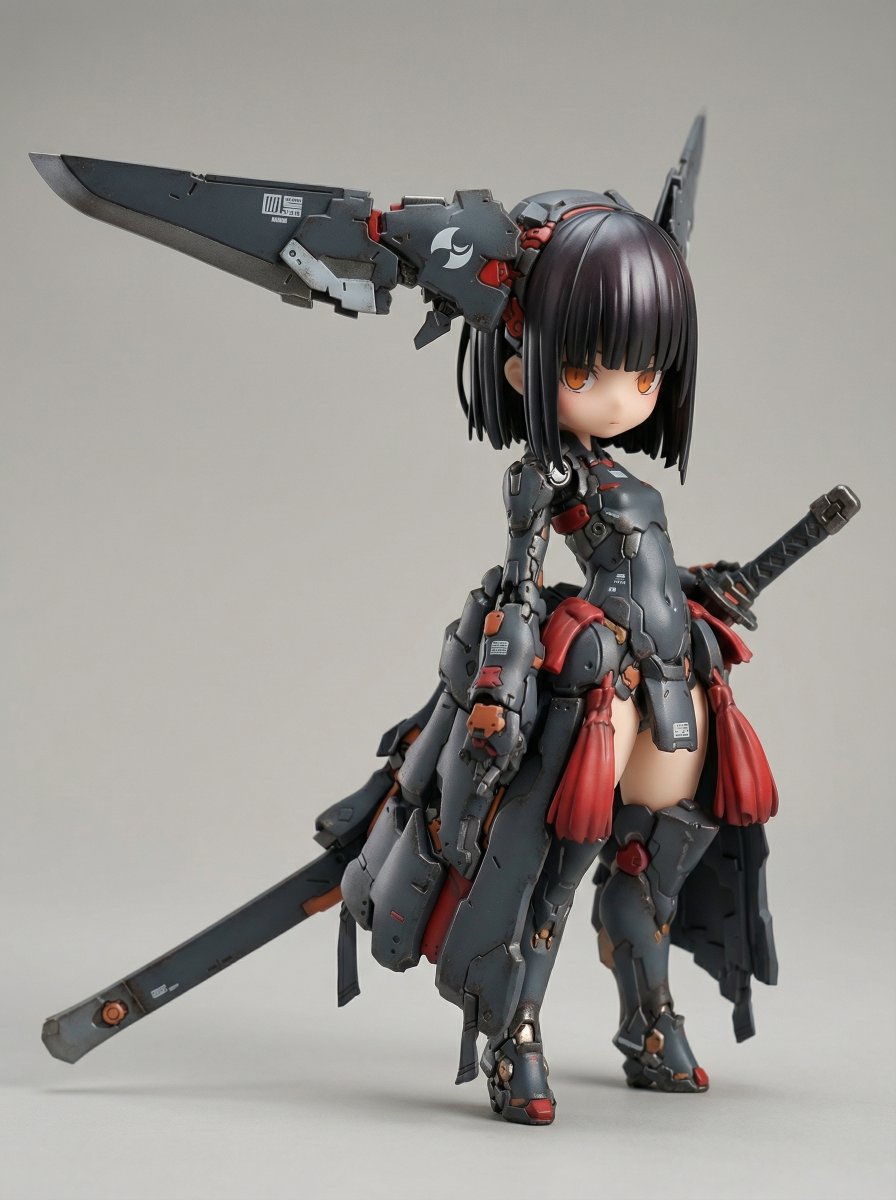
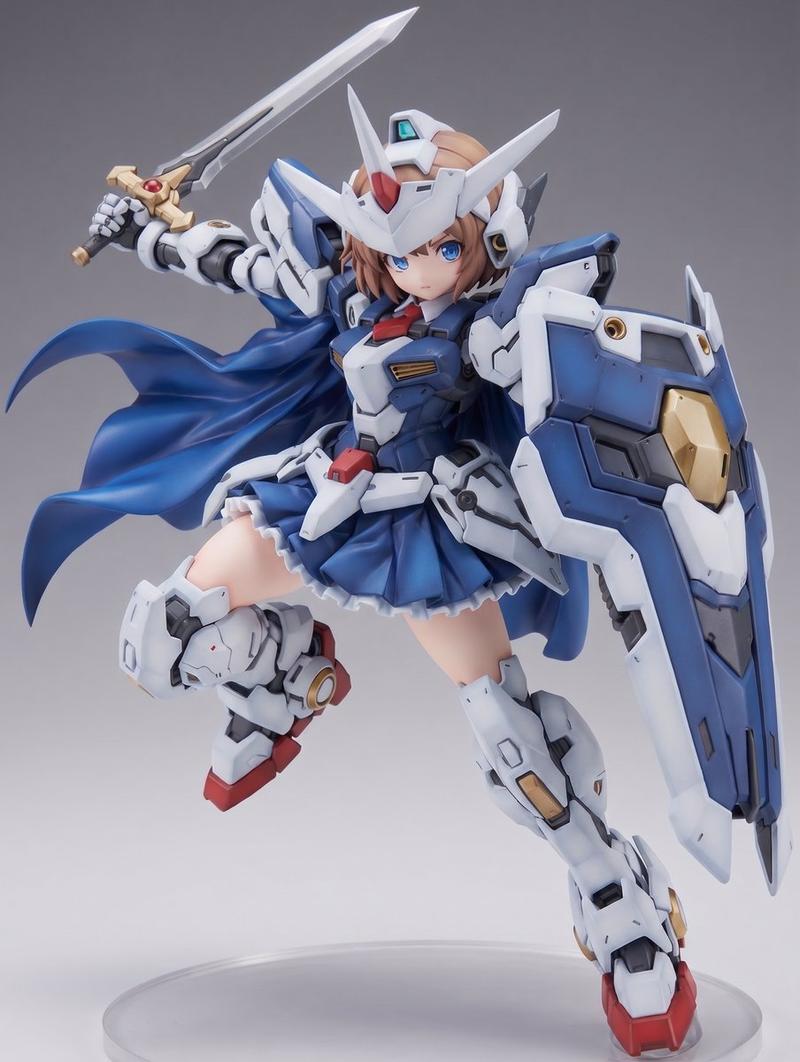
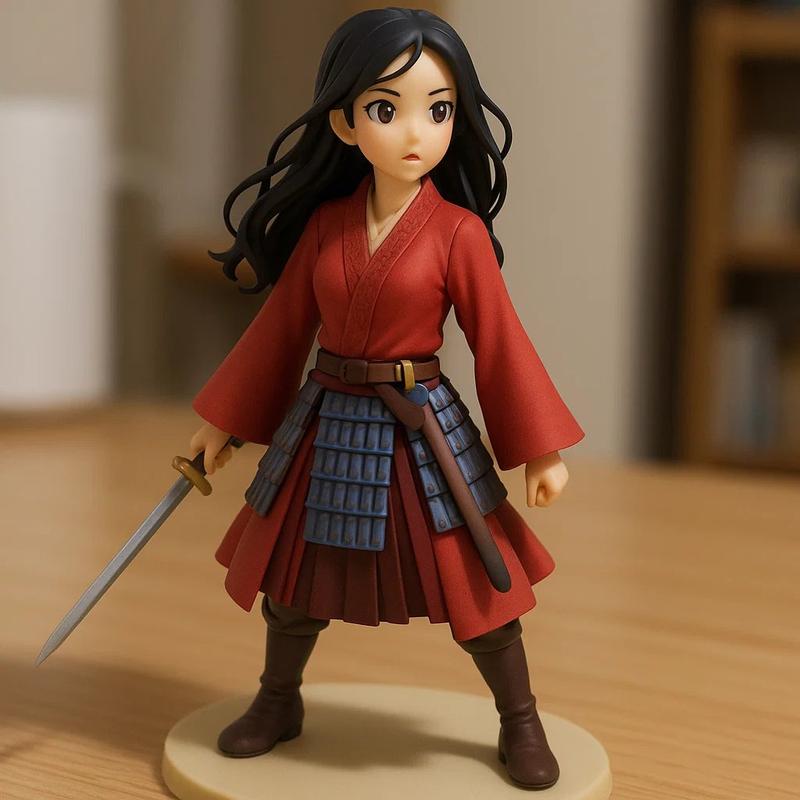
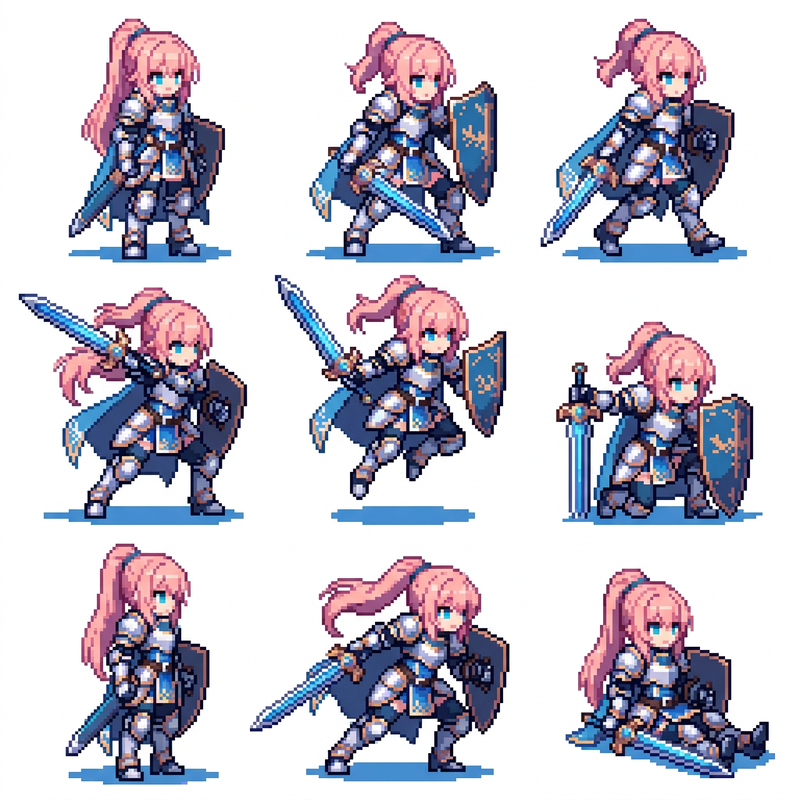
Q 版赛博忍者手办
Prompt
Create a high-quality 3D render of a collectible chibi cyber-ninja figurine on a display base, photographed like a premium toy product shot. The character is a small stylized male ninja with an oversized head and faceless smooth blurred face panel, spiky {argument name="hair color" default="silver lavender hair with electric blue highlights"}, and a confident standing pose. He wears a futuristic black tactical ninja outfit with layered armor, crossed chest straps, belts, pouches, gloves, knee pads, chunky boots with glowing blue accents, and a short black scarf or cape blowing to the right. Include exactly 3 visible weapons: one glowing blue katana held downward in his left hand, and two short sword handles sheathed at his right hip. Add a white Japanese kanji mark on the upper sleeve and small cyan tech markings on the scarf. Place him on a round glossy black sci-fi display base with subtle panel details, bolts, reflections, and blue light accents. To his right on the base, include one small vertical illuminated sign with cyan Japanese text {argument name="sign text" default="未来忍者"} on a black frame. Use a warm beige studio background with soft gradient lighting, shallow depth of field, cinematic product lighting, crisp toy-like materials, glossy plastic and metallic surfaces, blue rim lights, realistic shadows, centered composition with the figure occupying the left-center and empty negative space to the right. No watermark, no extra characters, no additional text beyond the sleeve mark and the sign.- Category
- Products & E-commerce
- Model
- GPT Image 2
- Creator
- Zephyra Leigh
- Source ID
- 26076
- Published
- Jun 18, 2026
Views7