
朋克卡通角色设计图
Prompt
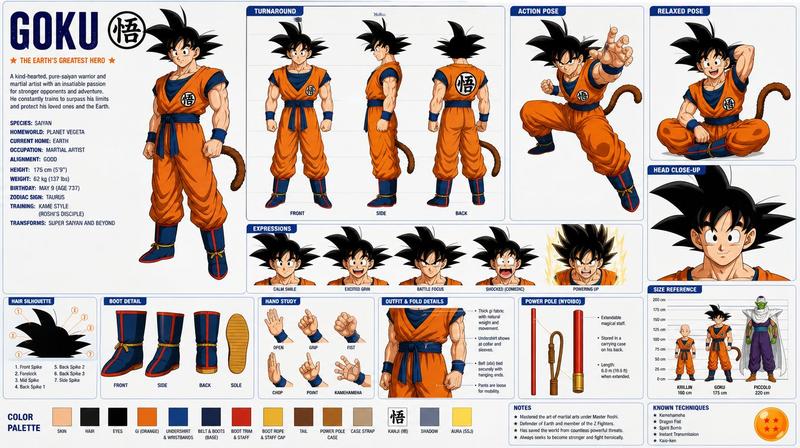
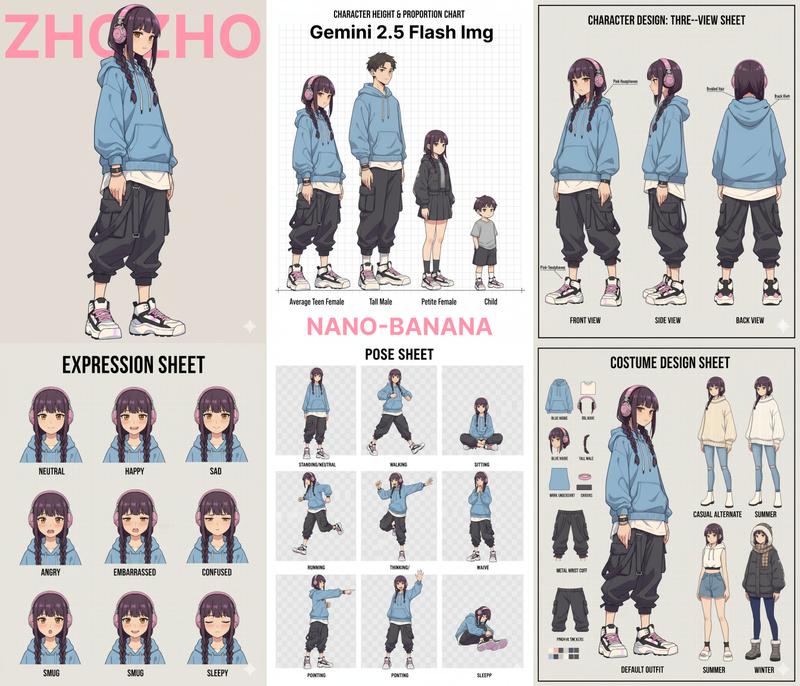
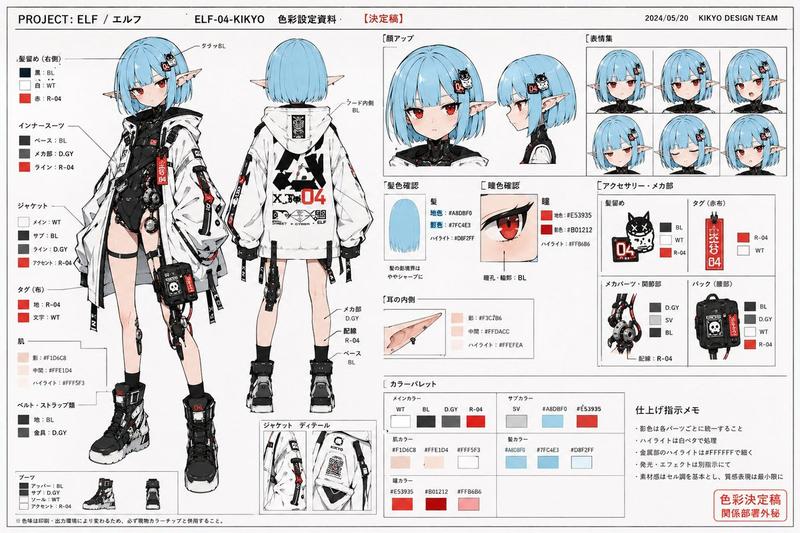
Using the provided reference image as the character base, create a polished character design sheet for {argument name="character name" default="PIXIE BYTE"}. Keep the same character identity and use the exact same visual style as the reference: vivid punk-comic illustration, bold ink lines, hot pink/cyan/yellow accents, sketchy paint texture, and expressive manga-inspired rendering.

Goal: Turn the single portrait into a full animation-ready character sheet.

Canvas and layout: Wide horizontal sheet on a clean off-white background with black brush-stroke section headers and hot-pink accent typography. Add a left profile column, a large central 360-degree view lineup, a right detail column, and a bottom row of palette, expressions, and notes.

Central 360-degree views: Show exactly 6 full-body turnarounds of the character, preserving her core look from the reference while inventing the missing full outfit. Label the views: FRONT, 3/4 LEFT, SIDE, BACK, 3/4 RIGHT, FRONT. Give her a techy chaotic outfit with a dark button-up shirt, black cargo pants, belt, chains, colorful pins, small gadgets, and chunky high-top sneakers.

Left profile column: Add the large title {argument name="character name" default="PIXIE BYTE"} in pink graffiti lettering with a small heart. Include three text sections: PERSONALITY, MAIN LIFE GOAL, and OVERALL VIBE. Add exactly 4 vibe icons: lightning bolt, brain, heart, pixel bug. Add a black paint quote block with the quote {argument name="quote" default="Why fit in when you can reprogram the whole system?"}.

Right detail column: Add exactly 4 close-up panels labeled DETAIL CLOSE-UP, HAIR TEXTURE, ACCESSORIES & GADGETS, and SHOE PINS DETAIL. The panels should zoom into her glasses/eyes/freckles, pink hair texture, belt gadgets and chains, and decorated sneakers.

Bottom row: Add a COLOR PALETTE panel with exactly 8 paint swatches: hot pink, pale pink, lime green, cyan, purple, orange, black, and blue-gray. Add an EXPRESSIONS panel with exactly 5 bust expressions labeled CURIOUS, EXCITED, FOCUSED, SHOCKED, and PLAYFUL. Add a NOTES panel with short bullet notes plus a small cat doodle, stars, and a handwritten to-do note reading {argument name="to do note" default="Build time machine"}.

Constraints: Maintain the exact same visual style as the reference image, keep the character recognizable, make the sheet feel like a professional cartoon hero academy concept sheet, and avoid adding extra turnarounds, expressions, palette swatches, or detail panels.- Category
- Posters & Typography
- Model
- GPT Image 2
- Creator
- AIrina (Virtual Media Net)
- Source ID
- 27607
- Published
- Jul 3, 2026
Views5





![Create a clean vertical 2:3 animation model-sheet character card for [角色全名], red](https://i.pixshop.app/storage/v1/render/image/public/prompt-source-media/promptsref/work-8802/image-1-5e7ad69b4dc294a8.png?width=800&quality=75&resize=contain)