19

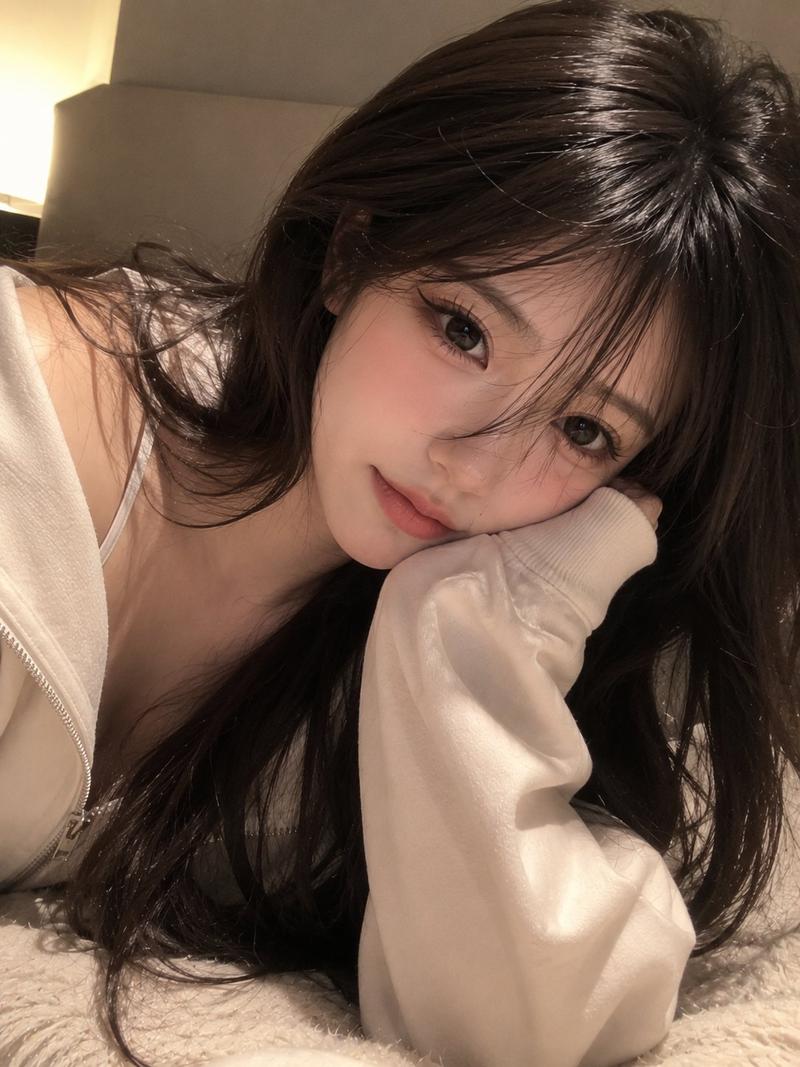
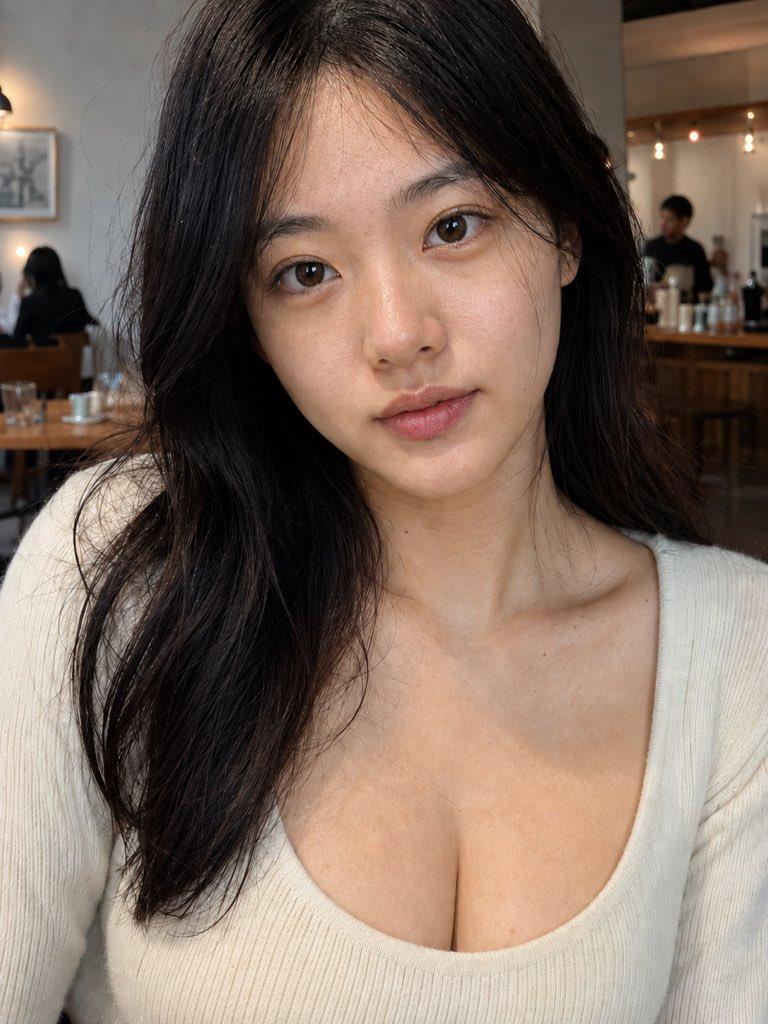
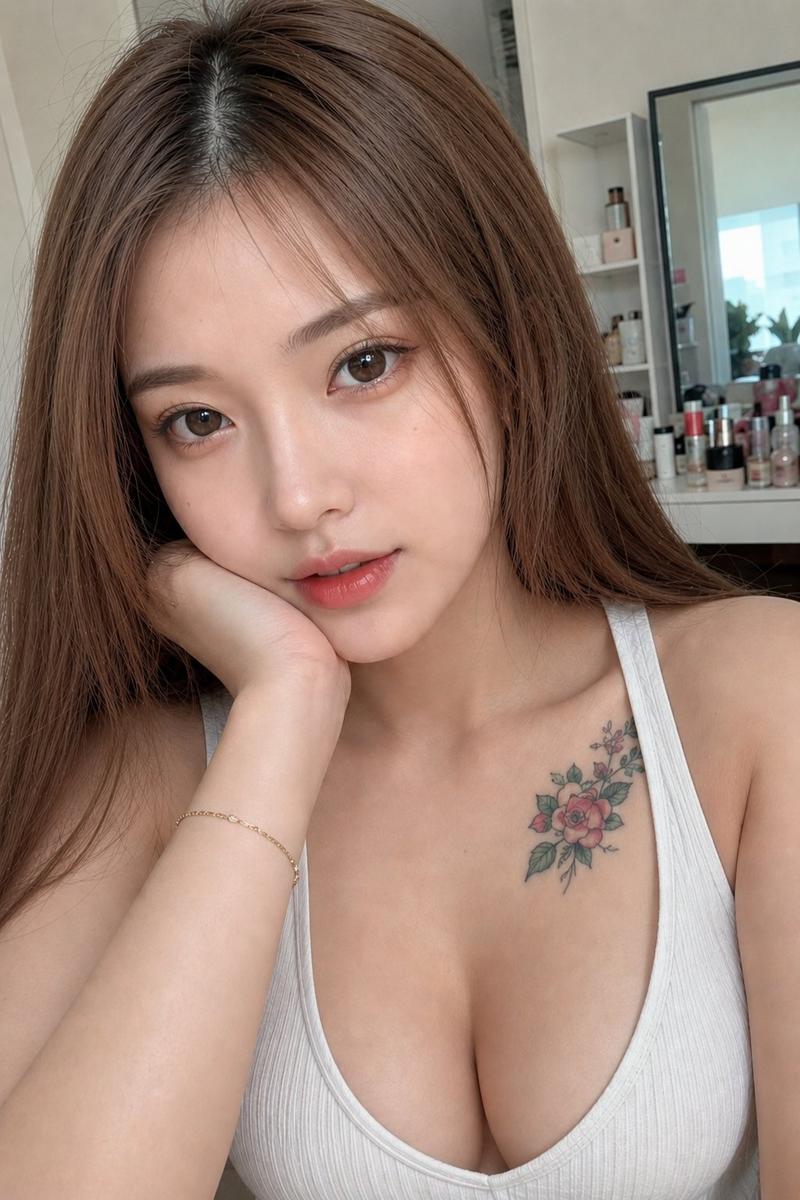
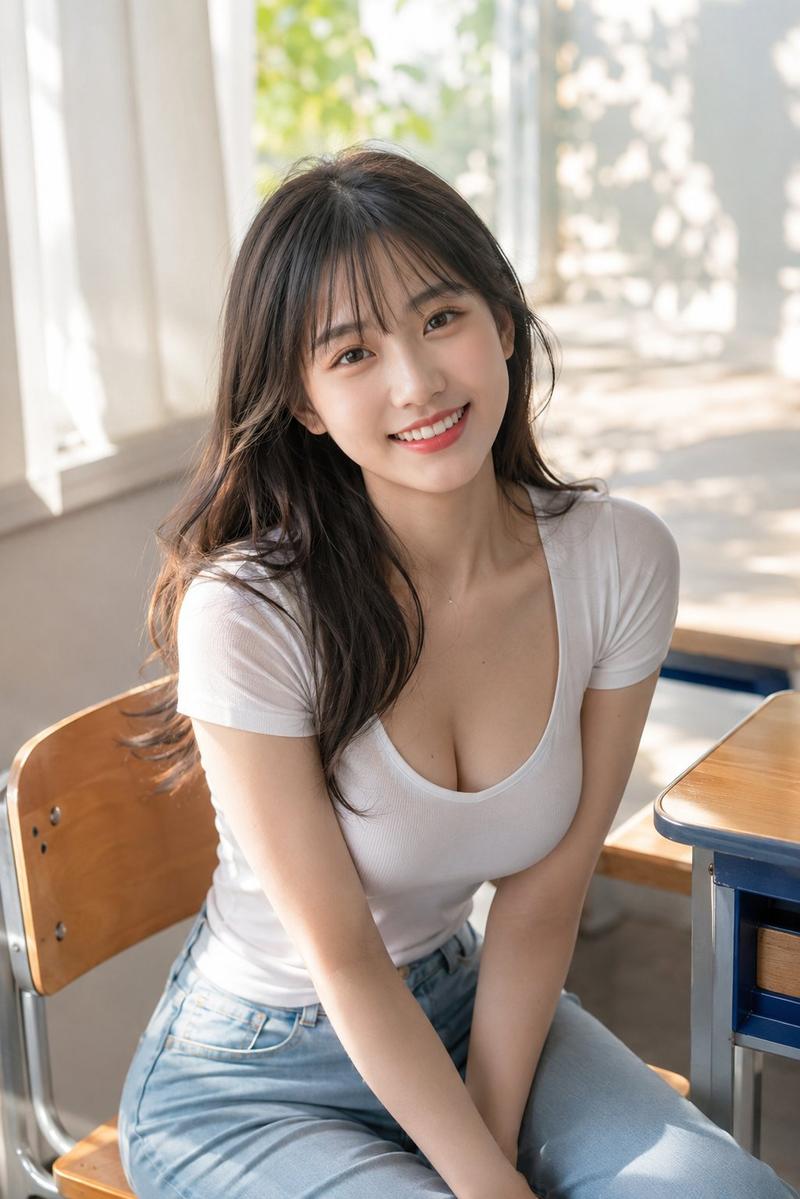
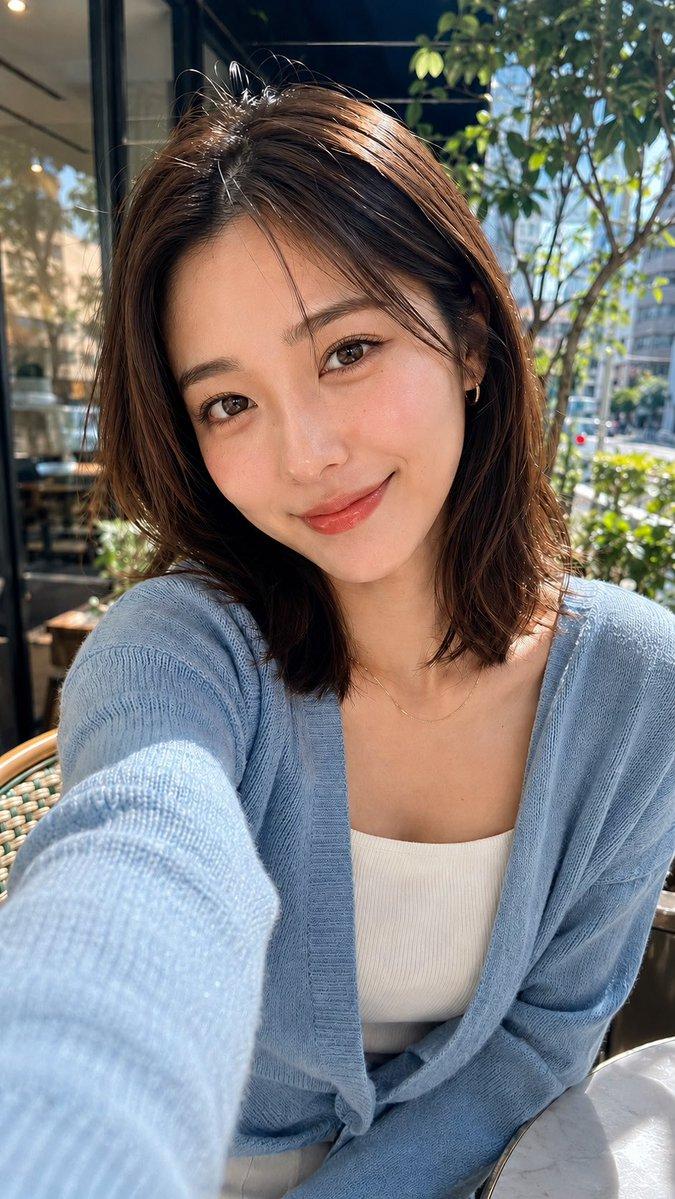
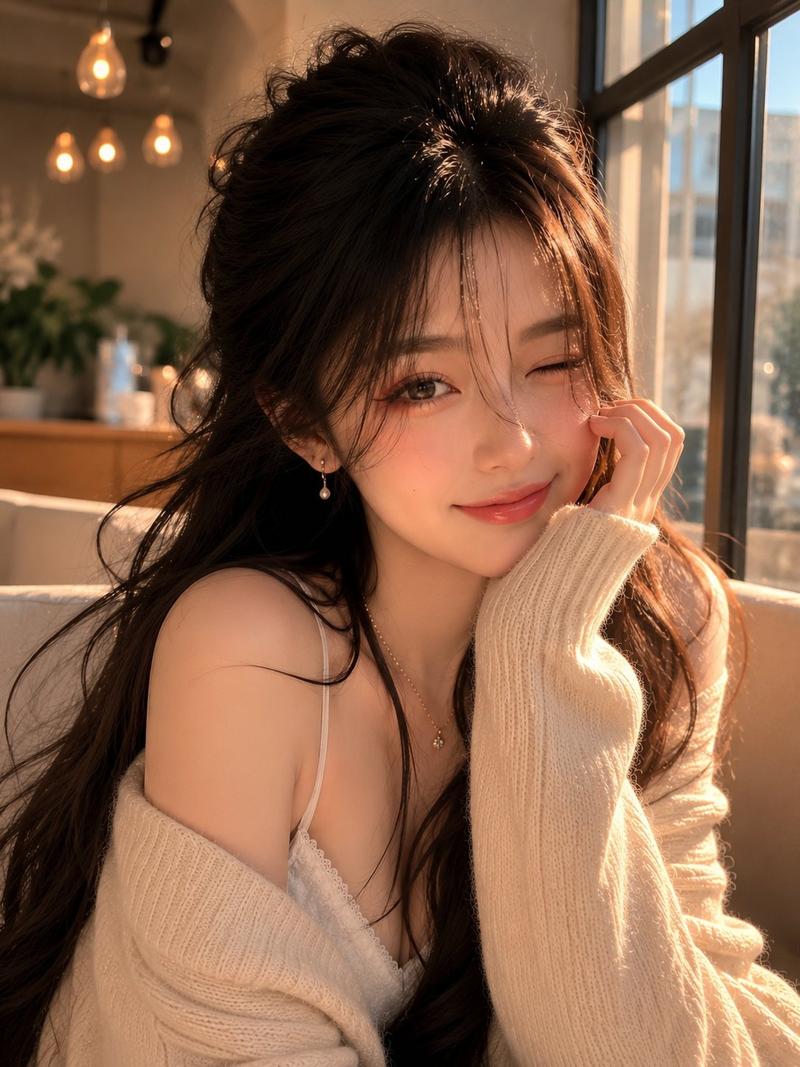
写实咖啡馆人像
Enlarge

Example images

写实咖啡馆人像

Prompt
Create an ultra-realistic vertical smartphone portrait photo of an adult East Asian woman in her early 20s, leaning forward across a café table and looking directly into the camera with a soft, friendly closed-mouth smile. She has {argument name="hair color and style" default="short dark brown bob hair with airy bangs and glossy highlights"}, clear warm-toned skin, subtle natural makeup, rosy cheeks, glossy lips, and large expressive brown eyes. She is wearing {argument name="outfit" default="a dark navy ribbed cardigan with a deep V neckline"} and a delicate silver necklace with a small pendant. The camera is very close, slightly above eye level, using a wide smartphone lens that creates an intimate selfie-like perspective; her face fills the upper half of the frame and her torso and arms extend toward the lower half. Place her in {argument name="setting" default="a warmly lit modern café with wooden tables, chairs, window frames, and softly blurred background patrons"}. Add a smartphone lying on the wooden table at the lower left edge, partially cropped. Use warm indoor lighting mixed with cool window light, realistic skin texture, detailed hair strands, shallow depth of field, natural bokeh, candid composition, high dynamic range, and photorealistic detail. Keep the image vertical 9:16, no text, no watermark, no illustration or anime styling.
Category
Architecture & Spaces
Model
GPT Image 2
Views13
Source ID
27946
Published
Jul 7, 2026

Guide

About "写实咖啡馆人像"

What is this prompt for?

"写实咖啡馆人像" AI image prompt for GPT Image 2 (Architecture & Spaces). 生成一张温暖、写实的智能手机近景人像,展示一位年轻女性在现代咖啡馆中前倾的姿态。 Copy it on Picva and recreate the look in one click.

The full copyable prompt and example visuals above are ready for AI image generation or one-click recreate in Picva.

How to use this prompt

  1. Step 1

    Open the prompt detail

    Review the example visuals, category, and full prompt text for "写实咖啡馆人像".

  2. Step 2

    Copy the prompt

    Copy the prompt body from this page, or load it directly in Studio.

  3. Step 3

    Pick a model (GPT Image 2)

    Prefer GPT Image 2. If you switch models, keep subject and composition and tweak style terms.

  4. Step 4

    Generate and export

    Recreate the look in Picva, or export into your workflow for editing and publishing.

FAQ

What is the "写实咖啡馆人像" prompt?
It is an AI image-generation prompt for GPT Image 2 in the Architecture & Spaces category. This page includes the full prompt text, example visuals, and a one-click recreate path in Picva.
How do I use this prompt to generate an image?
Copy the prompt from this page, or use Generate / Studio. Paste it into a compatible image model, or recreate the look in Picva with optional reference images.
Which model is this prompt for?
This page lists GPT Image 2. Most descriptive prompts also transfer to nearby image models such as GPT Image, Flux, or Midjourney with light style tweaks.
Can I use the result commercially?
You can usually copy the prompt for creation, but commercial use of the final image depends on the model terms, reference-image rights, and the generated content. Follow the source author and platform rules.