18

Visual Polyglot
Enlarge

Visual Polyglot

Prompt
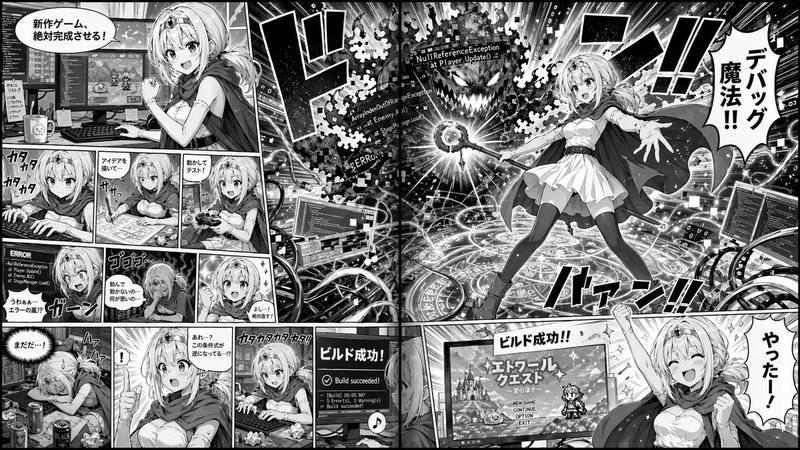
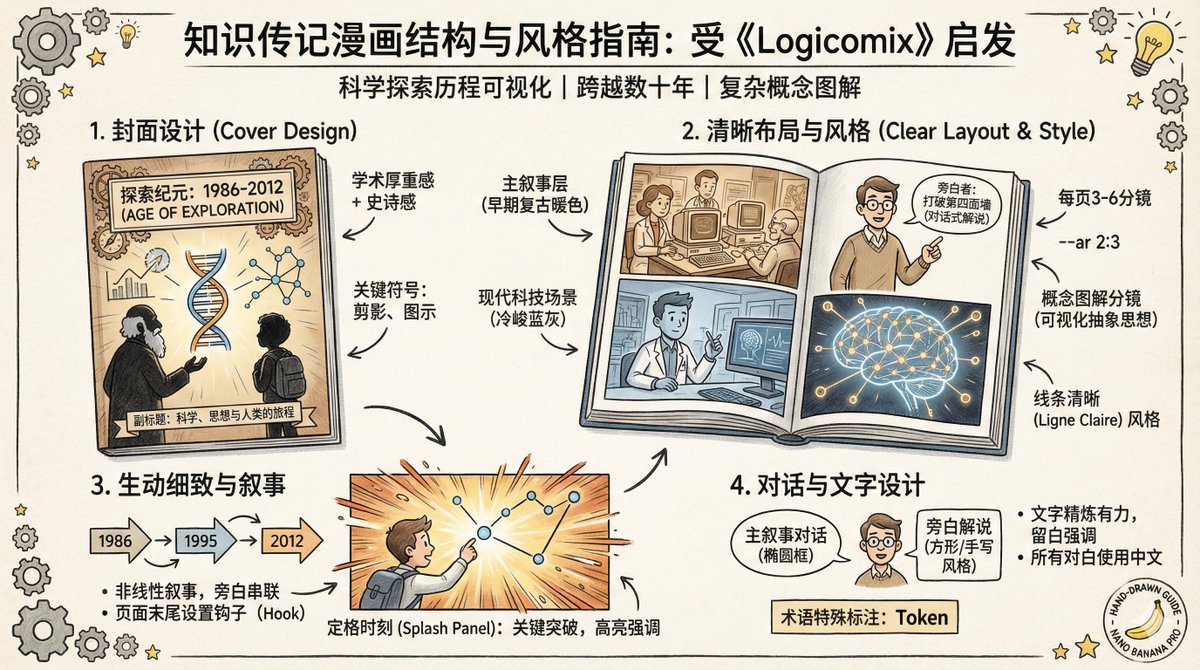
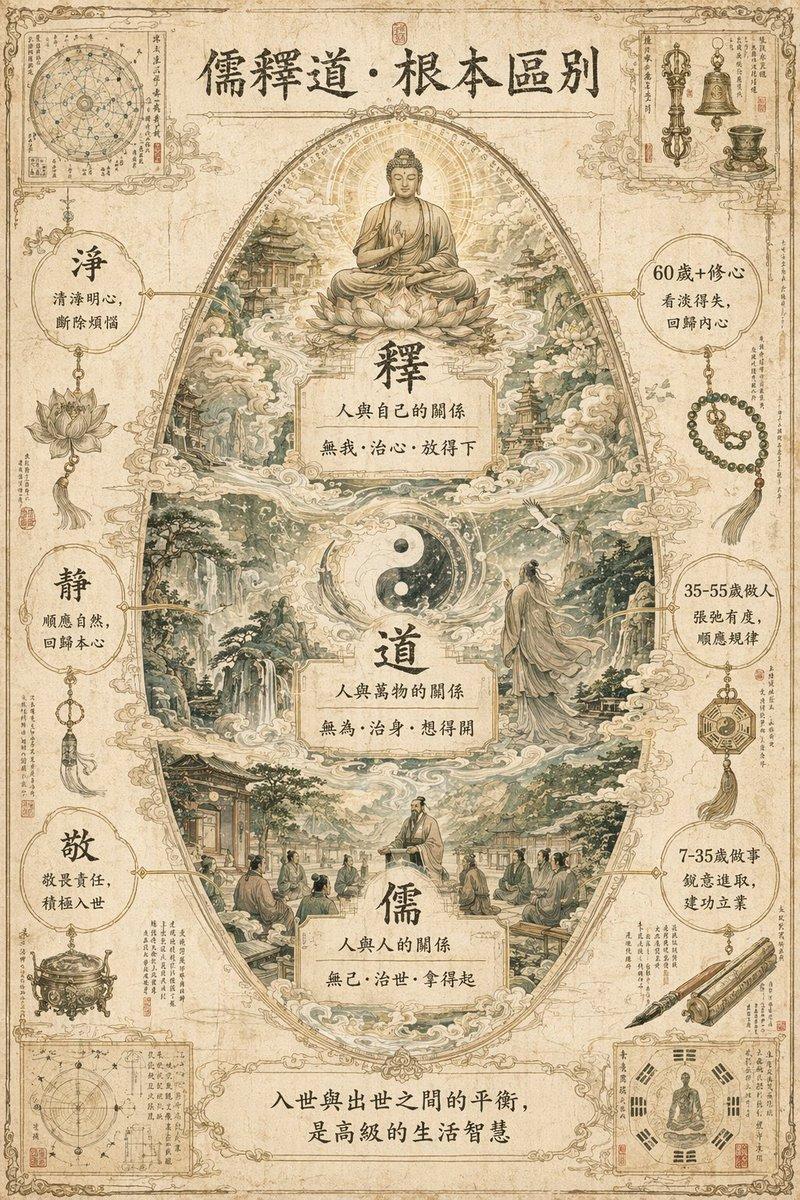
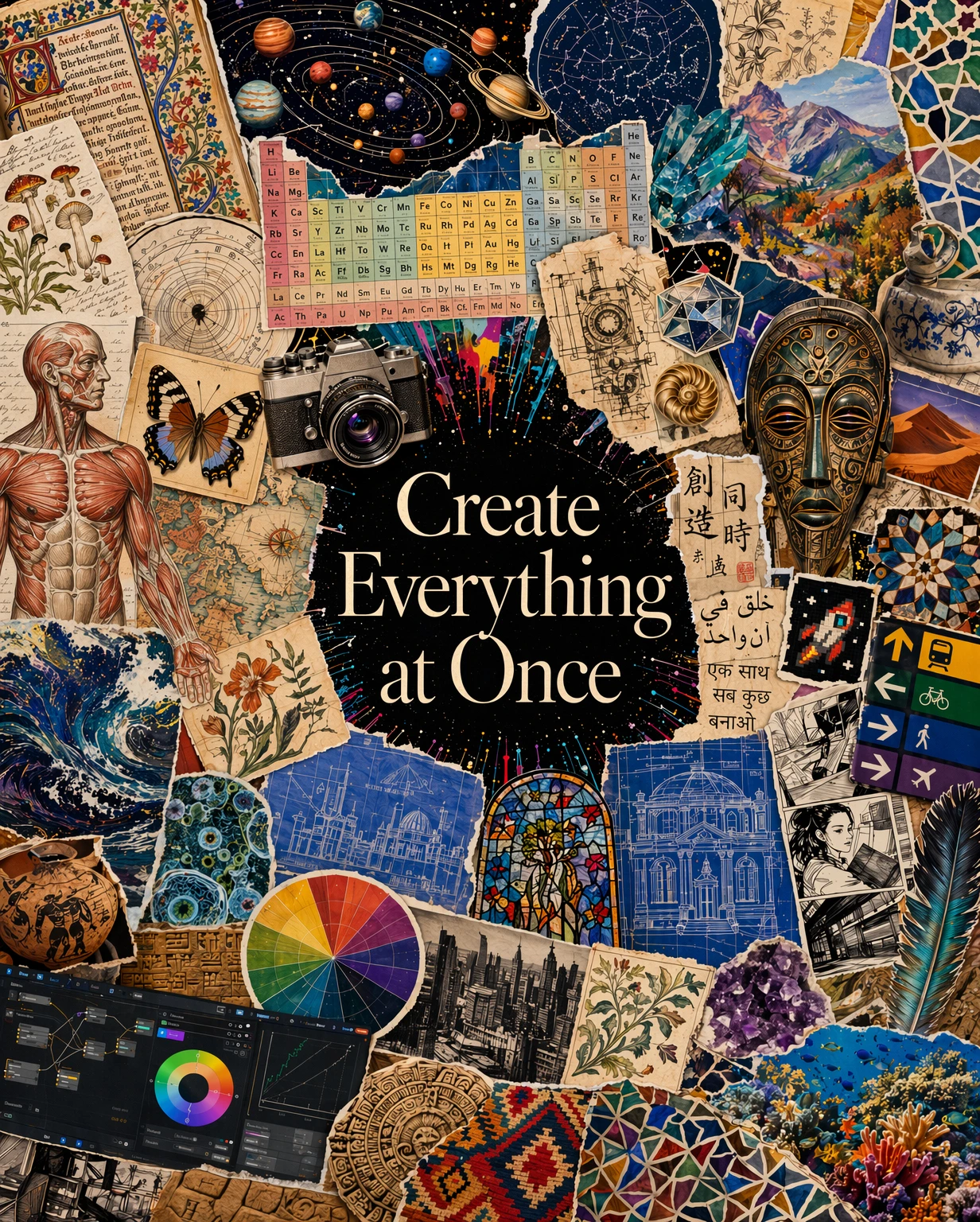
这幅内容丰富的拼贴海报由 ChatGPT 图像 2.0 生成,围绕着“同时创造一切 (Create Everything at Once)”这一主题展开,融合了艺术、科学、历史、设计和全球文化元素;将行星、解剖草图、地图、建筑、符号、晶体和混合媒体图像编织成一幅充满活力的创意马赛克。
Category
Scenes & Storytelling
Model
GPT Image 2
Creator
OpenAI
Views0
Source ID
004

Guide

About "Visual Polyglot"

What is this prompt for?

"Visual Polyglot" AI image prompt for GPT Image 2 (Scenes & Storytelling). 这幅内容丰富的拼贴海报由 ChatGPT 图像 2.0 生成,围绕着“同时创造一切 (Create Everything at Once)”这一主题展开,融合了艺术、科…

The full copyable prompt and example visuals above are ready for AI image generation or one-click recreate in Picva.

How to use this prompt

  1. Step 1

    Open the prompt detail

    Review the example visuals, category, and full prompt text for "Visual Polyglot".

  2. Step 2

    Copy the prompt

    Copy the prompt body from this page, or load it directly in Studio.

  3. Step 3

    Pick a model (GPT Image 2)

    Prefer GPT Image 2. If you switch models, keep subject and composition and tweak style terms.

  4. Step 4

    Generate and export

    Recreate the look in Picva, or export into your workflow for editing and publishing.

FAQ

What is the "Visual Polyglot" prompt?
It is an AI image-generation prompt for GPT Image 2 in the Scenes & Storytelling category. This page includes the full prompt text, example visuals, and a one-click recreate path in Picva.
How do I use this prompt to generate an image?
Copy the prompt from this page, or use Generate / Studio. Paste it into a compatible image model, or recreate the look in Picva with optional reference images.
Which model is this prompt for?
This page lists GPT Image 2. Most descriptive prompts also transfer to nearby image models such as GPT Image, Flux, or Midjourney with light style tweaks.
Can I use the result commercially?
You can usually copy the prompt for creation, but commercial use of the final image depends on the model terms, reference-image rights, and the generated content. Follow the source author and platform rules.