早期安卓风格东亚女性生活自拍
Prompt
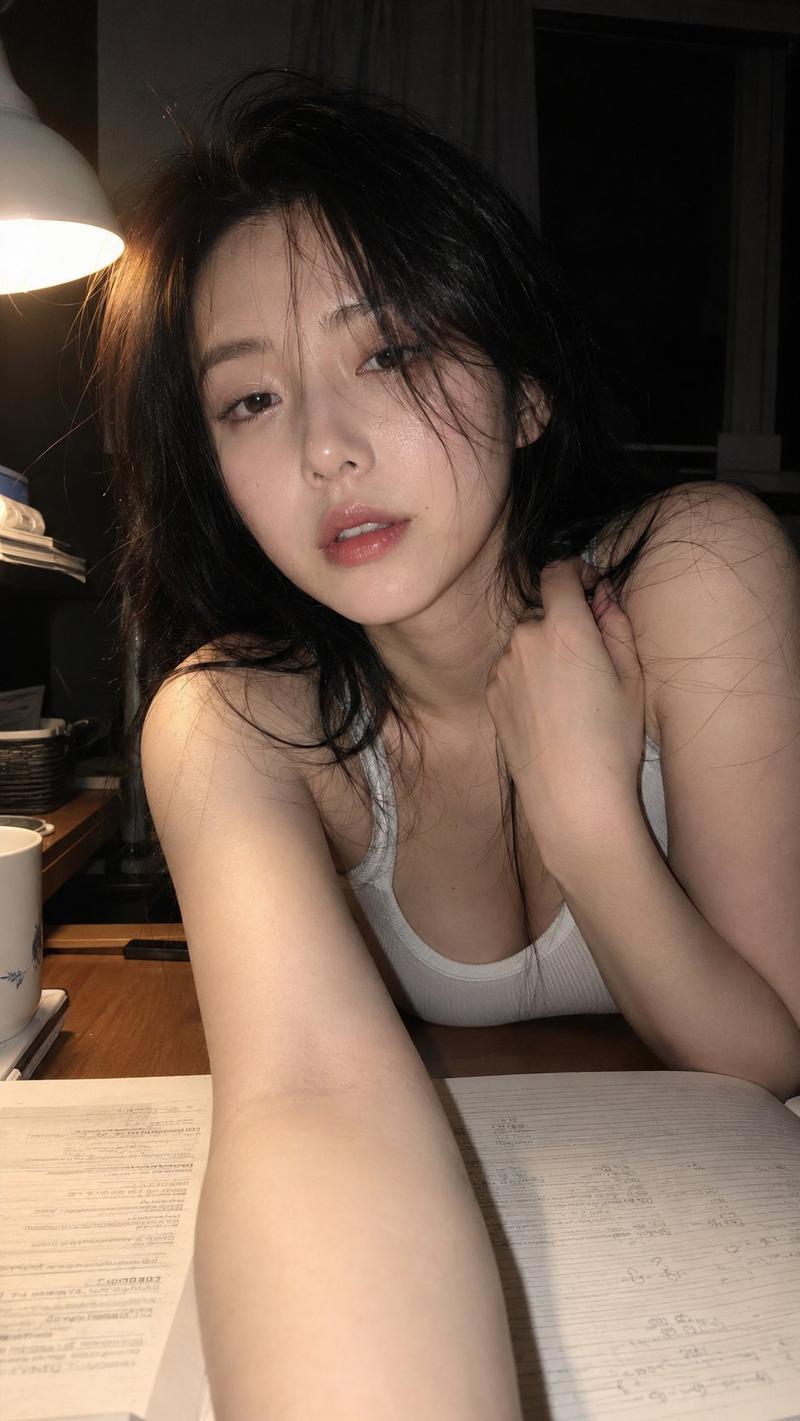
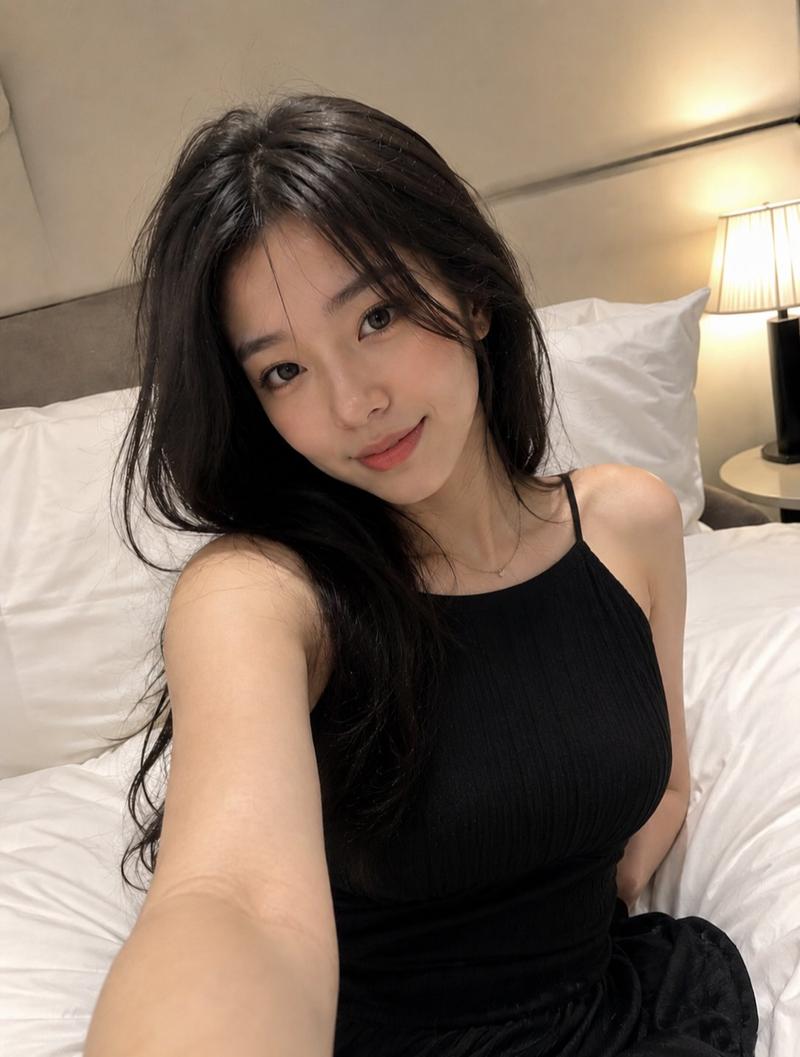
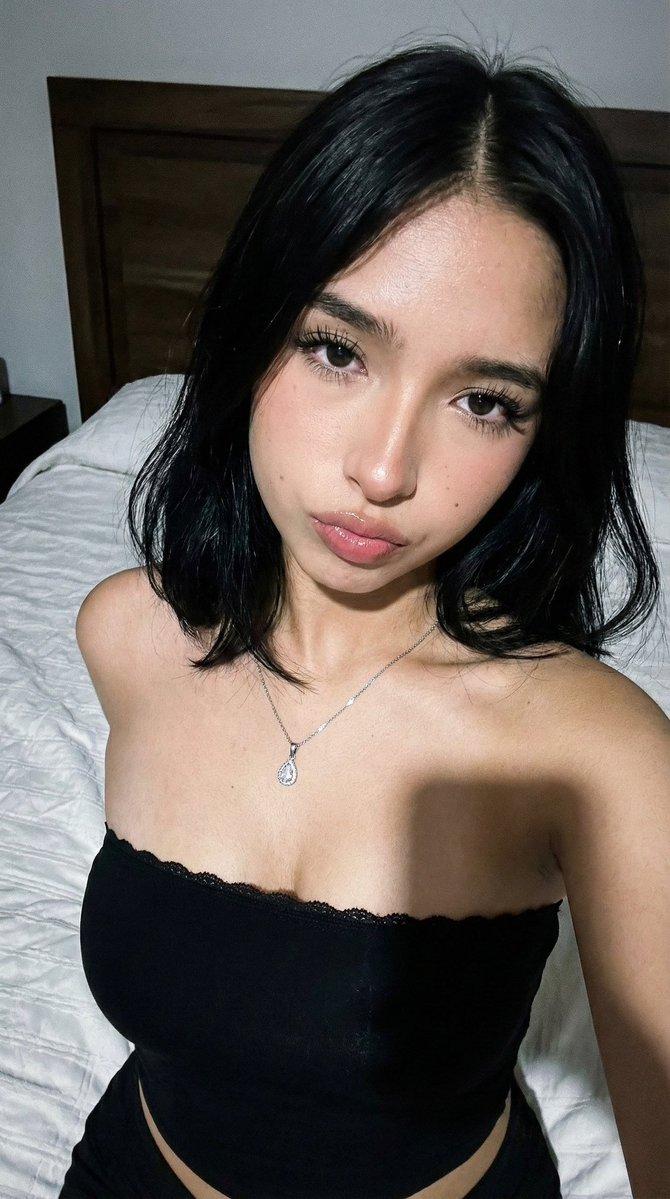
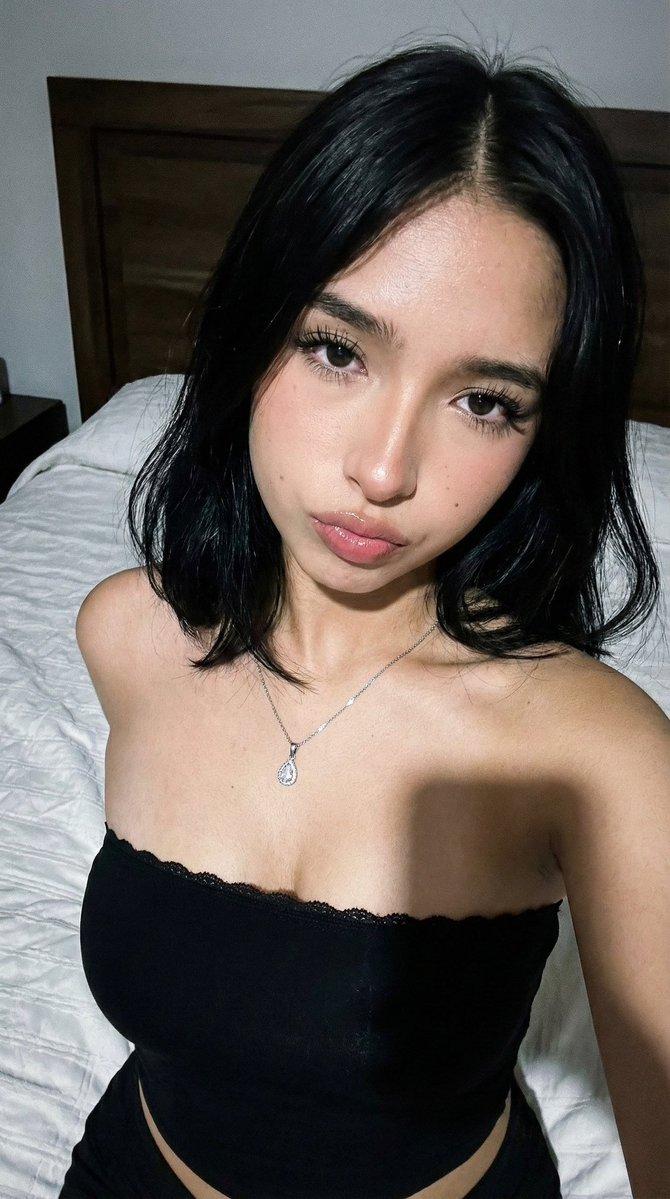
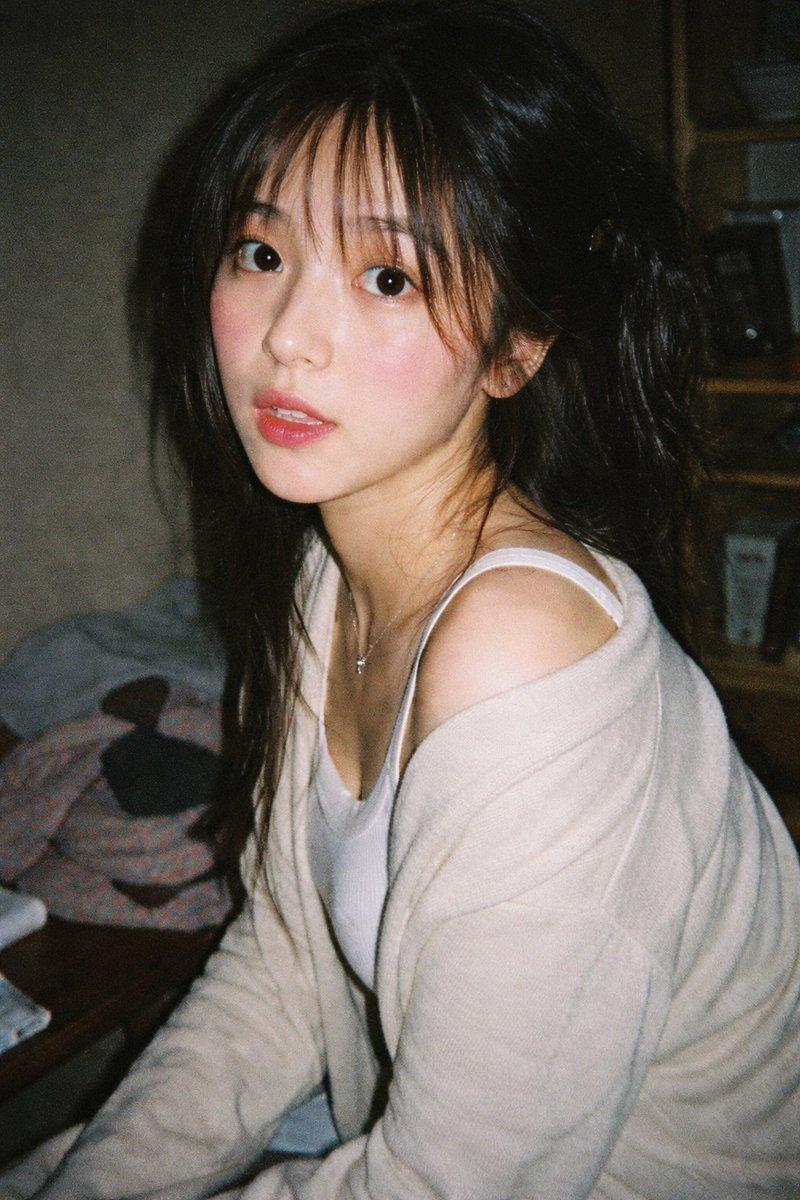
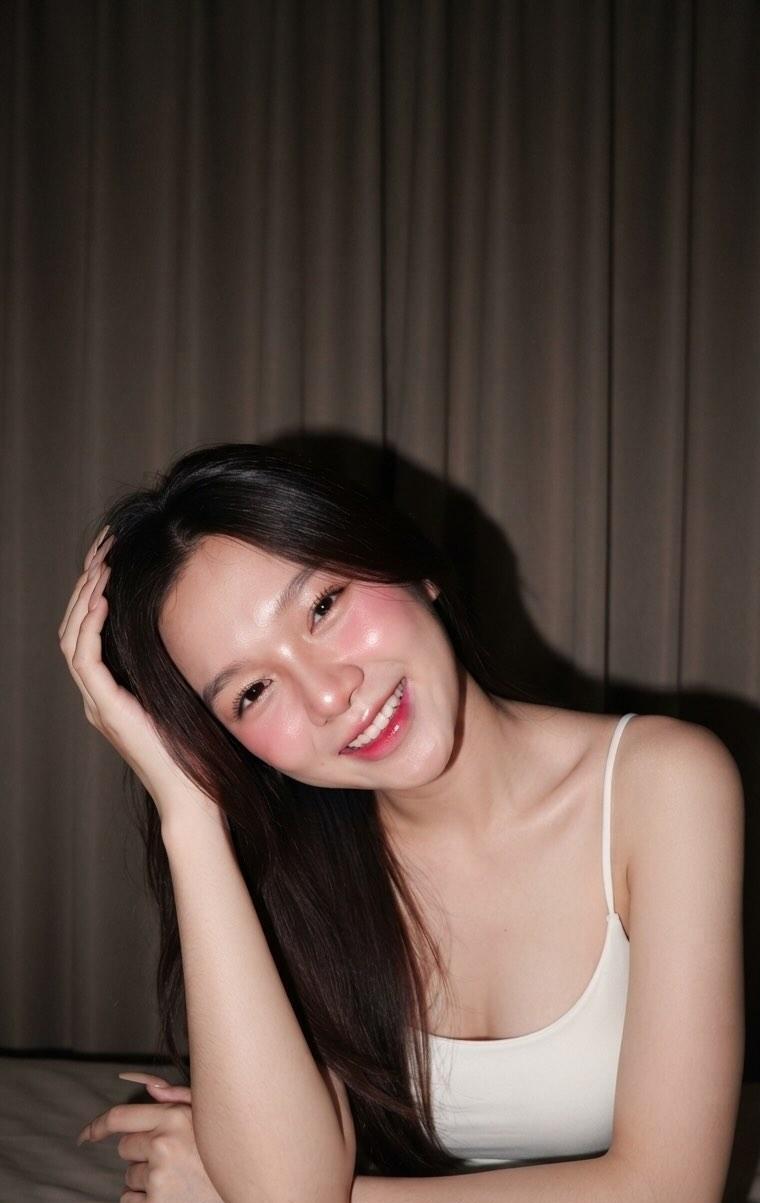
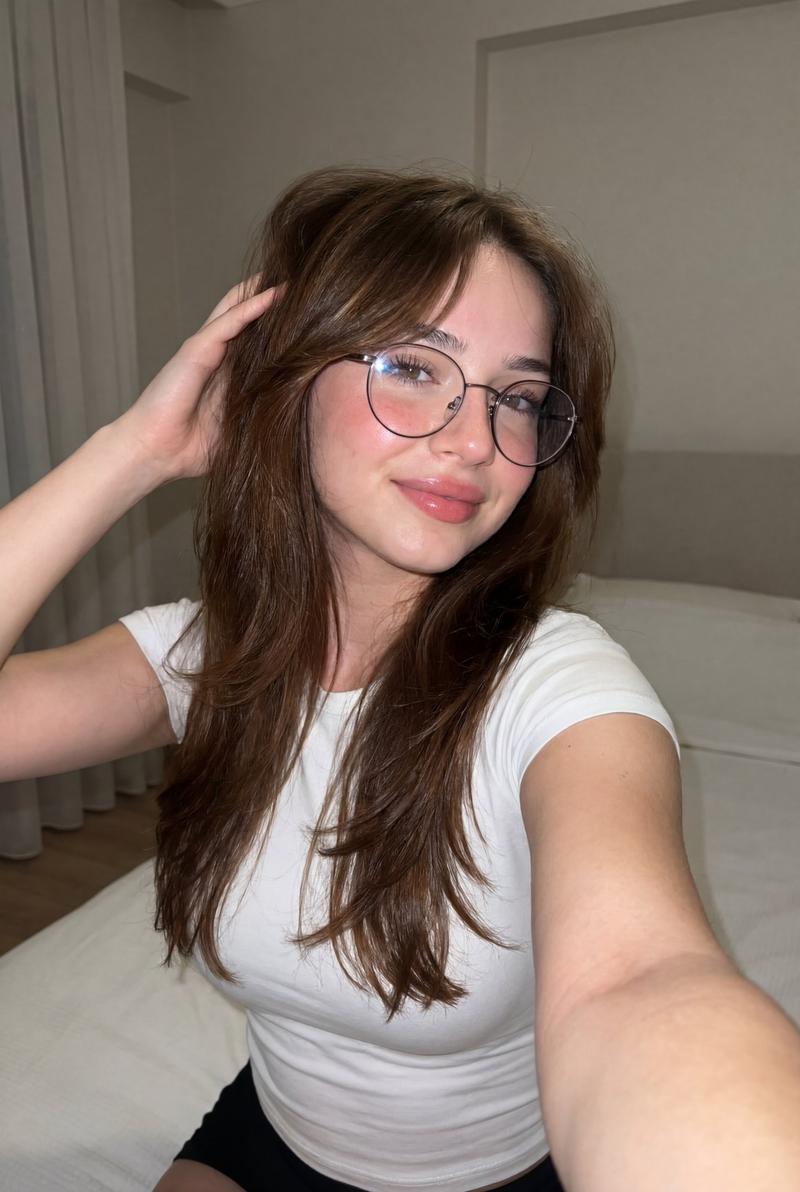
Vertical 9:16 composition, an extremely realistic mobile phone selfie, like a casual life photo taken on an early Android phone or WeChat Moments, low resolution, slight JPEG compression feel, mobile beauty filter, skin over-smoothed, face slightly overexposed, realistic but with a cheap mobile selfie texture.

The main subject is an adult East Asian woman in her 20s, close-up high-angle shot, the camera looks down from diagonally above her head, she leans slightly forward, hands placed on a table or bedside in front of her, looking up at the camera. The character's face is in the upper middle part of the frame, close to the lens, wide-angle lens causing a slight "big head small body" selfie perspective.

She has long straight black hair, natural volume, slightly messy hair, with some strands falling on the sides of her face and in front of her shoulders, and natural fluffiness and stray hairs on the top. Soft face shape, fair skin, smoothed very smoothly by beauty filters, delicate features, slightly large eyes, eyes looking directly at the camera, quiet expression, slightly aggrieved, with a bit of a coquettish feel, lips naturally closed, light pink lip makeup. There are small sequins or rhinestone teardrop makeup decorations under the eyes and near the outer corners, makeup is light, eyebrows are natural, eyeliner is subtle.

She wears a bright yellow or ginger yellow off-the-shoulder tight long-sleeved top, the neckline horizontally reveals one shoulder and collarbone, the clothes are form-fitting but not exaggerated; the lower body is a black skirt or black trousers, only partially visible. She wears a silver metal watch on her wrist and simple rings on her fingers. Hands slightly clenched or naturally joined together at the bottom of the frame, posture is restrained and cute.

The scene is an ordinary bedroom or rental room, the background is realistic and lifelike. Behind her is a brown upholstered headboard or sofa back, on the bed are orange-red sheets, white quilts, pillows, and scattered items. The walls are off-white, slightly dim, with a small blue and white abstract seascape painting on the wall in the upper left. A white tabletop or bedside items can be seen in the bottom foreground, a grey-white plastic lamp or electronic device in the bottom right corner, edges naturally cropped. Indoor light is dim, mobile fill light makes the face significantly brighter, background is darker, overall has the uneven exposure of a real selfie.

Photo style: real mobile selfie, life snapshot, non-studio shot, non-portrait photography, non-commercial photography, non-retouched blockbuster, low pixel, slight blur, low contrast, mobile automatic white balance, facial beauty overexposure, messy natural background, WeChat Moments old photo texture, 2010s internet selfie style.
- Category
- Charts & Infographics
- Model
- ChatGPT
- Creator
- @ohmuyi
- Source ID
- 17405
- Published
- Jul 5, 2026
Views0