18

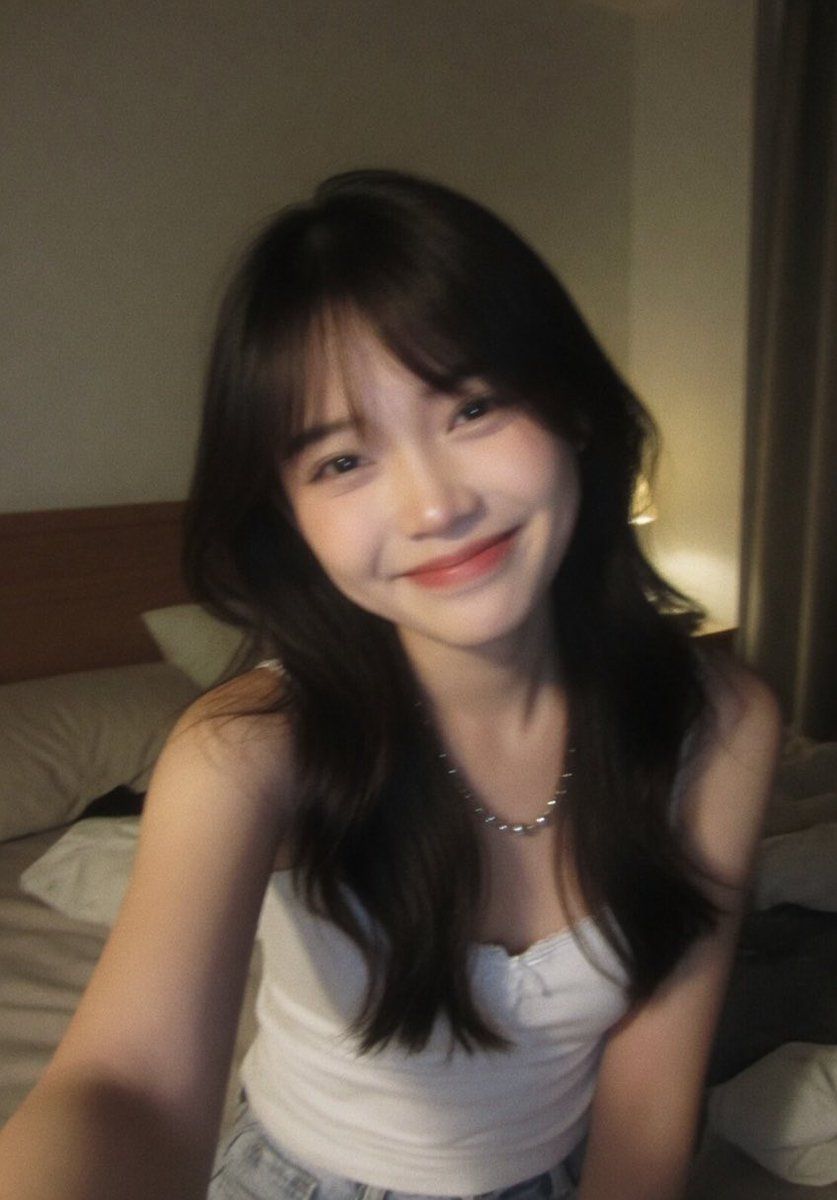
Censored Night Bedroom Selfie
Enlarge

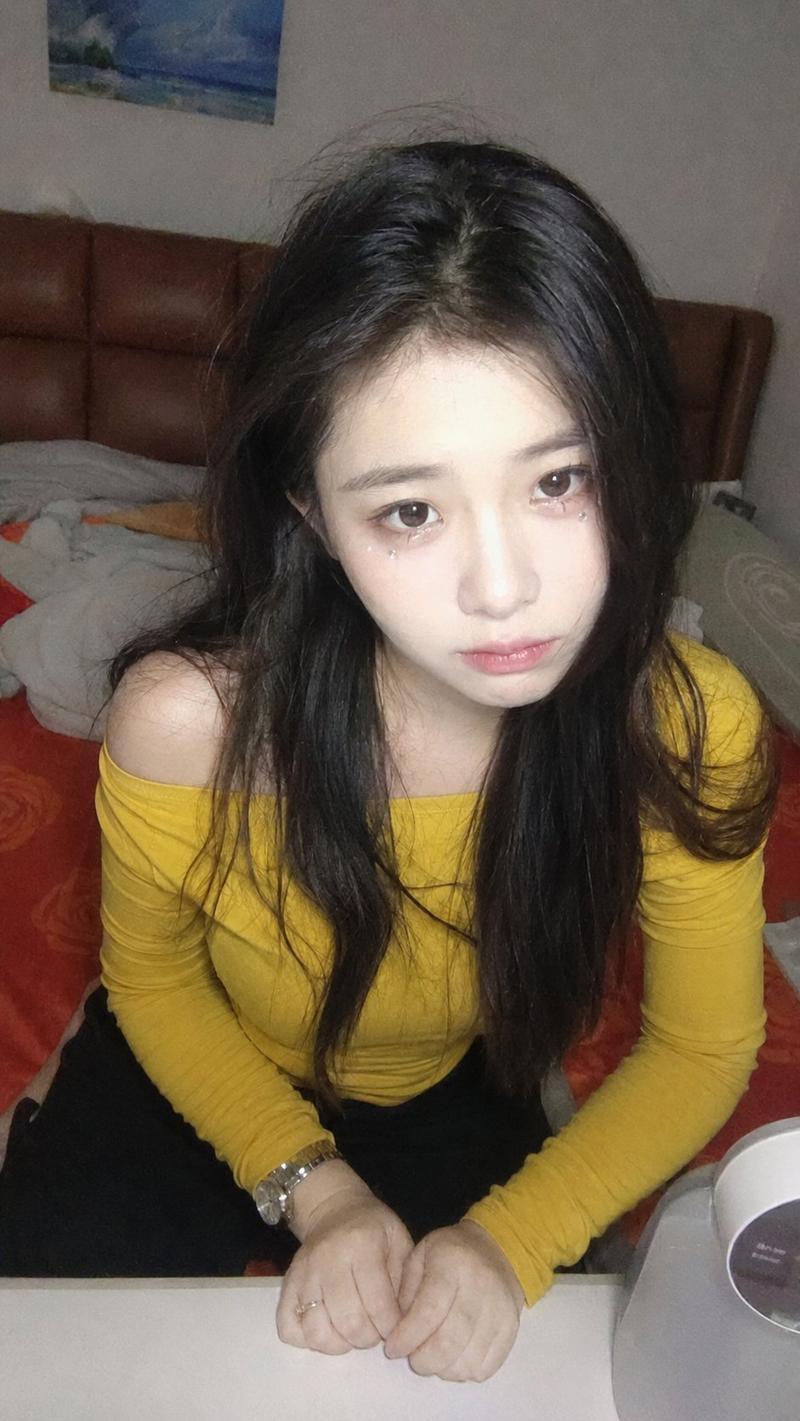
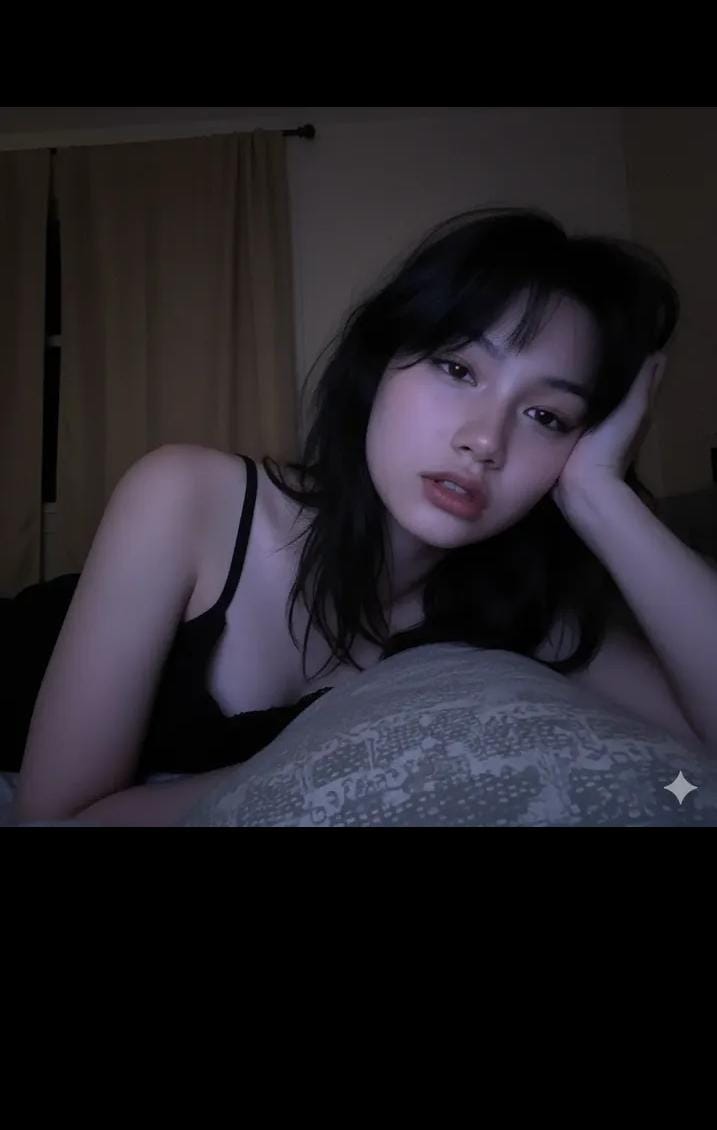
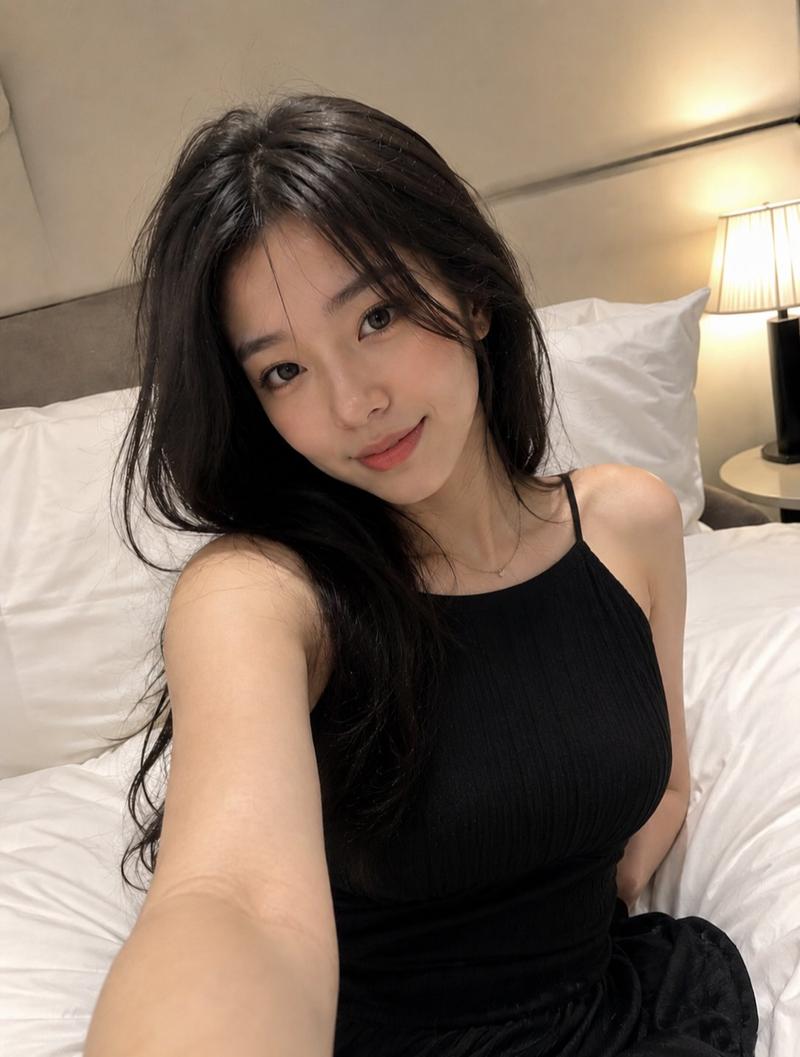
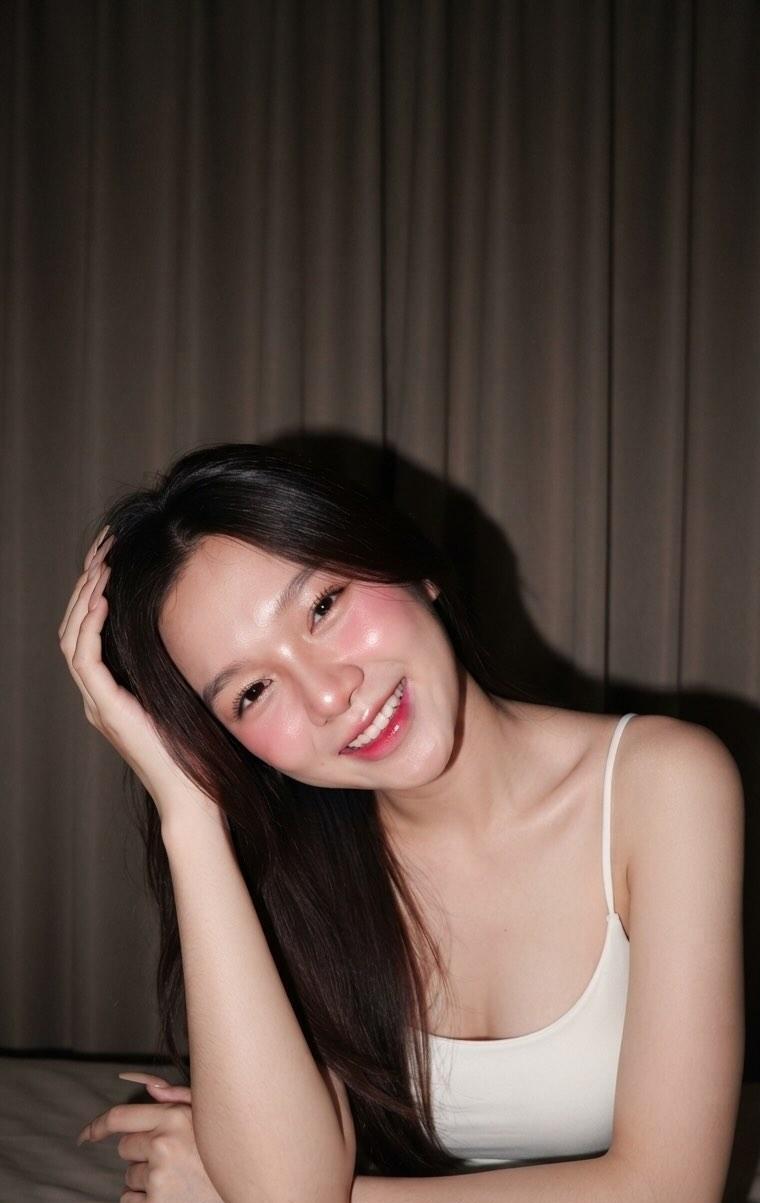
Example images

Censored Night Bedroom Selfie

Prompt
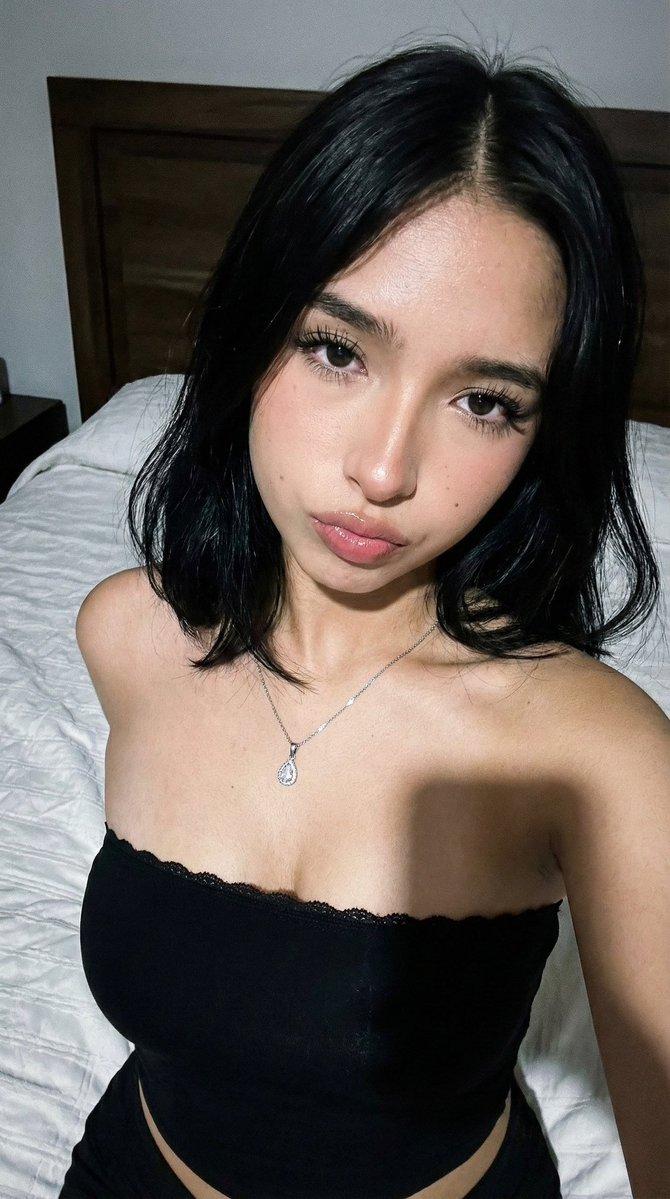
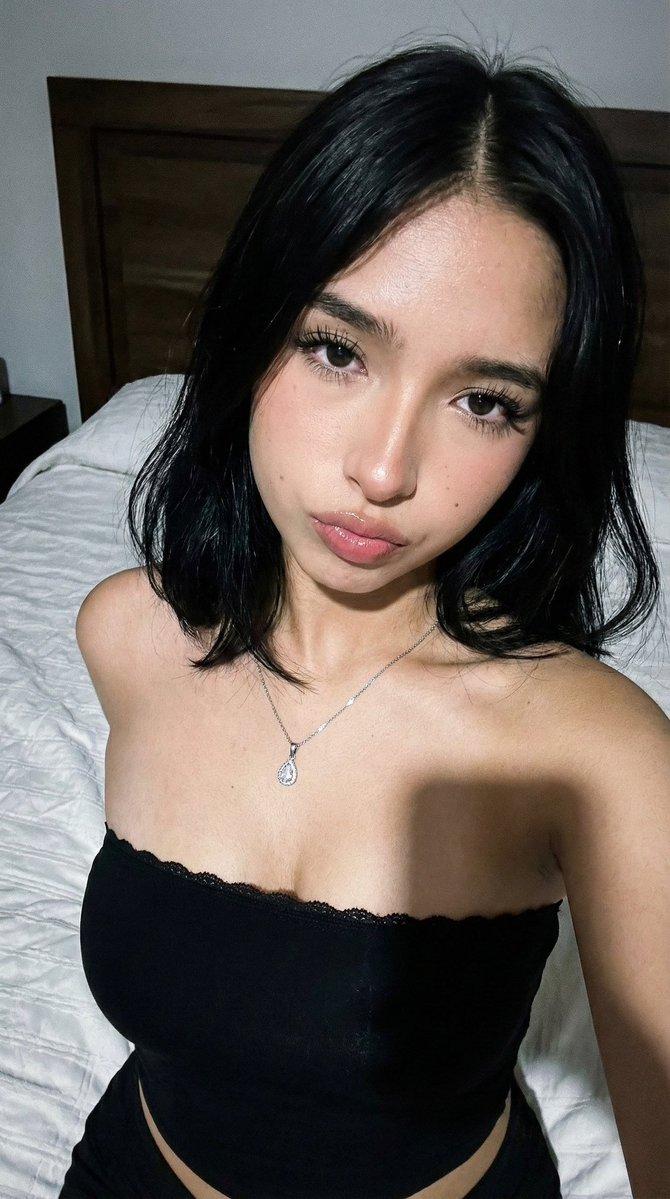
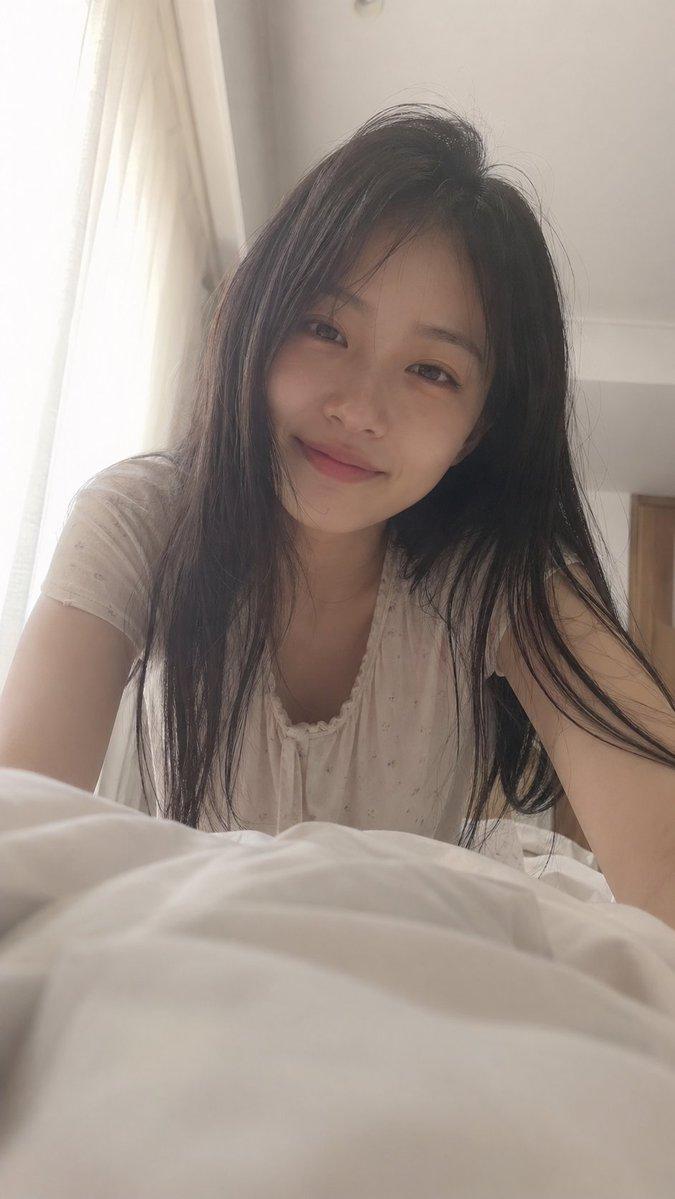
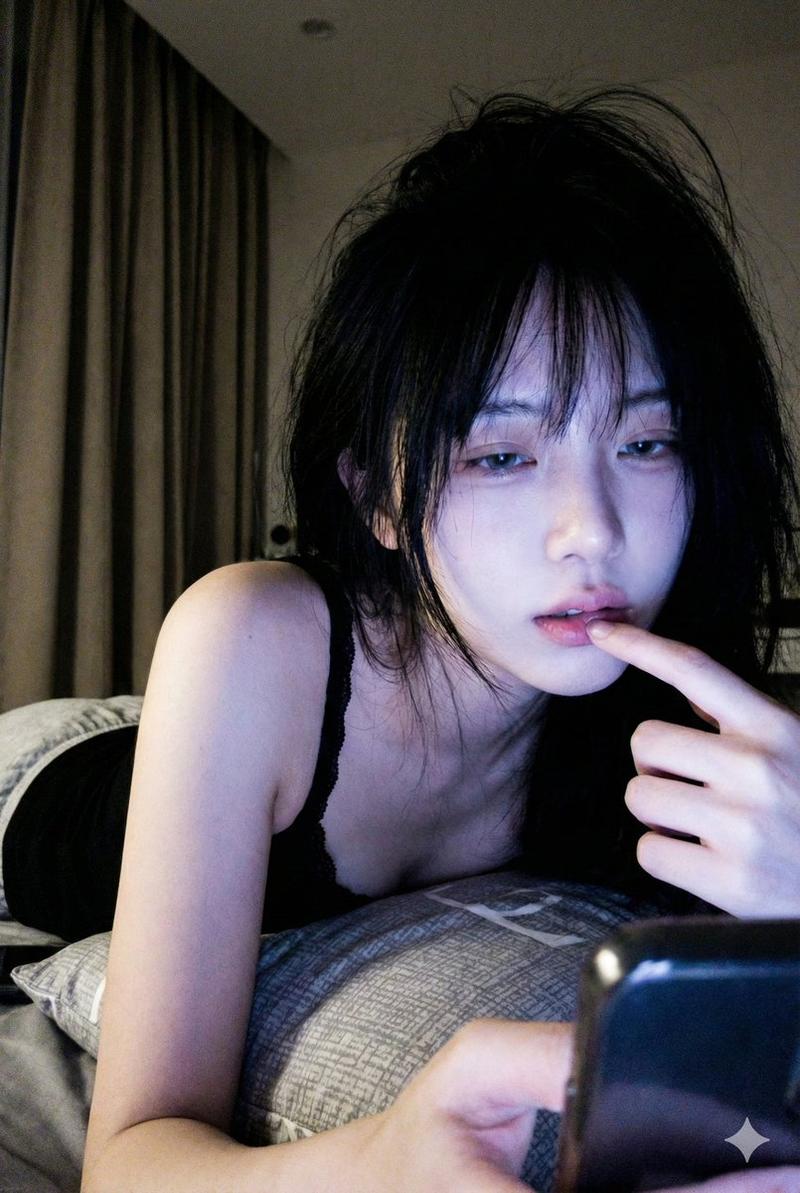
Create a candid front-facing smartphone selfie of {argument name="subject" default="a young Asian woman"} sitting on an unmade bed in a dim bedroom at night, framed from the upper thighs to just above the head with one arm extended toward the camera. She has long dark slightly messy hair falling over her shoulders, a slim build, bare shoulders, a fitted white camisole tank top, light denim jeans, and a delicate short pearl or bead necklace. Her face is intentionally covered by a large centered opaque square privacy block in a soft brown skin-tone gradient, obscuring all facial features. The scene feels like an ordinary imperfect iPhone front-camera snapshot sent casually before sleep: no deliberate composition, slight motion blur, low contrast, visible grain, soft uneven warm bedside lighting, mild highlight bloom, and authentic social-media realism. Background includes beige pillows and sheets, a wooden headboard on the left, a plain wall corner, dark curtains on the right, and a warm lamp glow behind her; vertical portrait orientation, realistic photography, muted colors, intimate bedroom atmosphere.
Category
Charts & Infographics
Model
GPT Image 2
Creator
serein
Views5
Source ID
18140
Published
May 3, 2026

Guide

About "Censored Night Bedroom Selfie"

What is this prompt for?

"Censored Night Bedroom Selfie" AI image prompt for GPT Image 2 (Charts & Infographics). Generates a realistic imperfect nighttime bedroom selfie with a privac…

The full copyable prompt and example visuals above are ready for AI image generation or one-click recreate in Picva.

How to use this prompt

  1. Step 1

    Open the prompt detail

    Review the example visuals, category, and full prompt text for "Censored Night Bedroom Selfie".

  2. Step 2

    Copy the prompt

    Copy the prompt body from this page, or load it directly in Studio.

  3. Step 3

    Pick a model (GPT Image 2)

    Prefer GPT Image 2. If you switch models, keep subject and composition and tweak style terms.

  4. Step 4

    Generate and export

    Recreate the look in Picva, or export into your workflow for editing and publishing.

FAQ

What is the "Censored Night Bedroom Selfie" prompt?
It is an AI image-generation prompt for GPT Image 2 in the Charts & Infographics category. This page includes the full prompt text, example visuals, and a one-click recreate path in Picva.
How do I use this prompt to generate an image?
Copy the prompt from this page, or use Generate / Studio. Paste it into a compatible image model, or recreate the look in Picva with optional reference images.
Which model is this prompt for?
This page lists GPT Image 2. Most descriptive prompts also transfer to nearby image models such as GPT Image, Flux, or Midjourney with light style tweaks.
Can I use the result commercially?
You can usually copy the prompt for creation, but commercial use of the final image depends on the model terms, reference-image rights, and the generated content. Follow the source author and platform rules.