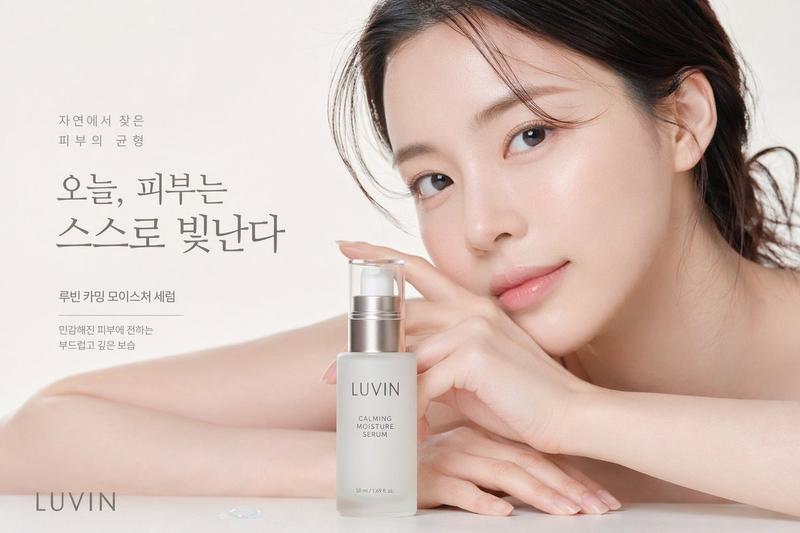
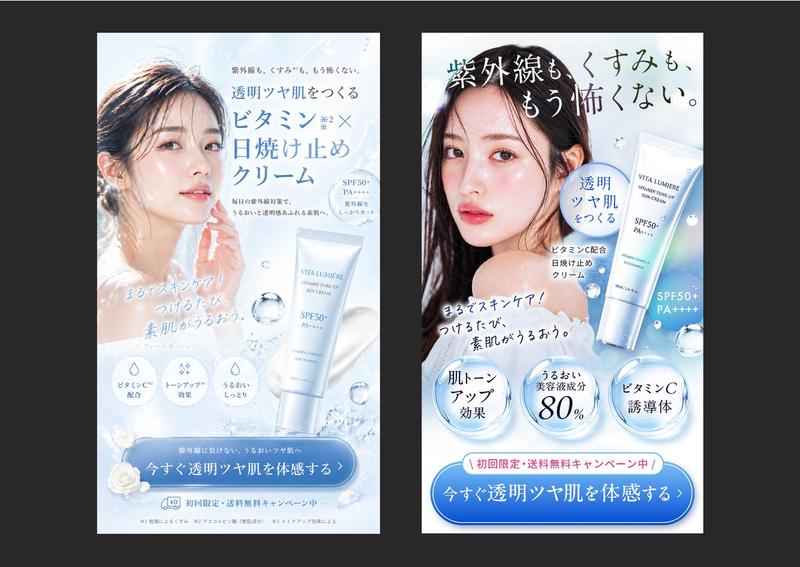
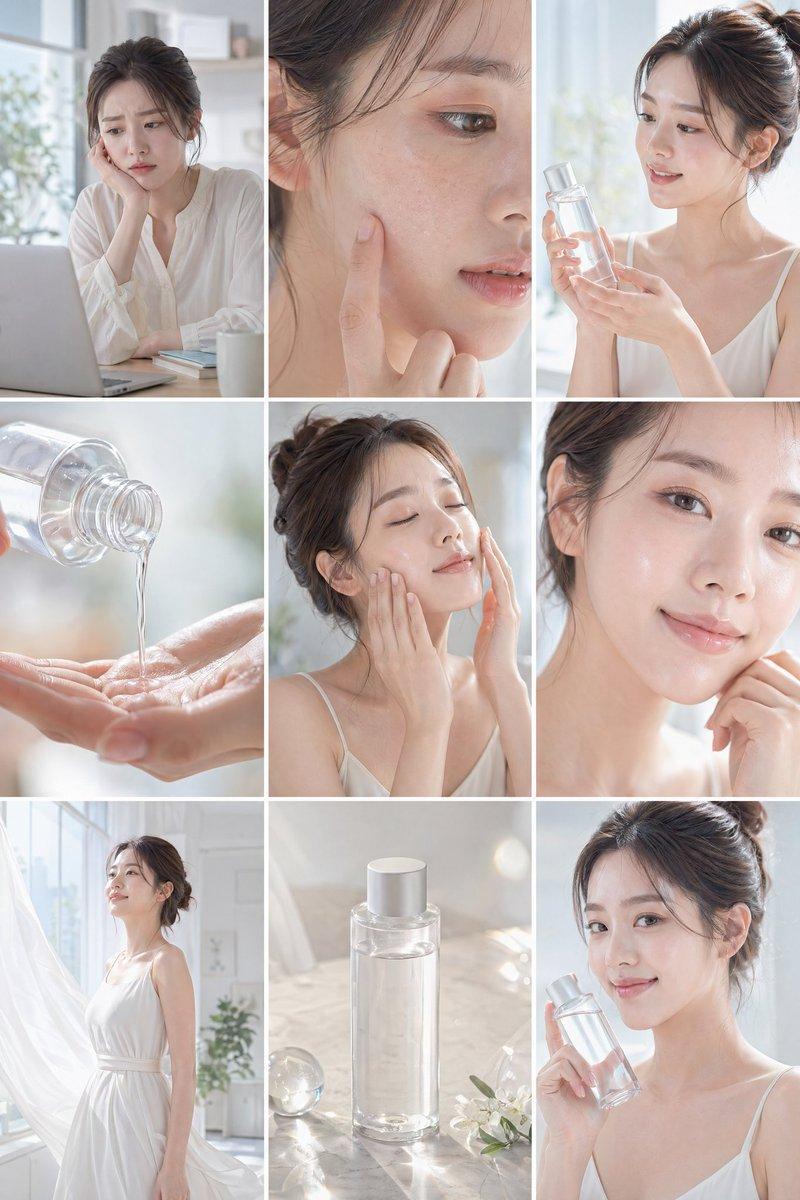
护肤品电商落地页设计稿
Prompt
{
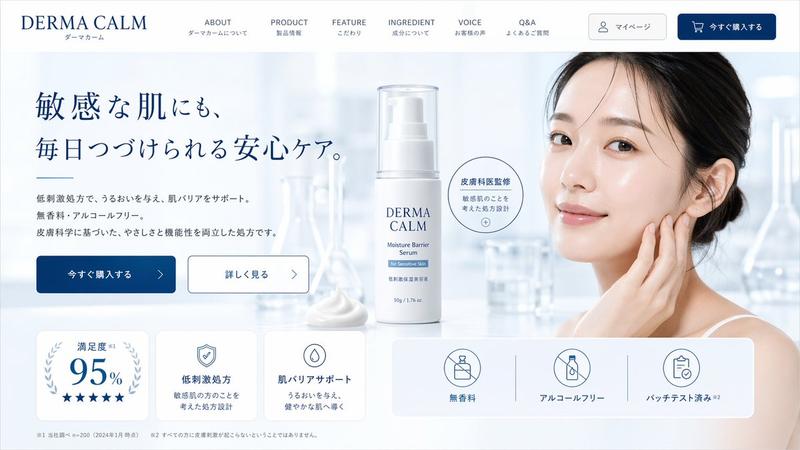
  "type": "skincare e-commerce landing page mockup",
  "brand": "{argument name=\"brand name\" default=\"DERMA CALM\"}",
  "color_palette": ["white", "light blue", "{argument name=\"primary color\" default=\"dark blue\"}"],
  "layout": {
    "header": {
      "logo": "left-aligned brand name with Japanese subtext",
      "navigation_links": {
        "count": 6,
        "labels": ["ABOUT", "PRODUCT", "FEATURE", "INGREDIENT", "VOICE", "Q&A"]
      },
      "buttons": {
        "count": 2,
        "labels": ["マイページ", "今すぐ購入する"]
      }
    },
    "hero_section": {
      "left_column": {
        "headline": "{argument name=\"hero headline\" default=\"敏感な肌にも、毎日つづけられる安心ケア。\"}",
        "subtext": "paragraph detailing low irritation, moisturizing, fragrance-free, and alcohol-free benefits",
        "buttons": {
          "count": 2,
          "labels": ["今すぐ購入する", "詳しく見る"]
        }
      },
      "center_column": {
        "product": "white pump bottle with clear cap labeled {argument name=\"product type\" default=\"Moisture Barrier Serum\"}",
        "props": ["dollop of white cream", "circular badge reading 皮膚科医監修"]
      },
      "right_column": {
        "subject": "{argument name=\"model description\" default=\"young East Asian woman with clear glowing skin touching her cheek\"}",
        "background": "blurred laboratory glassware in a bright, clean clinical setting"
      }
    },
    "bottom_features_panel": {
      "left_cards": {
        "count": 3,
        "descriptions": ["95% satisfaction with 5 stars", "shield icon for low irritation formula", "drop icon for skin barrier support"]
      },
      "right_badges": {
        "count": 3,
        "descriptions": ["no fragrance icon", "no alcohol icon", "patch tested icon"]
      },
      "footer": "fine print disclaimers at the bottom"
    }
  }
}- Category
- Charts & Infographics
- Model
- GPT Image 2
- Creator
- 龍哉|AI Ad Creator
- Source ID
- 14278
- Published
- Apr 20, 2026
Views4