20

高级时装 Lookbook 排版
Enlarge

高级时装 Lookbook 排版

Prompt
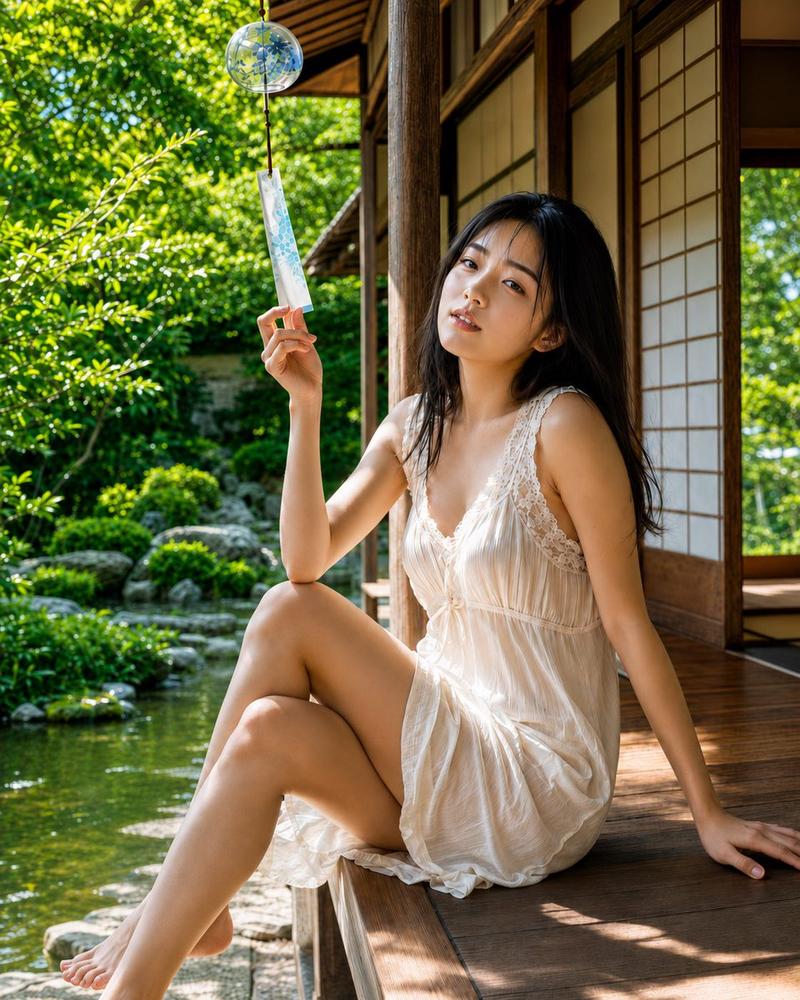
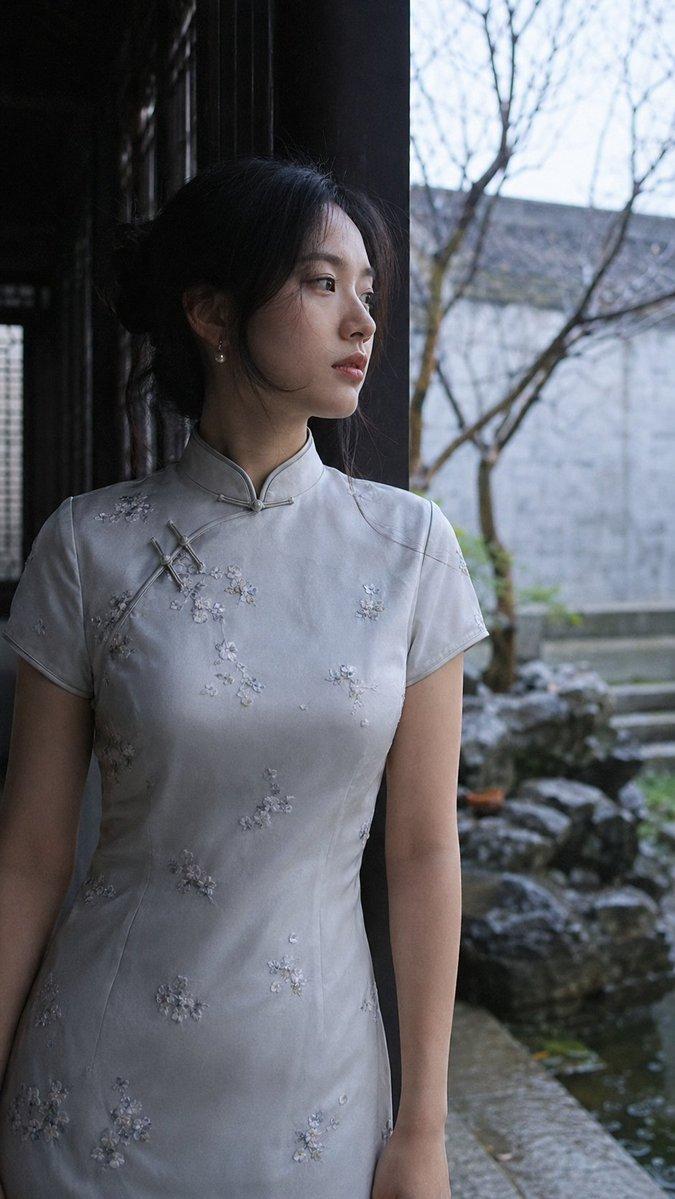
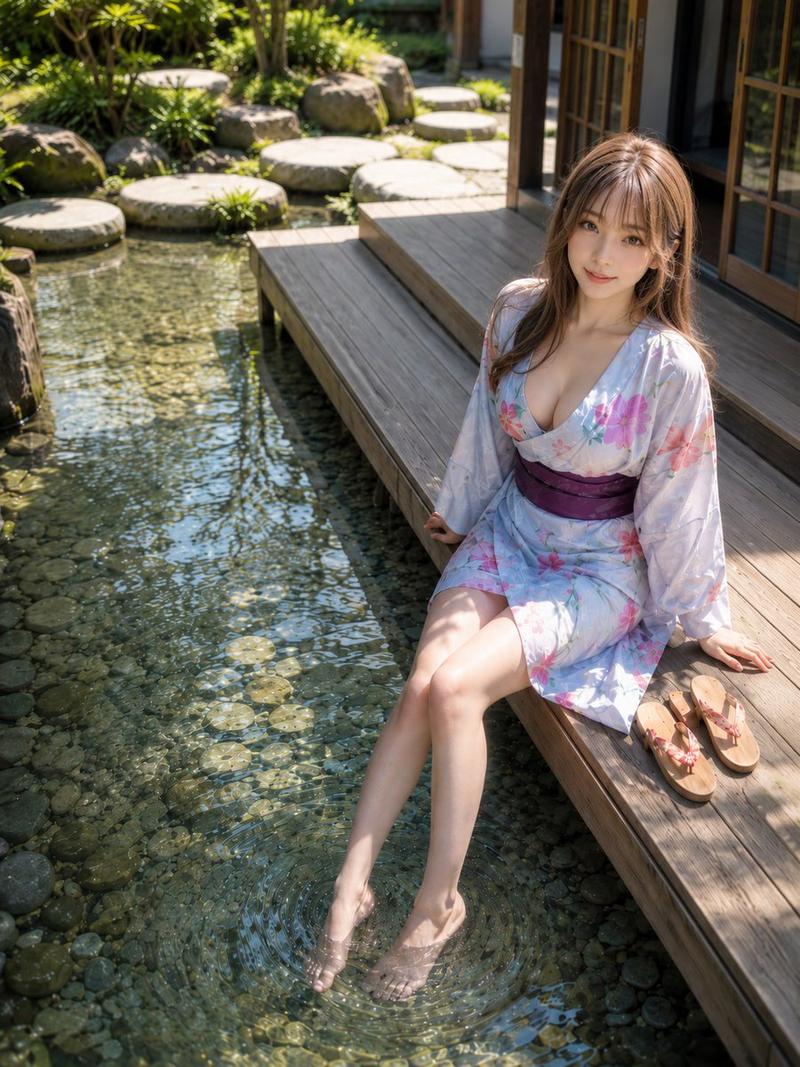
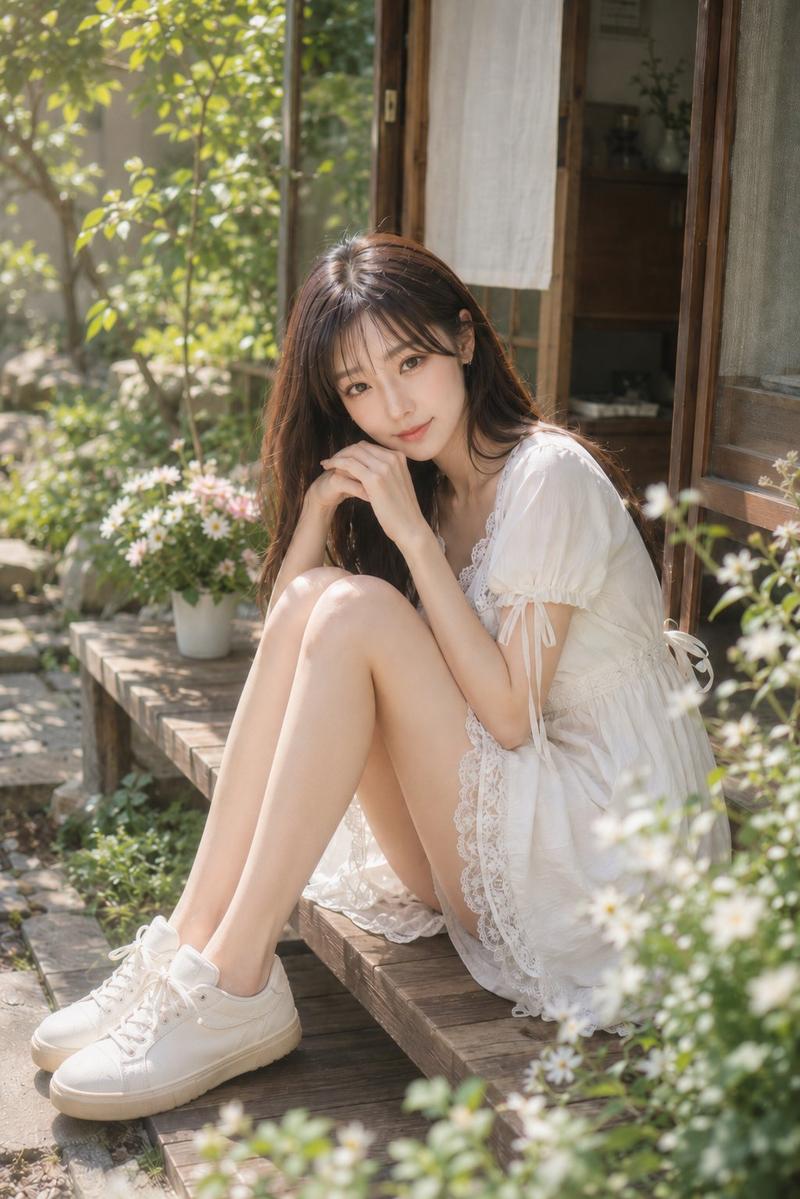
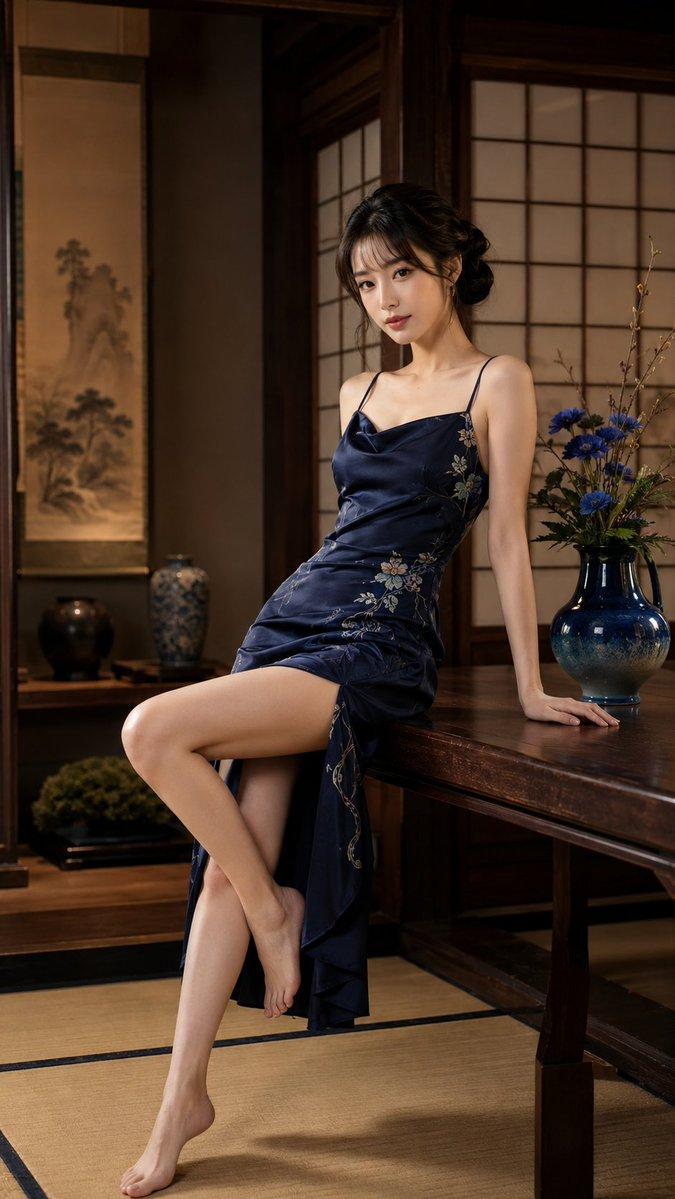
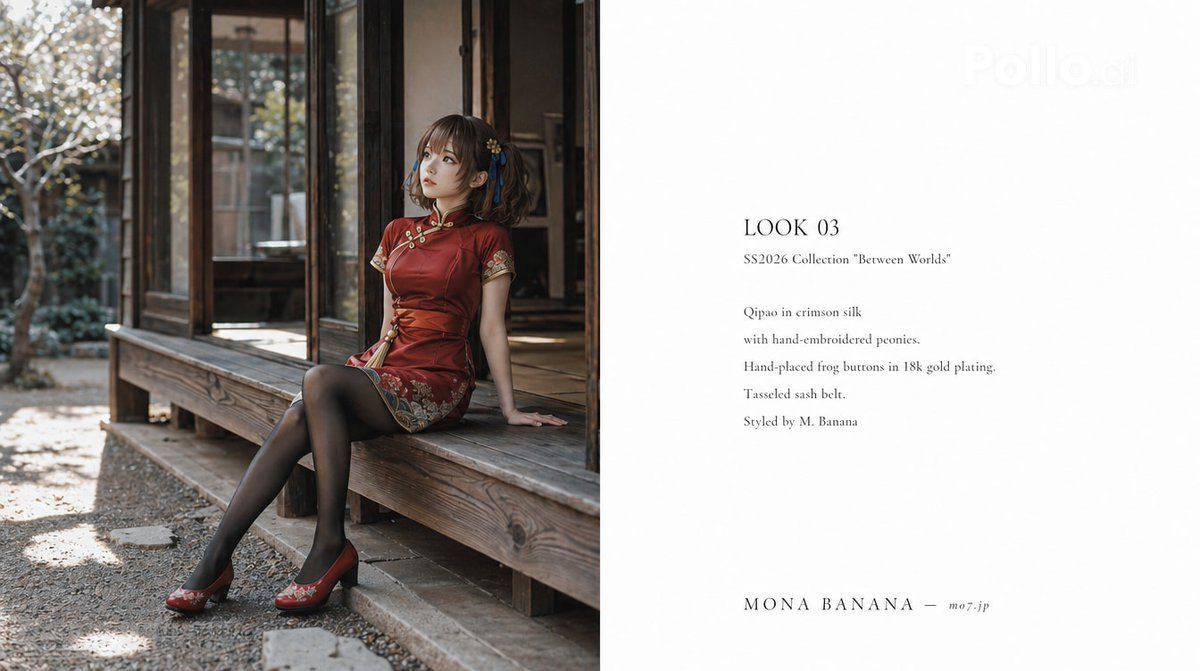
一张高级时装品牌“{argument name="brand name" default="MONA BANANA"}” 2026 春夏系列的 Lookbook 排版页面(16:9)。左页(左侧 1/2):一张全身照,模特坐在日本老式房屋的阳台上,凝视远方。仅使用自然光,时尚编辑摄影风格。照片级真实感,胶片质感。右页(右侧 1/2):白色背景上的以下文字(纤细衬线字体,英文):'LOOK 03 SS2026 Collection "Between Worlds" Qipao in crimson silk with hand-embroidered peonies. Hand-placed frog buttons in 18k gold plating. Tasseled sash belt. Styled by M. Banana' 底部:'{argument name="brand name" default="MONA BANANA"} ─ https://t.co/1sj0qOokTG'。整体风格应类似于 Marni、Sacai 和 Comme des Garçons Lookbook 中那种“知性与艺术感并存的时装杂志排版”。最终效果应与真实的高端品牌 Lookbook 别无二致。
Category
Posters & Typography
Model
GPT Image 2
Views2
Source ID
15942
Published
Apr 25, 2026

Guide

About "高级时装 Lookbook 排版"

What is this prompt for?

"高级时装 Lookbook 排版" AI image prompt for GPT Image 2 (Posters & Typography). 一个用于创建专业高级时装杂志排版的精美提示词,包含摄影风格说明及特定的排版字体要求。 Copy it on Picva and recreate the look in…

The full copyable prompt and example visuals above are ready for AI image generation or one-click recreate in Picva.

How to use this prompt

  1. Step 1

    Open the prompt detail

    Review the example visuals, category, and full prompt text for "高级时装 Lookbook 排版".

  2. Step 2

    Copy the prompt

    Copy the prompt body from this page, or load it directly in Studio.

  3. Step 3

    Pick a model (GPT Image 2)

    Prefer GPT Image 2. If you switch models, keep subject and composition and tweak style terms.

  4. Step 4

    Generate and export

    Recreate the look in Picva, or export into your workflow for editing and publishing.

FAQ

What is the "高级时装 Lookbook 排版" prompt?
It is an AI image-generation prompt for GPT Image 2 in the Posters & Typography category. This page includes the full prompt text, example visuals, and a one-click recreate path in Picva.
How do I use this prompt to generate an image?
Copy the prompt from this page, or use Generate / Studio. Paste it into a compatible image model, or recreate the look in Picva with optional reference images.
Which model is this prompt for?
This page lists GPT Image 2. Most descriptive prompts also transfer to nearby image models such as GPT Image, Flux, or Midjourney with light style tweaks.
Can I use the result commercially?
You can usually copy the prompt for creation, but commercial use of the final image depends on the model terms, reference-image rights, and the generated content. Follow the source author and platform rules.