19

深红色的日式拼贴肖像
Enlarge

深红色的日式拼贴肖像

Prompt
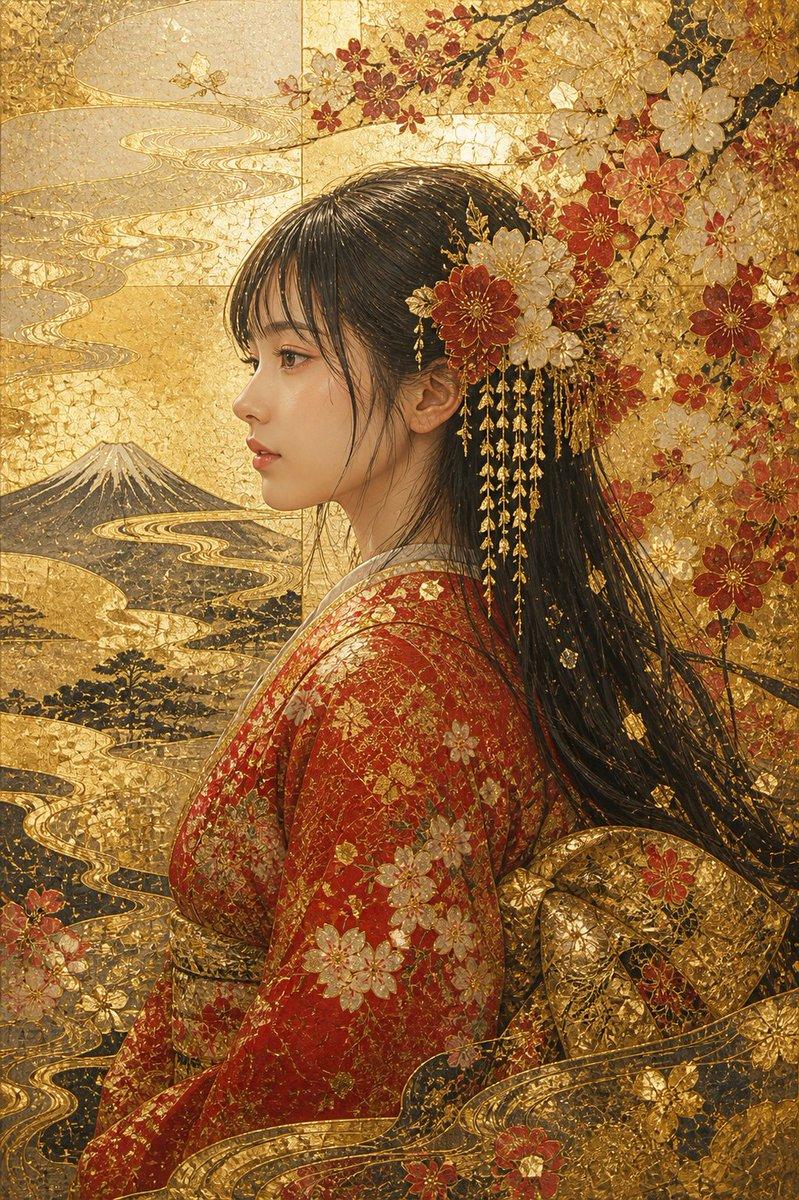
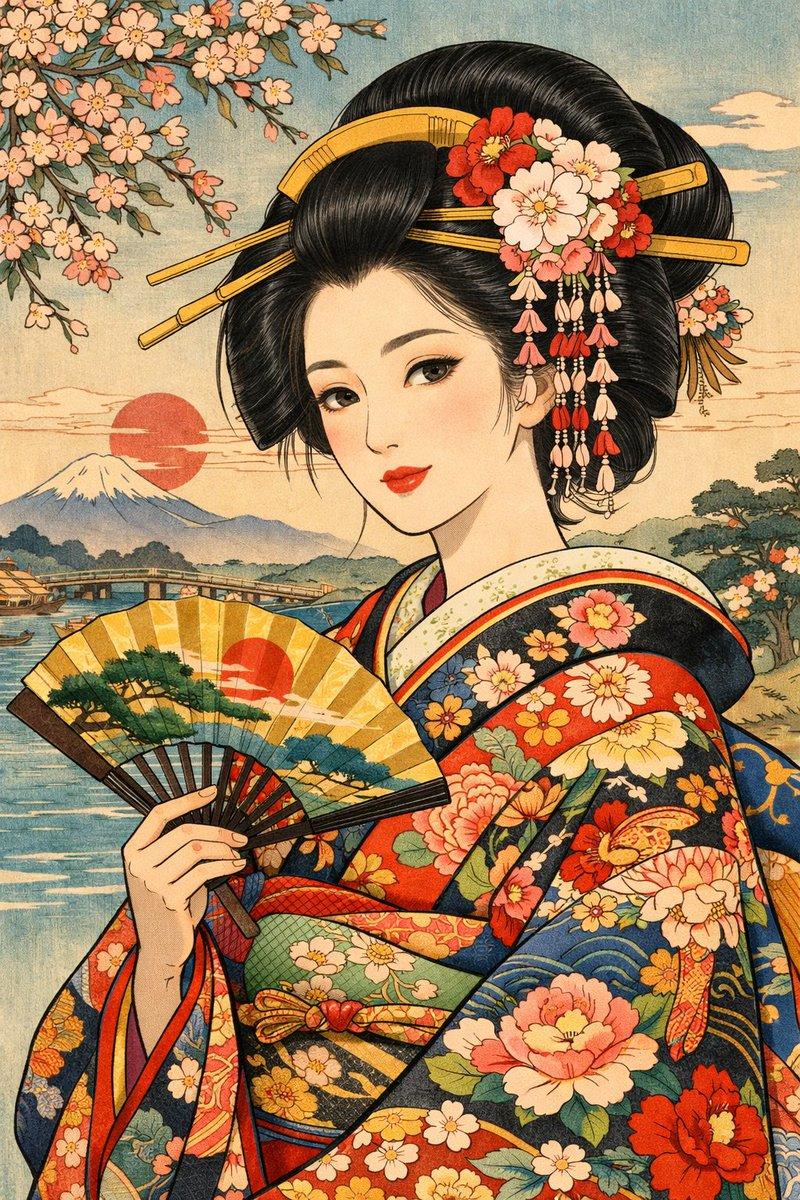
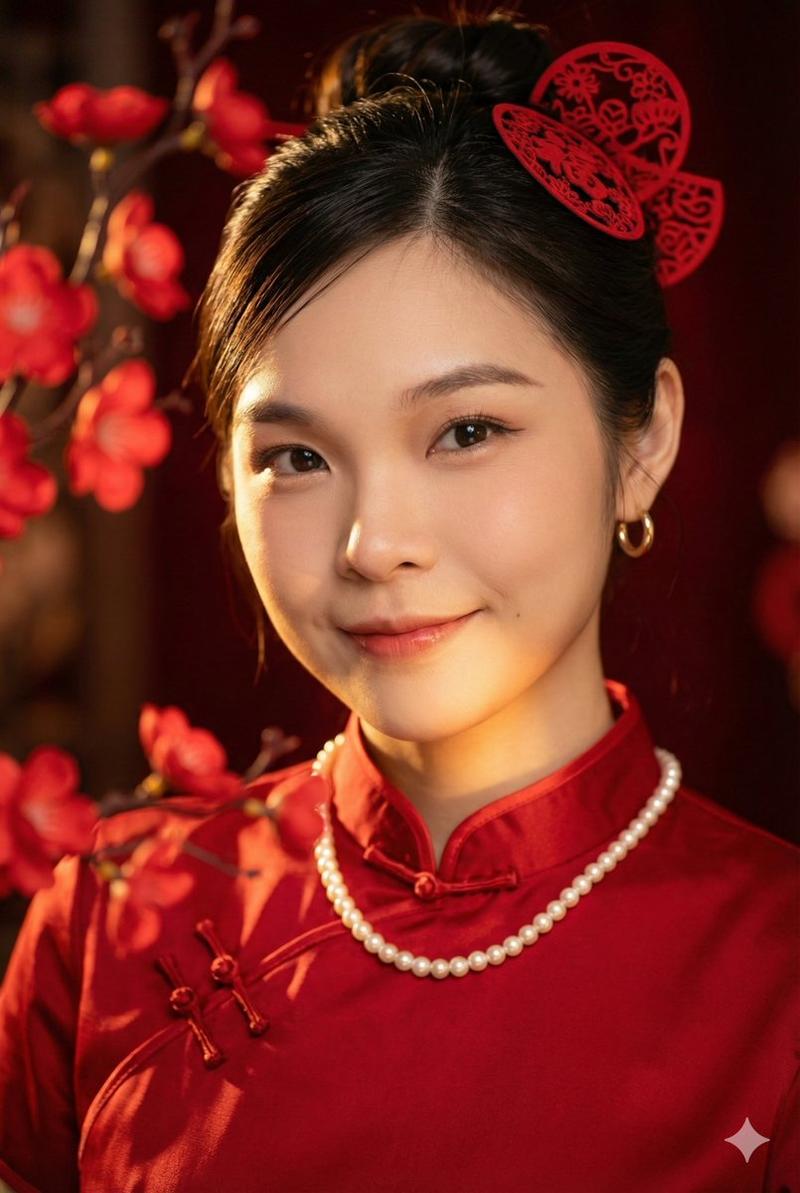
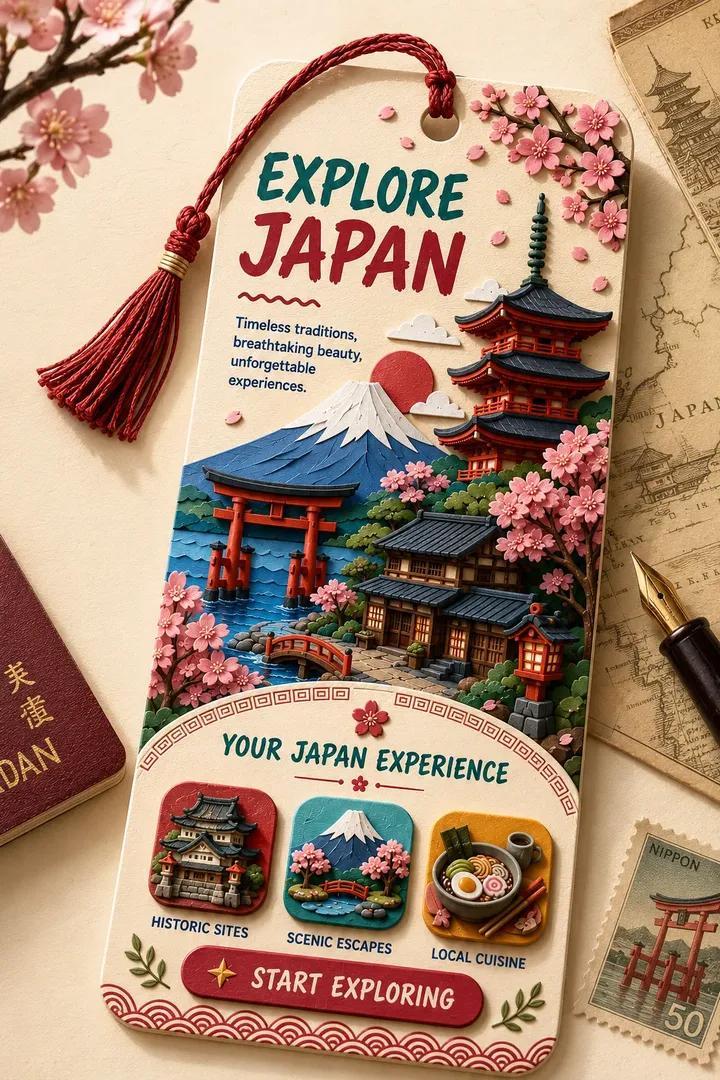
A refined vertical fine-art portrait of {argument name="subject" default="a Japanese actress and singer"} shown from about the waist up, centered and facing forward, with dark black wavy mullet-length hair brushed back from the forehead and softly framing the ears and neck, wearing a dramatic deep crimson chiffon blouse or dress with oversized translucent ruffles at the collar, chest, and sleeve cuffs. Her hands are gently folded at the lower center of the frame in a calm formal pose. The face area is deliberately obscured by a flat rectangular skin-toned block with no facial features visible, creating an anonymized editorial-art effect. The background is an elaborate Japanese-inspired collage made of torn washi-paper textures and gilded surfaces, with exactly 2 red torii gates on the right side at different scales, exactly 1 dark five-story pagoda on the left side, red maple leaves across the upper right, bamboo silhouettes on the upper left, and delicate gold botanical motifs in the lower corners. Use a rich palette of burgundy, vermilion, burnt umber, black, teal, parchment, and gold leaf, with painterly brushwork, softly blended shadows, antique screen painting aesthetics, and luxurious museum-quality lighting. The composition should feel elegant, moody, and ceremonial, mixing contemporary portrait photography with traditional Japanese byobu and nihonga influences.
Category
Charts & Infographics
Model
GPT Image 2
Creator
TWnese
Views1
Source ID
17192
Published
Apr 29, 2026

Guide

About "深红色的日式拼贴肖像"

What is this prompt for?

"深红色的日式拼贴肖像" AI image prompt for GPT Image 2 (Charts & Infographics). 此提示词可生成一张优雅的匿名艺术肖像,身着深红色荷叶边服饰,背景为质感丰富的日式金箔拼贴,适用于编辑艺术或海报设计。 Copy it on Picva and recreate…

The full copyable prompt and example visuals above are ready for AI image generation or one-click recreate in Picva.

How to use this prompt

  1. Step 1

    Open the prompt detail

    Review the example visuals, category, and full prompt text for "深红色的日式拼贴肖像".

  2. Step 2

    Copy the prompt

    Copy the prompt body from this page, or load it directly in Studio.

  3. Step 3

    Pick a model (GPT Image 2)

    Prefer GPT Image 2. If you switch models, keep subject and composition and tweak style terms.

  4. Step 4

    Generate and export

    Recreate the look in Picva, or export into your workflow for editing and publishing.

FAQ

What is the "深红色的日式拼贴肖像" prompt?
It is an AI image-generation prompt for GPT Image 2 in the Charts & Infographics category. This page includes the full prompt text, example visuals, and a one-click recreate path in Picva.
How do I use this prompt to generate an image?
Copy the prompt from this page, or use Generate / Studio. Paste it into a compatible image model, or recreate the look in Picva with optional reference images.
Which model is this prompt for?
This page lists GPT Image 2. Most descriptive prompts also transfer to nearby image models such as GPT Image, Flux, or Midjourney with light style tweaks.
Can I use the result commercially?
You can usually copy the prompt for creation, but commercial use of the final image depends on the model terms, reference-image rights, and the generated content. Follow the source author and platform rules.