20

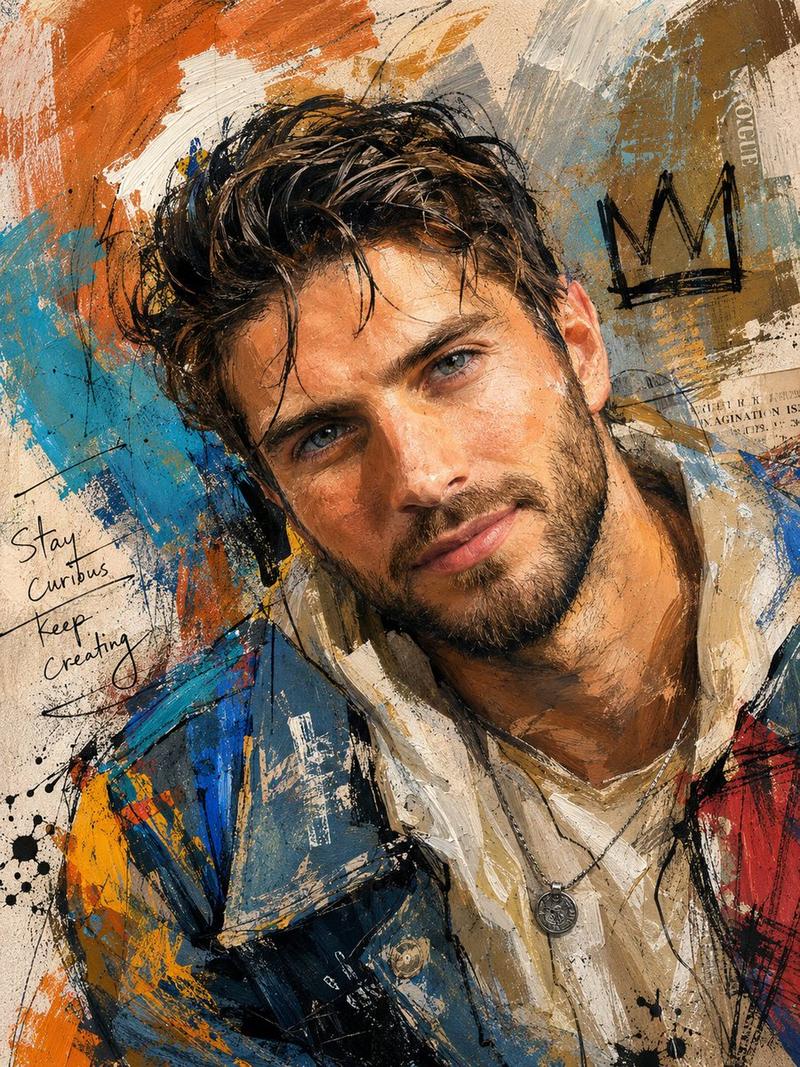
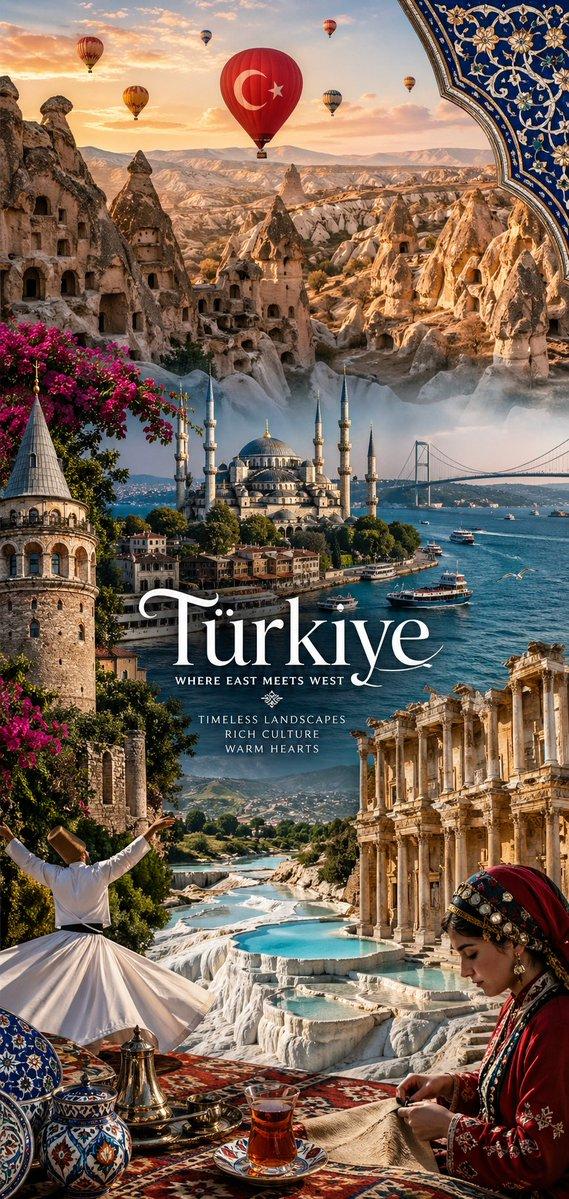
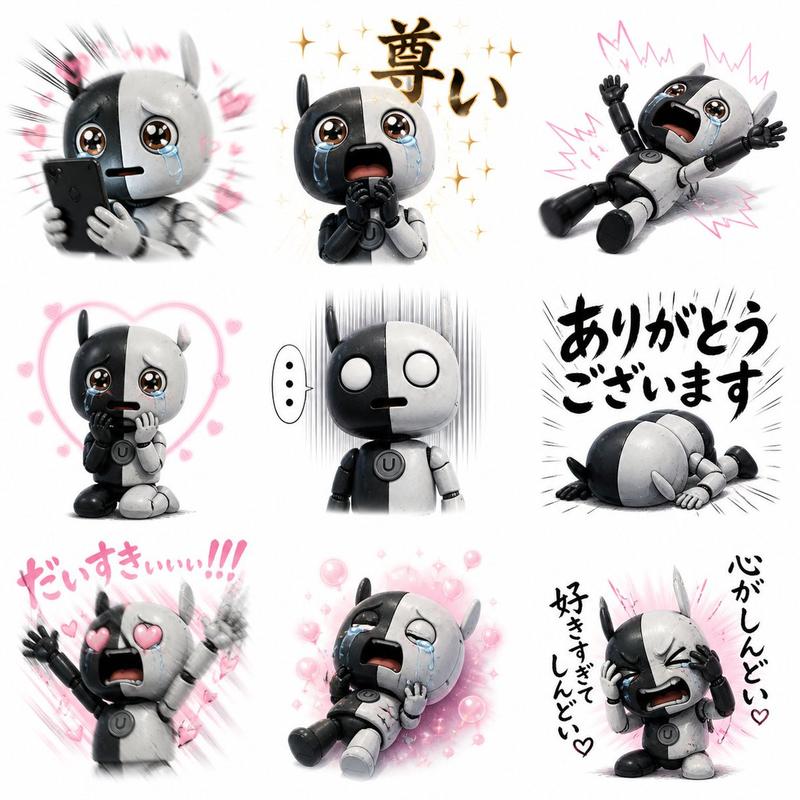
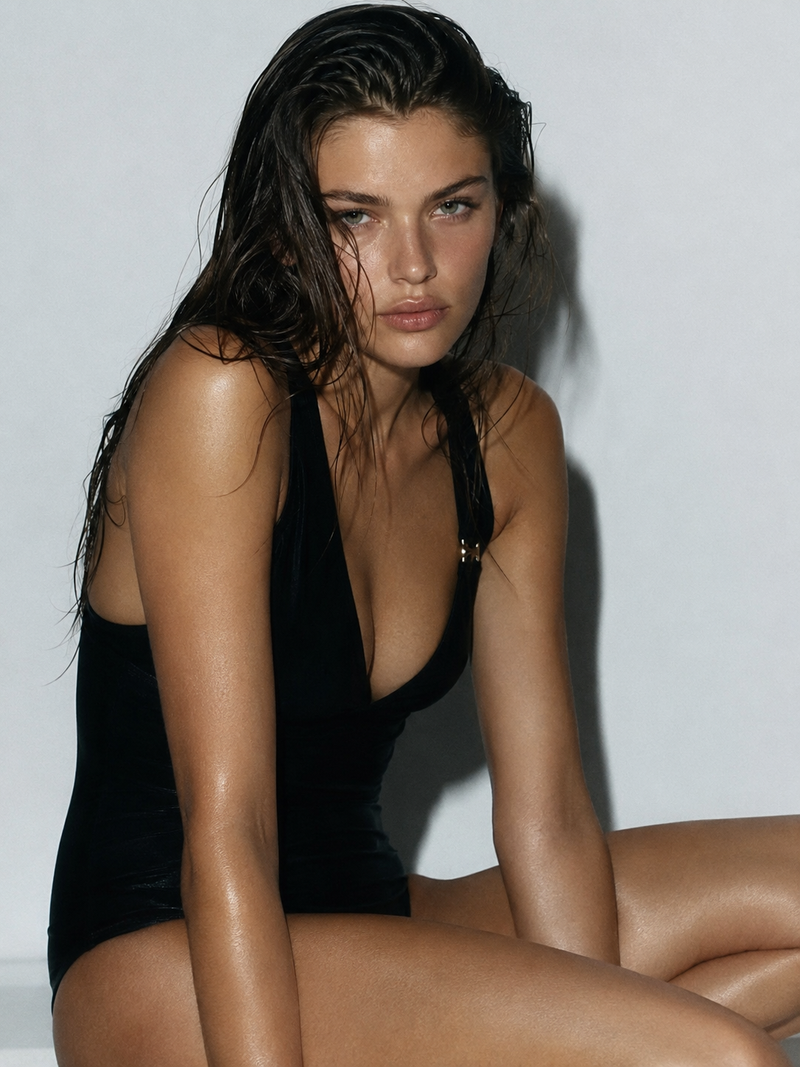
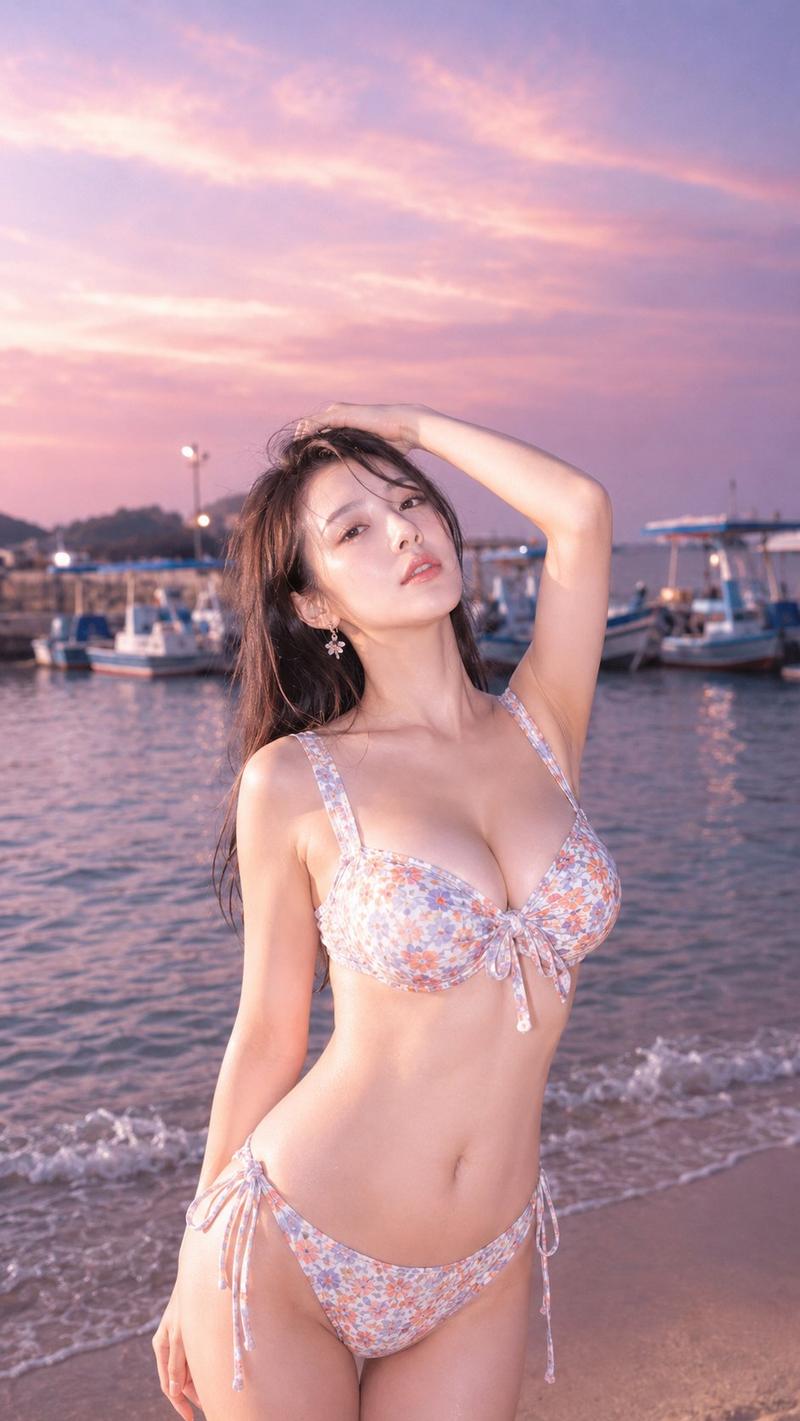
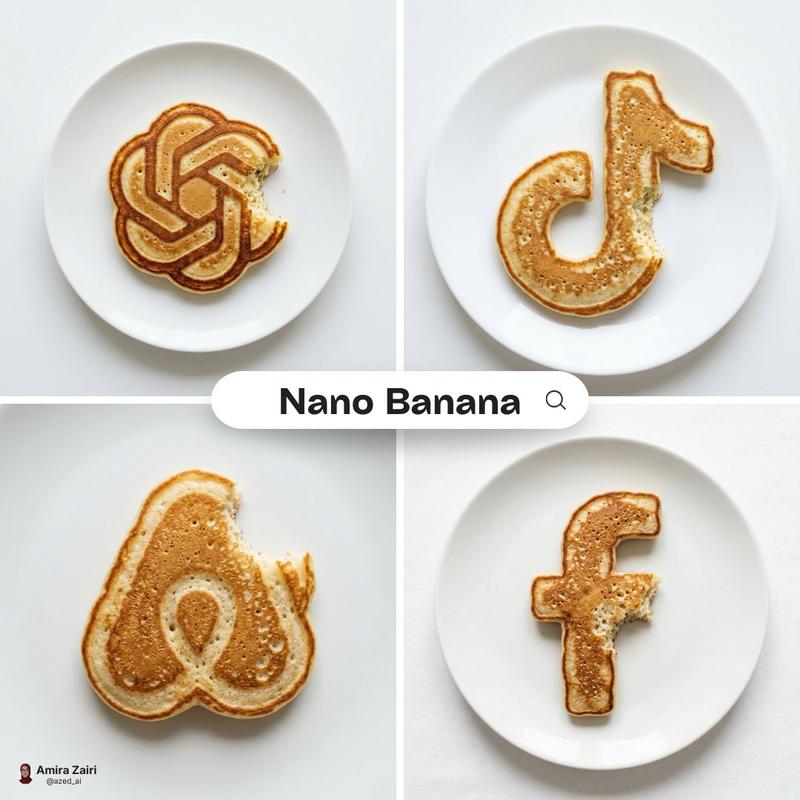
电影级影棚人像重构
Enlarge

电影级影棚人像重构

Prompt
Detailed studio portrait of the {argument name="subject" default="young man"} from the given image. Maintain his exact facial structure, skin texture, subtle smile, and identity ground truth (this is critical). He must retain his precise {argument name="accessories" default="black round glasses"} and the specific low-angle perspective (slight up-shot). Replicate the sophisticated, cinematic red lighting from image_0.png: a deep crimson background, with strong orange/red key light from the left and clean rim light defining his right jawline. He is wearing the same {argument name="clothing" default="black wool overcoat"} and crew-neck shirt. Composition is identical. 8K resolution, photorealistic, cinematic grain. Shot on a Sony A1, 50mm f/1.4 lens.
Category
Brand & Logos
Model
GPT Image 2
Creator
Nexora
Views3
Source ID
19018
Published
May 8, 2026

Guide

About "电影级影棚人像重构"

What is this prompt for?

"电影级影棚人像重构" AI image prompt for GPT Image 2 (Brand & Logos). 一个用于根据参考图重构具有深红色电影光效和照片级真实质感的影棚人像的技术提示词。 Copy it on Picva and recreate the look in one click.

The full copyable prompt and example visuals above are ready for AI image generation or one-click recreate in Picva.

How to use this prompt

  1. Step 1

    Open the prompt detail

    Review the example visuals, category, and full prompt text for "电影级影棚人像重构".

  2. Step 2

    Copy the prompt

    Copy the prompt body from this page, or load it directly in Studio.

  3. Step 3

    Pick a model (GPT Image 2)

    Prefer GPT Image 2. If you switch models, keep subject and composition and tweak style terms.

  4. Step 4

    Generate and export

    Recreate the look in Picva, or export into your workflow for editing and publishing.

FAQ

What is the "电影级影棚人像重构" prompt?
It is an AI image-generation prompt for GPT Image 2 in the Brand & Logos category. This page includes the full prompt text, example visuals, and a one-click recreate path in Picva.
How do I use this prompt to generate an image?
Copy the prompt from this page, or use Generate / Studio. Paste it into a compatible image model, or recreate the look in Picva with optional reference images.
Which model is this prompt for?
This page lists GPT Image 2. Most descriptive prompts also transfer to nearby image models such as GPT Image, Flux, or Midjourney with light style tweaks.
Can I use the result commercially?
You can usually copy the prompt for creation, but commercial use of the final image depends on the model terms, reference-image rights, and the generated content. Follow the source author and platform rules.