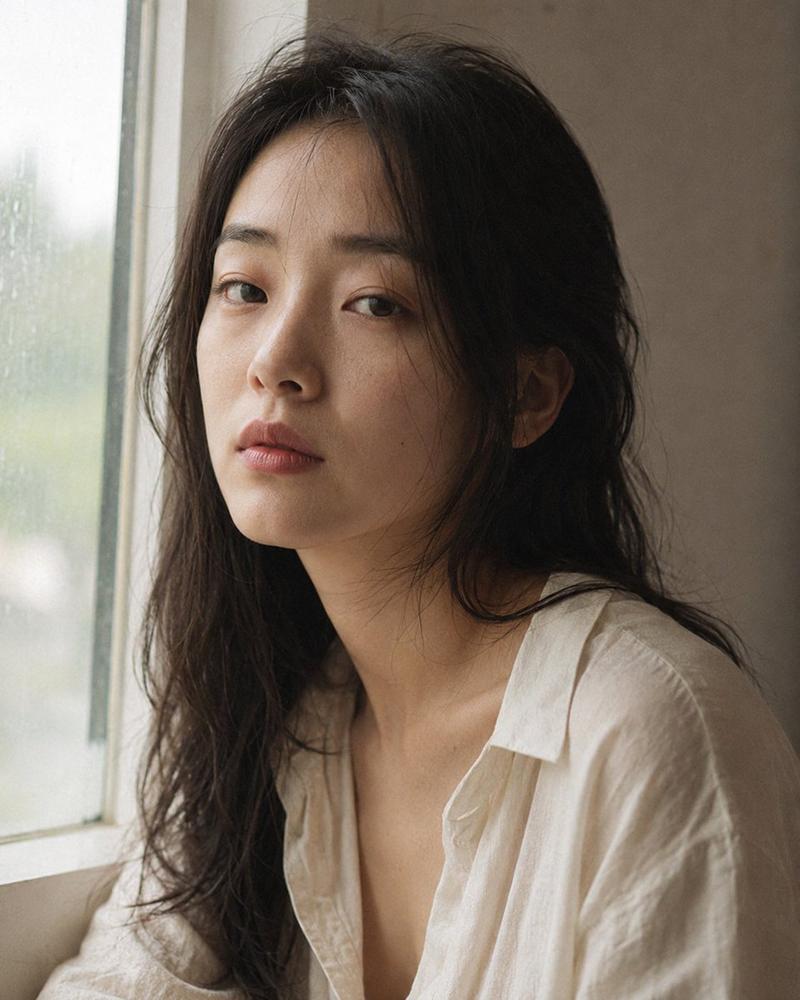
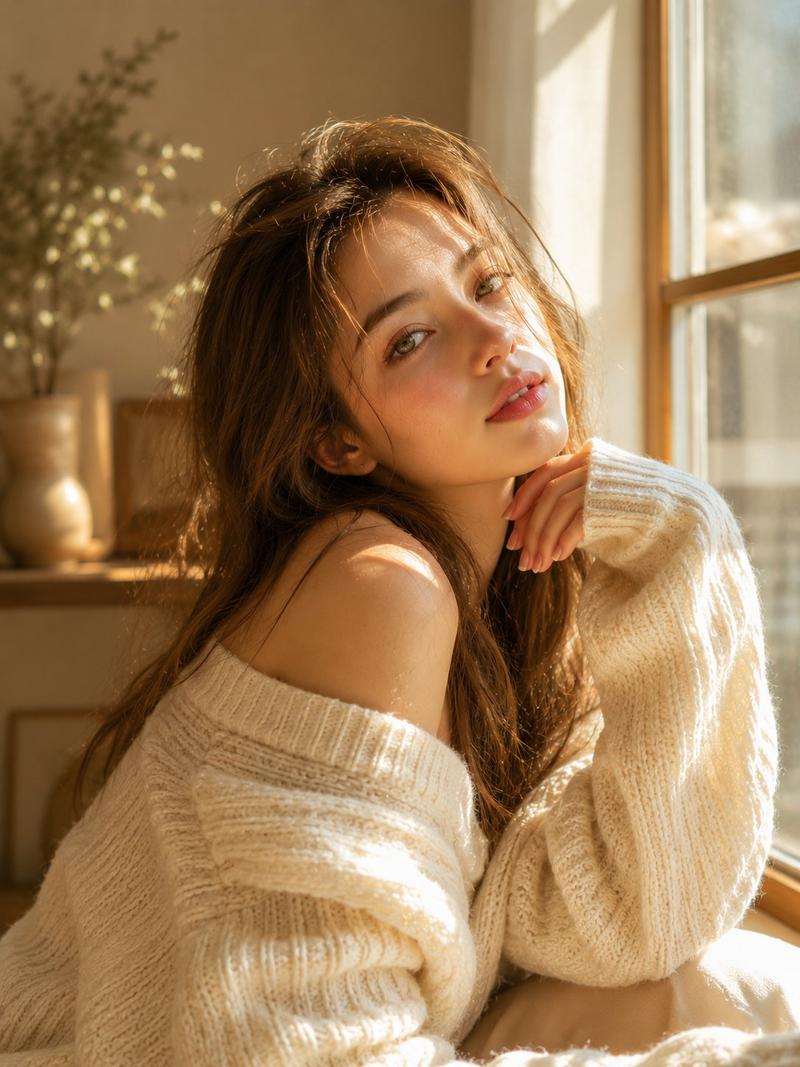
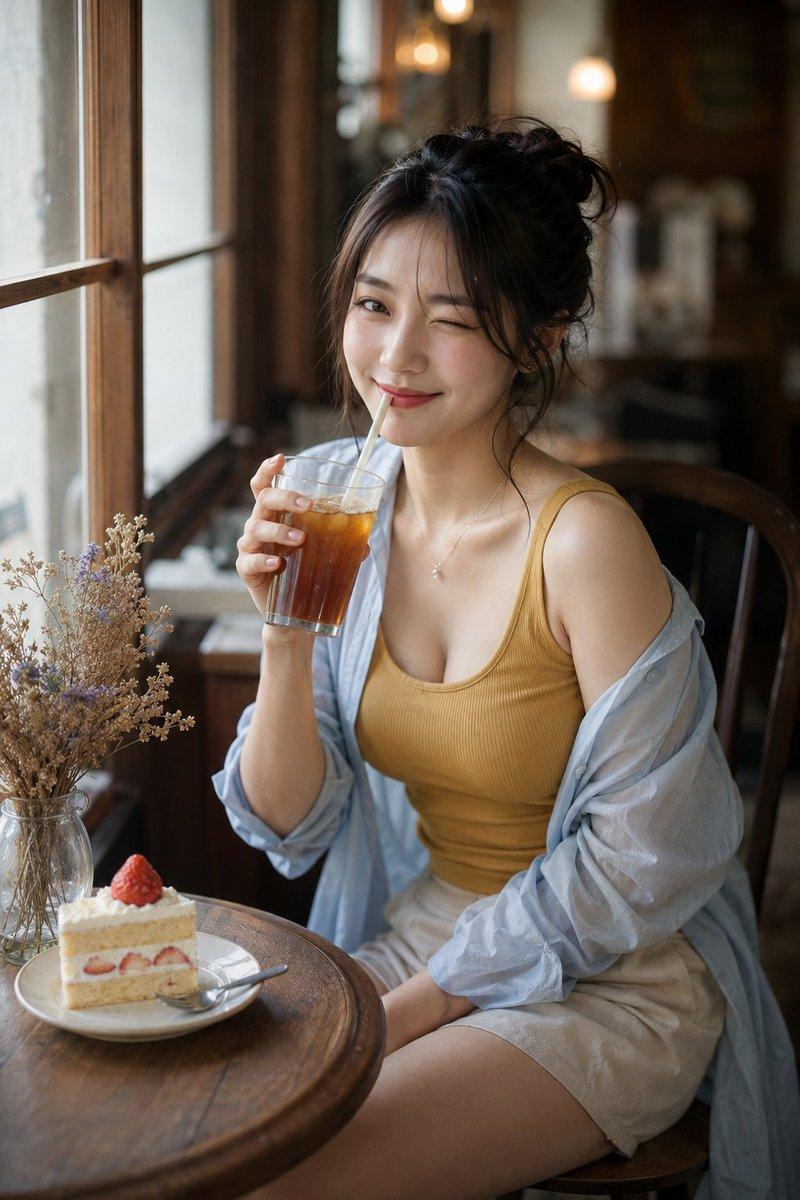
写实风格窗边咖啡馆时尚人像
Prompt
Create a realistic vertical fashion portrait photograph of {argument name="subject" default="a young adult woman"} seated at a wooden café table beside a tall black-framed window. She is turned slightly toward the window in a relaxed candid pose, face anonymized by a soft rectangular blur or neutral mosaic block while preserving natural hair, neck, shoulders, and body posture. The outfit has exactly 3 main clothing pieces: a mustard yellow ribbed scoop-neck tank top, a sheer pale blue oversized button-up shirt worn open and slipped off both shoulders with loose rolled sleeves, and light beige linen shorts or a short skirt. Add exactly 2 visible accessories: a delicate thin necklace with a small pendant and subtle small earrings. Her dark hair is loosely tied up in a messy bun with wispy strands around the ears and neck. Place exactly 2 foreground tabletop objects at the lower left: a gray ceramic coffee cup on a matching saucer filled with dark coffee, and a clear glass vase holding dried white and beige flowers. The café interior should feel warm, quiet, and photorealistic, with wooden furniture, a softly blurred background, a warm hanging lamp glow, and natural daylight streaming from the left window. Use shallow depth of field, creamy bokeh, realistic skin texture, natural fabric translucency, soft shadows, warm highlights, cinematic color grading, 35mm or 50mm documentary photography feel, vertical 2:3 composition, subject centered slightly right, no text, no watermark, no extra people, no distorted hands.- Category
- Charts & Infographics
- Model
- GPT Image 2
- Creator
- AI写真ラボ / AIバーチャルカメラマン
- Source ID
- 21235
- Published
- May 17, 2026
Views5