19

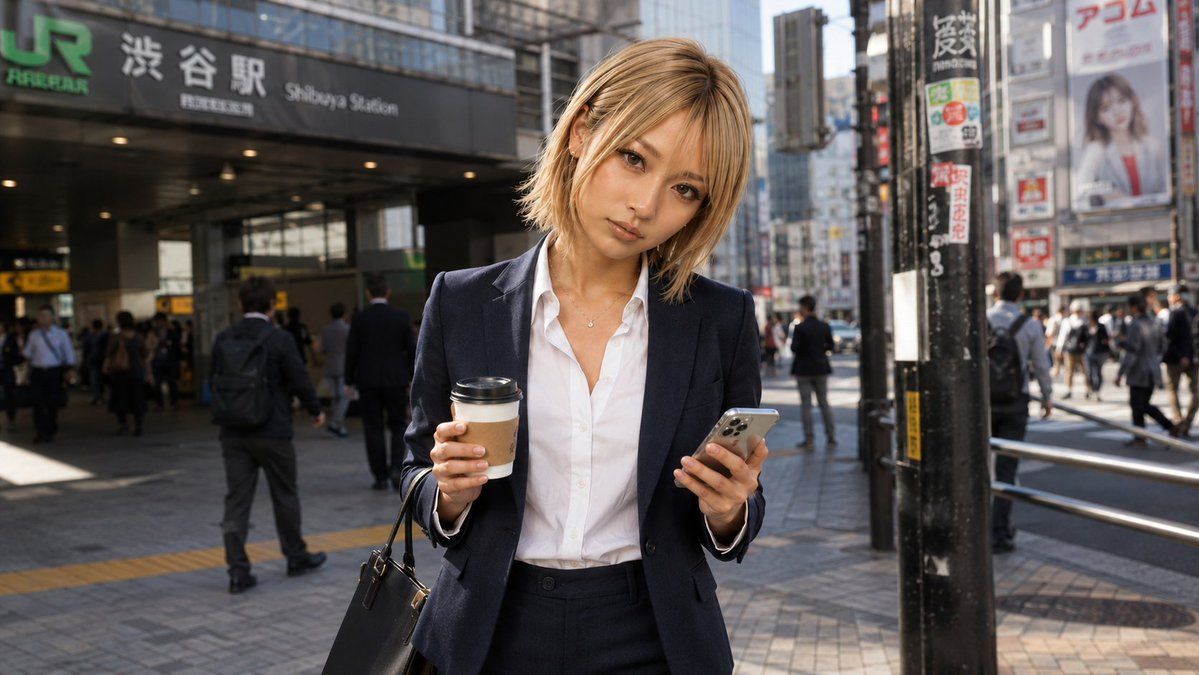
涩谷车站的商务女性
Enlarge

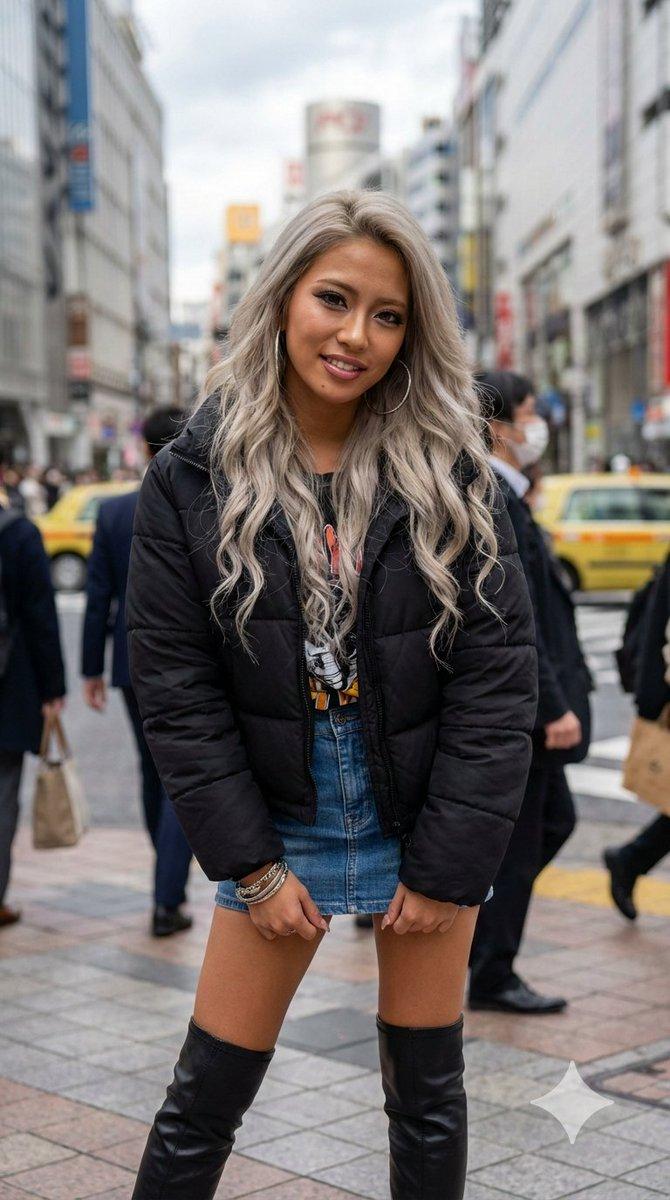
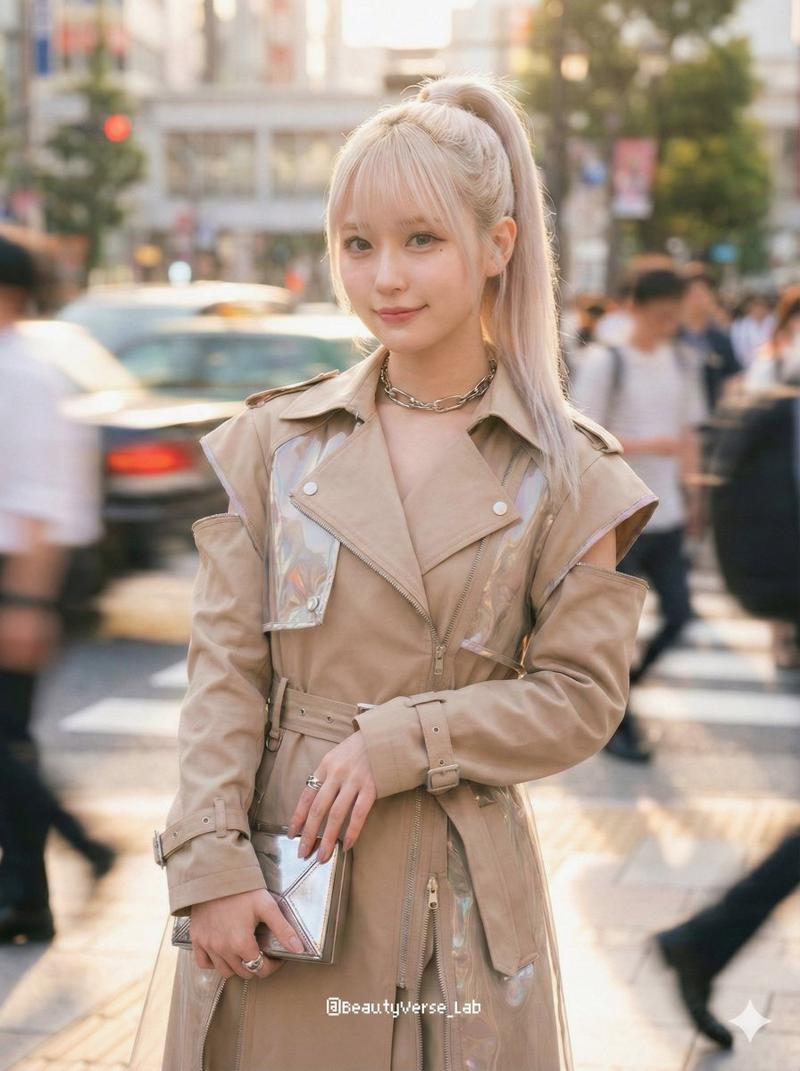
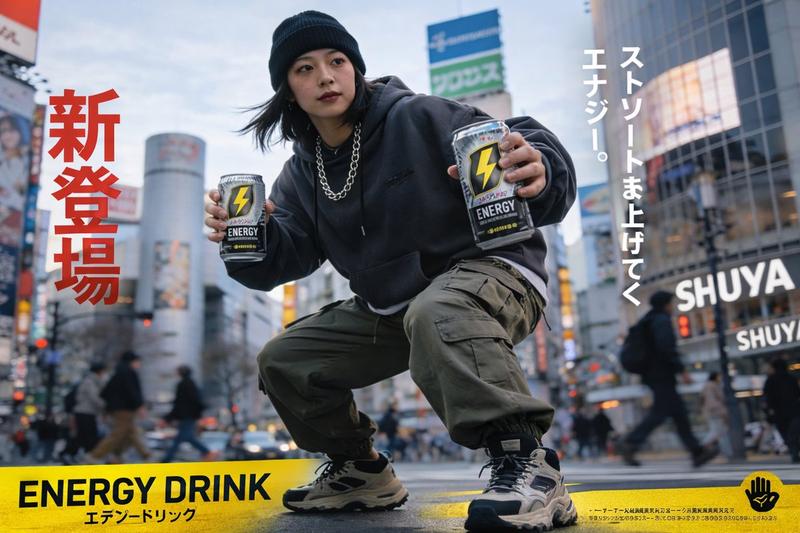
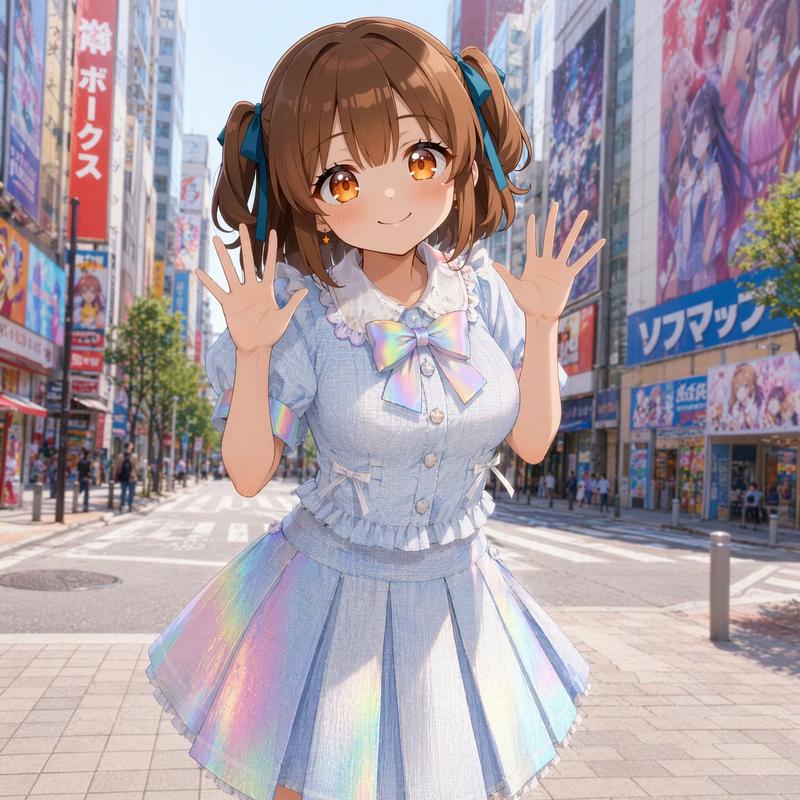
Example images

涩谷车站的商务女性

Prompt
Create a photorealistic street snapshot of {argument name="character description" default="a young blonde businesswoman"} standing in front of Shibuya Station in Tokyo on a busy weekday morning before work. She wears a navy business suit with a fitted blazer and trousers over a crisp white button-up shirt, a small necklace, and carries a black leather handbag on one arm. She holds a takeaway coffee cup in one hand and a silver smartphone in the other, as if checking messages during her commute. Her face is deliberately anonymized by a flat solid tan square censor block covering the entire facial area, while her shoulder-length blonde hair remains visible around it. The background shows the JR Shibuya Station entrance with readable signage including “JR”, “Shibuya Station”, and Japanese station text, plus urban buildings, signboards, railings, pavement, and many commuting pedestrians slightly out of focus. Use natural morning sunlight, realistic shadows, shallow depth of field, documentary photography style, 16:9 horizontal composition, eye-level perspective, crisp detail on the woman and softer busy city background. Keep the scene realistic and candid, with no illustration style, no extra text overlays, and no watermark.
Category
Charts & Infographics
Model
GPT Image 2
Views6
Source ID
21761
Published
May 20, 2026

Guide

About "涩谷车站的商务女性"

What is this prompt for?

"涩谷车站的商务女性" AI image prompt for GPT Image 2 (Charts & Infographics). 一张写实的通勤场景照片,展示了一位在涩谷车站外手持咖啡和手机的匿名商务女性,适用于生活方式或工作日视觉素材。 Copy it on Picva and recreate the l…

The full copyable prompt and example visuals above are ready for AI image generation or one-click recreate in Picva.

How to use this prompt

  1. Step 1

    Open the prompt detail

    Review the example visuals, category, and full prompt text for "涩谷车站的商务女性".

  2. Step 2

    Copy the prompt

    Copy the prompt body from this page, or load it directly in Studio.

  3. Step 3

    Pick a model (GPT Image 2)

    Prefer GPT Image 2. If you switch models, keep subject and composition and tweak style terms.

  4. Step 4

    Generate and export

    Recreate the look in Picva, or export into your workflow for editing and publishing.

FAQ

What is the "涩谷车站的商务女性" prompt?
It is an AI image-generation prompt for GPT Image 2 in the Charts & Infographics category. This page includes the full prompt text, example visuals, and a one-click recreate path in Picva.
How do I use this prompt to generate an image?
Copy the prompt from this page, or use Generate / Studio. Paste it into a compatible image model, or recreate the look in Picva with optional reference images.
Which model is this prompt for?
This page lists GPT Image 2. Most descriptive prompts also transfer to nearby image models such as GPT Image, Flux, or Midjourney with light style tweaks.
Can I use the result commercially?
You can usually copy the prompt for creation, but commercial use of the final image depends on the model terms, reference-image rights, and the generated content. Follow the source author and platform rules.