18

Cinematic Urban Street Portrait
Enlarge

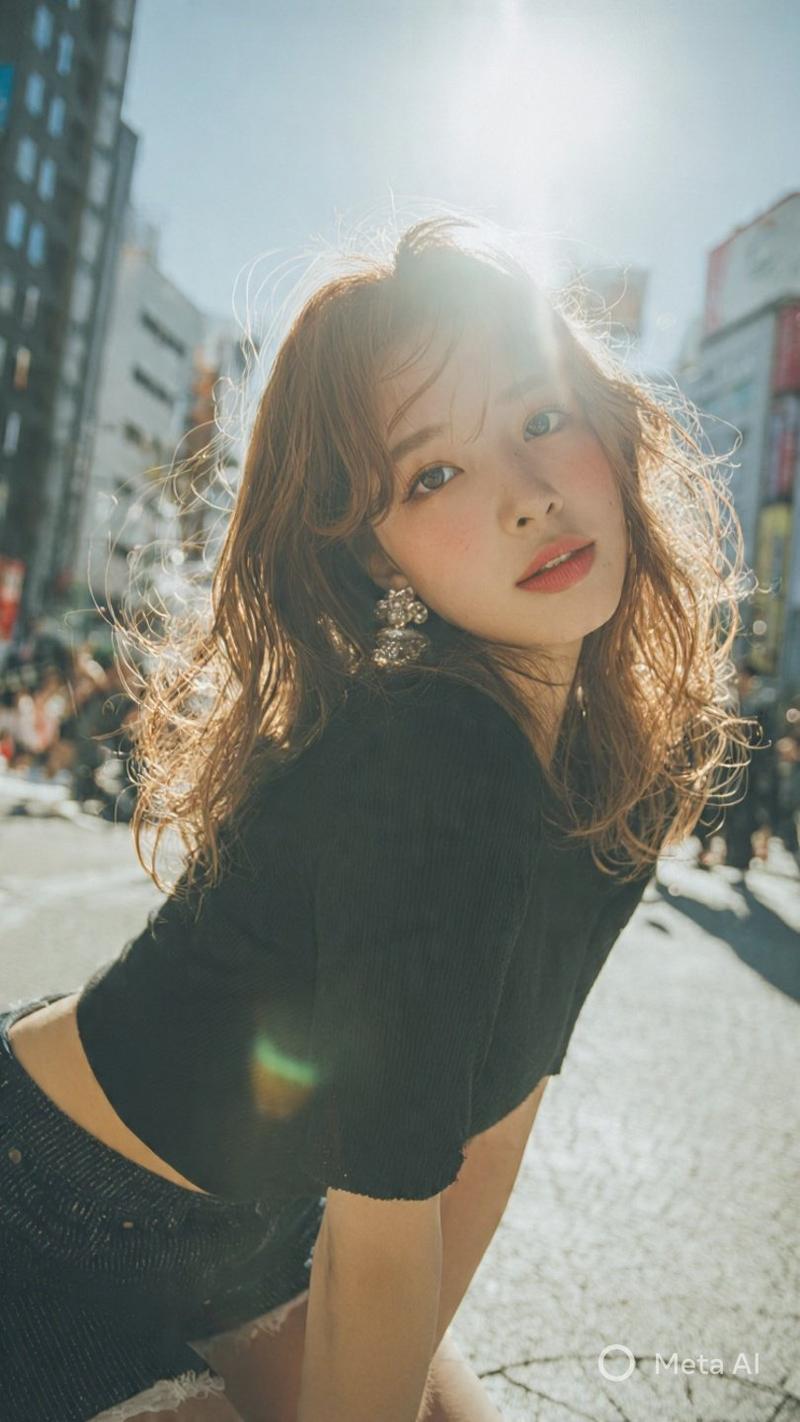
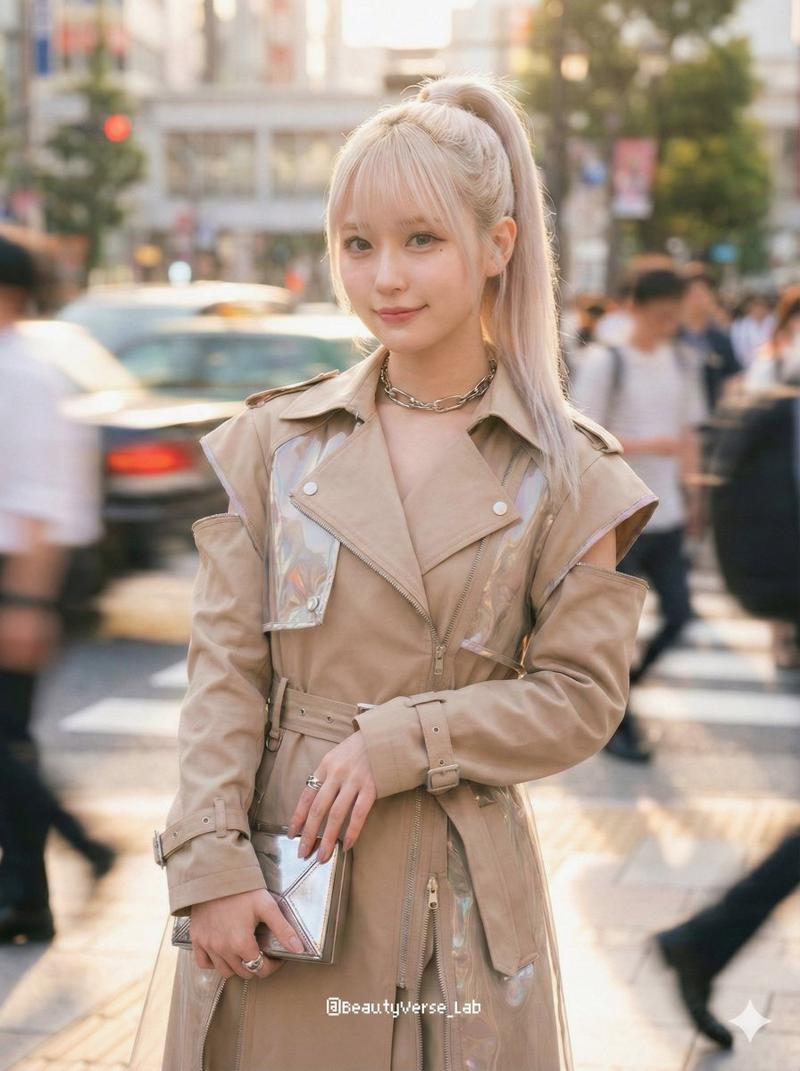
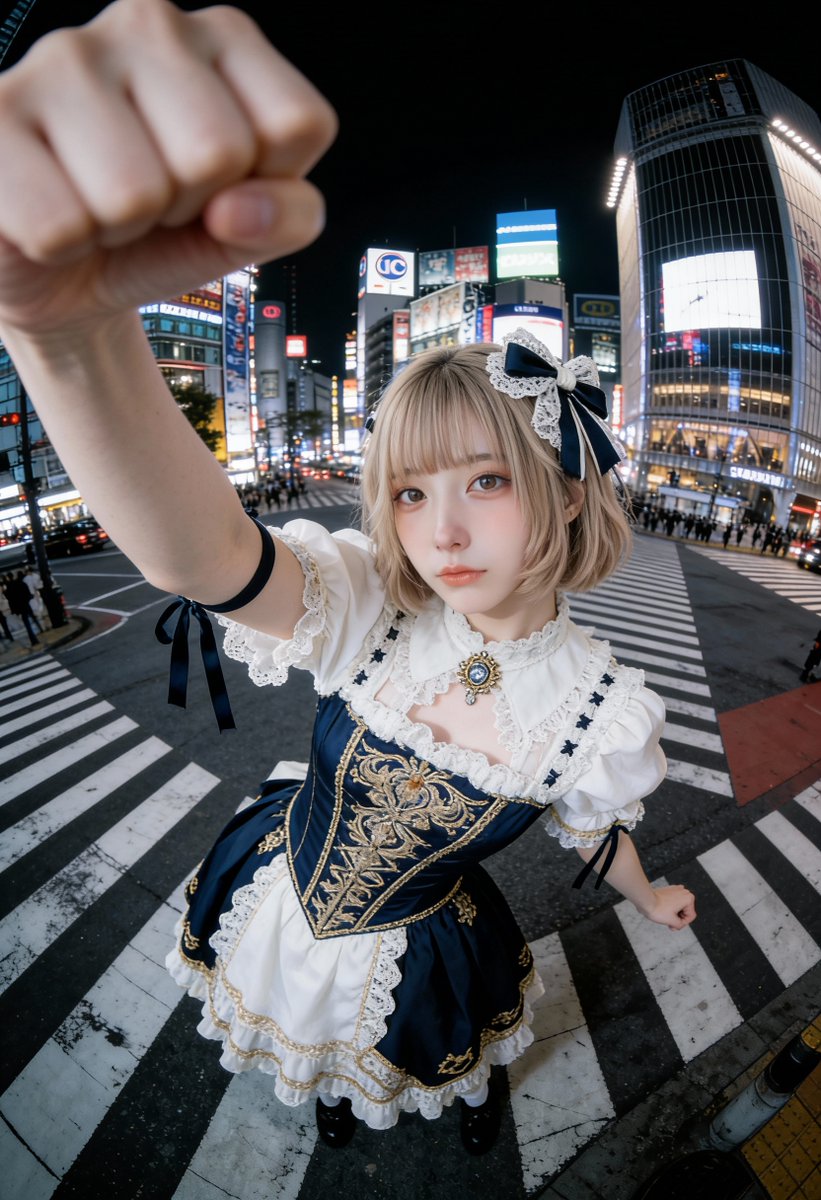
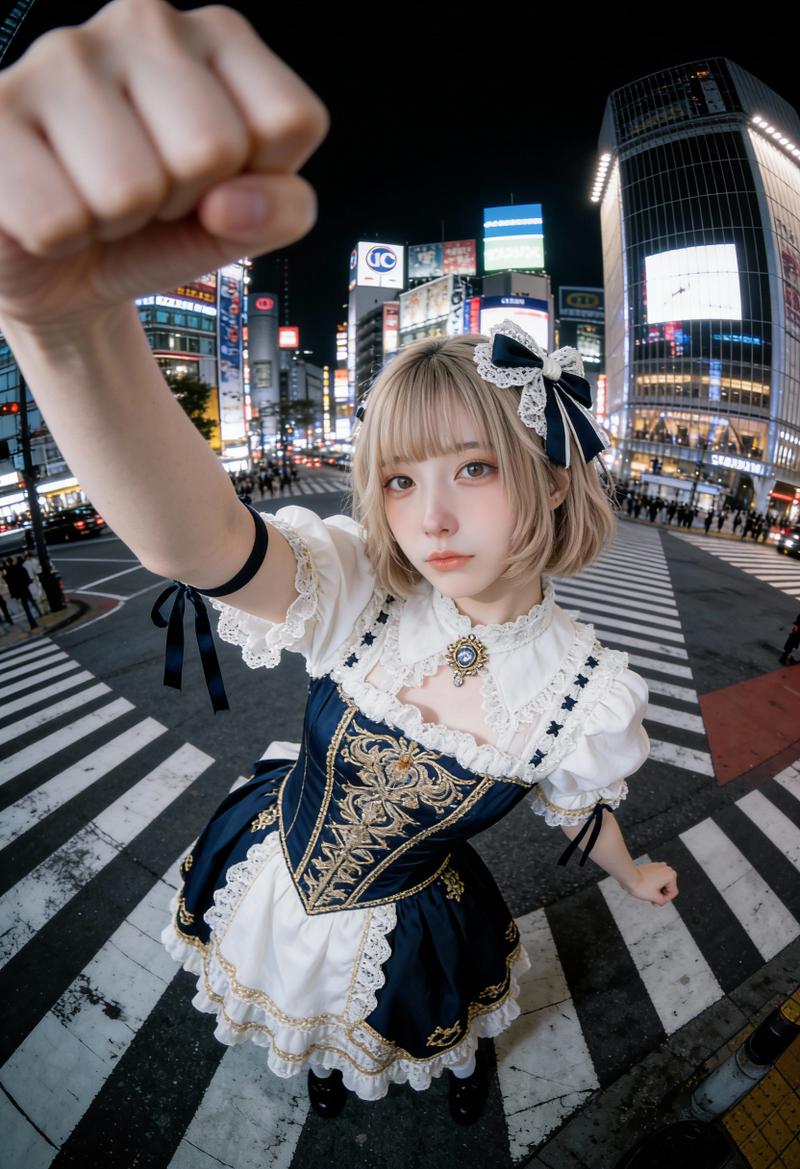
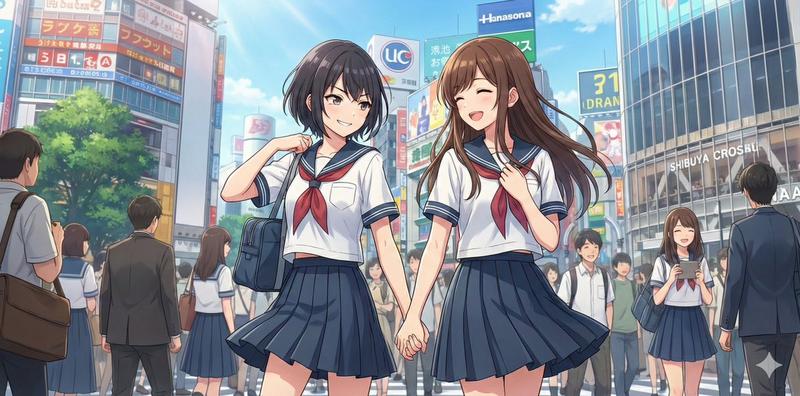
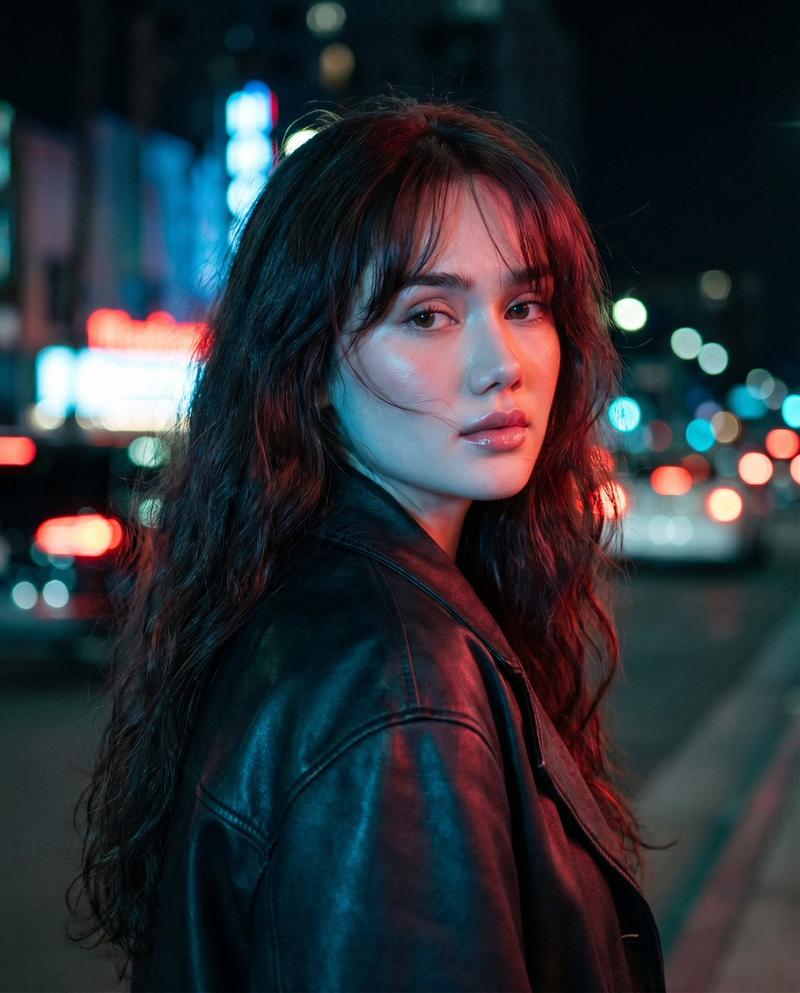
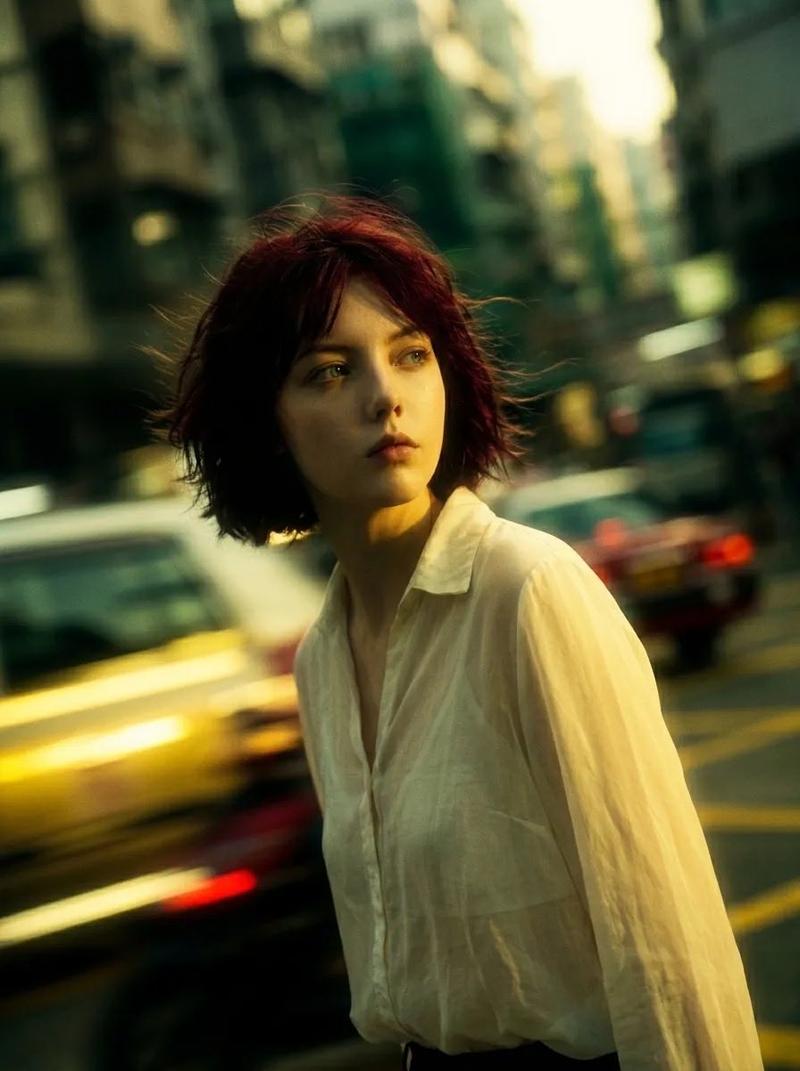
Example images

Cinematic Urban Street Portrait

Prompt
Create a cinematic, high-aesthetic street photograph of {argument name="subject" default="a young woman with a short dark bob haircut"} walking through a crowded urban crosswalk or busy city street in Japan. She is shown from the side in a close medium shot, slightly off-center to the right, wearing {argument name="outfit" default="a loose white shirt layered over a dark plaid dress or pinafore"}, with a thin shoulder strap visible and small earrings catching the light. Her face is intentionally obscured by a soft rectangular privacy block, while her hair and clothing remain sharply lit. The background contains a bustling crowd of pedestrians, tall city buildings, signage, and traffic shapes, all rendered as heavy bokeh and motion blur. Use a dynamic Dutch angle, shallow depth of field, 35mm film photography look, vibrant teal-blue shadows and warm orange highlights, strong backlight from the late afternoon sun, high contrast, lens bloom, slight chromatic aberration, candid snapshot energy, fashion street-style mood, ultra aesthetic composition, natural imperfections, no readable text.
Category
Charts & Infographics
Model
GPT Image 2
Views0
Source ID
18160
Published
May 3, 2026

Guide

About "Cinematic Urban Street Portrait"

What is this prompt for?

"Cinematic Urban Street Portrait" AI image prompt for GPT Image 2 (Charts & Infographics). Generates a stylish candid city street portrait with shallow depth o…

The full copyable prompt and example visuals above are ready for AI image generation or one-click recreate in Picva.

How to use this prompt

  1. Step 1

    Open the prompt detail

    Review the example visuals, category, and full prompt text for "Cinematic Urban Street Portrait".

  2. Step 2

    Copy the prompt

    Copy the prompt body from this page, or load it directly in Studio.

  3. Step 3

    Pick a model (GPT Image 2)

    Prefer GPT Image 2. If you switch models, keep subject and composition and tweak style terms.

  4. Step 4

    Generate and export

    Recreate the look in Picva, or export into your workflow for editing and publishing.

FAQ

What is the "Cinematic Urban Street Portrait" prompt?
It is an AI image-generation prompt for GPT Image 2 in the Charts & Infographics category. This page includes the full prompt text, example visuals, and a one-click recreate path in Picva.
How do I use this prompt to generate an image?
Copy the prompt from this page, or use Generate / Studio. Paste it into a compatible image model, or recreate the look in Picva with optional reference images.
Which model is this prompt for?
This page lists GPT Image 2. Most descriptive prompts also transfer to nearby image models such as GPT Image, Flux, or Midjourney with light style tweaks.
Can I use the result commercially?
You can usually copy the prompt for creation, but commercial use of the final image depends on the model terms, reference-image rights, and the generated content. Follow the source author and platform rules.